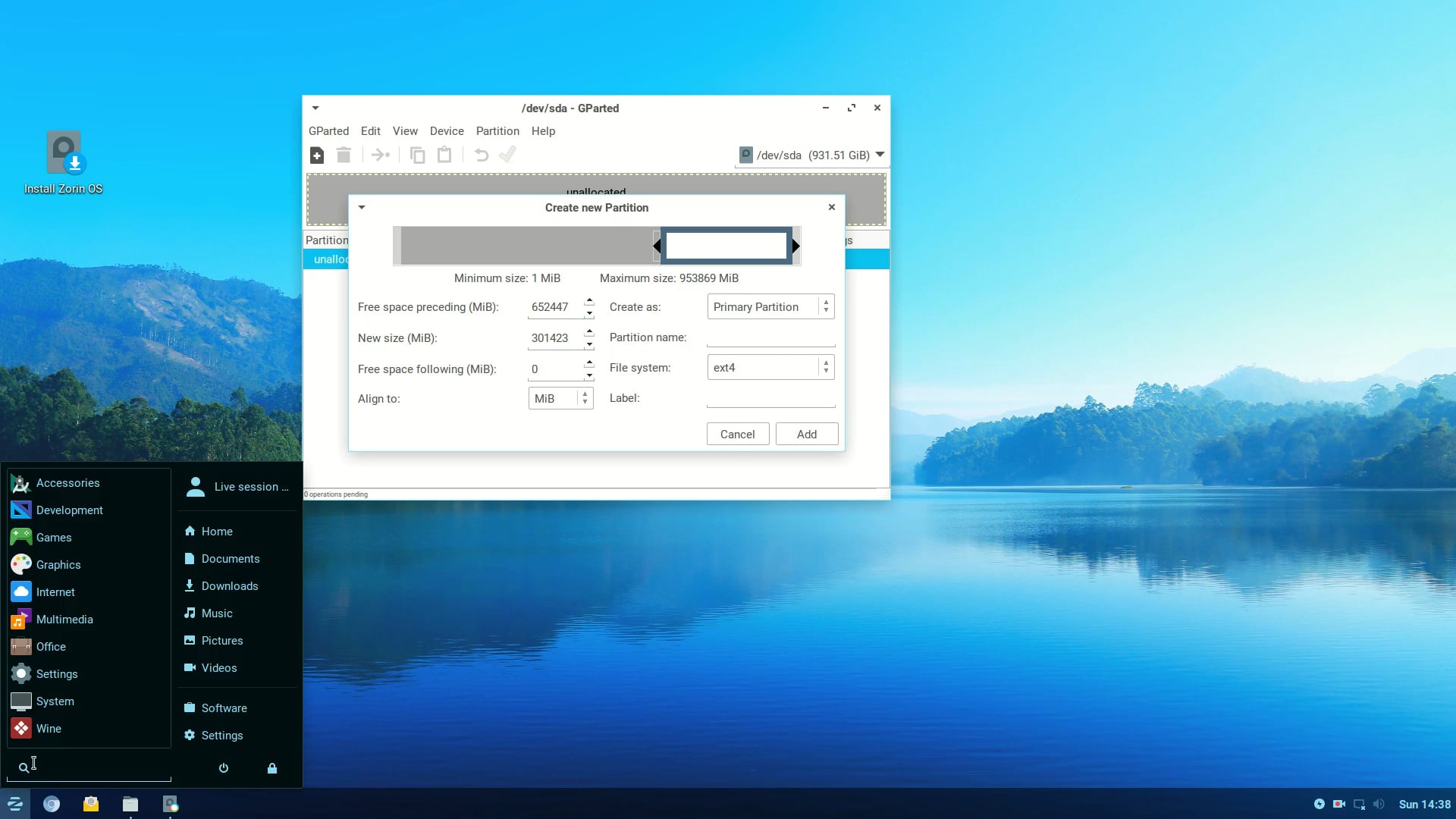
- I have a Dual Boot system (Zorin 18.1 / Windows 11) with a 1Tb USB plugged in .
- The USB is accessed by both Zorin 18 and Windows OS (not simultaneously).
- Recently I've caught up with a bunch of Zorin OS updates - I have Zorin 18.1 Pro.
- On my other OS it's windows 11 of some version.
All works well and the USB HDD is accessed and read/writeable by both OS's.
However, the last couple of days I've noticed numerous files and folders that definitely did exist now don't exist on Zorin accessing the USB, when they've been opened by Windows.
There is at least one file (a text file .txt) that Zorin OS now claims doesn't exist and the Windows OS saying it can see it (eg it's in "recent") but it can't be accessed/opened.
UPDATE:
I was just now prompted by the Windows 11 OS to repair the filesystem on the USB and that has fixed most of the files accessibility / visibility.
The file system on the USB is FUSE. Which according to search engine summary ai states: "Fuse ext4 file systems can experience data corruption, especially when mounted with certain kernel modules. It is recommended to use a Linux virtual machine for mounting ext4 file systems to avoid such issues."
So, with respect to Zorin 18.1 interaction with the USB , should I care to use some sort of Linux Virtual Machine to mount the USB for reliability?
All useful suggestions welcome.