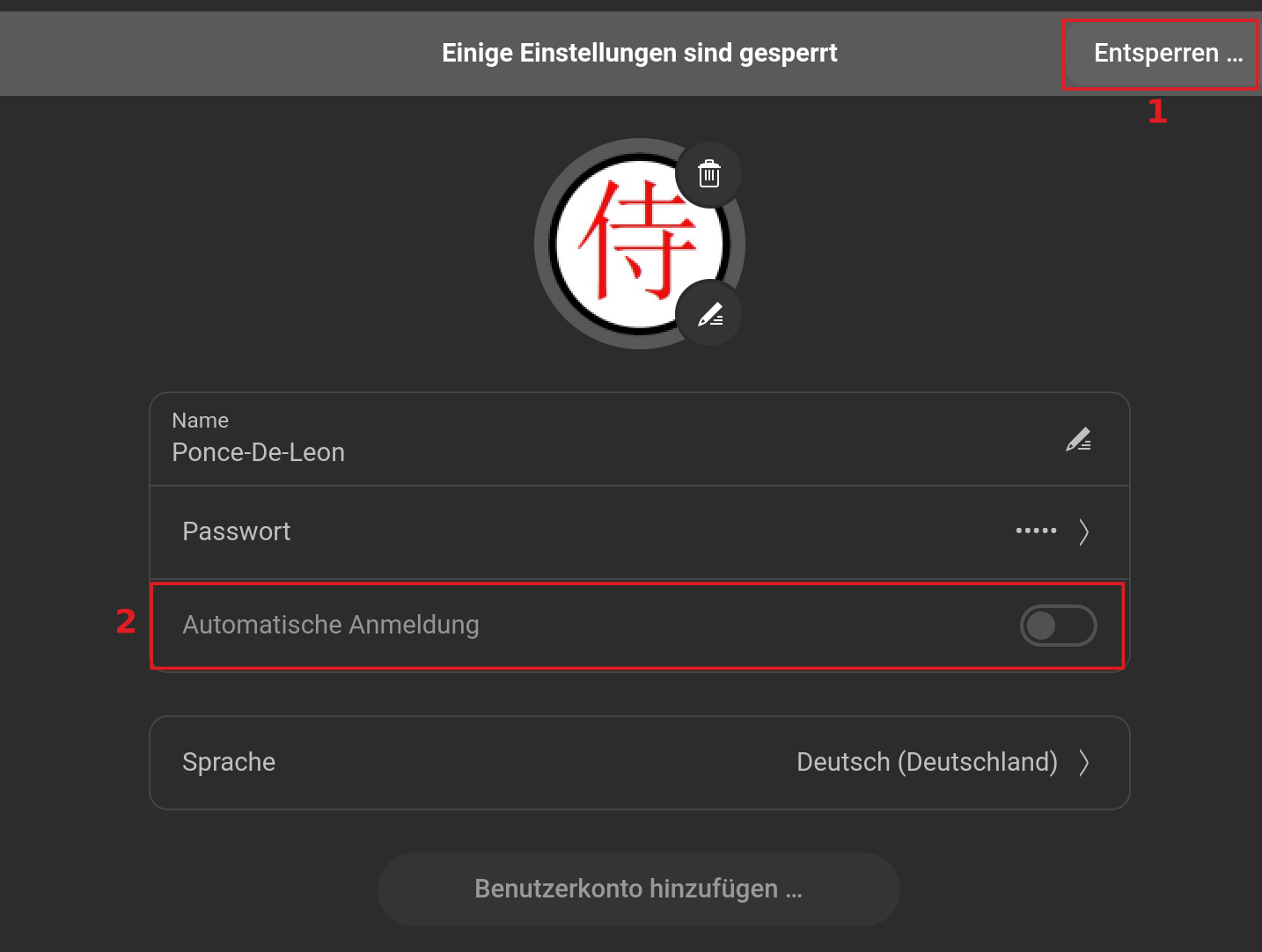
Just installed 18 Core on Lenovo T540p, selected "automatic login" during install & still being asked for user password at startup. Also tried one other option under "Passwords & keys" - changed login keyring password to blank - no change.
Are you also asked for a password after a fresh reboot or only after suspend?
To turn off the password prompt after suspend or when screen blanking go to settings > privacy > lock screen and disable "automatic screen lock" and "screen lock on suspend".
1 Like
When you install any GNU/Linux which uses sudo you are advised to enter a password during setup, even if you want autologin. Why? Because your user needs a password in order to carry out admin tasks which requires you to have root privileges.
Strict forks of Debian (such as PCLOS Debian) require you to create a separate pasword for root after installation from the user password which IMHO is more secure. Proper following of this setup requires the use of su in the terminal which ensures you are never root as you do not have admin rights.
1 Like
You get a Login Screen where You have to type in the Password or is it only a little Window?
@Forpli - after both suspend and reboot. Thank you for the tip - will try it!
1 Like
@ Ponce-De-Leon: Login screen