Very pleased

With the advent of Win10 EOL and the prospect on Windows becoming more BIG BROTHER, I have decided to convert ALL my pc's and laptops over to ZorinOS after watching so many YT.

I have been very concerned for my 80yr old mother who has only worked in Windows for her career. ZorinOS so far seems to be the BEST to convert to.

TWO MUST have apps are QUICKEN and TurboTax. I had to install crossover and yes the 74.00USD seemed a small price to pay which drops to 34.00/year after.

unfortunately I am having issues with TurboTax installing in either crossover or wine. Hopefully I can figure it out.

Other than that, so far ALL printers are accessible out of the box, scanners etc.
I set her system up using Online Accounts and Webapps. She is happy now she can access Word etc. Though she will look at switching to LibreOffice so we can stop the yearly subscription to Microsoft.

Tasks to finish:
Connect iPhone calendar to a sync able online calendar
Either install winapps or better find linux alternatives to install for her other apps.

Locking her out of admin level access. She loves to poke around. LOL

I setup RDP so I can manager her PC from my desktop and WOW! Smooth.

Coming Software QA I've had to learn MAC, Windows, and Linux. I prefer Linux overall. As for gaming, I installed Steam from the store. Had to one cmdline and voila! My Steam PC games are running nicely. All my other stuff from Windows are replaced with Linux alternatives.

I AM SO DAMN HAPPY.

Cheers Folks and WELL DONE DEV's!

8 Likes

I love reading success stories like these, puts a smile on my face. :smiling_cat_with_heart_eyes:


1 Like

Great to hear! Maybe you could try running those applications you need in Bottles? I don't know how Crossover does things, but I was able to run 2 image editing/drawing programs that are Windows-only on Linux using Bottles, so it may be worth a try. Also I recommend looking into OnlyOffice, it has better compatibility with MS Office formats and the UI is similar as well. I switched to it from LibreOffice recently when they gave us a Modern Light & Modern Dark UI themes, it's such an improvement to what they had before :grinning_face_with_smiling_eyes:

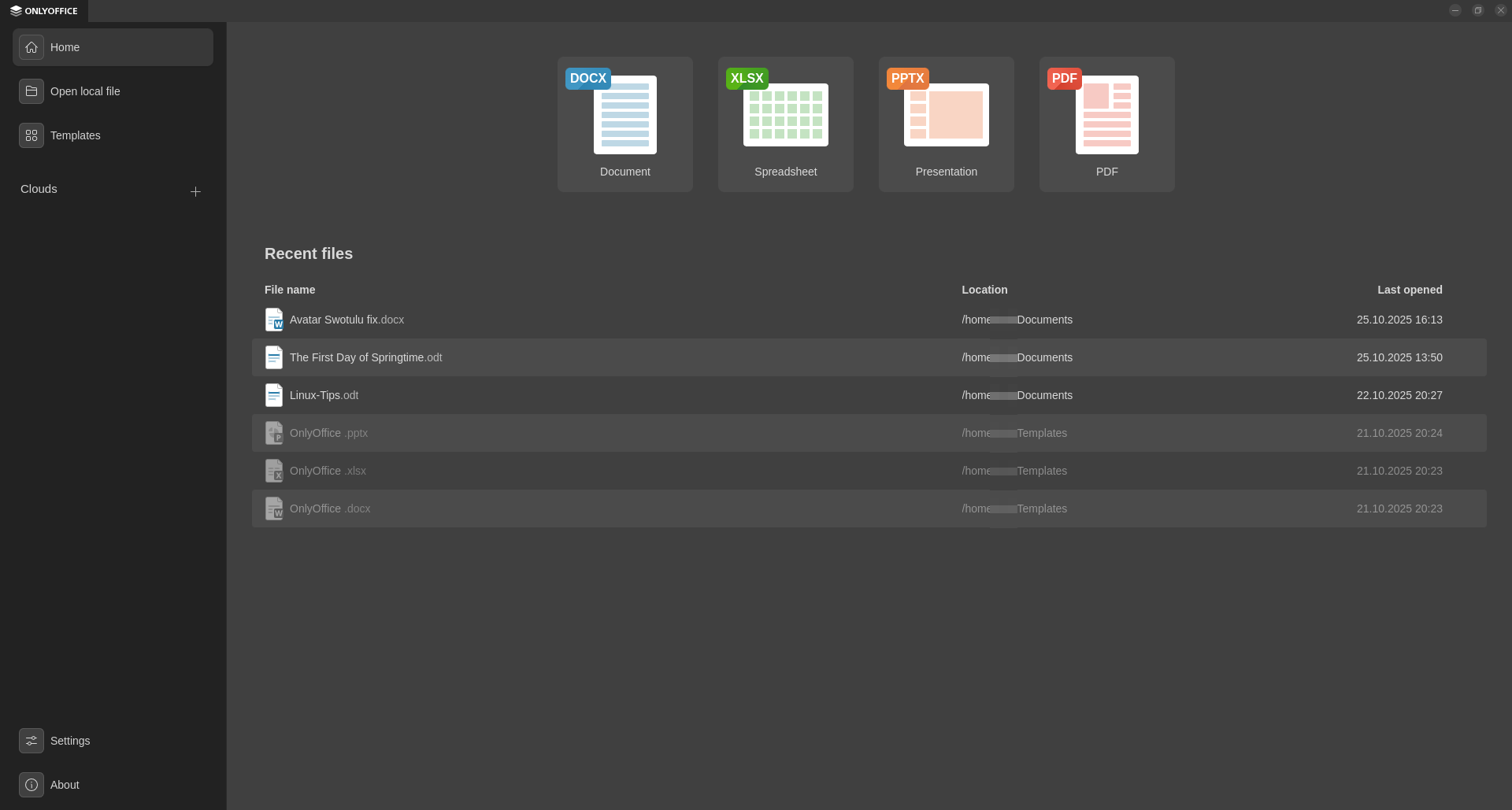
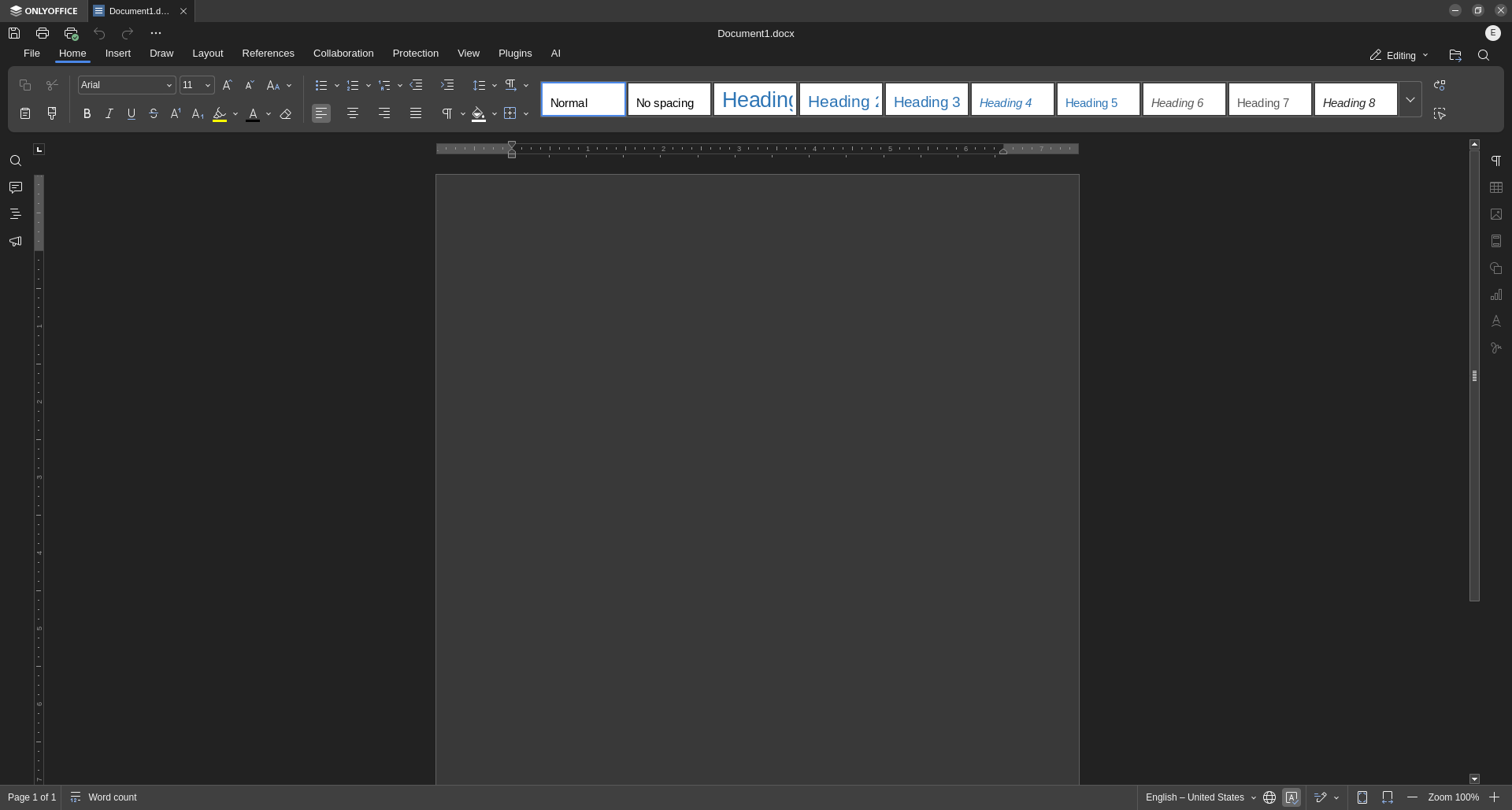
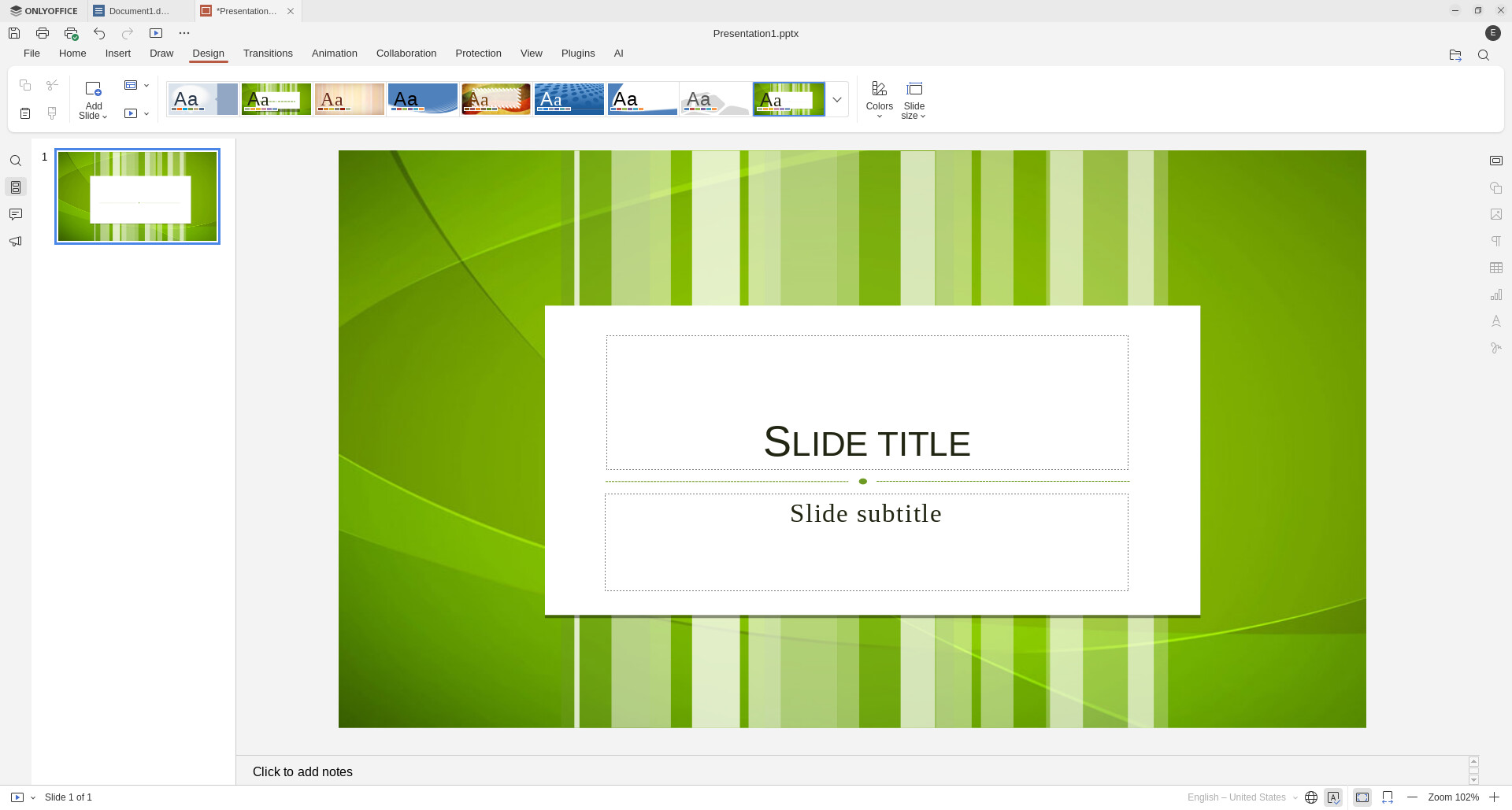
As you can see it includes documents, spreadsheets, presentations, and pdf documents all in one, and it's completely free. Documents open in tabs just like in a browser, but I think there is an option to have them open in separate windows as well.

1 Like

Yes I tried Bottles after trying Wine. Same failure. Something about .NET Framework was having issues under those two. Though I am will be trying to at least get her to switch to the webapp versions which are in the long run cheaper. (in ref to:
Quicken and TurboTax)

As for OnlyOffice will definitely install that and let my mom decide for herself. Even I will check it out since I am doing Bible studies using Word for a lot of it. As well as writing a book.
Cheers for the information!

1 Like

You might want to check out GnuCash

I have to say Free Office from SoftMaker is more MS Office compatible than OnlyOffice. With Free Office you can also change from Ribbon to classic Menu Bar.

Just be aware that no alternative app to Excel can run special proprietary commands/routines that Excel uses.
If you need remote desktop control via an app then give Help Wire a spin as a better alternative to Team Viewer who like to bombard you with sales mail.

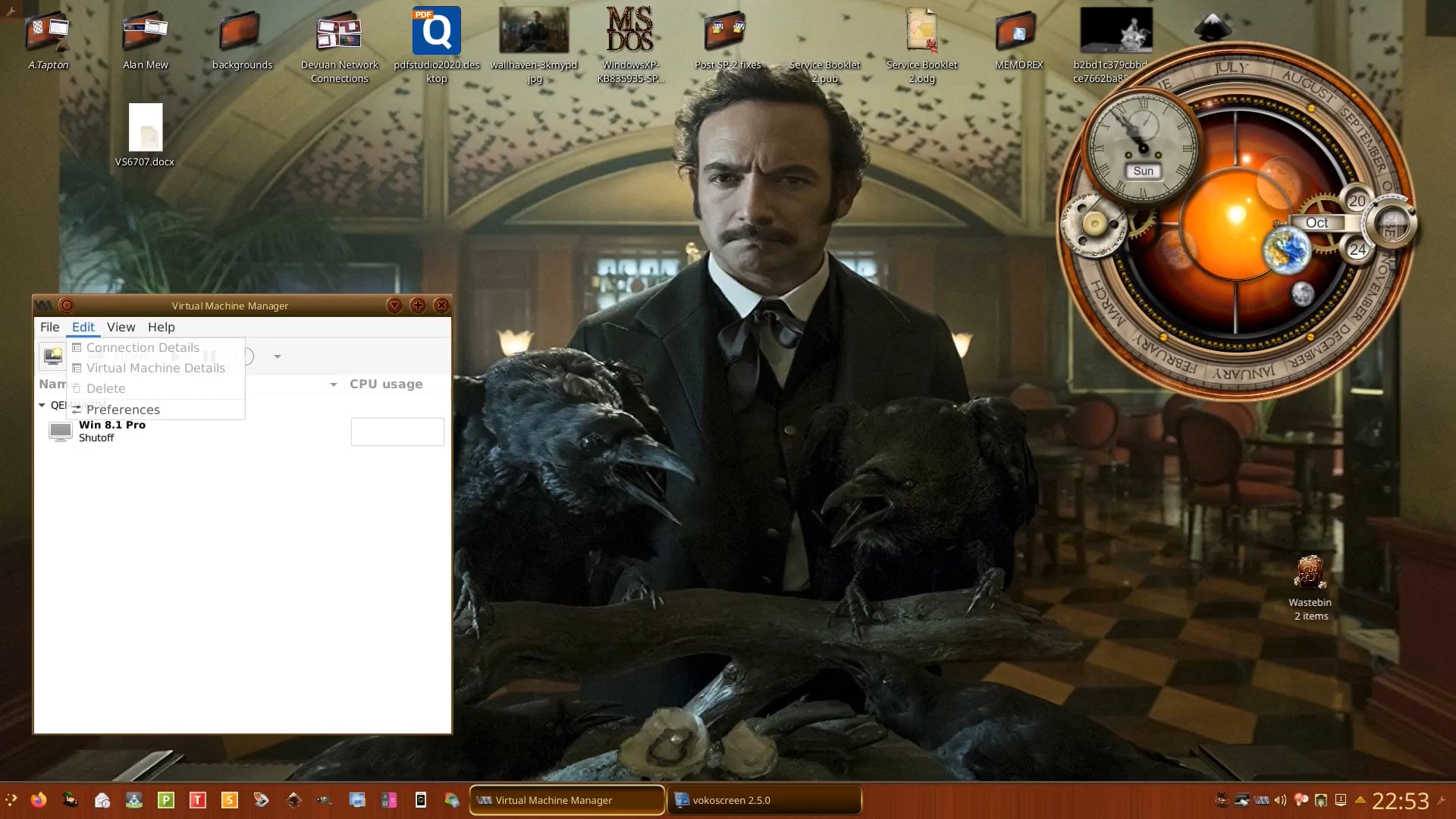
Turbo Tax cannot run on GNU/Linux so you would need to run Windows as a VM using virt-manager which is what I had to do in lockdown to access a shared mailbox for job requests, and the windows version of free Braille Translation software after moving from Feren OS to Devuan.

In terms of the Calendar request, Zorin 18 is a fork of Ubuntu 24.04:

" To sync your iPhone calendar with an online calendar on Ubuntu 24.04, you can use the built-in GNOME Online Accounts feature, which now supports CalDAV for iCloud. As of Ubuntu 24.04 (GNOME 46), the process is streamlined: navigate to the "Online Accounts" Settings panel, select WebDAV, enter caldav.icloud.com as the Server Address, and input your Apple ID and an app-specific password. The system will automatically configure the connection, including determining the correct pXXX prefix.

For this to work, you must first generate an app-specific password for your Apple ID at https://appleid.apple.com. This password is required because Apple enforces app-specific passwords for CalDAV access, especially after the migration that began in June 2017. You can create the app-specific password under the Security section of your Apple ID account.

Once configured in GNOME Online Accounts, your iCloud calendars will be accessible to other applications like GNOME Calendar and Evolution, which use the evolution-data-server to share calendar and contact data across apps. While Evolution can still be used for setup, it is no longer necessary to keep it installed after the sync is established.

Note that the iCloud CalDAV service uses the generic caldav.icloud.com URL, not the pXX-caldav.icloud.com format, which is used by some older methods. This approach ensures compatibility and simplifies the setup process on modern Ubuntu systems.

AI-generated answer. Please verify critical facts."

If your mother liked Outlook then the de facto mail client that comes with Zorin will suit her, Evolution.

I've just installed this on a different OS and can't remember how to close off a Debit with a credit in Accounts receivable (and I learned double-entry book keeping at college!)