Hello!
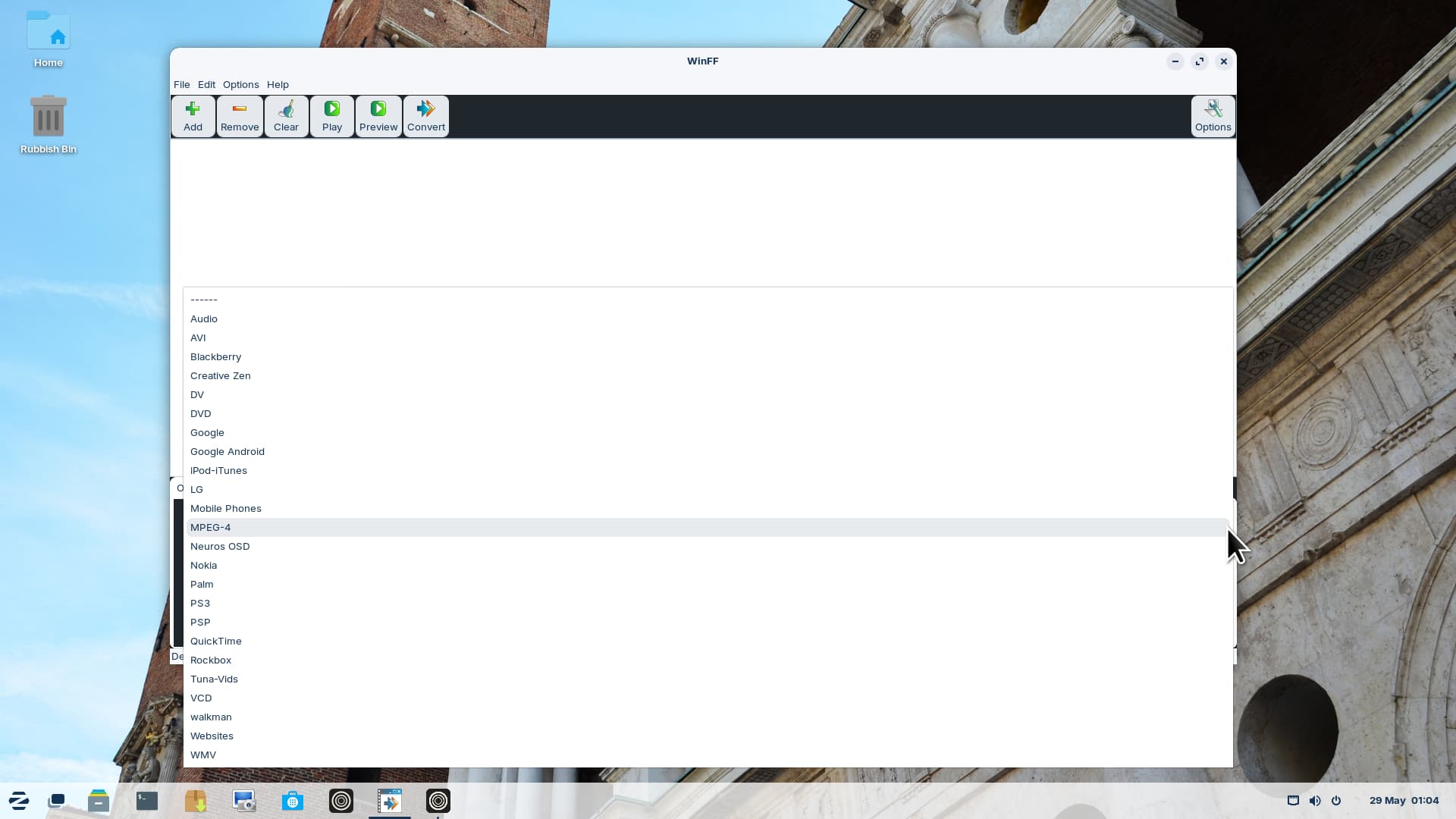
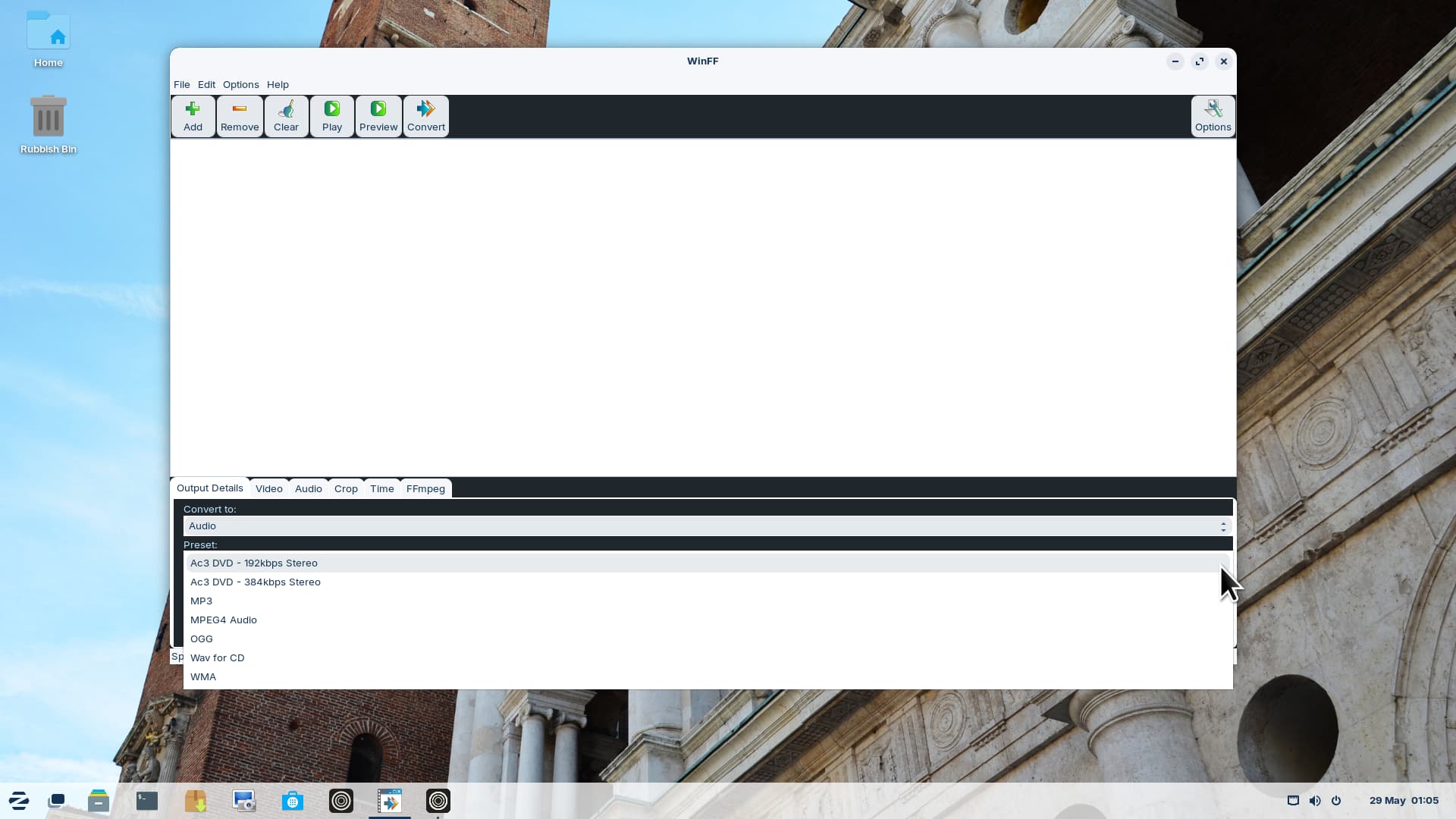
Is anyone acquainted with MystiQ Video Converter?
Is it safe to use, no malware or other harmful stuff?
Is it any good for converting VIDEO to MP3?
Thank you!
Hello!
Is anyone acquainted with MystiQ Video Converter?
Is it safe to use, no malware or other harmful stuff?
Is it any good for converting VIDEO to MP3?
Thank you!
If You want use it for converting YouTube Vidoes to Audio, You could use Varia. It is a Tool for downloading YouTube Videos - but You can set it up for only taking the Audio.
I've used it to convert quite a few videos from one format to another, and even in one case to convert to the same format to cure a problem (unknown) which didn't allow the video to play on my smart TV - and it worked.
I thoroughly recommend Mystiq. Fast, simple to use and very effective.
I am going to check it out.
Thank you!
There is an easy method without installing big software...
Extract audio from video using ffmpeg command line tool
To install ffmpeg, run in terminal
sudo apt install ffmpeg
To extract audio from an input video file using ffmpeg, use:
ffmpeg -i input-video-file output-audio-file
Replace and with the corresponding paths along with appropriate file extensions.
Or you can try my extension 
Hi!
I don't feel comfortable using Terminal doing commands.
Thanks
I like it!
How to install it, step by step please.
To install do that in terminal
sudo apt update && sudo apt install python3-nautilus python3-gi gir1.2-gtk-4.0 gir1.2-adw-1 ffmpeg
download with terminal
wget https://github.com/ToFpon/Nautilus-Extensions/blob/main/video-to-audio.py
in terminal
# Create the directory if needed
mkdir -p ~/.local/share/nautilus-python/extensions/

# Copy the extension (open a terminal in the downaloded folder)
cp video-to-audio.py ~/.local/share/nautilus-python/extensions/

# Restart Nautilus
nautilus -q
Because, You don't feel comfordable using the Terminal, I try to give You an alternative graphical Way to add @Nourpon's Extension.
But one Thing, You have to do in Terminal: Installing the neccessary Packages. The only Alternative to the Terminal for this would be Synaptic what You could install and then use it for installing the Packages. but I'm not sure if You would like this Tool. But when You want try it, try it. You can find it in Gnome Software.
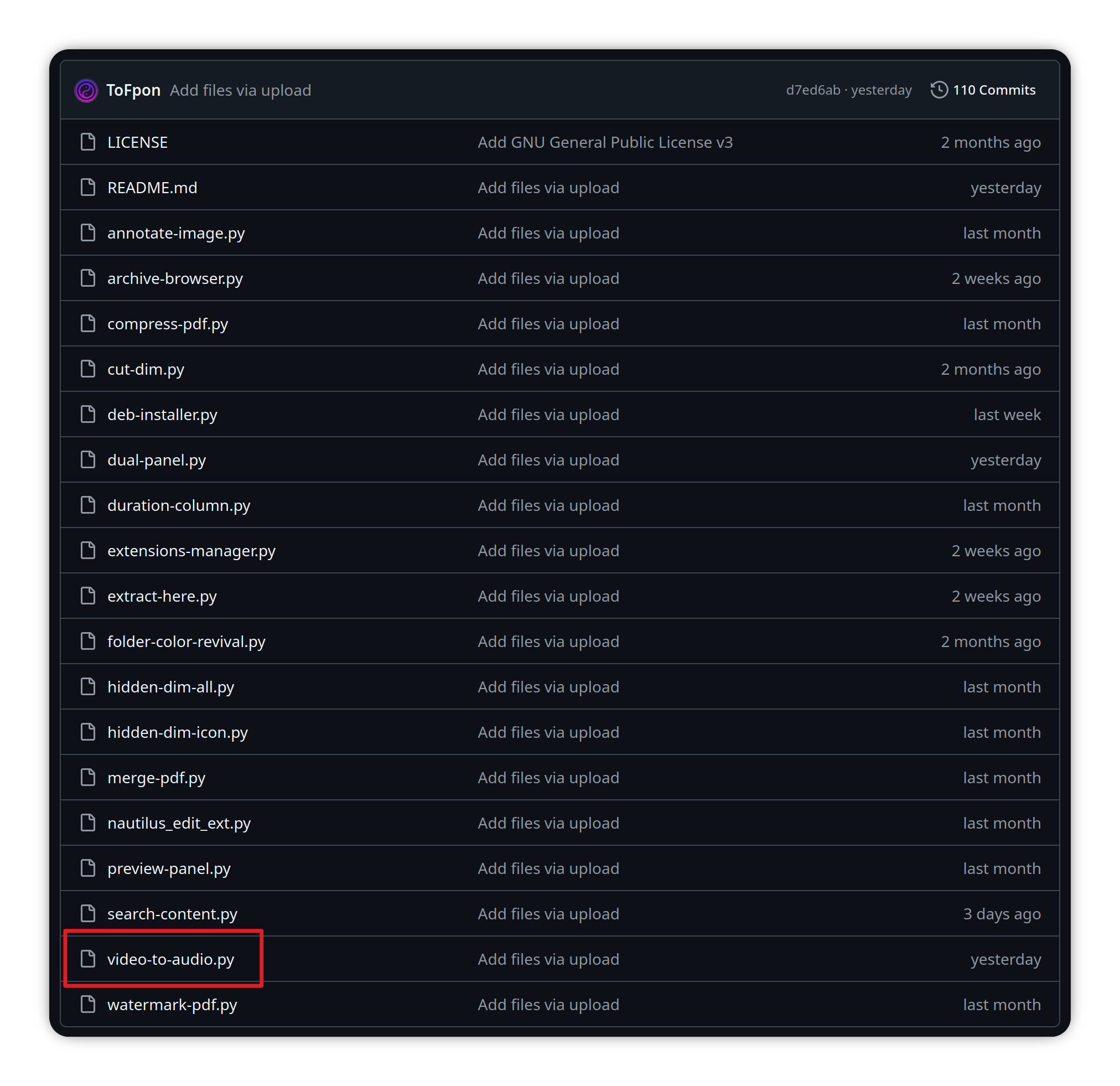
Now to the Extension. Go to @Nourpon's Github Page and click there to the Extension in the Overview List:
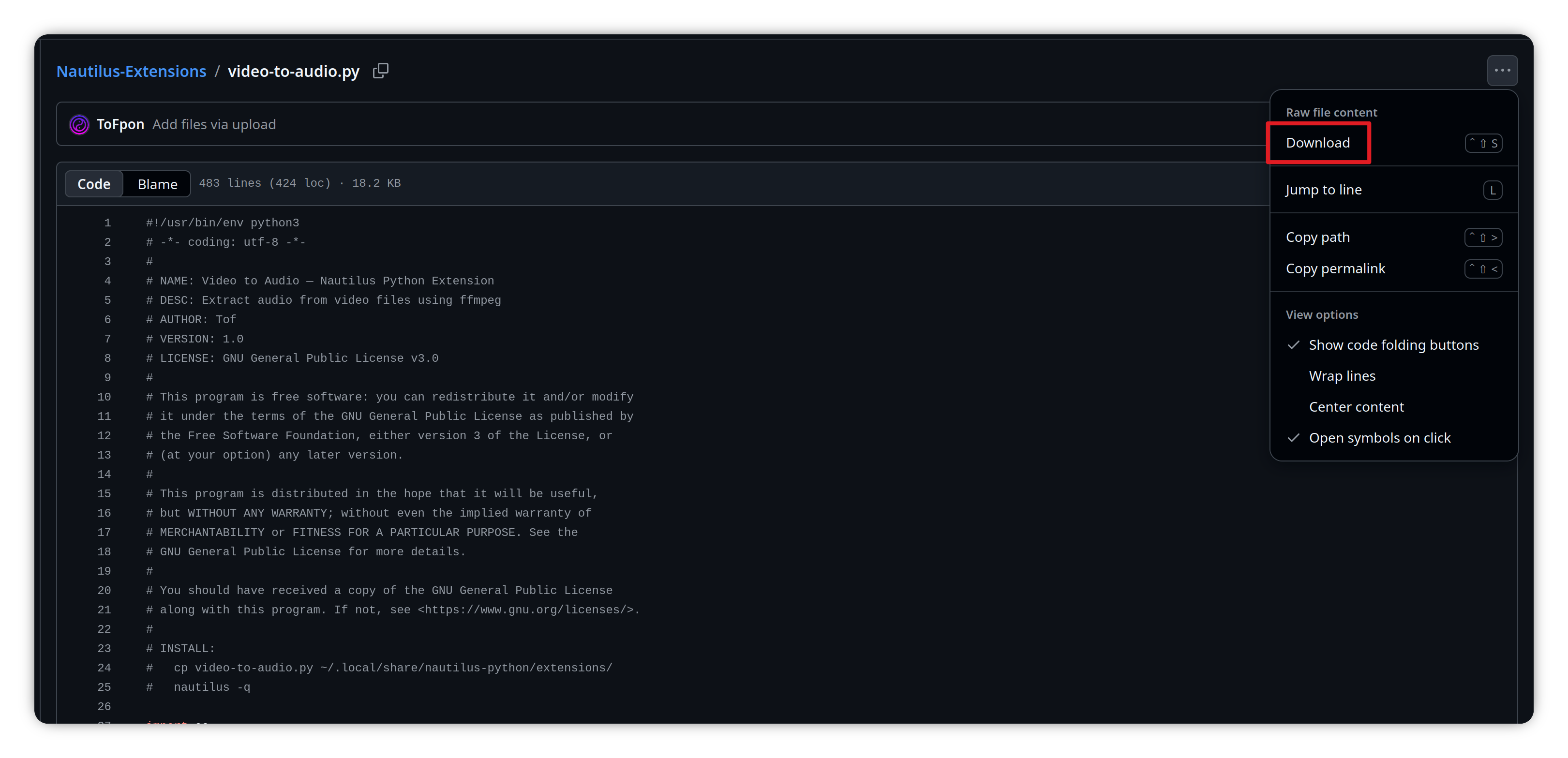
In the next Window click on the 3-Dots-Symbol on the right Side and there on ''Download'':
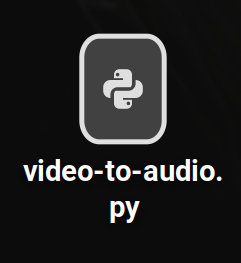
Then donwload it to a Direction You prefer. I downloaded it to my Desktop:
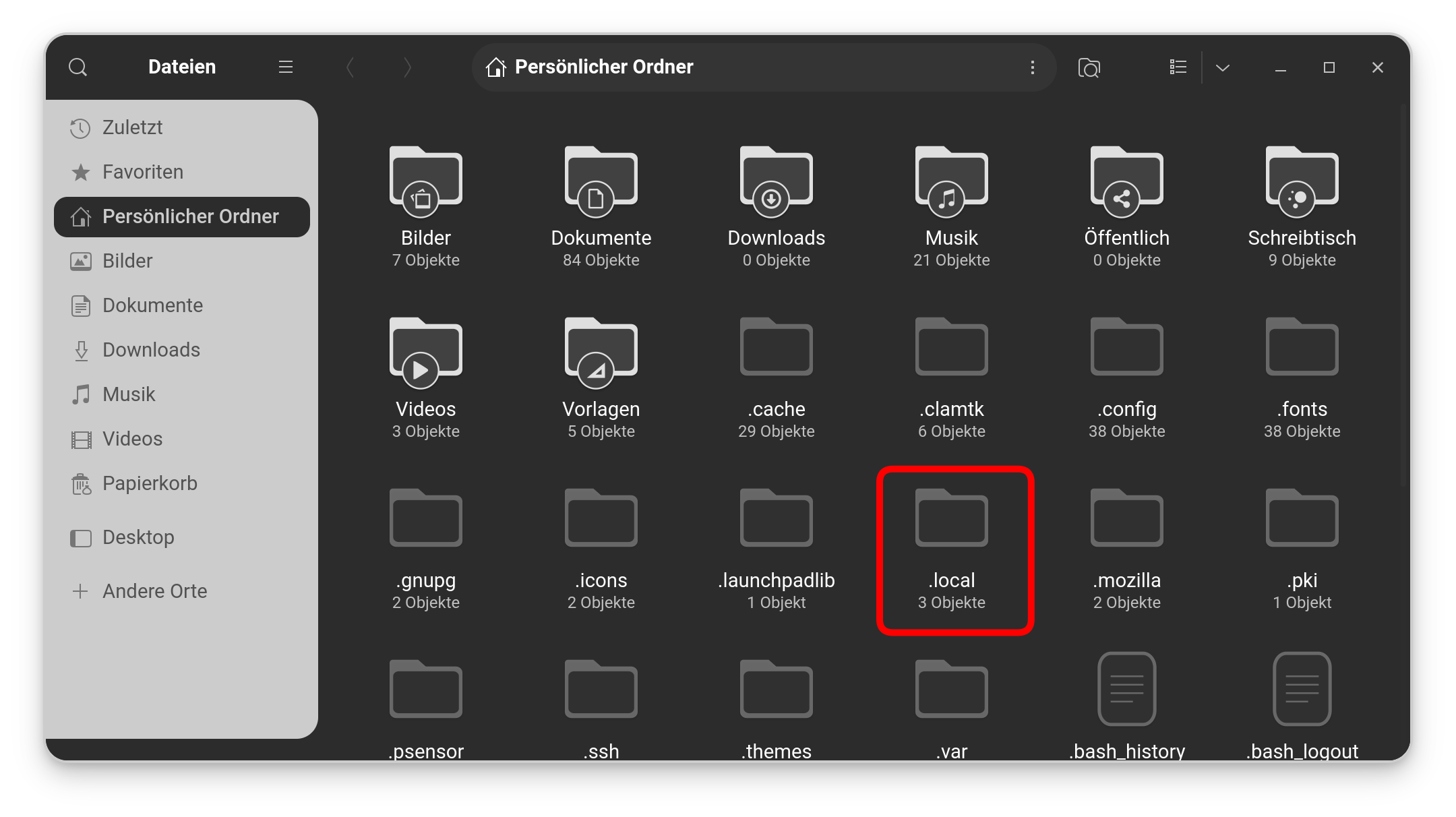
Now open Nautlius (the File Manager) and press ctrl+h to show the hidden Files. there, You should find a Folder called .local:
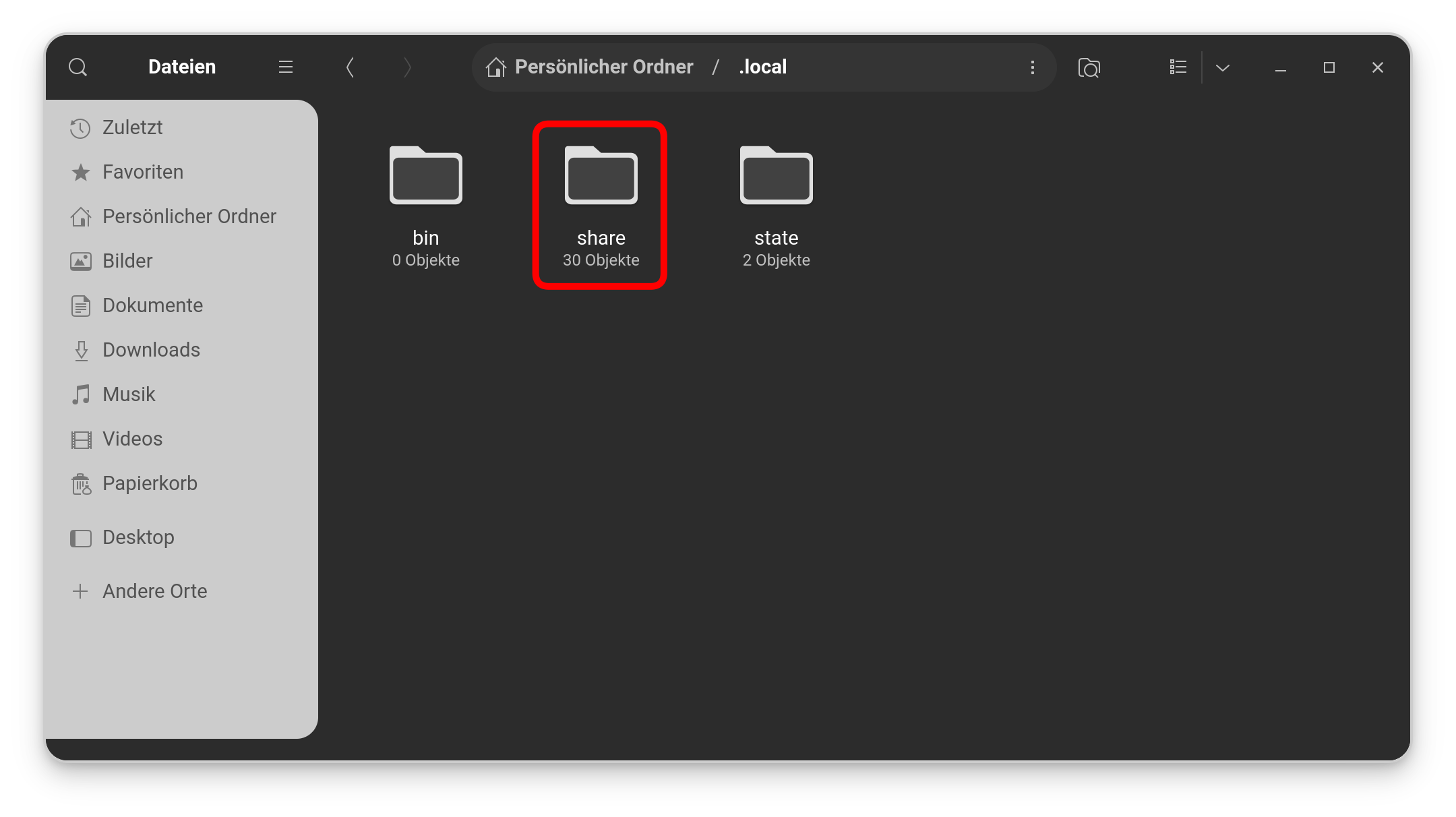
Go in this Folder. There You should find a Folder called share:
Go in this Folder, too and create a Folder called nautilus-python like You can see here:
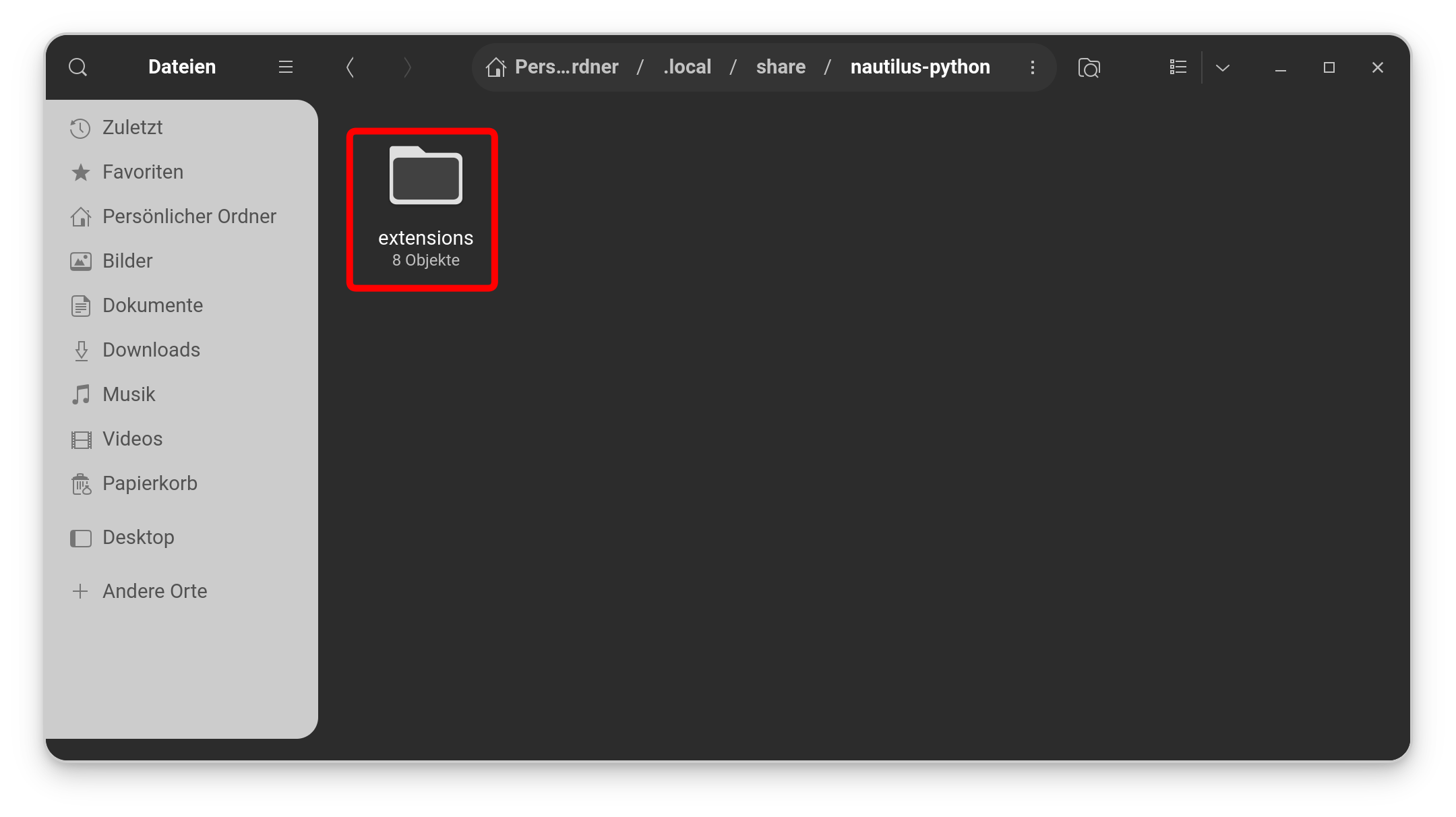
When created, go in this folder and create a Folder called extensions like seen here:
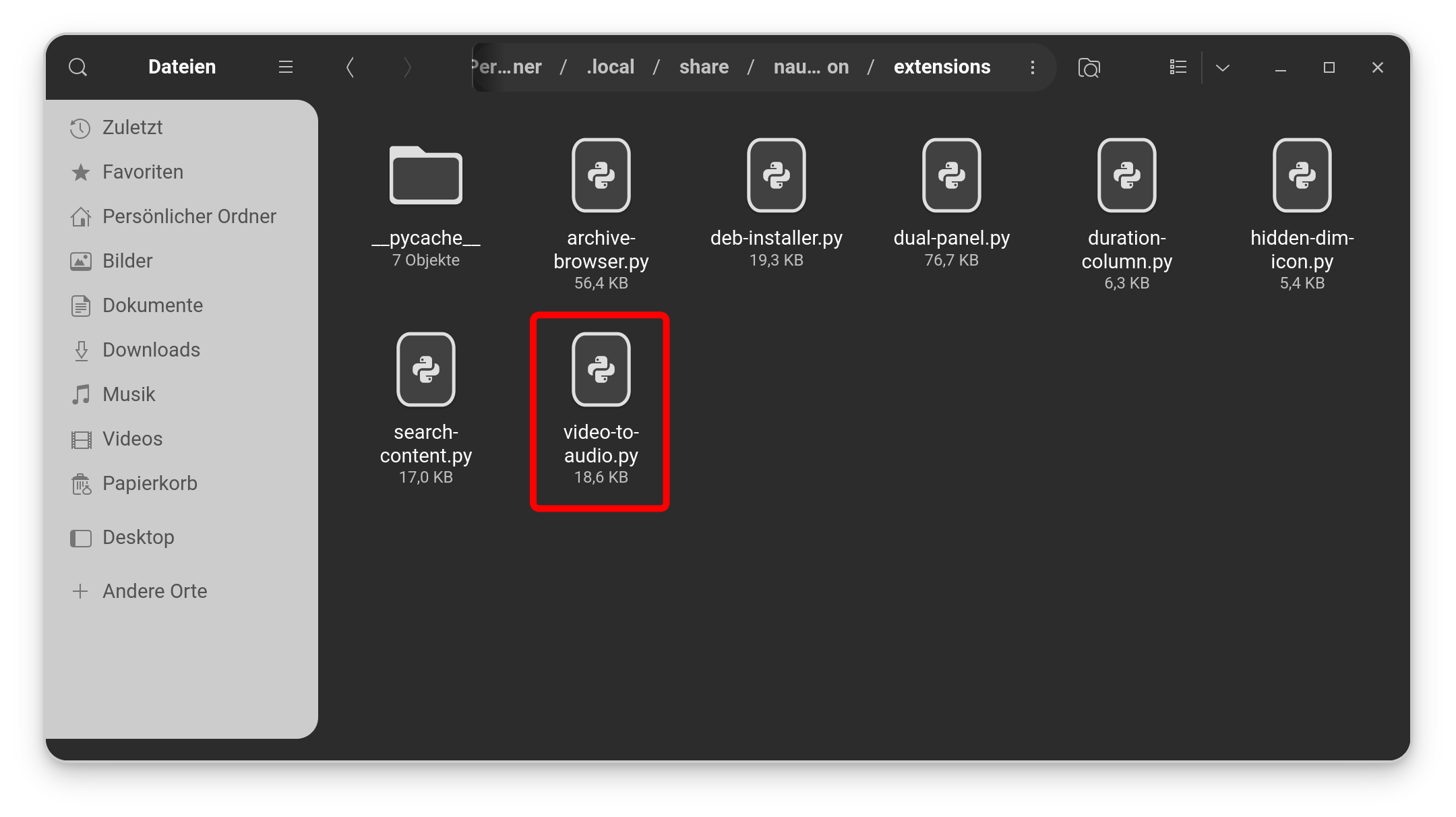
And in this Folder, You put now the video-to-audio-py File, You have downloaded before:
When You have done this, close Nautilus and reboot. Then the Extension is ready.
You are committed to my team, Marketing Director
Okay, hahaha! So, I have to change my Forum Title to ''Marketing Director of the @Nourpon Software Company''.
I'm not sure about it hahaha
Hello!
Wow, I feels like home here!
It's like having a big family of like minded people.
Thank you very much!
Hey you are a genius!
Are you an IT, a developer, a Linux expert?
Not a linux expert, but I was sysadmin with ~40 years of IT experience.
Now I see why you are so knowledgeable.
All admins here have more knowledge in Linux than me, believe me...