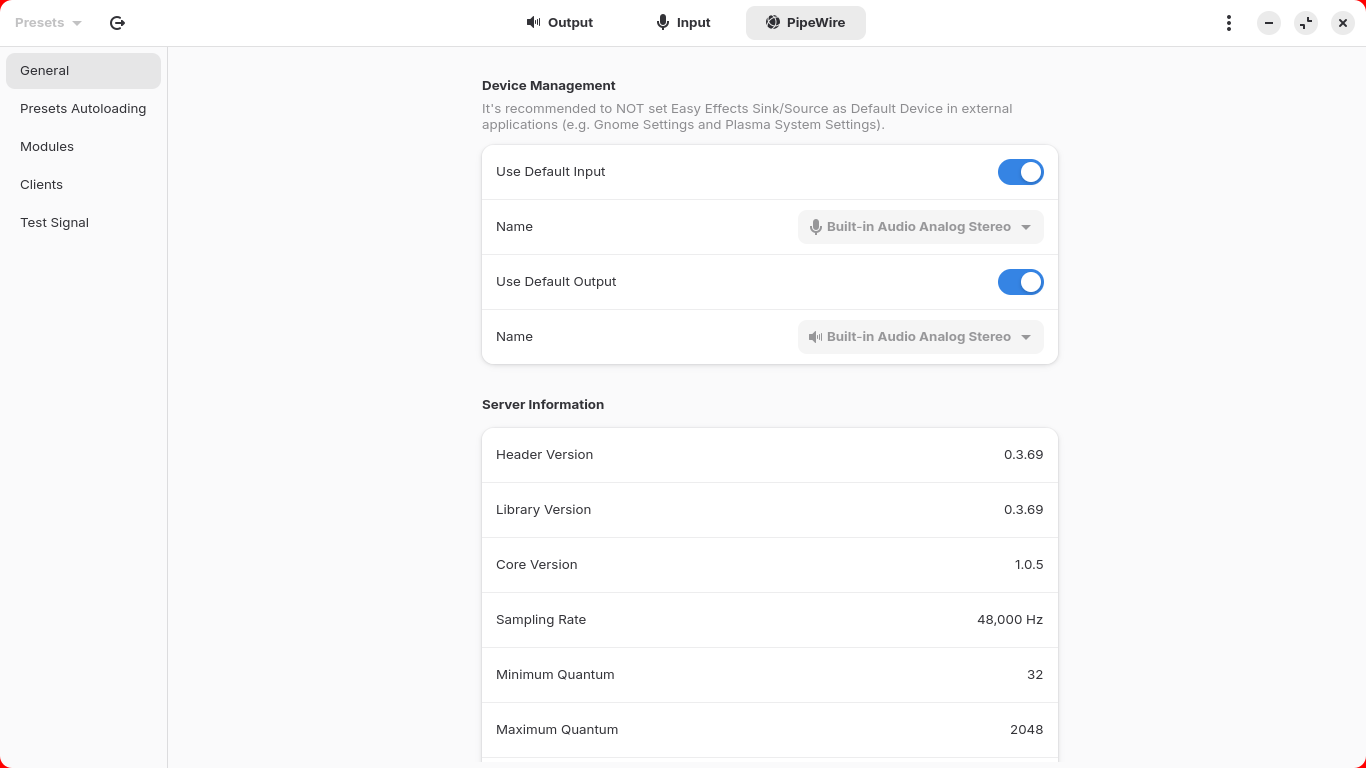
I have Totem Videos, VLC, and MPV applications.
When I play a video with Totem Videos or VLC, the sound does not work.
As for MPV, with the help of AI, this line was added to the mpv.conf file:
ao=alsa
After that, the sound started working.
The distribution is Zorin OS 18.
It would be helpful to know what your hardware uses for sound output - is it a Desktop machine or a Notebook? Is it onboard audio or a separate card?
I also noticed you own Pro version which entitles you to support from Team Zorin:
sudo apt install ubuntu-restricted-extras
I fixed this and the problem still exists.
The strange thing is that the sound works in kdenlive and the internet browser
So, the Sound does work in Common but not in Totem and VLC, yes? Or are there other Programs with this Issue?
But this is only a Part. When You open Gnome Software and scroll down, You see a Button called ''Codecs''. Click on it and You get an Overview with Packages You can install.
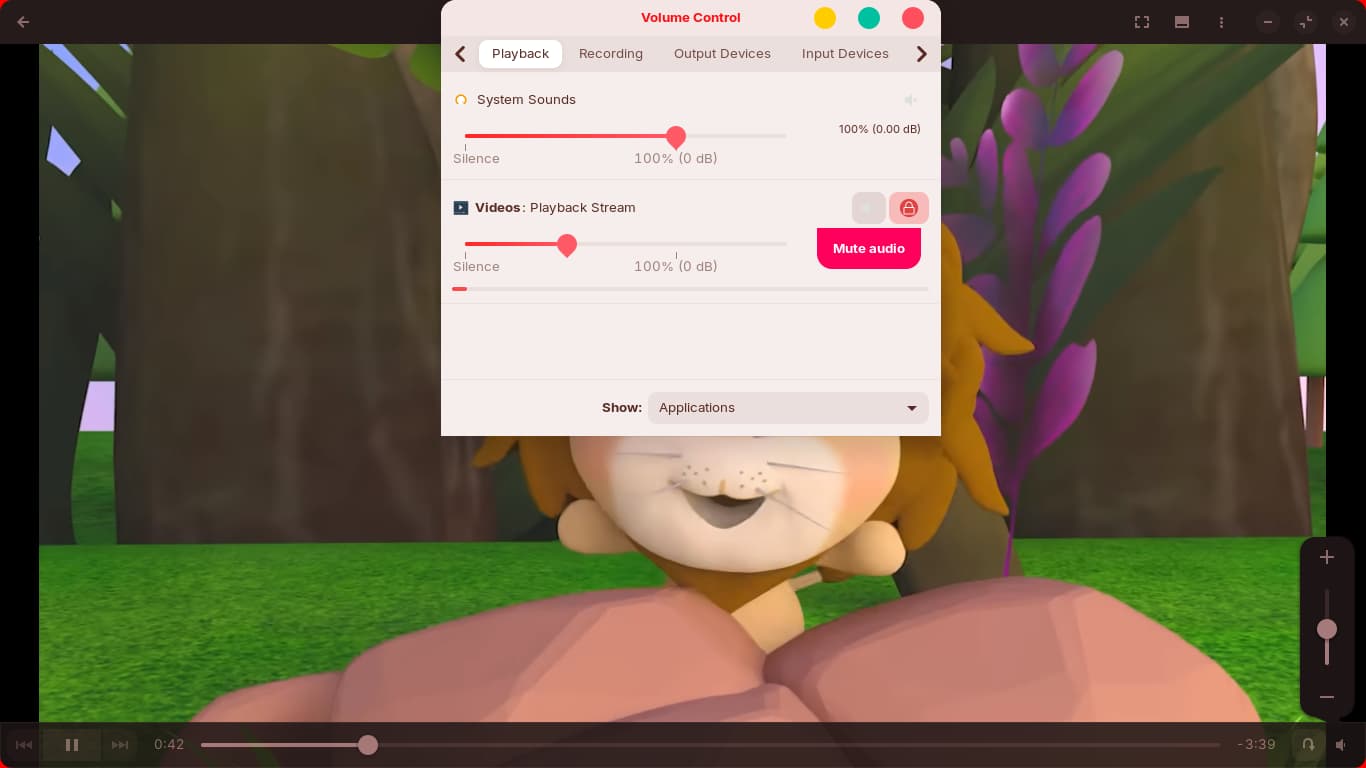
I installed the pavucontrol program and played a video. In the PulseAudio Volume application, under the Playback tab, I found that the sound icon was muted.
I unmuted the sound and the problem was solved.
But the question is:
What caused this setting?
This kind of audio issue on Zorin OS 18 is often related to the default sound backend. VLC and Totem usually rely on PulseAudio or PipeWire, so checking the selected audio output module in their settings may help resolve the no-sound problem.
I always prefer ALSA and to ensure sound works throughout the system once installed, use Audacious and all other apps will play nice if you set ALSA as the output in Audacious Settings.