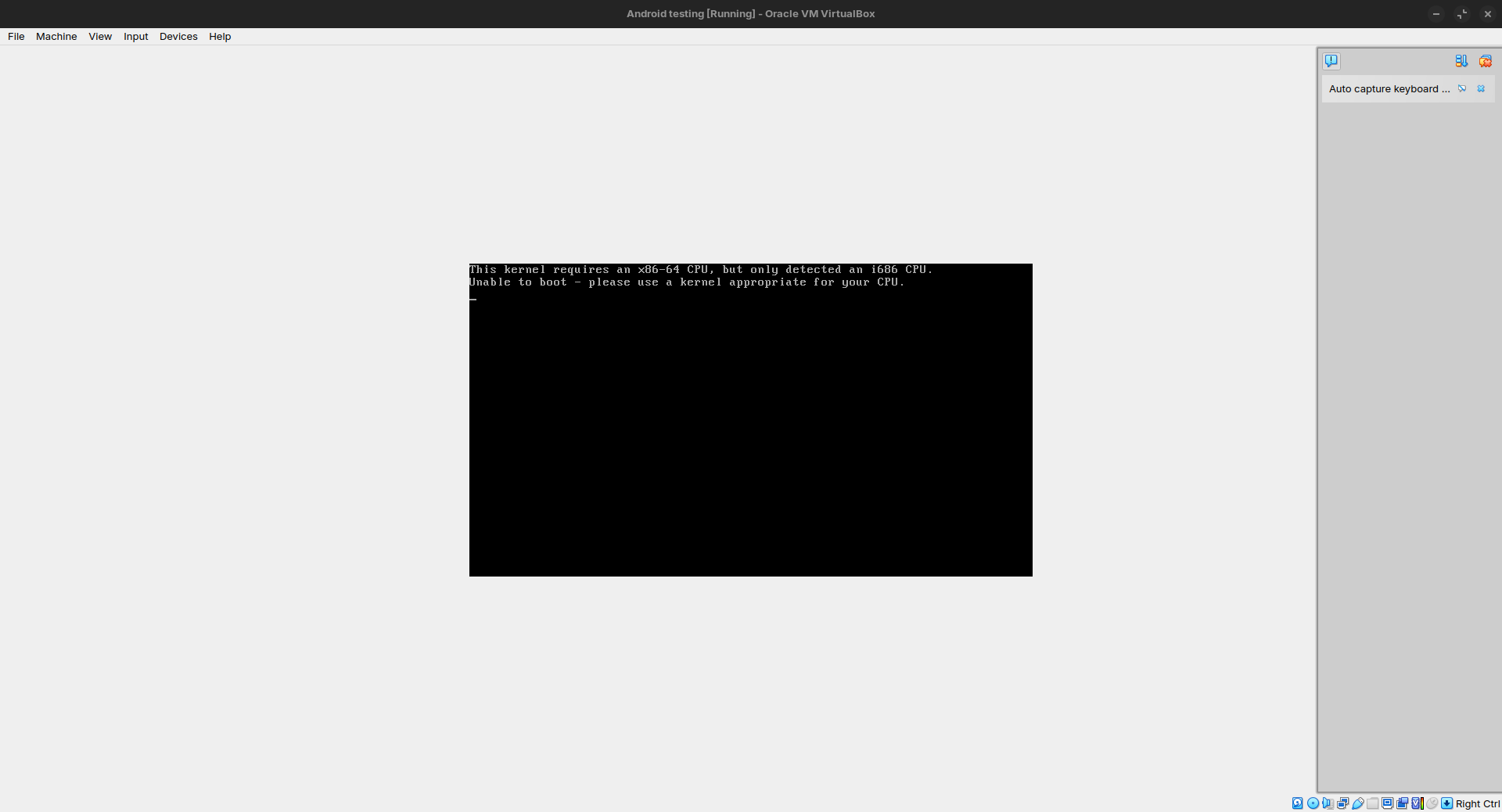
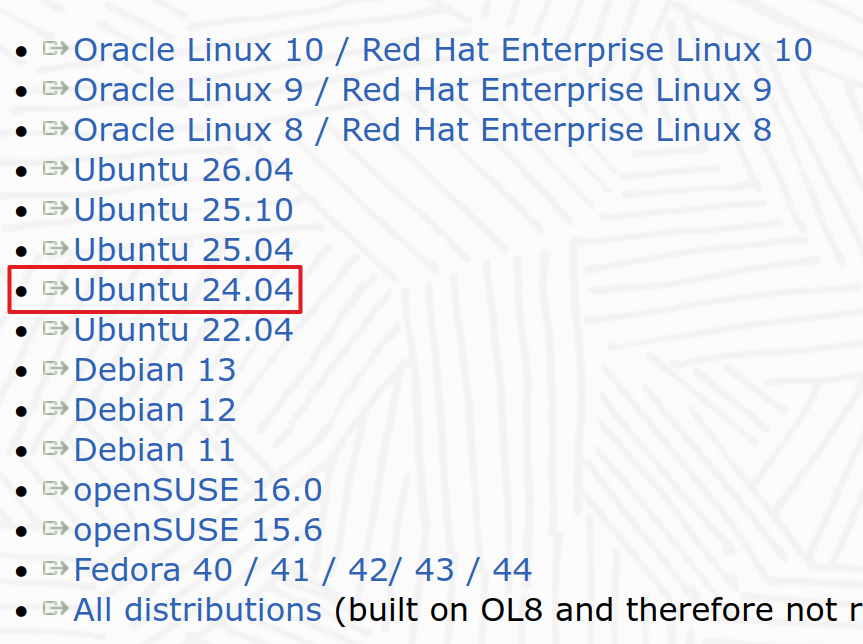
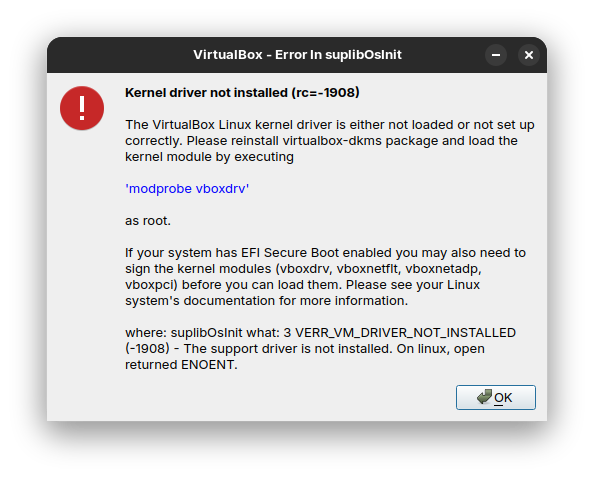
So I am trying to install and run Virtual Box but after putting secure boot password like it asked me to, the VM won't start due to some issue that I cannot understand...
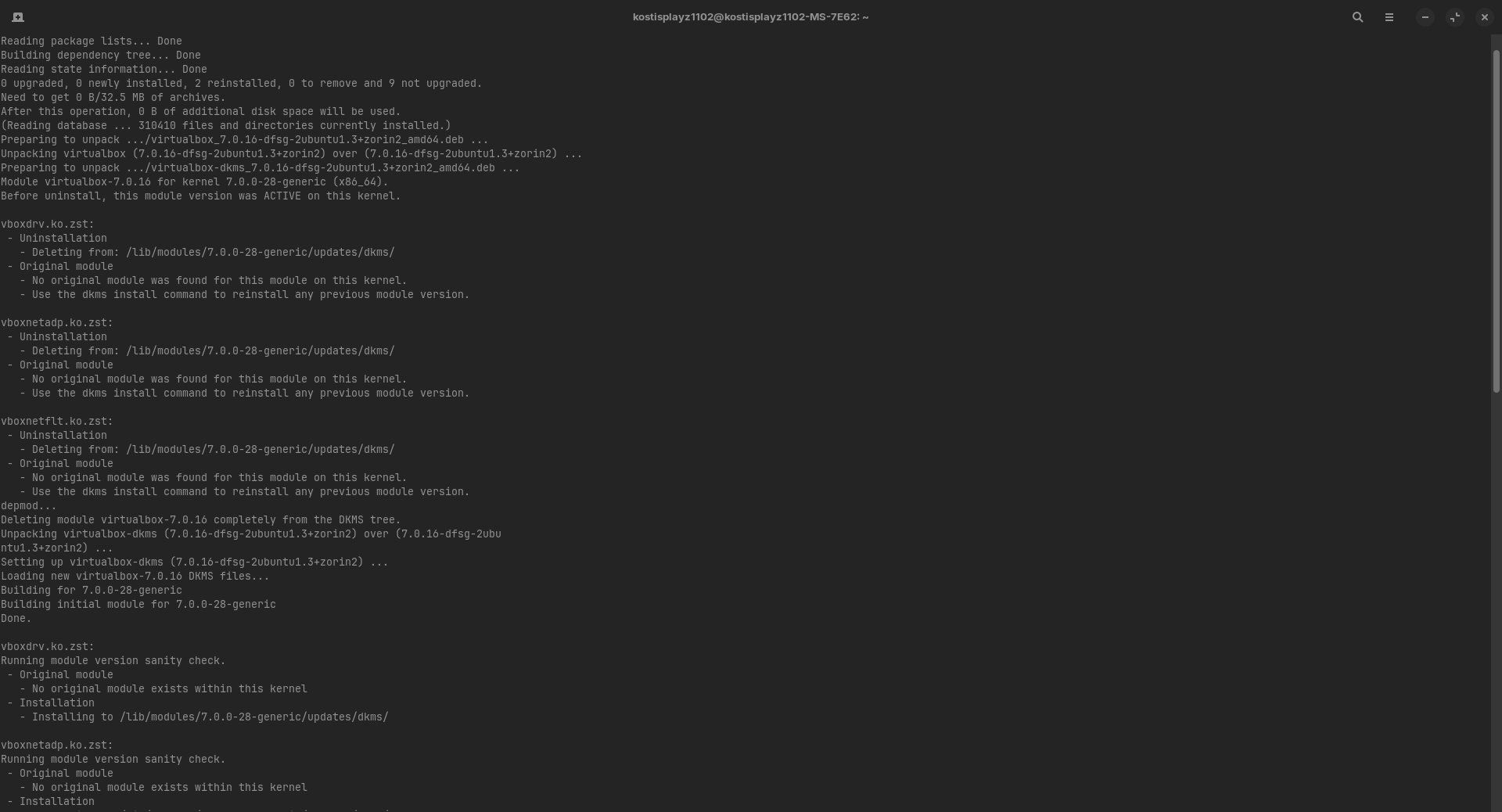
Is Secure Boot in BIOS disabled? What Kernel do You use? You can check that with the Command uname -r via Terminal. Did You tried a Reinstall of VirtualBox? Try it with sudo apt reinstall virtualbox virtualbox-dkms and then reboot.
Update: After following all the steps, I was faced 30 reboots and another 30 force shut downs with the physical power button because each time that I would open VBox it would freeze the system. For some reason on the 31st reboot and shutdown everything worked perfectly. Don't know how, don't know why, thy guess is as good as mine.
That being said, although this problem has been solved for now. I am now faced with a different issue.
I am trying to run an android VM and this is what I am seeing.
OK. Thanks for clearing that up. I dion't have any experience of Android on GNU/Linux. I have heard about Anbox based on other posts on the forum.
Perhaps someone else can assist you on here. Hope it gets sorted.
If a freeze happen again, to preserve your Disks, do a Magic SysRq key (REISUB)
What’s REISUB?
REISUB is a sequence of keystrokes that allows you to safely restart a locked-up Linux system without the risk of data loss. It’s like CPR for your computer—bringing it back to life without the hard reset.
How to Perform a REISUB Reboot
Hold downAlt + SysRq (that’s the Print Screen key) at the same time.
Type the letters R, E, I, S, U, B—in that order, with a 2-3 second pause between each one. This gives the system time to process each command.
Here’s what each letter does:
R: Puts the keyboard back in raw mode (from XLATE mode)
E: Sends a SIGTERM to all processes except the system’s init process
I: Sends a SIGKILL to all processes except init
S: Syncs all mounted filesystems, ensuring data is saved
U: Remounts all filesystems in read-only mode, to protect data
B: Reboots the system immediately, without unmounting filesystems
Good news, I found the problem... So you all know how it says Ubuntu 32 bit once you create the machine? Yeah no you're supposed to change to either Other Linux 32 bit or Other Linux 64 bit.
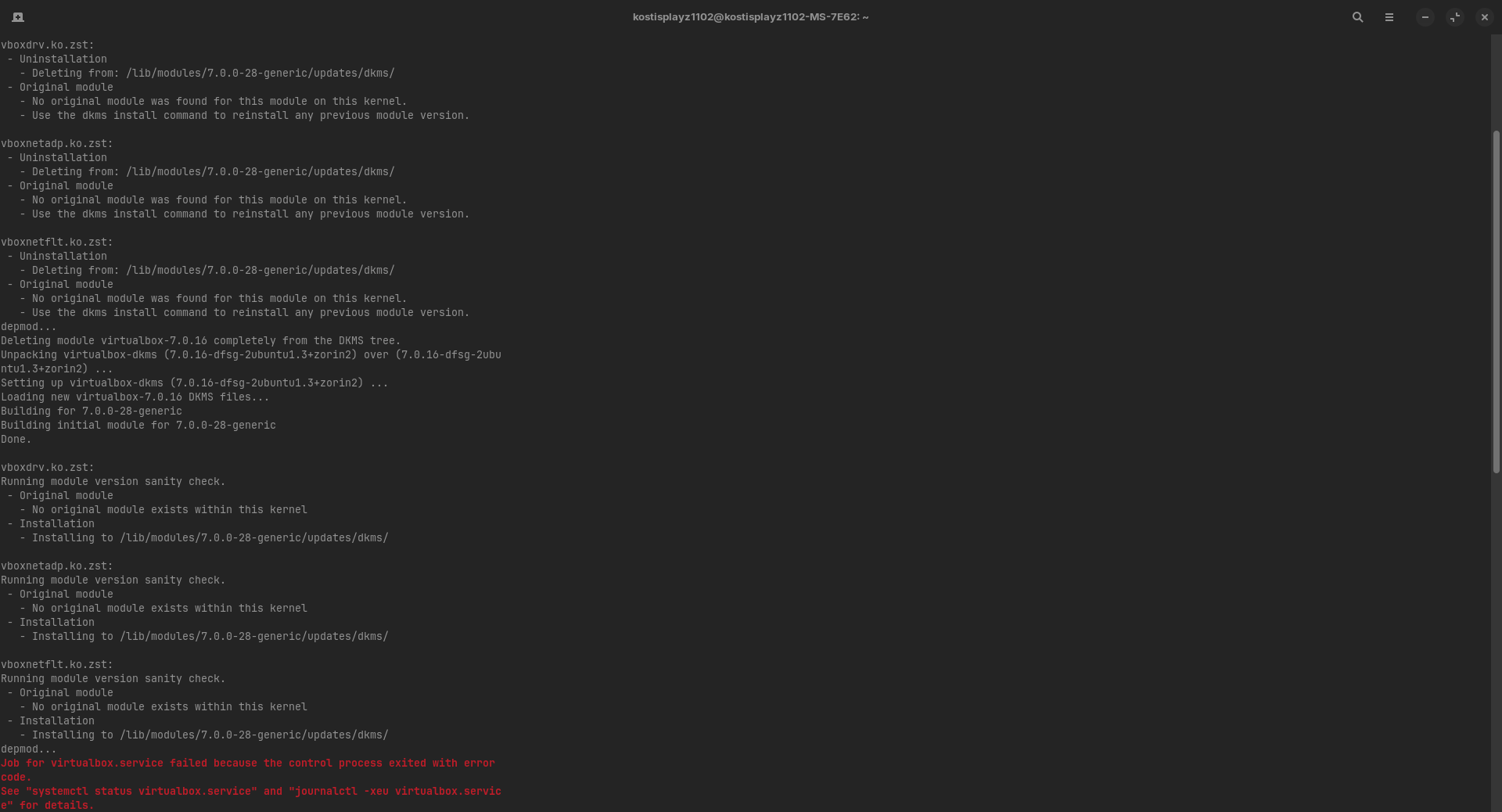
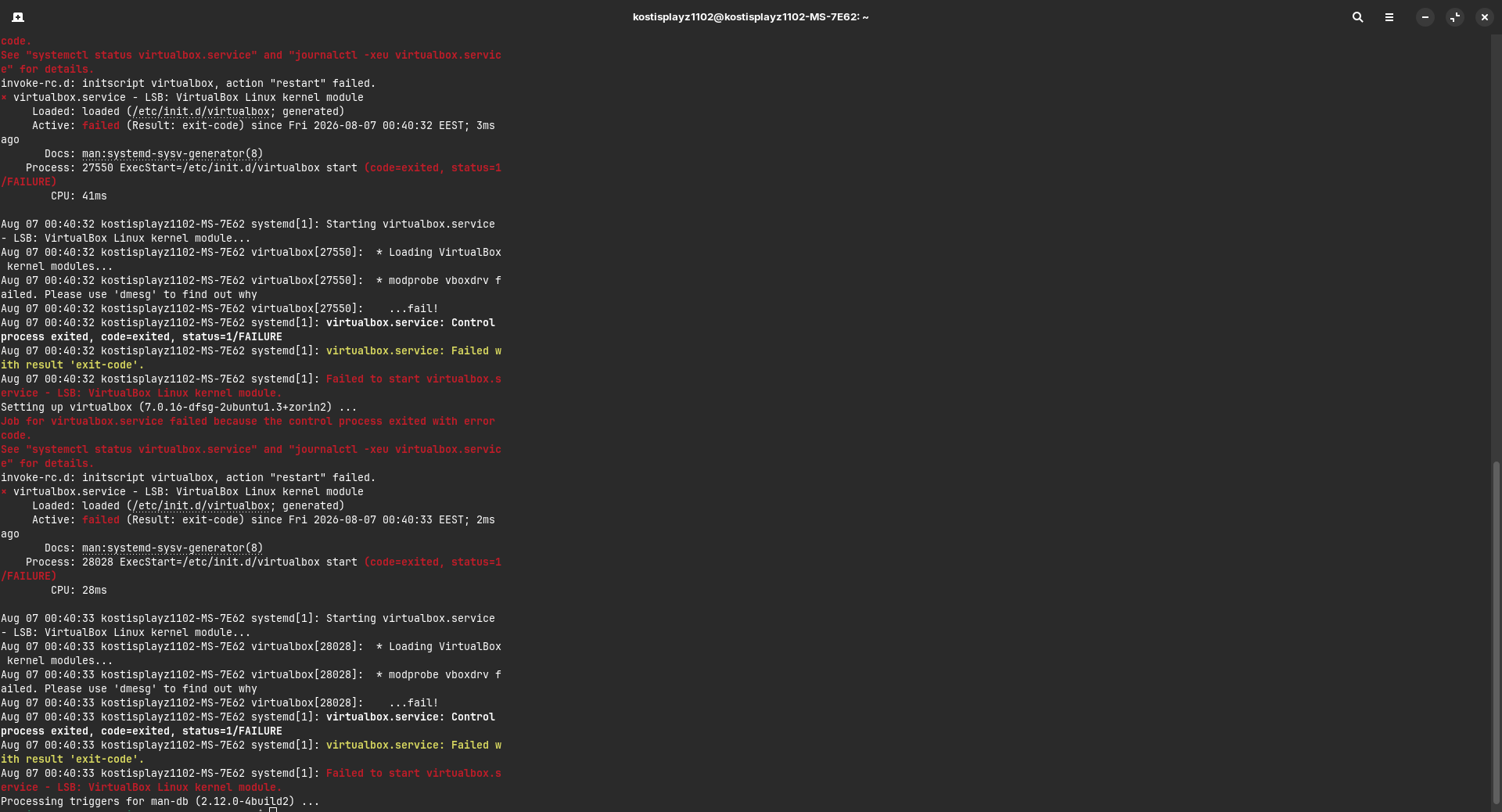
 . I am now faced with a different issue.