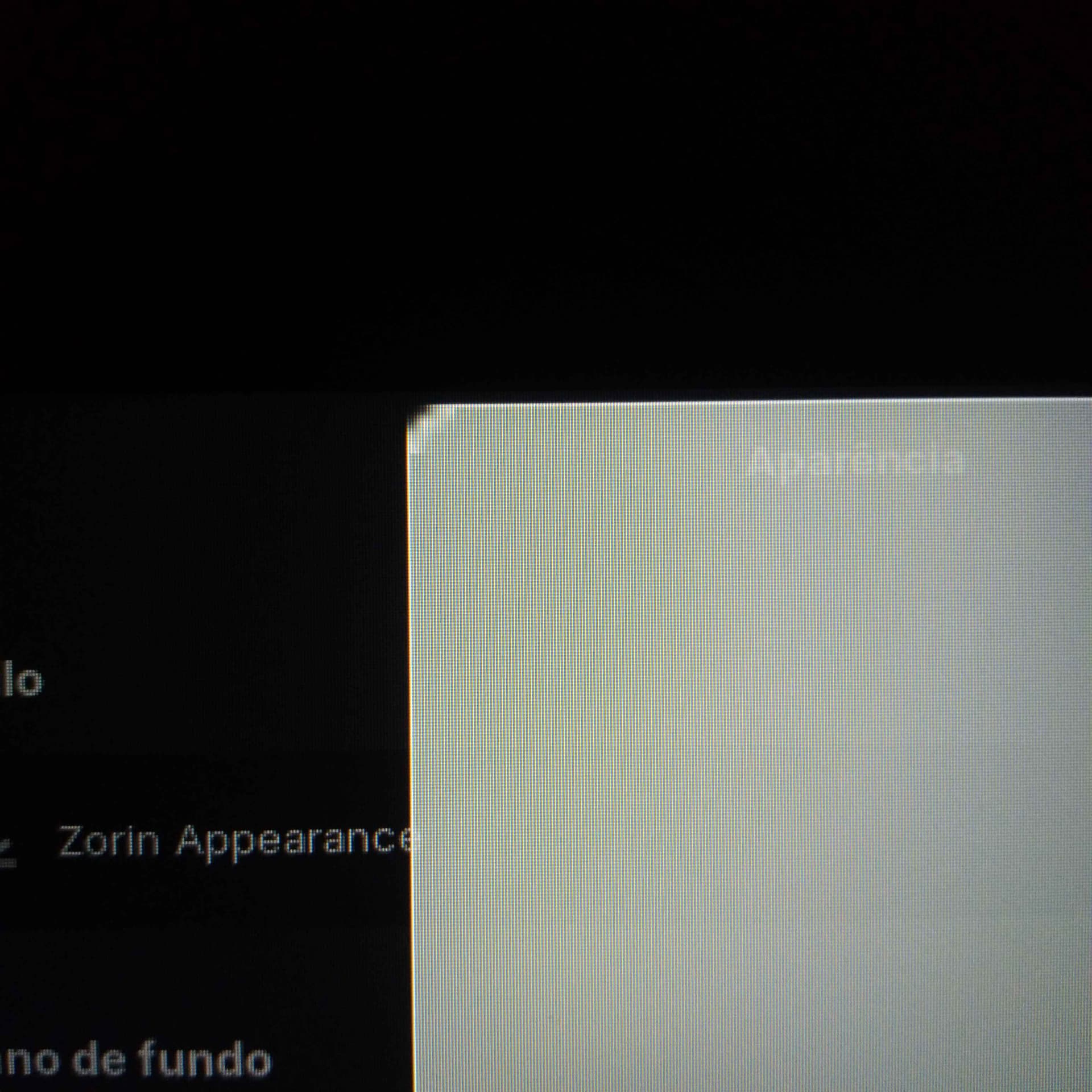
I was playing around with Zorin's customization settings when I noticed that the corners of the “window tiling preview” seem to be at a low resolution.
It only happens when I drag the window to one of the edges of the screen; when using Tilling Shell, the corners are normal.
It's not a big deal, but I'd like to know how to fix this.
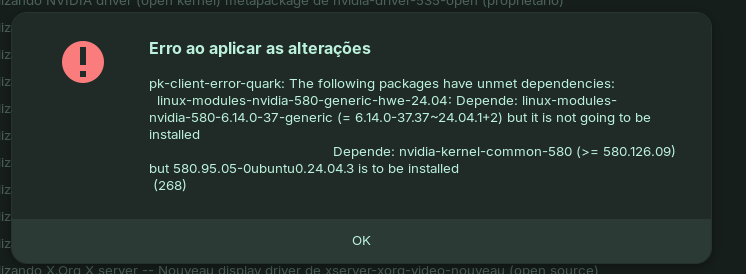
If You want try an other Driver simply replace the Driver Number. And when You want to install the open Driver again add at the End of each Package -open
I use the layout that looks like Windows, with a dark theme and green color.
I played around with Appearance a little, but even after changing to other layouts and trying to return to the default, the problem persists.
And as for other visual problems, that's the only one that causes my screen to freeze when I leave a Steam trailer in full screen mode.
Did you try to disable the Zorin tiling shell for testing if the corners are normal then?
Go to Zorin Appearance > Interface > Advanced Window Tiling
and turn it off for testing.
I read that there are conflicts when you enable the function for active screen edges and Zorin tiling shell at the same time (active edges are disabled after each logout or reboot). Maybe it helps.