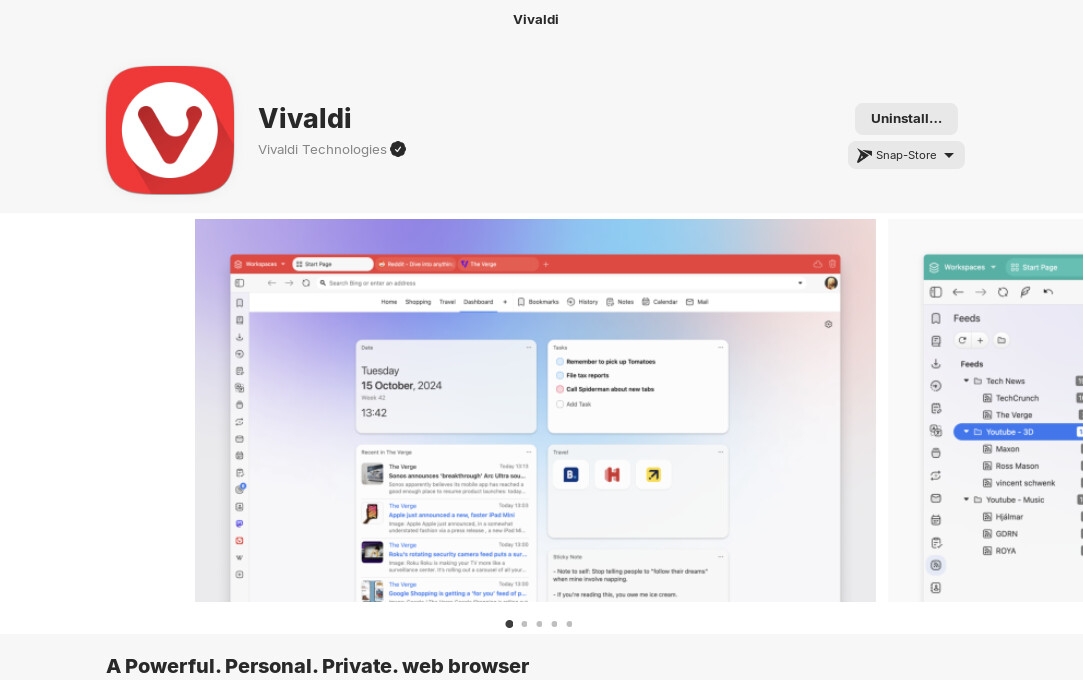
on my old system on Zorin 17.3 Vivaldi runs as snap fine, but since some updates ago it has no icon to be found in the menu anymore.
I figured out to start it with the command:
snap run vivaldi.vivaldi-stable
I also have a new system running Zorin 18.
There in the software center it gives my Vivaldi as first choice as a Flatpak, which confuses me. I am sorry on the hot topic and please forgive me for it, but I thought I have read Ubuntu based distros favor Snap over Flatpak?
Anyway, the Snap option is there, but it refuses to install because "it cannot be installed".
Any ides?
I just saw it did install the Snap anyway, but now it refuses to open the program...
I used the .deb before, but was always behind on updates it seemed to me. Maybe I give it another try...
Hmm ... maybe it wasn't load right. Let Gnome Software open and then open the system Monitor and look on the Proccesses Tab for gnome-software and end it. You will see that the gnome Software Window will disappear; that is intended.
Now open Gnome software again (it should load now new) and then look again for Vivaldi. But it seems that the Flatpak Version doesn't come directly from the Developer. Vivaldi itself only refers to .deb and Snap, too.