I know Mint's Web Apps program you could set the size of the window by adding --window-size=width,height to the perimeters in Properties. That doesn't seem to be an option in Zorin. Has anyone found a way to set the size of Web Apps window?
You can set it in the desktop file. I just tried it with Vivaldi in Ubuntu 24.04, as I don't have Zorin 18 available at the moment.
The .desktop file for your webapp is located in ~/.local/share/applications. Change the "Exex" line there. Add a space at the very end and then
--window-size=width,height
(enter the desired values for width and height).
2 Likes
Doesn't seem to work in Zorin 18, unfortunately. Windows are still opening a third of the screen and its full height.
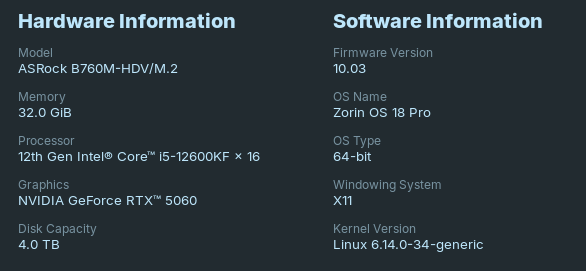
On X11 (Xorg), window size is honored. On Wayland it is ignored.
Sadly, Gnome's Mutter is geared toward Wayland. It too, sees window sizes set as a hint, not as a display dictation.
Mutter is written to not trust client provided window geometry (which is interesting since Gnome prefers that Client process perform everything else... CSD's are the most common example).
Switching to X11 or using the flag --ozone-platform=x11 if staying on Wayland may help, but only if Gnome's mutter agrees to it...
I tried again with Brave browser in Zorin 18 core live session, and it worked to determine the size of the web apps windows - in X11 and Wayland
(I edited /etc/gdm3/custom.conf and set WaylandEnable=true
and then ran
sudo systemctl restart gdm3 to enable Wayland in live session).
You can edit the exec line of the .desktop file or right-click on Zorin menu>edit menu, then go to Brave-Browser-Apps (if you use Brave), select your app and click on properties. Then add at the end of the Command a space and then --window-size=width,height
(set your own values for width and height depending on your screen)
I'm not sure why it works now and didn't before.
1 Like
Mistake on my part... I was entering widthXheight, not a comma. Comma is the solution.
2 Likes
This topic was automatically closed 90 days after the last reply. New replies are no longer allowed.