While surfing on the web yesterday I ran accross a subject on protecting your IP address and found these two items that were listed as not secured WebRTC and WebGL ....
I secured WebRTC which was by default activated in Brave Browser ..... but I coudn't find where WebGL could be turned off .... this one is listed as a minor problem and I believe .... if I read it right ..... has to do with your graphic cards ability to use 3D which I don't use or need ....
I question is how do I turn off WebGL or should I not be concerned about it using Linux ..... I use NIVIDA 550 driver for my GPU ..... thanks
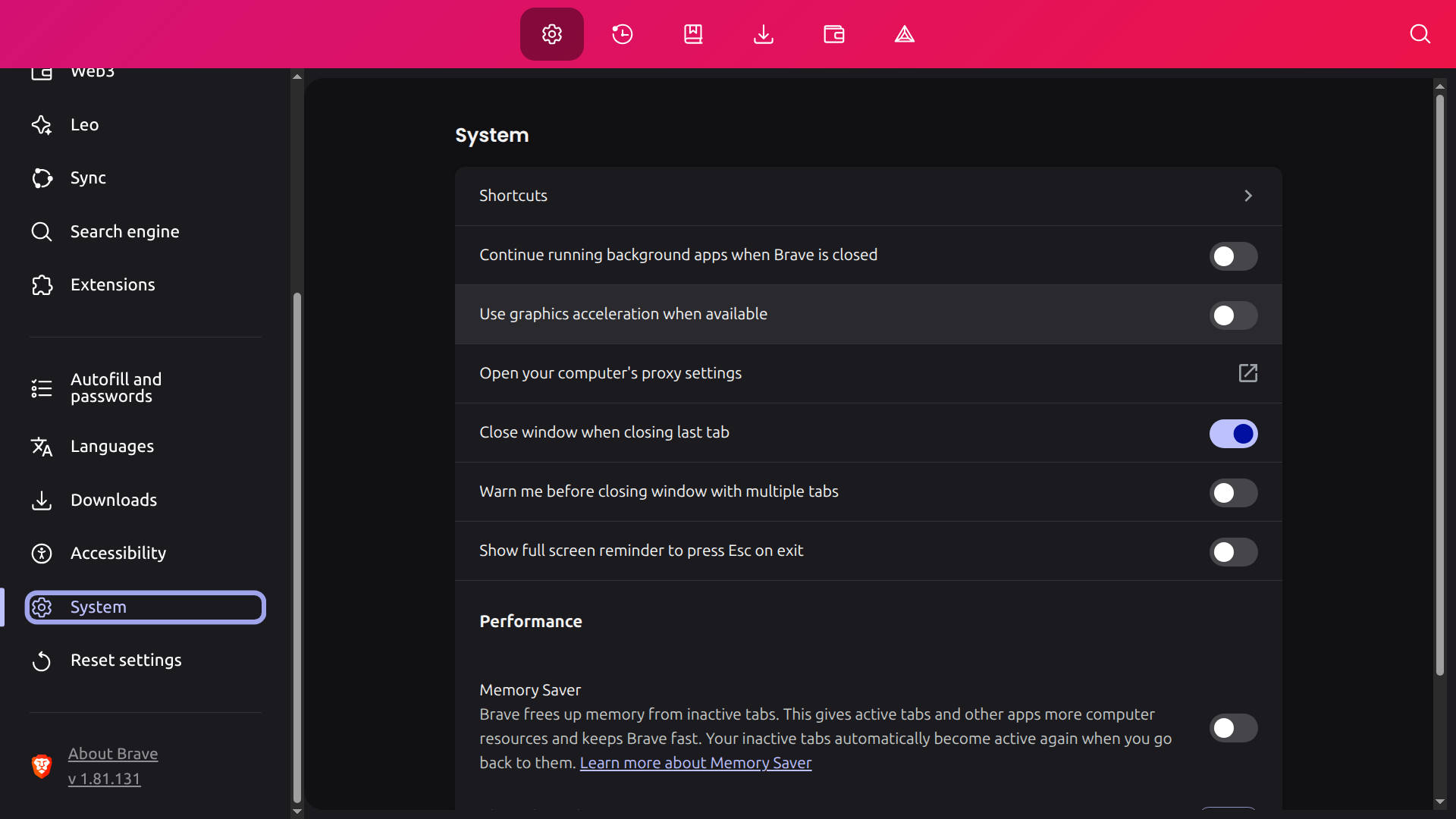
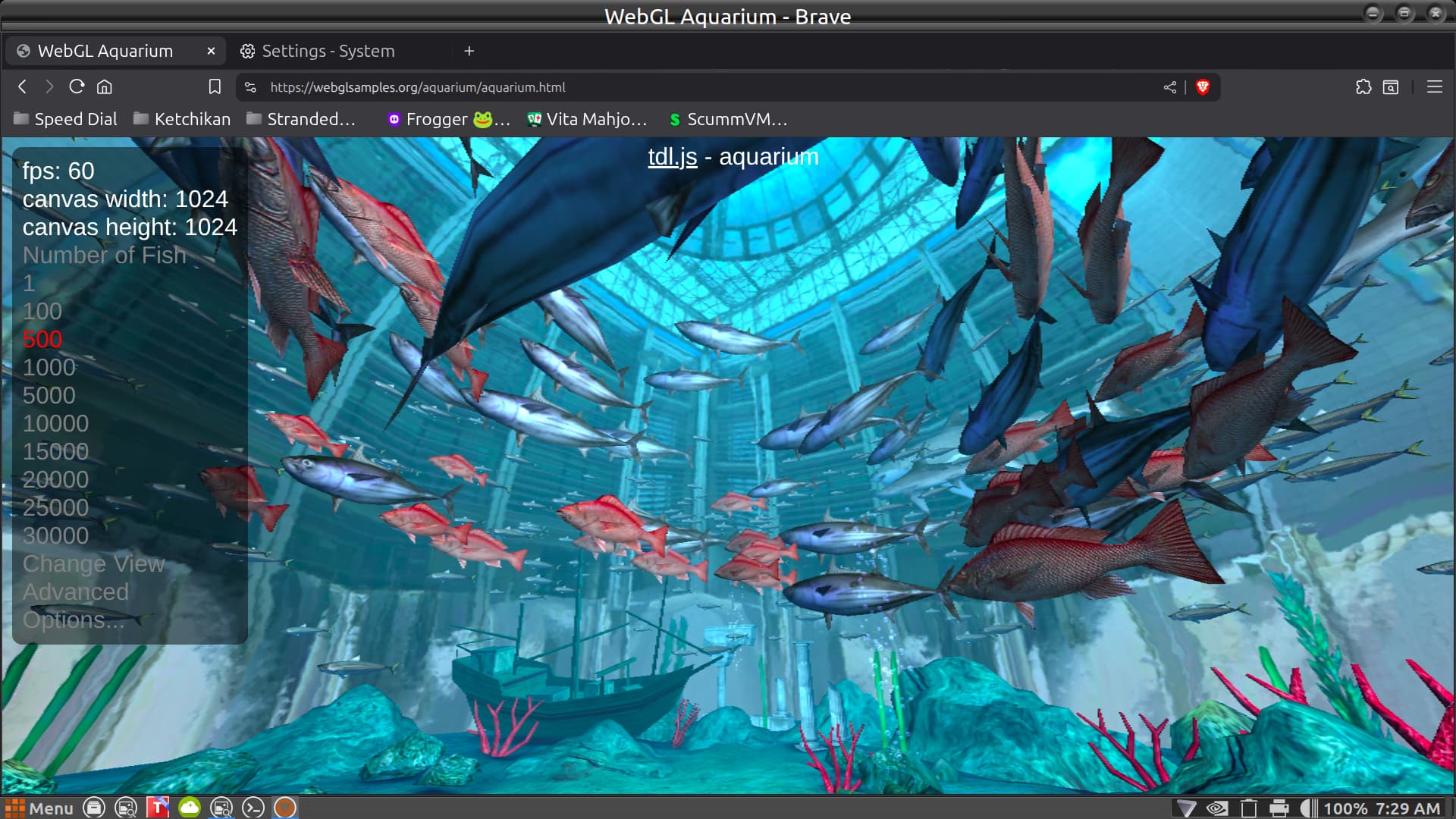
As far as I read WebGL can't be disabled but it requires hardware acceleration to work. So perhaps when you turn off hardware acceleration in brave it turns also WebGL off? But I'm not sure.
In Firefox it can be disabled by entering about:config in the links bar, searching webgl.disabled and writing true, does Brave have a similar way to access advanced settings?
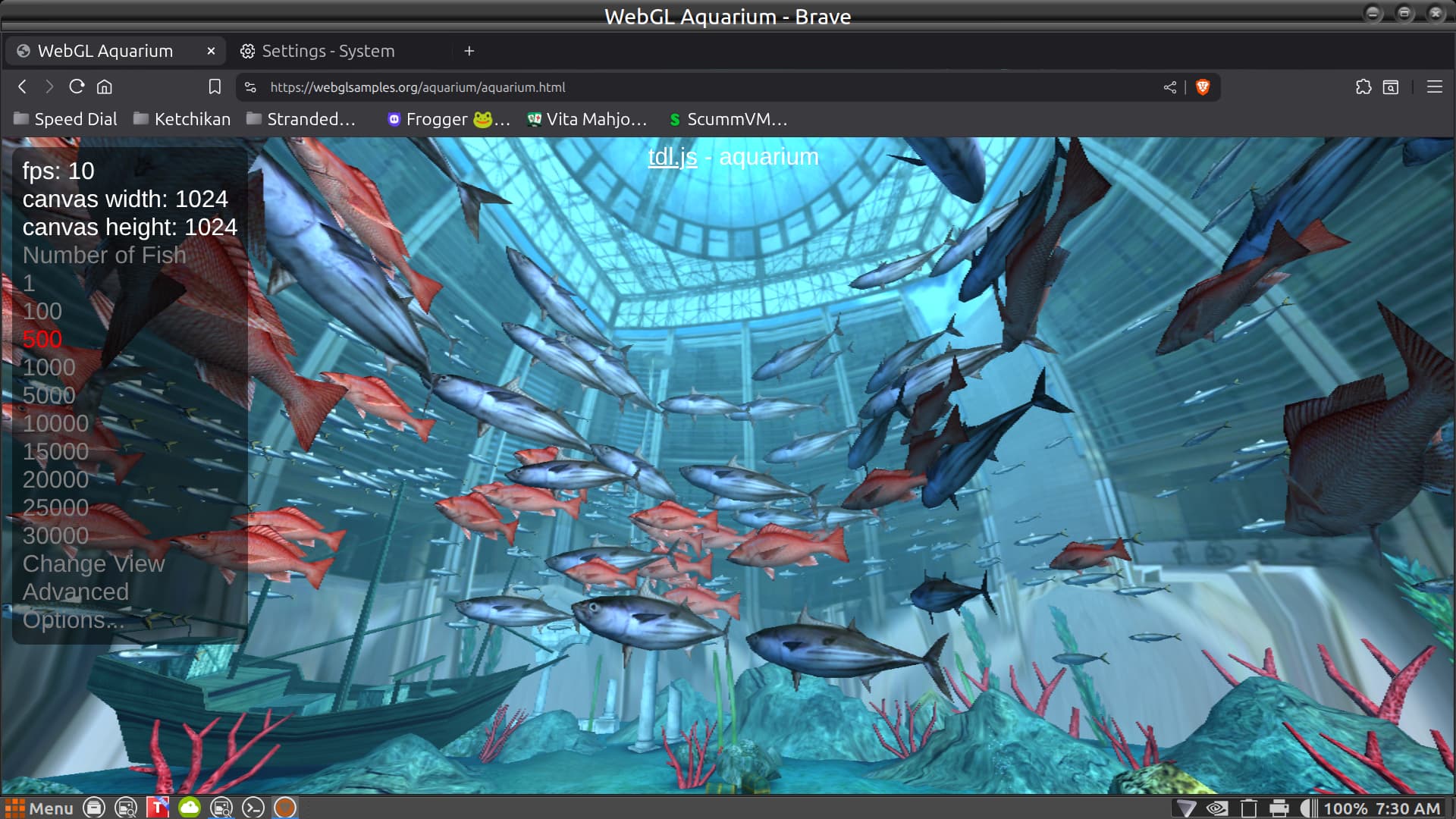
Here's what I found .... Brave uses a setting called Graphics Acceleration and by fault is now turned off ..... not sure just why the test I did said mine was turned on when it was off .....
Indeed, Brave loves to be accelerated, to provide you a smooth experience.
Now Brave is crying, cause it can't accelerate, like a car with a clogged carburetor.
No, that setting is only for the Brave browser. Your OS is separate from that setting. You are likely using Steam like most of us, to play games.
The thing I'm most happy about, is that some high end games, are now coming with an FPS adjustable limit. It used to be, you could only cap FPS to 60FPS with Vsync.
The last game I played, came with an adjustable FPS cap, I set it to my monitor refresh rate of 144HZ. This helps reduce load on the machine trying to push more FPS then is actually needed, reducing hardware overhead.