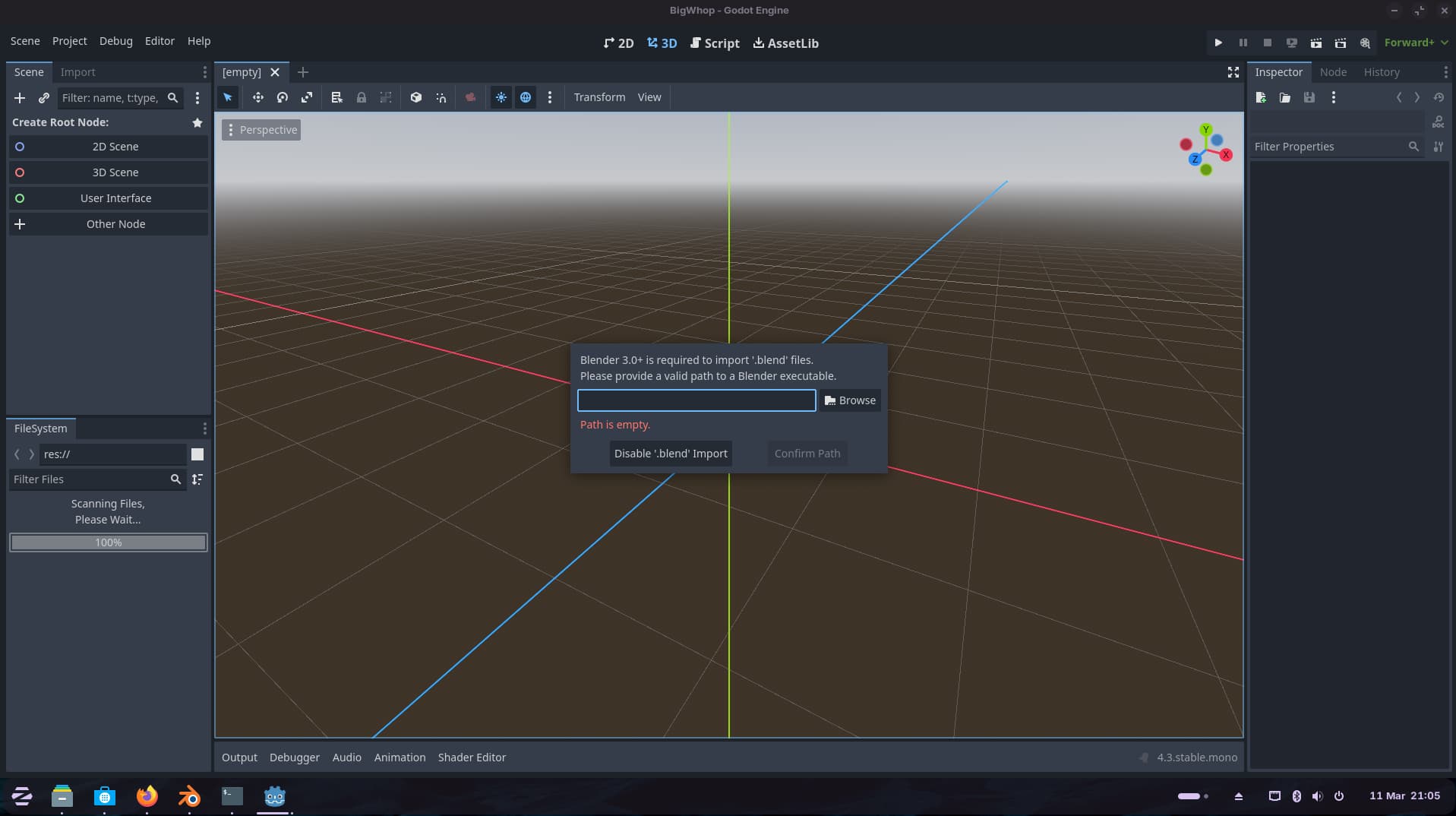
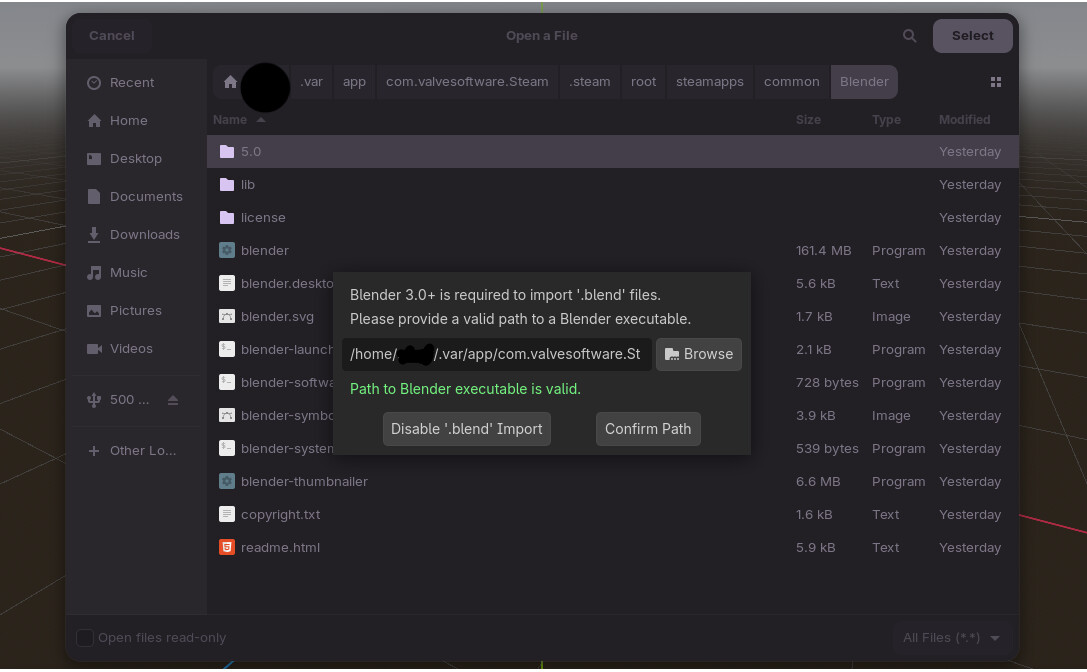
I've just installed GoDot as my games engine on Zorin Pro, and I'm trying to use the Blender which was bundled as part of the creative suite when I installed Zorin Pro 18.
GoDot needs to know the path of the blender executable, which having tried many different methods to find the path of blender, didn't work.
I tried:
1:
sudo apt list --installed blender
2:
Right clicking the Blender icon and going to 'app details' - the location path isn't listed on there
3:
whereis blender
/\ this yielded a blank response from the terminal with no listing
I've a feeling that as bundled software it's installed via some sort of emulator? (I'm new to Zorin) 'Noble' is listed a few times as being connected with blender, although I've tried in any 'noble' directories and I couldn't find any paths to Blender.
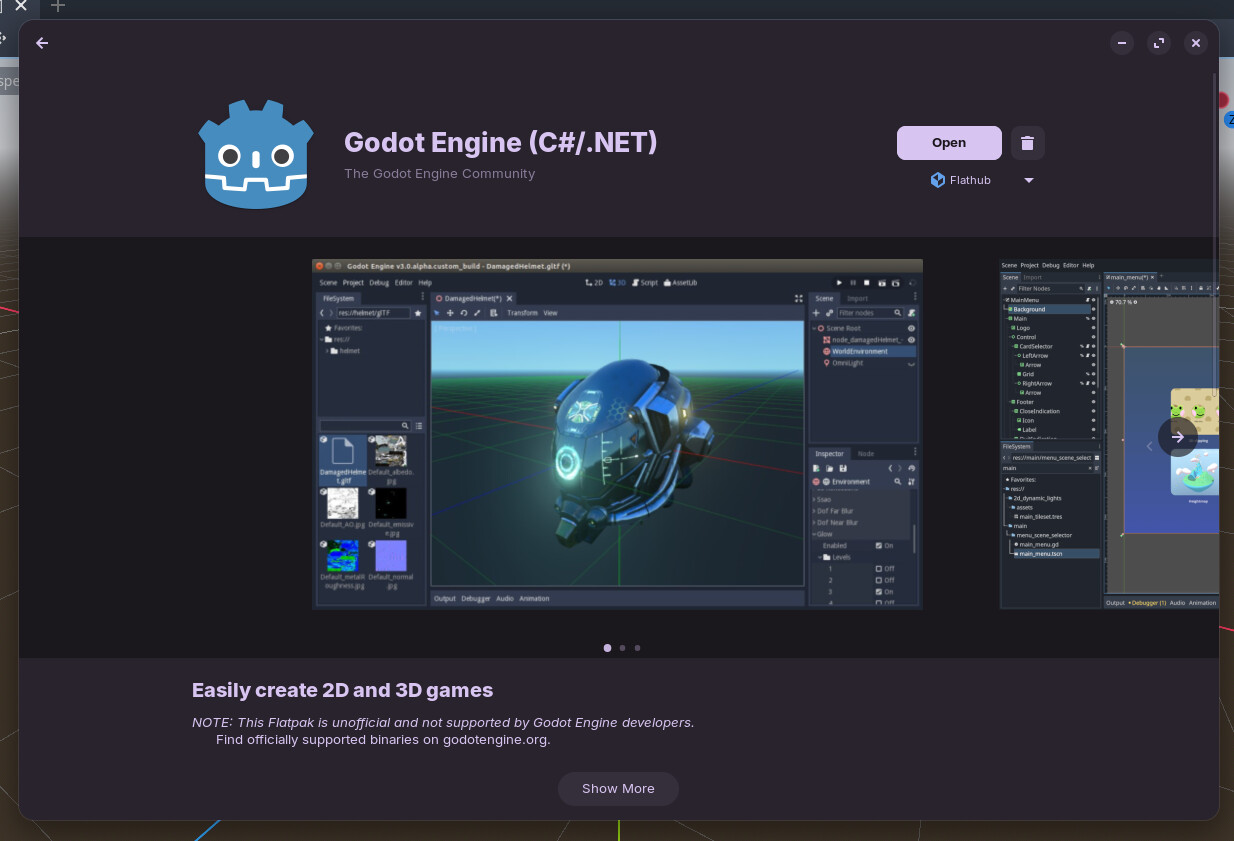
How did you install Godot? There's 3 types of packages in the software center and Godot is running as a flatpak (last I checked). Flatpaks and snaps are running in sandboxes and can therefore not by default see outside its box. You might want to either find a .deb package of Godot or install Faltseal and adjust its permission.
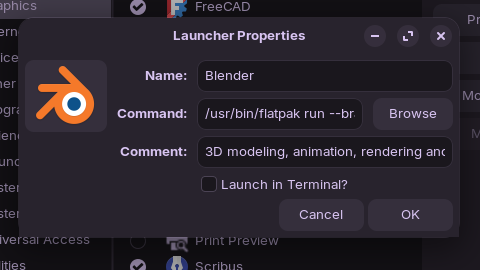
Right-click on your Zorin start-menu and select *Edit menu". Then search for the blender app and click on properties. There you'll find the command which shows the path to launch the program.
Did You checked if Blender is installed as Flatpak or .deb? When Your Way didn't show something, I could imagine that it might be is installed as Flatpak.
Forpli, thank you for this info, which is a by-product of the thread enquiry. I've spent hours trying to autostart my Proton VPN, but couldn't find the command to enter in the autostart command window. Your tip has found it for me, and now ProtonVPN autostarts on boot. Thank you. Another step in the Linux journey...
At least I know where to find the properties for all of my apps for future reference - and most importantly - it tells us that Blender is installed as a flatpack.
Flatpak packages run in isolation. Why this is being pushed as default, is a mystery.
I would recommend uninstalling both flatpak packages, then installing them from the Zorin OS repository, so that they can run and interact with each other, see each other properly.
I would agree here to @Aravisian and try the .deb Version from both if available. When it isn't available in the Repo's, You could check the Manufacturer's Websites.
However - I didn't seem to get that working properly natively using the Pre-installed flatpak version, therefore, I used the Blender and Godot steam installations.
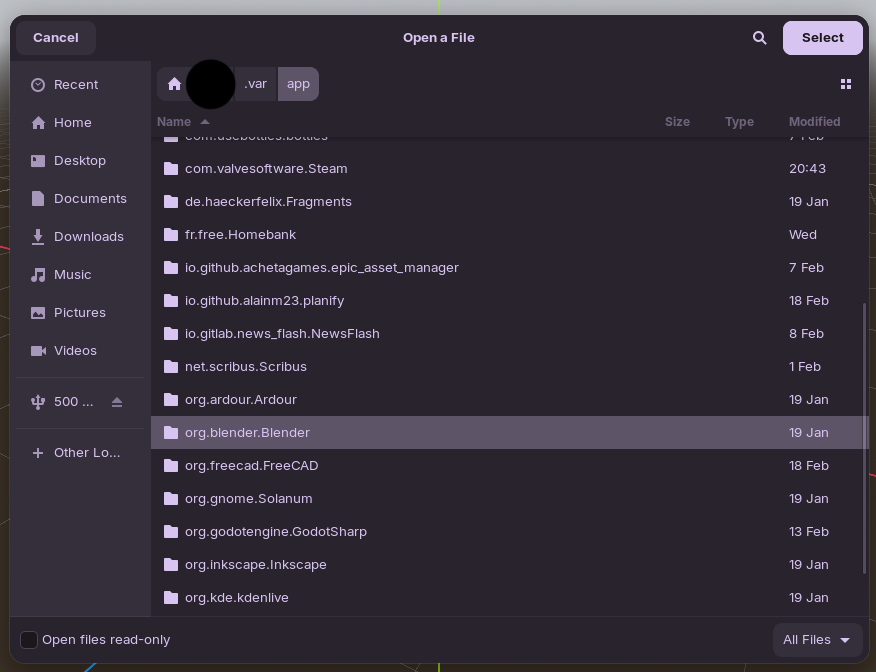
When importing assets from Blender into Godot via the steam version, you have the same process again, although this time the directories were easy for Godot to find, and presto - it worked: