Unfortunately I don't know that.
Edit: I found that guide but it is for migration from flatpak to appimage and you have used a snap.
For the migration from the flatpak to appimage this command is shown on github:
mv ~/.var/app/org.duckstation.DuckStation/config/duckstation ~/.local/share
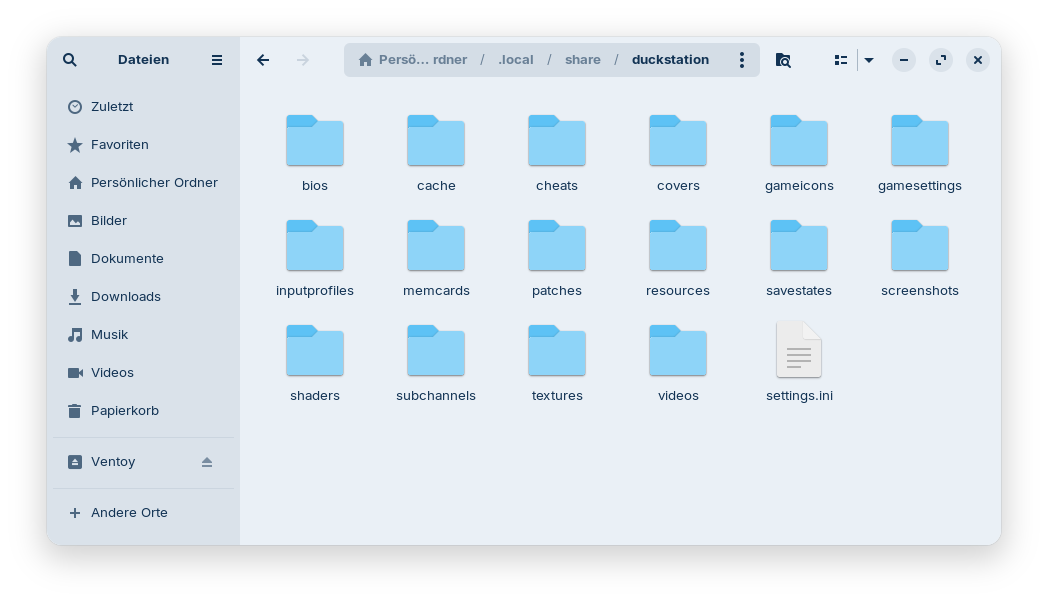
Maybe we could do something similar for the snap and move the files to the folder ~/.local/share. There are your user's files of the appimage saved.
Okay, I have installed the snap of DuckStation in a live session to check.
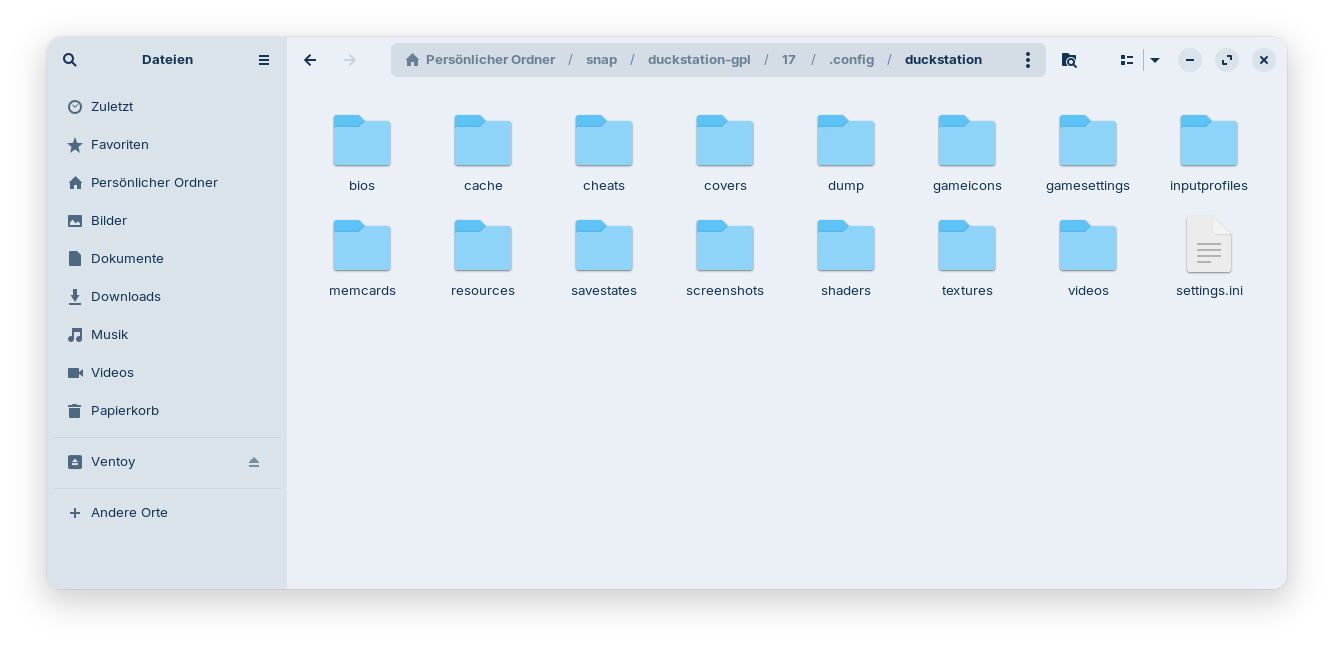
The files are saved at
~/snap/duckstation-gpl/17/.config/duckstation
I hope that are the right ones and all you need.
You can try to copy that folder to ~/.local/share after you have installed the appimage:
mv ~/snap/duckstation-gpl/17/.config/duckstation ~/.local/share
I just installed the appimage and saw that you don't need to install gear lever. When you doubleclick on the appimage during first setup you are asked if you want to check automatically for updates and if a launcher shall be created. When you enable/confirm this you get a launcher in start menu (DuckStation).
That is the content of the folder "duckstation" of the snap package:
That is the content of the folder "duckstation" of the appimage: