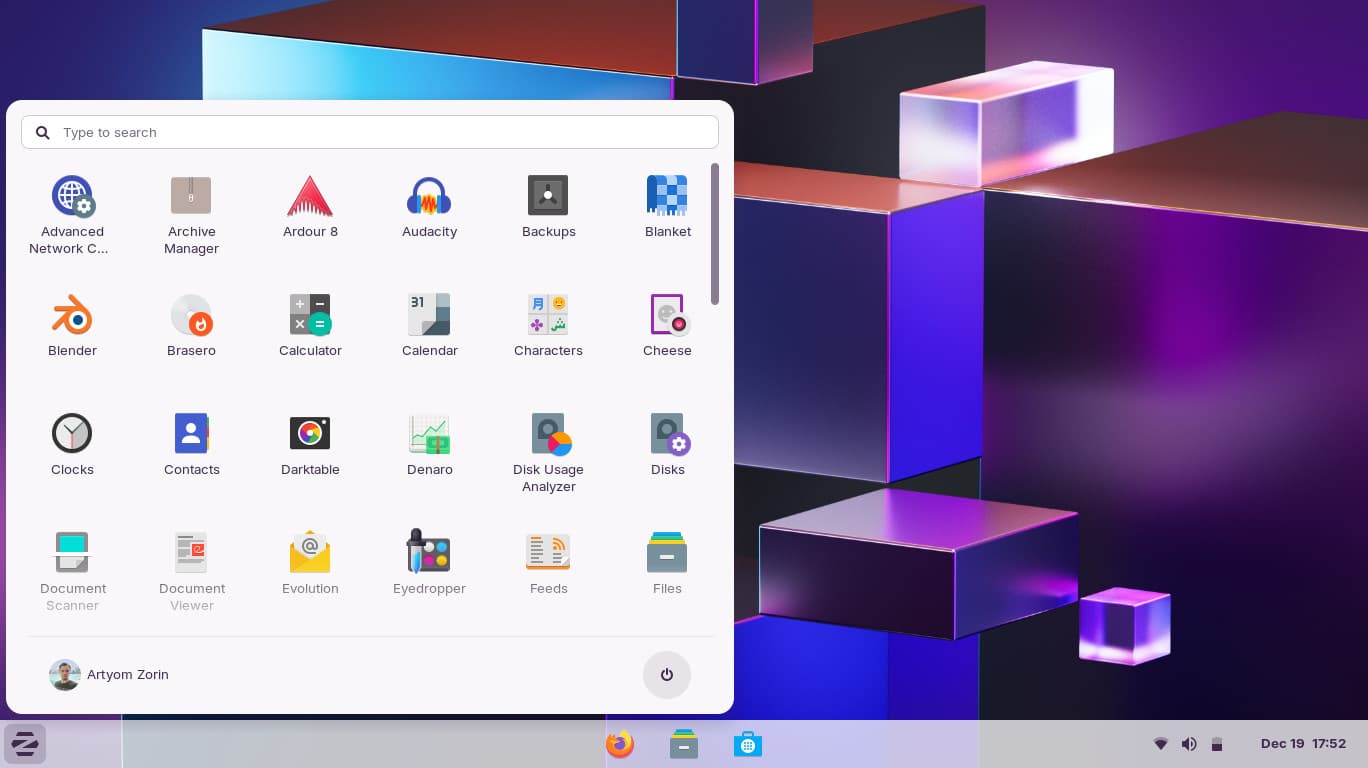
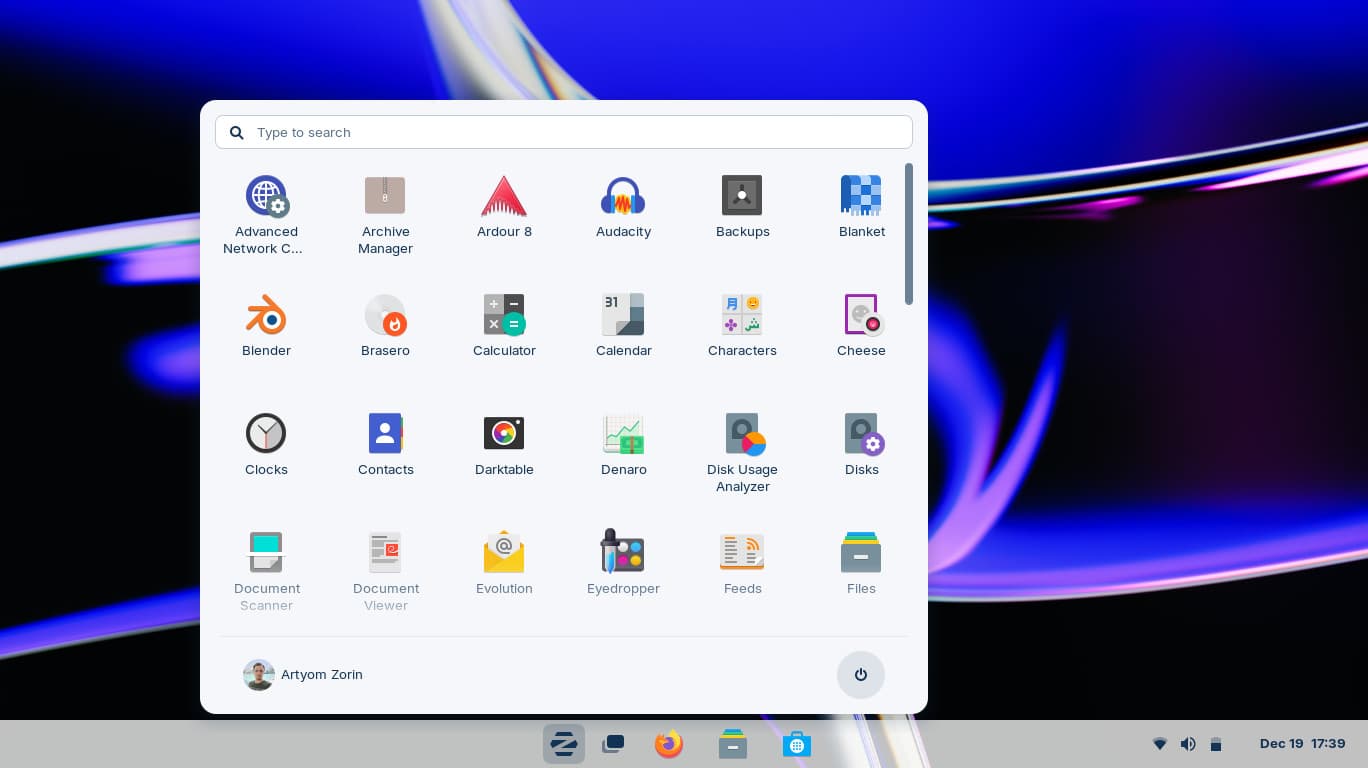
no available anyway to get it
not even windows 11 theme is avail
I have low end old laptop
i3 2328m
6gb ram
500gb hdd
Hi, and welcome to Zorin OS.
The layouts should be available through the "Zorin Appearance" program. If those do not appear, I'd suggest reaching out to the support email address to see if there needs further action on your end.
You will find this address in the confirmation email that you received when the license was purchased.
3 Likes
Only these layout are available i can't find any video online to see if all are available on pro lite too
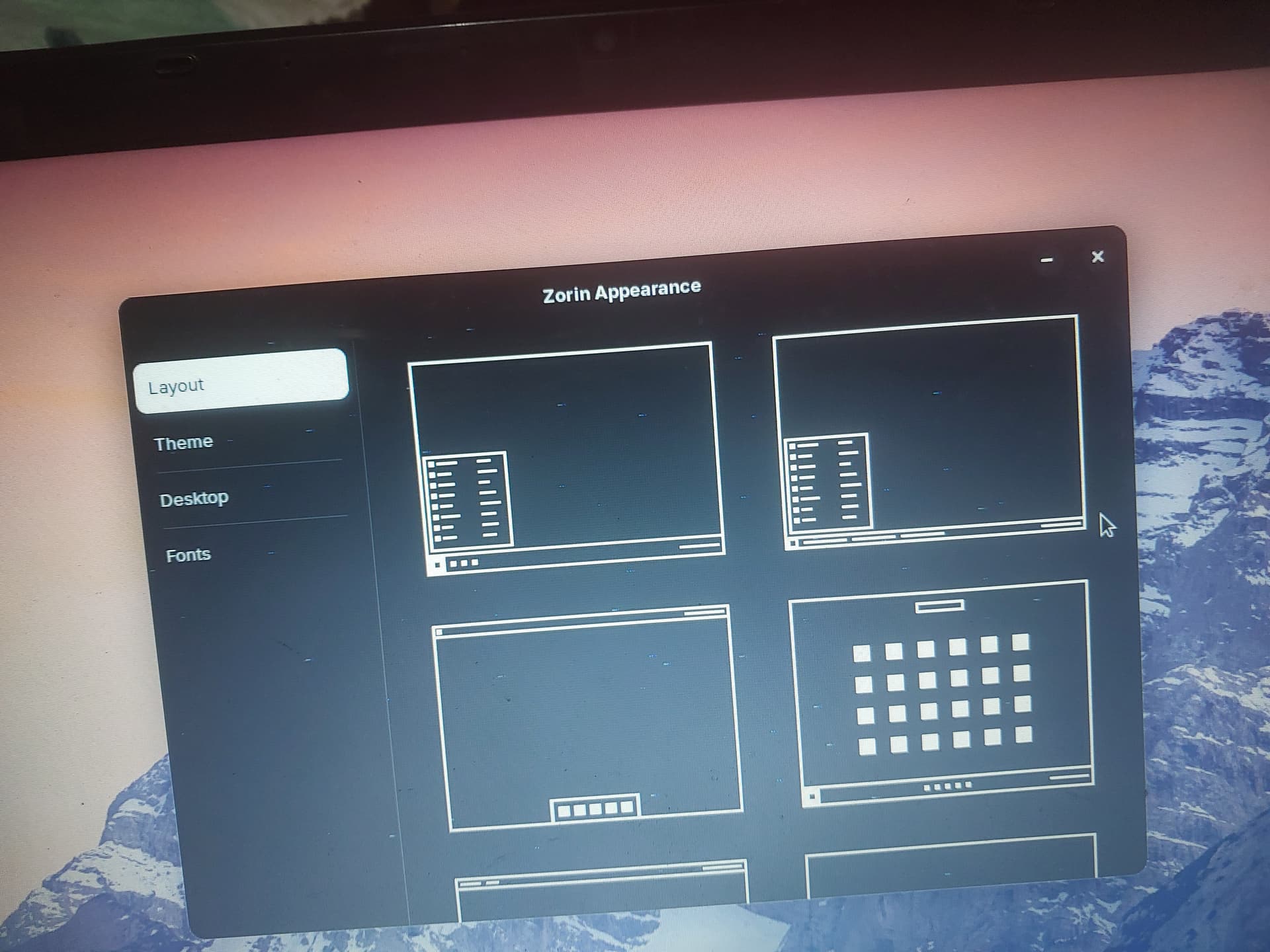
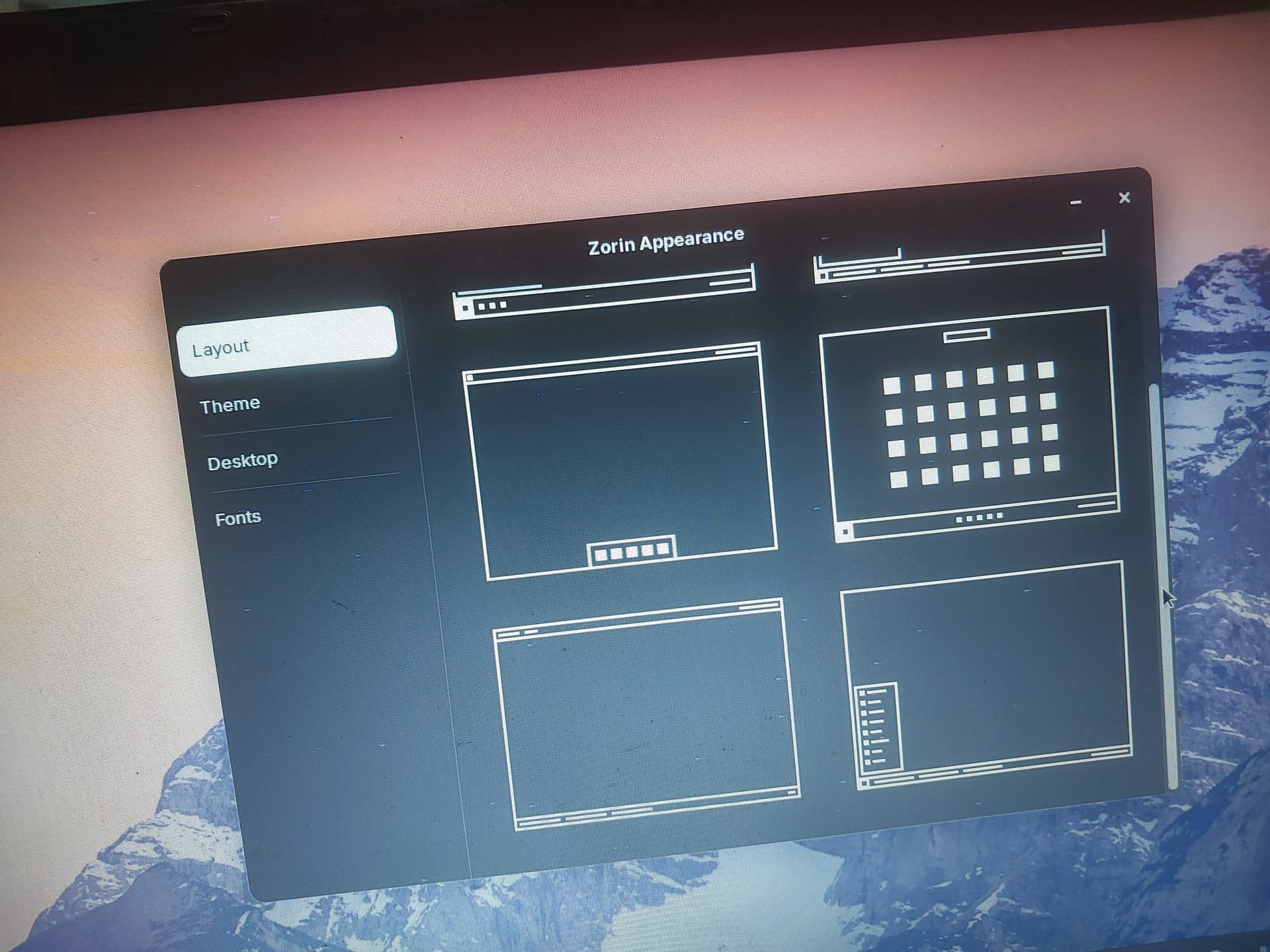
Those are the standard layouts that you get with the base version of Zorin OS, so you're missing the ones from the Pro version. Please reach out to the support via the email address that you receive through the confirmation of your purchase, they'll sort it out for you 
1 Like
i have zorin os pro lite and that only got 6 themes please get more info the os you are leader of lmao
Ah, sorry for the confusion. The "Community Leader" badge that you see next to my username is just a fancy way of saying that I'm part of the moderator team for this forum. We do our best to assist any member with whatever problems they may have, but we do so on a best effort basis.
The development and operations of Zorin OS and related services is handled by the ZorinGroup. As a Zorin OS Pro user, you are entitled to receive support from them directly, on issues related to setting up your installation properly as seems to be the case here.
In any case, it'd be good to know if you ran into any issues while running the upgrade to the Pro version? Or, if you installed Zorin OS from the ISO directly you could check the integrity of the file in case it got corrupted during the download:
1 Like
All desktop layouts
Open the Zorin Menu → Zorin Appearance.
If all the desktop layouts are available in the “Layouts” section, this means that you’re running Zorin OS Pro.
In Zorin OS Pro you should see all 10 desktop layouts instead of 4 layouts in the Core edition.
In Zorin OS Pro Lite you should see all 6 desktop layouts instead of 2 layouts in the standard Lite edition.
I already have 6 themes
Read about it here Verify if You're Running Zorin OS Pro - Zorin Help
You know nothing about zorin os pro lite
No, and I never claimed that I did. This is why I urged you to reach out to the ZorinGroup support who would know better than I would. The forum is a place where the community can gather and discuss topics and issues at our own leisure.
I'll mark your reply as the solution for this thread.
2 Likes
Zorin OS Lite contains fewer layouts due to the ZorinGroup focusing on Gnome Shell Extensions for much of Zorin OS.
Since Zorin OS Lite is so configurable out of the box, whereas Gnome Shell is more restrictive, the end user can far more easily customize and reorganize their desktop layout individually.
For example, on Lite, you can right click the panel, then open the panel options.
Zorin OS Core did not offer this ability until Zorin OS 16, requiring the use of a rather complex shell extension. Even so, this extension does not allow you to reposition and resize the panel as you can do in Lite.
Gnome Shell includes the Activities Overview integrated into the shell.
To achieve a similar look in XFCE (Zorin OS Lite), you would need to install XFDesktop package. This is a less stable independent project, so the ZorinGroup opted to not go this route seeking stability and universal functionality for as many users as possible.
Moderators are not here to provide technical answers. The Zorin Forum is a community driven free and open forum where members can assist each other or discuss issues.
Moderators help keep topics on track, threads organized and ensure compliance with the posting guidelines and policies.
Review them here:
https://forum.zorin.com/guidelines
3 Likes