I installed Zorin 18 Education (next to Windows 11), downloaded it, and did as it says in guide. After entering the system, it didn't even show Wi-Fi. I tried many ways to fix it from guide, update software. I had nothing in “Additional Drivers”. It was literally empty and nothing could be done. I checked the BIOS and had Secure Boot disabled, windows has fast startup disabled and I shutdown it, I tried a lot via bash but nothing works and I have no idea, I've been sitting on this with my dad for a few hours searching the internet, chat gpt - nothing and I don't even know why, when i search for wi-fi in settings thet is always "no wi-fi adapter found"... so please help T^T... (if sth sowwy my english could not be the best)
That's the #1 problem with Linux, wifi drivers.
A lot of people will just switch out their laptop's wifi card for an Intel one or get a dongle.
I can report that this 5Ghz dongle is now plug&play with v18r2 (I used to have to install the driver). Getting 300mbps. It's big tho. Makes more sense for a desktop, which is how I use it.
1 Like
No way, is there no other opction? (I wanna finally switch from windows to Linux but it's starting to be too problematic) T^T but anyway thanks for answer
That, we need to find out - but to do so, we need to identify what card you have. Can you open a terminal and paste this in:
lspci -nn | grep -i network
See if we can ID your card.
With WiFi, many manufacturers lock their drivers behind proprietary code, which is why it is a more prevalent issue.
They are making a choice, for you and using these means, to enforce it.
Are you willing to allow them to do this?
1 Like
Hi Louise and welcome.
I suspect that because you are getting the message no wifi found is because there will not be a driver in the Linux kernel for your particular device. Is the device listed in the BIOS? Additionally if a Notebook (I refuse to use the colloquial term of Laptop) is there a lock switch that needs to be on or a Fn+ F# key to be pressed to switch on/off wifi?
dunno tbh is there a way to check it?
root@louis-Extensa-215-55:/home/louis# lshw -c network
  *-network UNCLAIMED
       description: Network controller
       product: MEDIATEK Corp.
       vendor: MEDIATEK Corp.
       physical id: 0
       bus info: pci@0000:2a:00.0
       version: 00
       width: 64 bits
       clock: 33MHz
       capabilities: pciexpress msi pm cap_list
       configuration: latency=0
       resources: iomemory:600-5ff memory:601f000000-601f0fffff memory:60300000-60307fff
  *-network
       description: Ethernet interface
       product: RTL8111/8168/8211/8411 PCI Express Gigabit Ethernet Controller
       vendor: Realtek Semiconductor Co., Ltd.
       physical id: 0
       bus info: pci@0000:2b:00.0
       logical name: enp43s0
       version: 15
       serial: 40:c2:ba:dd:1f:56
       capacity: 1Gbit/s
       width: 64 bits
       clock: 33MHz
       capabilities: pm msi pciexpress msix bus_master cap_list ethernet physical tp mii 10bt 10bt-fd 100bt 100bt-fd 1000bt-fd autonegotiation
       configuration: autonegotiation=on broadcast=yes driver=r8169 driverversion=6.14.0-37-generic firmware=rtl8168h-2_0.0.2 02/26/15 latency=0 link=no multicast=yes port=twisted pair
       resources: irq:19 ioport:3000(size=256) memory:60204000-60204fff memory:60200000-60203fff
root@louis-Extensa-215-55:/home/louis# lspci -nn | grep -i network
0000:2a:00.0 Network controller [0280]: MEDIATEK Corp. Device [14c3:7902]
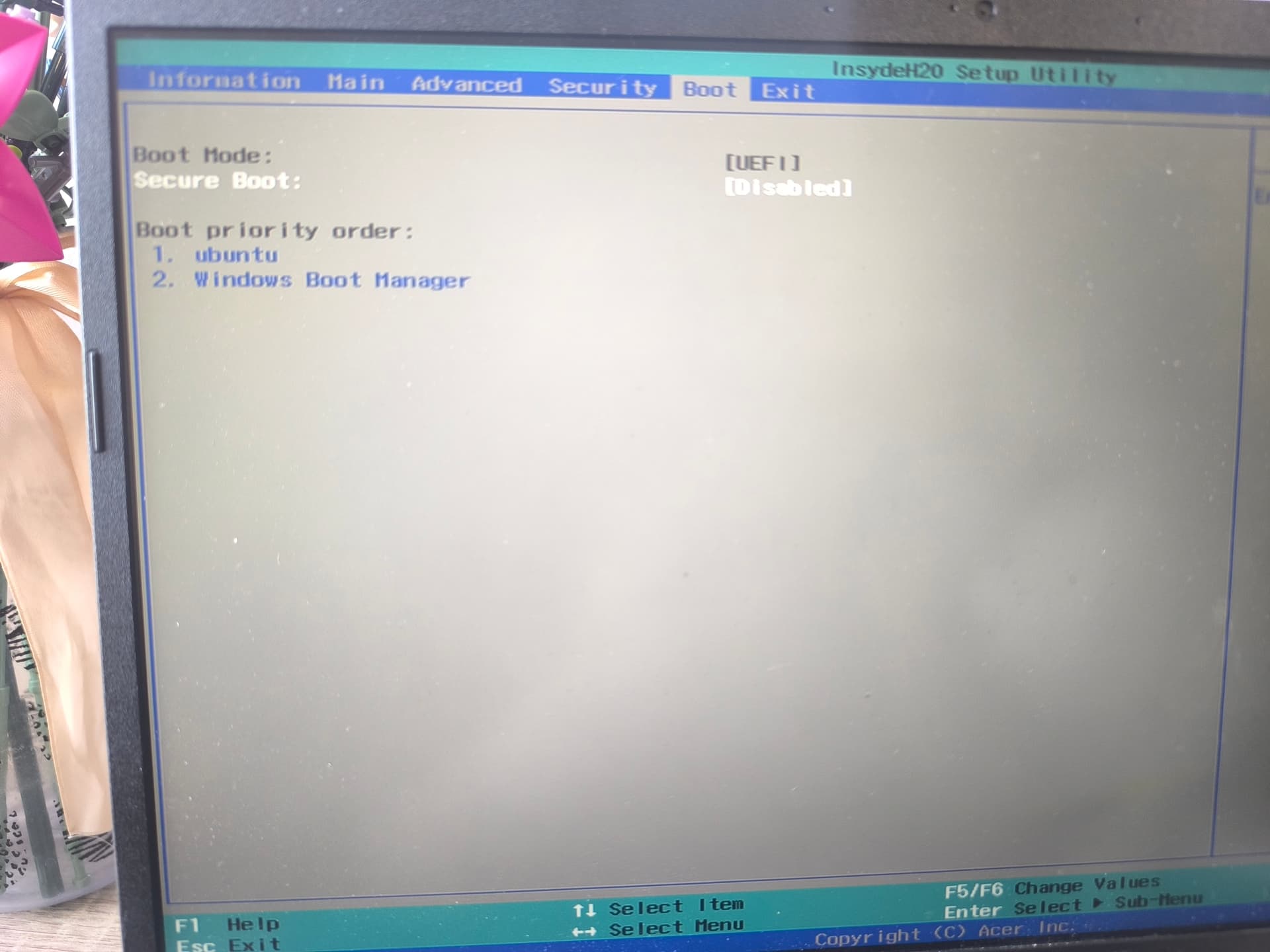
I'm not quite sure what I need to find in BIOSE so there's a photos of my BIOS n I don't have any F key for wi-fi
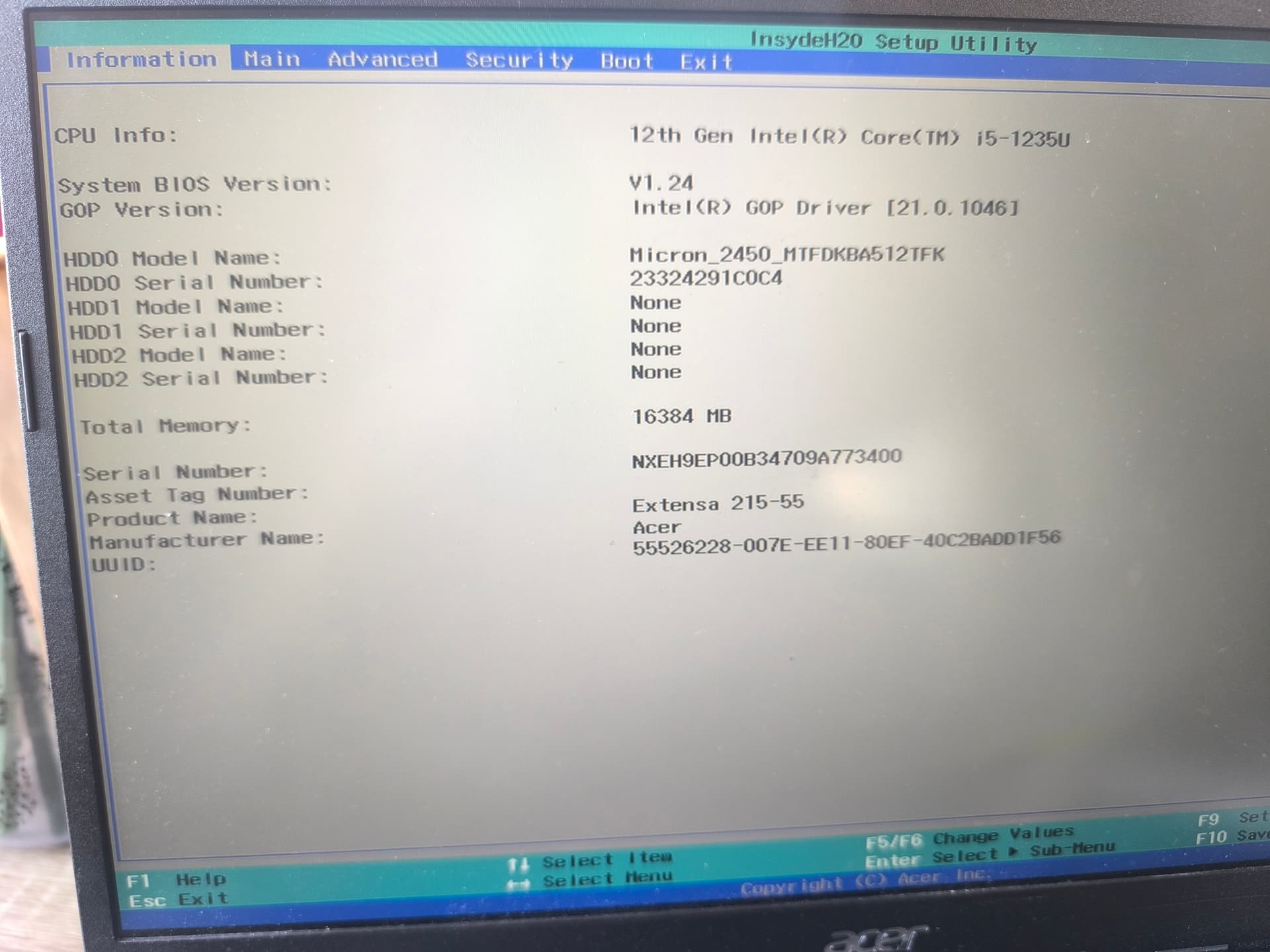
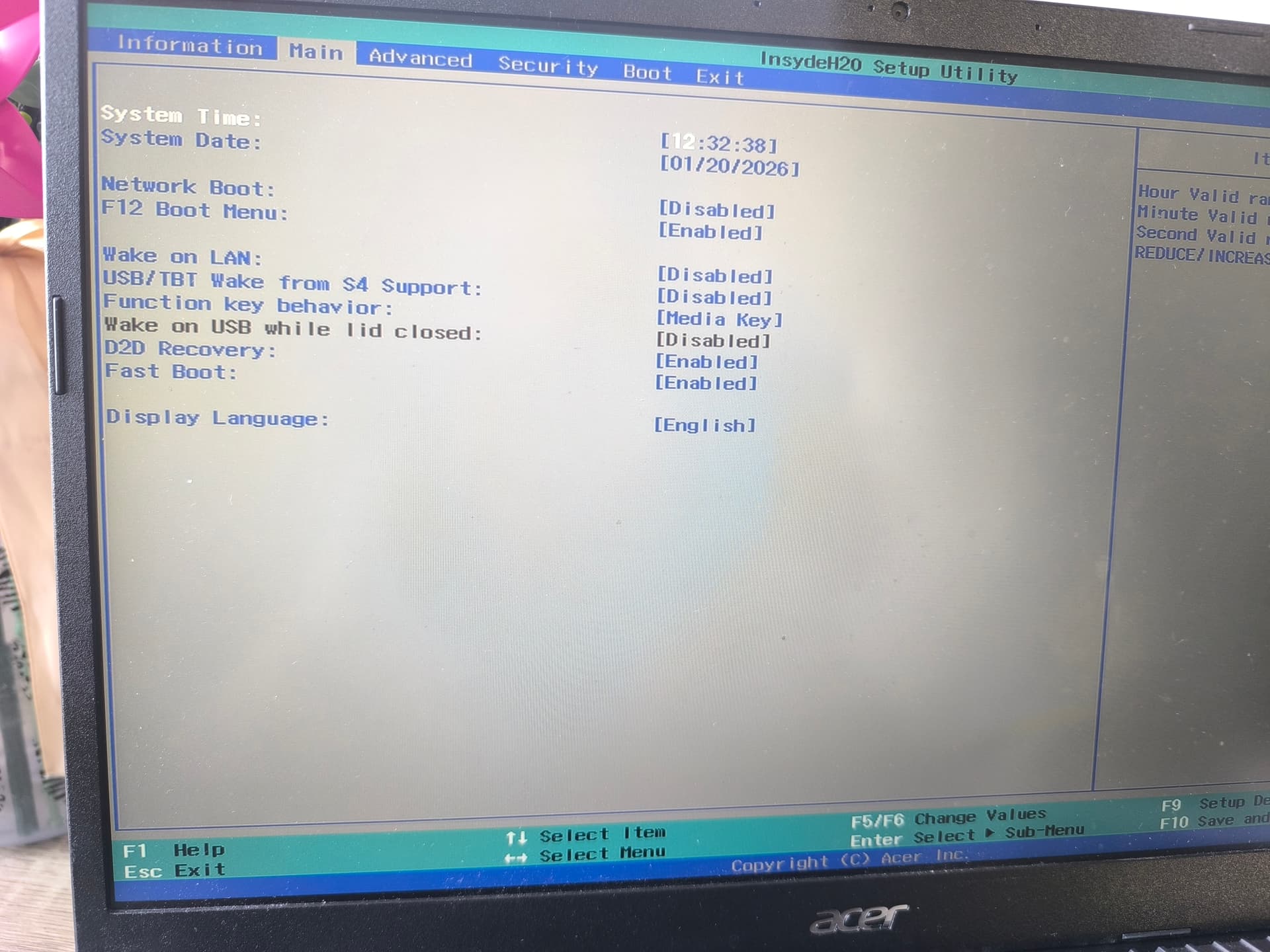
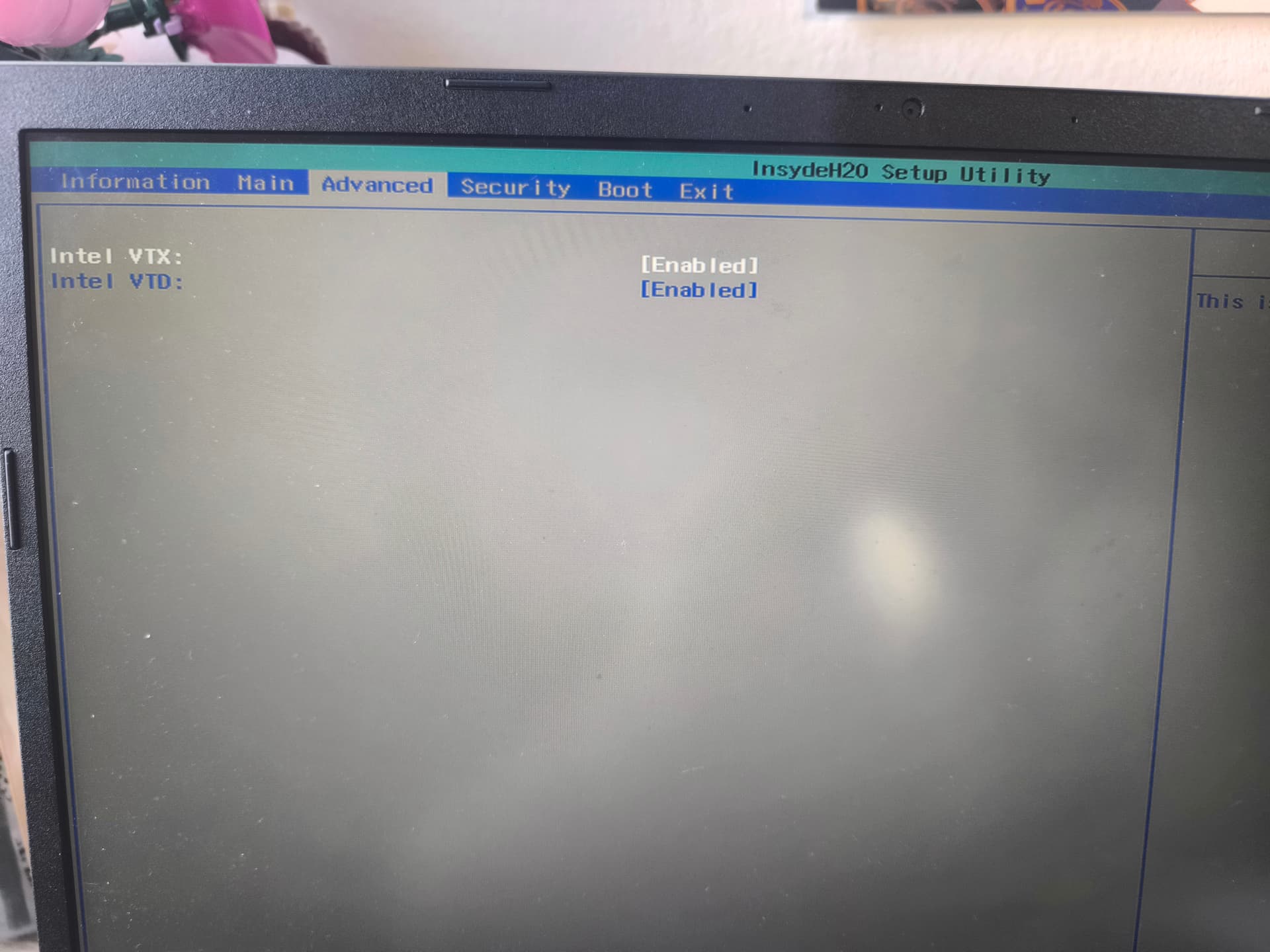
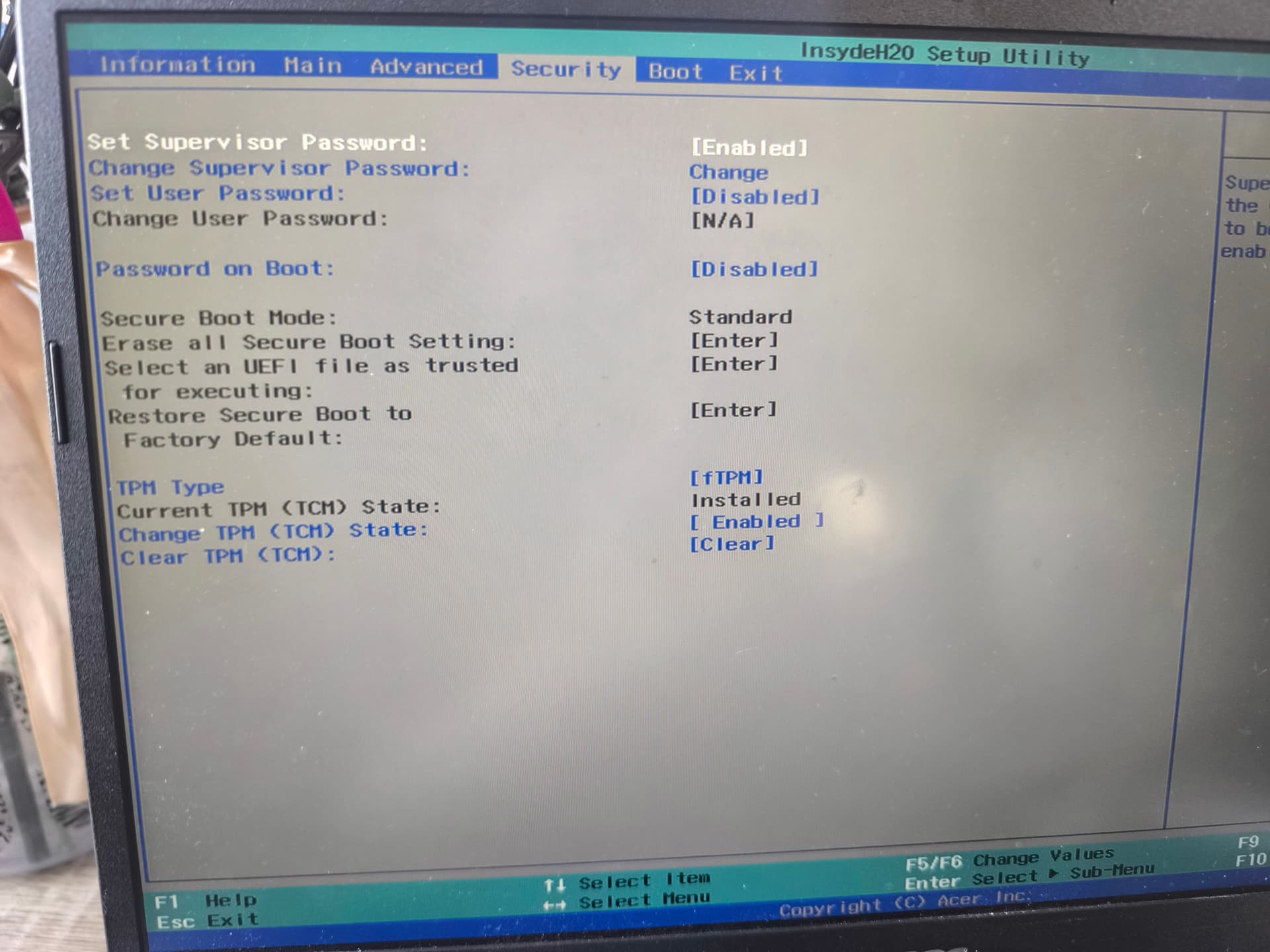
For this Mediatek 7902 WLAN card (MEDIATEK Corp. Device [14c3:7902])
unfortunately no WLAN driver exists in Linux yet.
You can use a WLAN dongle instead or replace the WLAN card (if possible).
Oh That's why nothing worked T^T but any Linux won't work or just Zorin?
Unfortunately, none at all.
You could try Fedora; it is a more up-to-date System with newer Kernel and Drivers. Maybe that will work. You can test it in Live Mode.
Ah, Live Mode: Did You tested Zorin before You have installed it in Live Mode (choose ''Try Zorin'')? If yes, did Wifi run there?
1 Like
Because it is Mediatek I don't think it would work even in live mode. It appears to me that Mediatek is to wifi what S3 Trio cards are like for Graphics on GNU/Linux. I would highly recommend one of these:
1 Like
Thanks gonna try, n in live it's didn't run but I was like well I will fix this after installation
1 Like