Wi-Fi On LINX 12x64 Tablet

Hi Everyone,

New to here as well as Zorin / Linux.

I have installed on a ThinkPad laptop and all went really well, so with my LINX tablet not able to upgrade to Win 11 I thought I would try it on there.

Got to the desktop and all looking good, but no WiFi :pensive_face:

Here are the details for the card fitted so any help would be really appreciated.

The Linx 12X64 tablet is equipped with a **Broadcom 802.11ac WDi SDIO Adapter

Please enter in terminal
"sudo lshw -C network" and post the output here.
Also take a look at Software & Updates >Additional drivers if there is offered a wifi driver.

Can you connect your phone via cable with your tablet and enable USB tethering to have internet? You need internet connection for installing drivers.

Welcome to the Forum!

If Your Tabled should have Secure Boot and Fast boot, turn these off.

If You are able to make a Cable Connection to the Internet, it would be good for the following.

Did You take a Look at the ''Additional Drivers'' Tab in Software & Updates if there is a Driver offered?

Could You post the Output of sudo lshw -C network please? It gives an Overview for Your Network Stuff. This could help.

If this is a supported Broadcom Device, installing the following Package could help:

sudo apt install firmware-b43-installer
1 Like

This one.

Broadcom distributes proprietary drivers.

The restriction is on distribution, not on use.
So a Distro (Like Zorin OS) cannot distribute with the driver included, but the end user can freely install the drivers.

1 Like

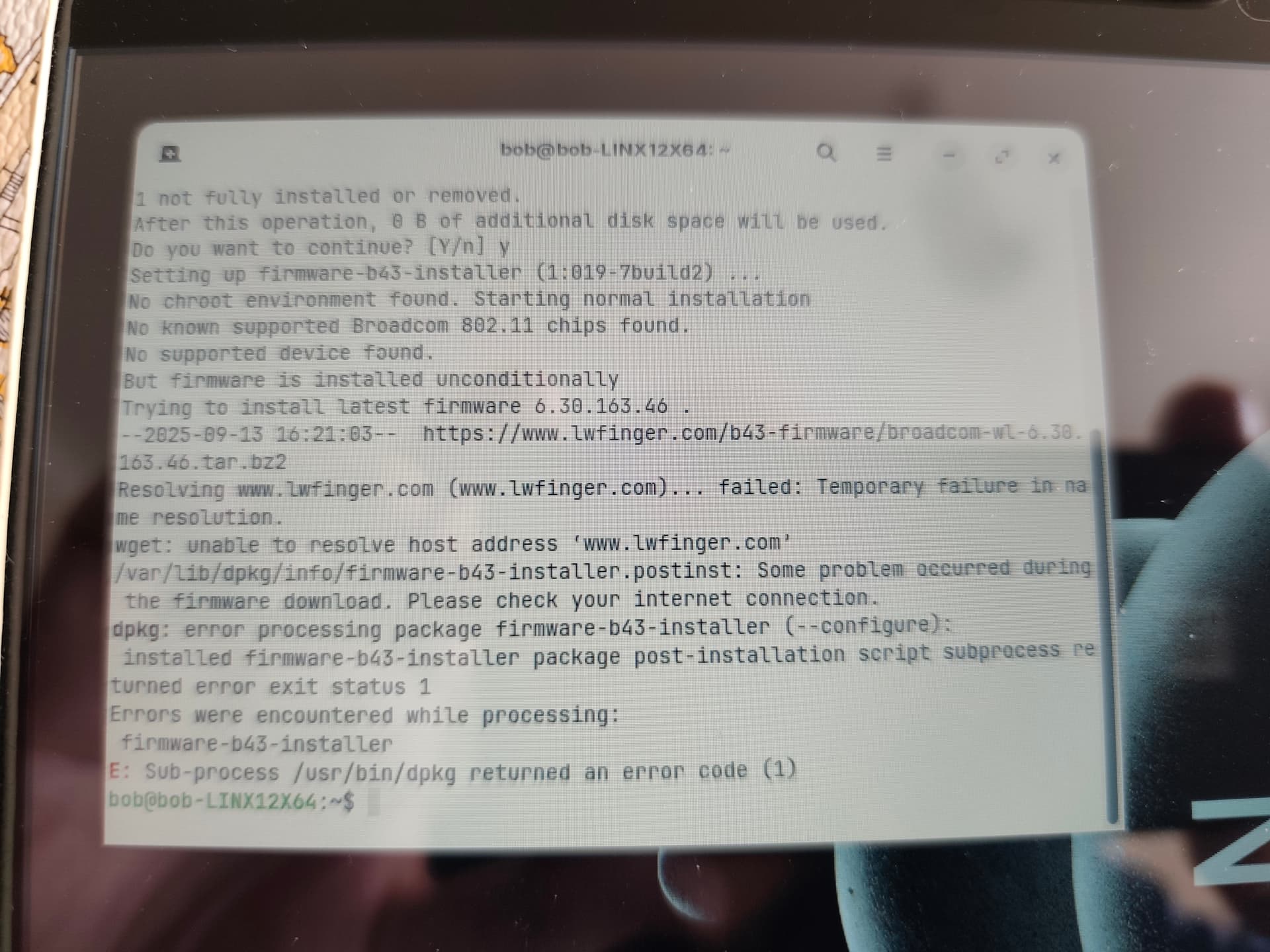
Hi, I have run the lshw -C network and there is nothing returned :thinking: I tethered my phone and ran the b43 install and it returned an error
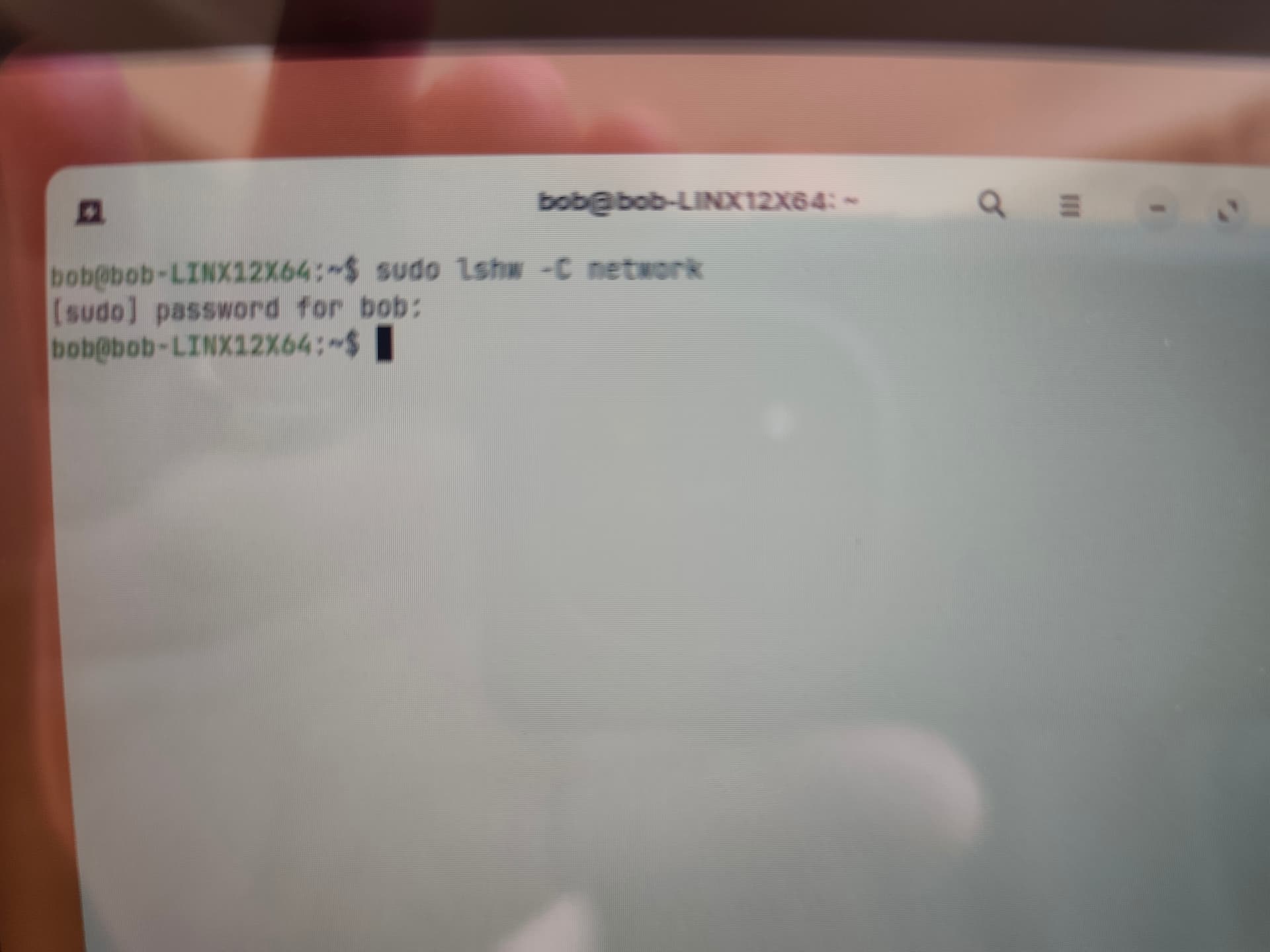
I have never seen that produce a null result, before..

What error did it display?

It just said error, failed to install 1

When I had my phone tethered it returned the result of there being a wired network and I could connect to the internet

Please tether and connect, check you have net.
Then in terminal, run

sudo apt update && sudo apt full-upgrade

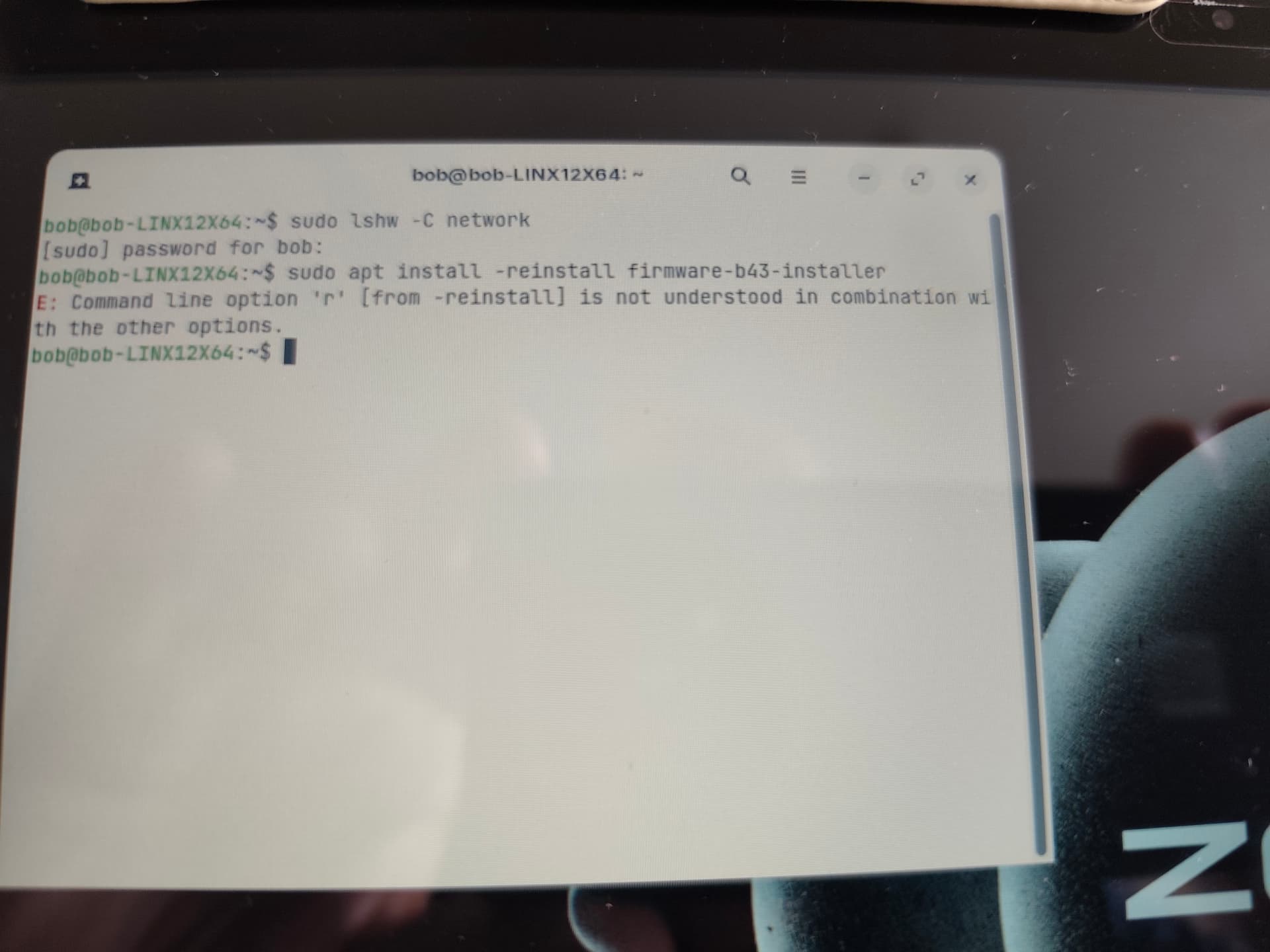
sudo apt install –reinstall firmware-b43-installer

Hi, this is an error received after the 'reinstall'


And here is the error after running the 'install'

Hope this helps ?

There are two dashes:
sudo apt install --reinstall firmware-b43-installer

The fault is mine... I pasted the command and the parsing makes them look as one...

But you corrected it yourself and it failed as not a supported chipset - and the link leads to a 404 error, anyway...
Try:

sudo apt install bcmwl-kernel-source

sudo modprobe wl

Is it a typo?
sudo modprobe wl

1 Like

It was... :man_facepalming:

I am gonna chop off all of my fingers and type with my toes from now on.

But wash them before. Not that Your Keyboard begins to stink ...

1 Like

I did some searching around and this worked for me :-

2 Likes