I was working when the computer just turned off due to lack of battery, even though it didn´t sent a notification about it.
After charging and turning the pc on, the wifi and bluetooth stopped working.
Fast boot and secure boot are both disabled on bios
All drives are up to date, runing Zorin 17.3
sudo lshw -C network returns this, so Its recognizing the wireless adapter
When you turned on the computer again, what I would recommend is going through your updates with a sudo apt update, sudo apt upgrade just to make sure everything's up to date and it doesn't show any errors when it happens. The next thing I would do is reboot the machine the proper way, so that it can do a standard shutdown instead of a sudden, unplanned one. Sometimes that alone can cause issues like this.
Is this also a dual boot? Always worth double checking windows didn't do another windows thing and change its settings on you to wreck your fun in linux land. If it's not a dual boot, you can safely ignore this then.
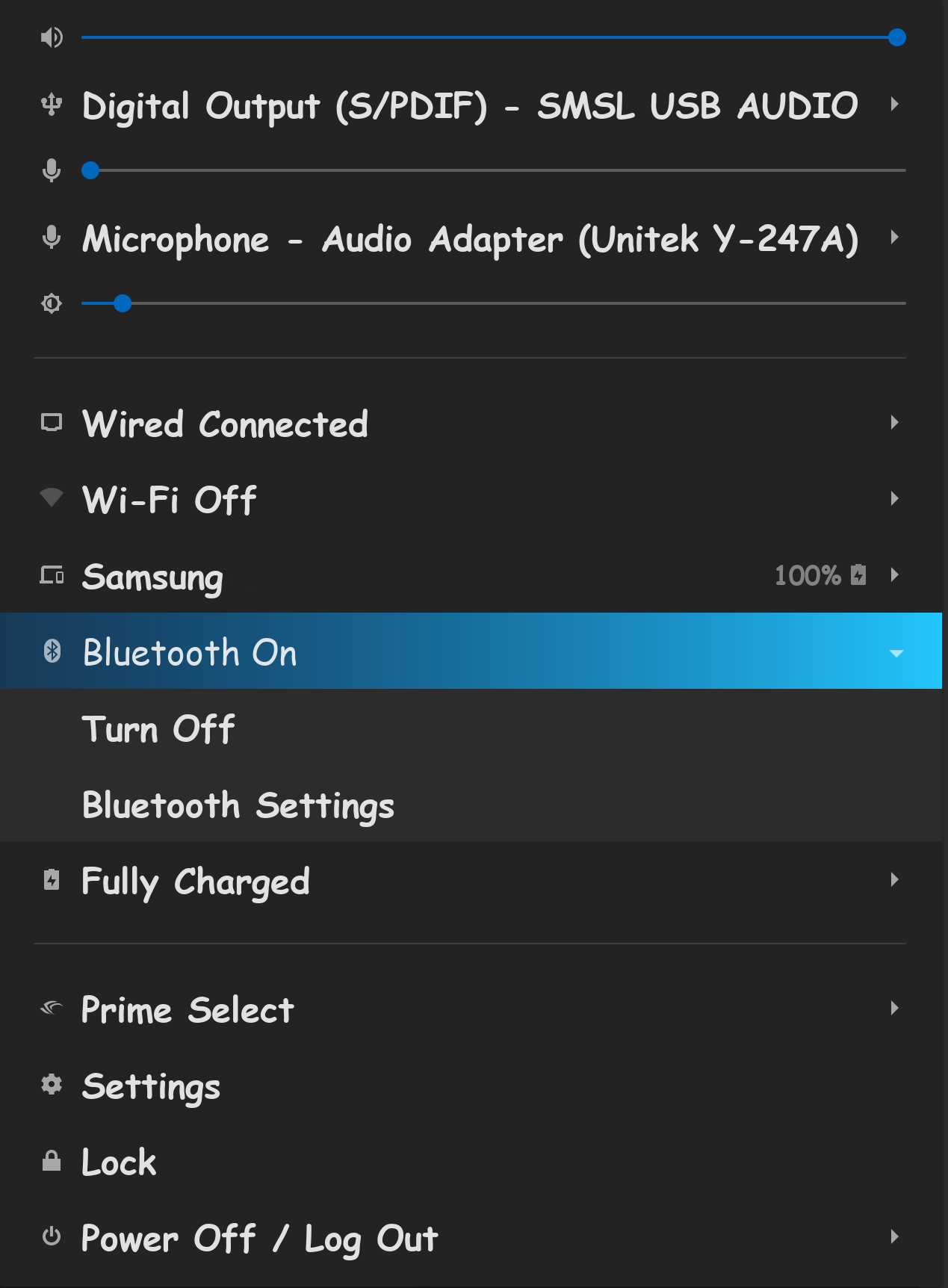
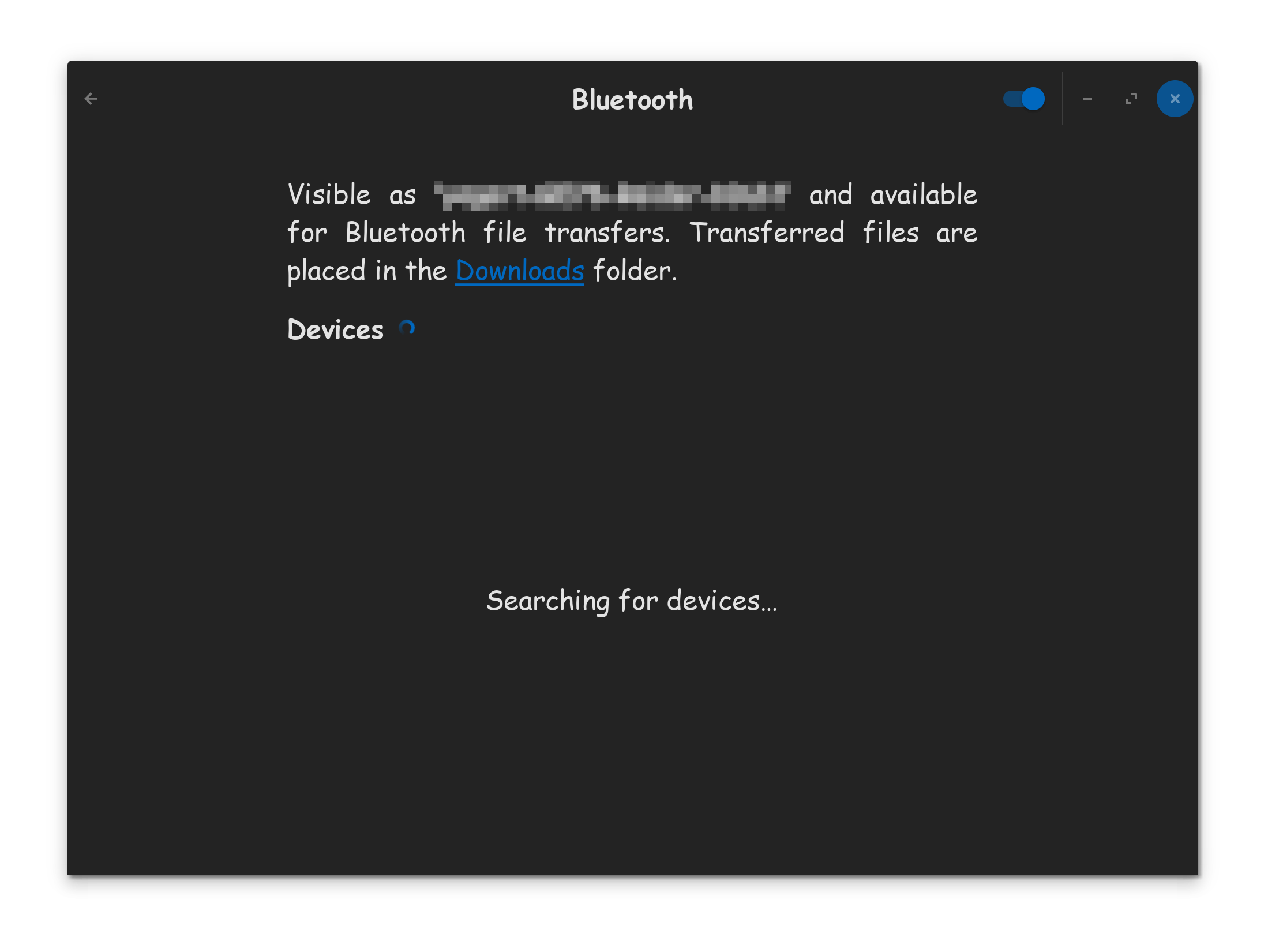
Toggle the switch to turn your bluetooth on. You can see the status of your Bluetooth here. You can also open up the full Bluetooth GUI, and check it here...
Make sure the toggle is in the ON state. If your devices got permanently disconnected, make sure your devices are on & put in a discoverable state, so your computer can see them during the search. Depending on what you are doing, you might have to put your computer itself in a discoverable state, so other devices can see it as well.
I also agree with doing a proper shutdown, but I also want you to do a full power cycle as well.
(1) Please initiate a full shutdown sequence.
(2) Please pull the power cable from the computer.
(3) Press and hold down the power button to discharge the caps for 30-seconds. (Only works on Desktops with no battery)
(4) Plug the power cable back in, and hit the power button to boot the computer.
(5) When at the login screen, click on your name. When the appears, click on it. Choose Zorin OS On Xorg. Now login.
I suppose this is implied by the previous two suggestions, but make sure that the OS recognizes the Wi-Fi / Bluetooth buttons properly. When there's no network adapter for either of these two, they should be grayed out entirely. This can help to narrow down the problem a little more.
Another test you can try is turning the wireless hotspot so that you can connect to it from another device. See if that works.
Lastly, check out the logs after restarting the computer:
journalctl -xe
And look for any mentions for the driver (ath10k_pci). If you prefer you can save the output to a file and upload it to something like https://paste.debian.net/ for us to take a look as well (the more eyes, the better).
There is also a possibility of a kernel update occurring and the new kernel having a regression affecting wifi.
You could test this quickly by booting to grub, select "Advanced Options for Zorin" then select the previous working kernel generic version listed.
Boot with that older kernel and see if any change.
All of them didn´t properly worked yesterday, so i went to sleep and tried again today, and its fixed... not sure which one was the fix, but I guess @StarTreker suggestion on doing a full power cycle could be on the right track!
 appears, click on it. Choose Zorin OS On Xorg. Now login.