I've just installed Zorin core for the first time on a new thinkpad t14 gen 7. It went smoothly except for the wifi—I cannot get it to connect. This seems like a common issue going back a lot of years because I found quite a few threads like this, but none actually solved the issue so far. Mostly it just seems like they auto-closed after a while.
-It can see the router (fritz box 7590) fine.
-Hardware is not busted since it did work to connect to the same router in win11 that this came with, only moments before installing Zorin.
-It tries to connect, prompts for the password which I enter (I have checked and re-entered this multiple times by now in case I typed it wrong).
-It fails at this and prompts for the password again with an "authentication required" popup. The router is aware of the failed attempt (it keeps track of devices that fail).
I have looked at settings on the router and the laptop. The router has options for "WPA2 + WPA3", "WPA2", "WPA + WPA2", as well as a setting for increased compatibility. I have tried all of these. Zorin for its part has the security setting for this network as "WPA and WPA2 Personal". I looked at enterprise but that just adds settings I don't understand or see in the router.
I also tried WPA3 with the router set to "WPA2 + WPA3".
Restarted router and laptop to no effect.
So far nothing I've done has made any difference at all. It does the same thing each time, asking for the password, failing, prompting again.
Is there some other setting I should be looking at? Am I just on unsupported hardware?
-Yes. Actually I had no choice... when I first tried to boot from the install usb it had some error related to secure boot, so I went in and turned that off to install it. Fast boot I always kill because it's caused me issues before and it just became habit.
-I had it format the drive during install so no windows.
-I selected an option about additional drivers during install, but haven't done any updates. Will see if I can download some via tethering to my phone or something.
-it output this:
Maybe a later kernel could help, e.g. the liquorix kernel or oem kernel? It is really new hardware.
The liquorix kernel is not signed, so you would need to disable secure boot if you want to try it.
Or you try the oem kernel
sudo apt install linux-oem-24.04d
Reboot after the installation and test.
If you install more than one kernel, you can select the kernel you want to boot from in grub menu at advanced options. If the grub menu isn't displayed at boot, press continuosly esc key to show it.
Both the automatic options for this failed. I don't really understand most of what it said but it seemed to be suggesting incompatibility. Not sure whether I should try it manually or not? I probably wouldn't know where to get rid of it if it causes some issue. Although at this point reinstalling the whole OS wouldn't really lose anything either.
Thanks, tried this with the OEM kernel and this actually seems to have fixed it. I guess it was really just too recent to have support in the default one.
Just a side note. We are with an ISP that supplies FritzBox routers. I have had nothing but issues with both the one supplied when we were on ADSL and even worse with the current Fibre model. My good lady needs to use a works notebook.
When I had an Archer (TP-Link) modem/router no issues, but it died after I did a reboot after losing wifi on the playstation I was not aware TP-Link had changed firmware updates via ISP back in 2021, so I had bricked the router during a firmware update.
So I get the FritzBox 7530 AX out of storage and even though the notebook was inches away, no joy. Worse, ethernet did not even work. The problems with FritzBox devices when it comes to WiFi is that there are no antenna.
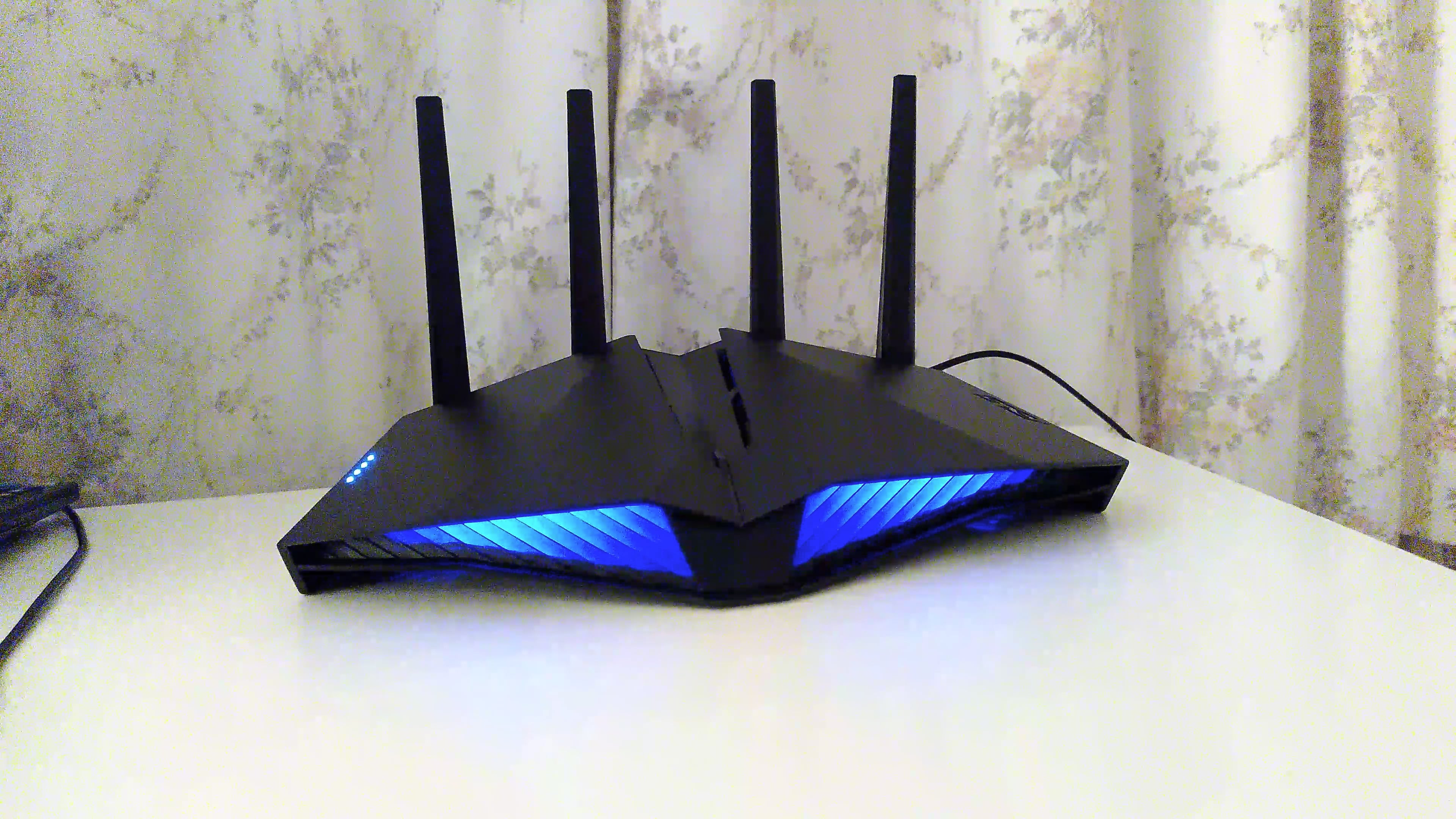
My solution was to go out and buy this, the last one in the shop:
And, yes you can turn off the RGB and over bright status LEDs.