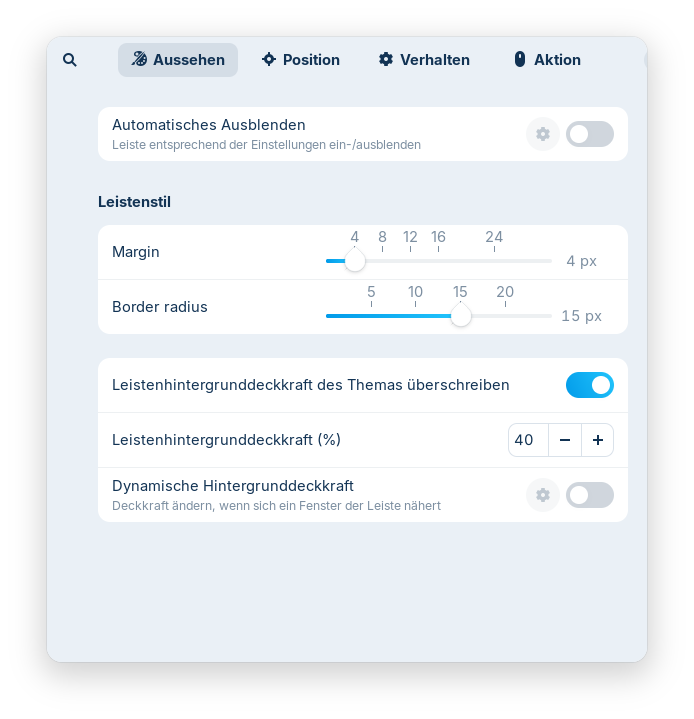
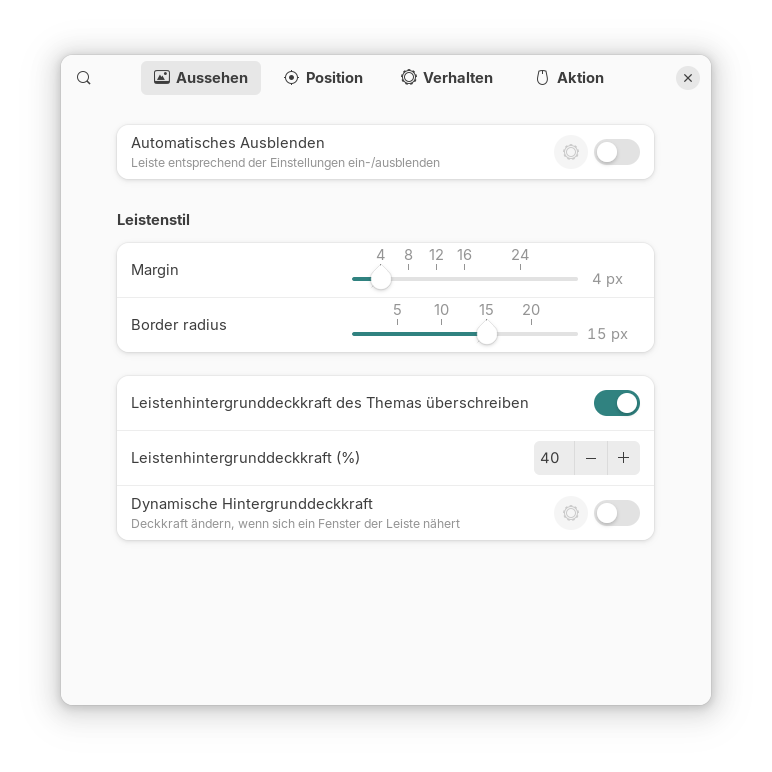
The window of the Zorin taskbar settings always opens in a small size so that the close button isn't visible.
You can resize the window, then the close button is shown, but when you close it and open it again, the window doesn't remember the bigger size and opens in small size without the close button visible.
Can this behavior be changed so that the window always has a close button when it is opened?
I prefer closing windows with the close button and not with a keyboard shortcut or the context menu of the topbar of the window.
I tested it with the gnome extension "Dash to panel", and there the settings window for the taskbar shows a close button when it is opened.
Would it be possible that the Zorin group makes the window for the Zorin taskbar settings a bit bigger with the next extension update? I tested all other Zorin preinstalled gnome extensions, and it is only the window of the Zorin taskbar extension which has no window buttons/close button when the extension settings are opened.
yeah the zorin taskbar prefs window ships too short so the titlebar buttons get clipped till you resize it. it doesnt save that size.
try doin this for now:
open the settings window
grab a corner and drag it taller/wider once so the close button shows
or hit super+up to maximize that prefs window while youre in there
for a real fix youd want it filed on the zorin taskbar extension so they bump the default min height. dash to panel remembering size is why that one feels fine.
I need to resize it to see the close button.
When I change the font size to Inter Regular 10, then I can see the close button, but not with Inter Regular 11. I have no fractional scaling enabled and use a 14 inch display with a 1920x1080 resolution and scaling 100%.
I just noticed, when I click at the very outer edge, there is a bit shown of the close button, then the window closes but it's hard to hit that with the mouse.
Perhaps I have that problem because I have increased the default font size from 10 to 11? That would explain it. Font size 10 is very small on my laptop.
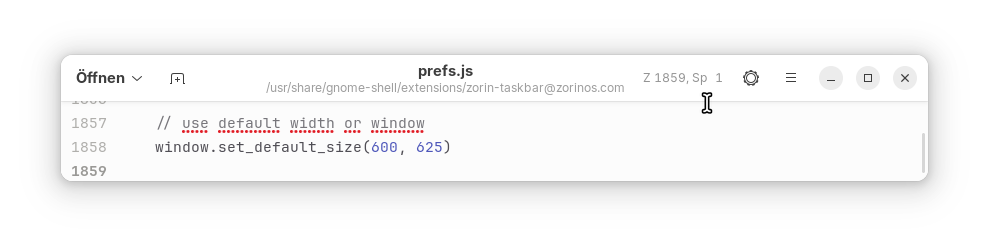
pretty sure that size isnt in a user json. its baked into the extension prefs window.
try doin this:
ls /usr/share/gnome-shell/extensions/ | grep -iE 'task|zorin'
ls ~/.local/share/gnome-shell/extensions/ | grep -iE 'task|zorin'
then open prefs.js in that folder and look for set_default_size / default_size / default_width. bump the height a bit, save, then alt+f2 and type r to reload the shell (or just log out).
if prefs.js has no size numbers then font 11 is just pushing the close button off a fixed tiny window and youre stuck waiting for zorin to bump the min height. your font 10 vs 11 test kinda lines up with that.