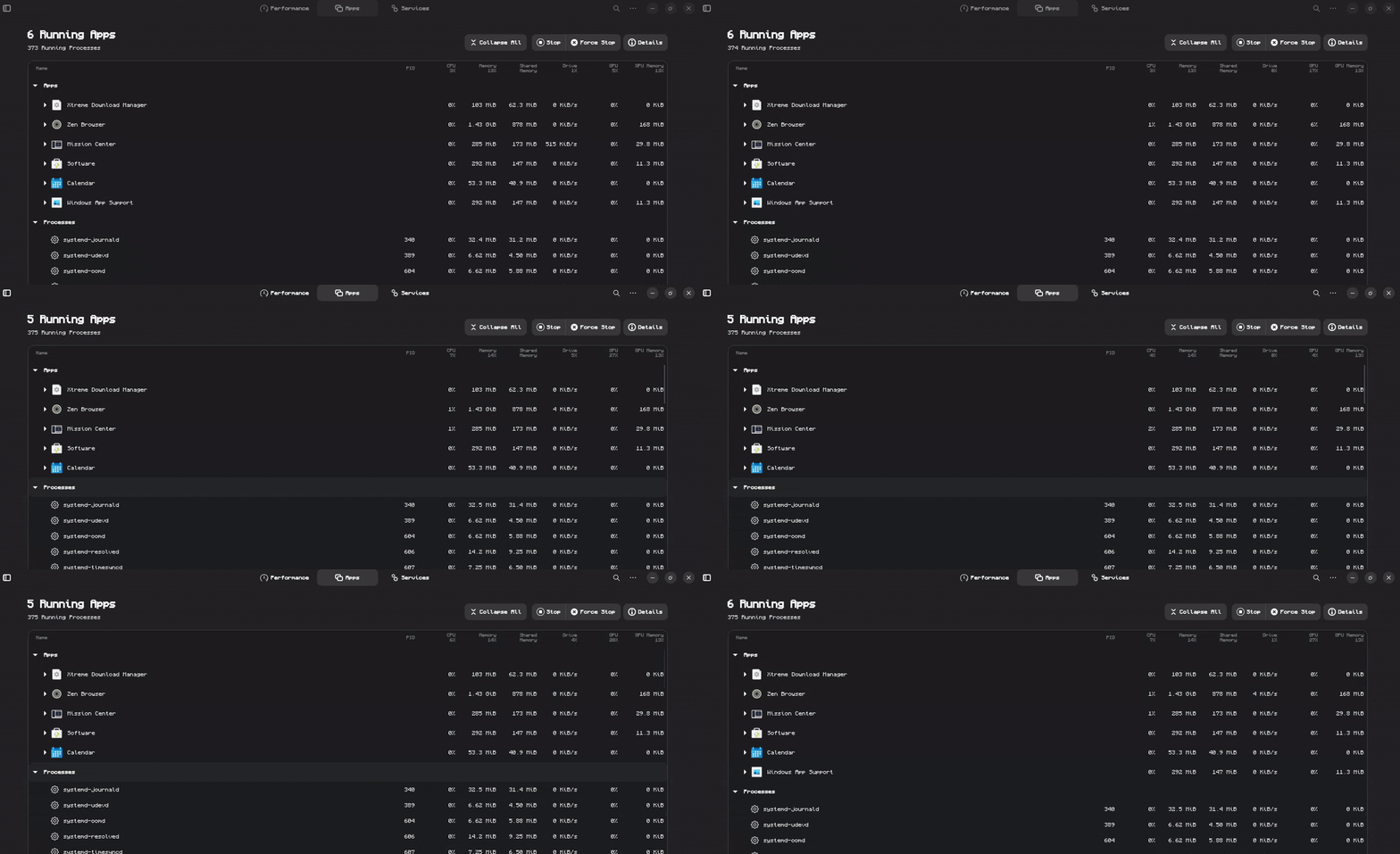
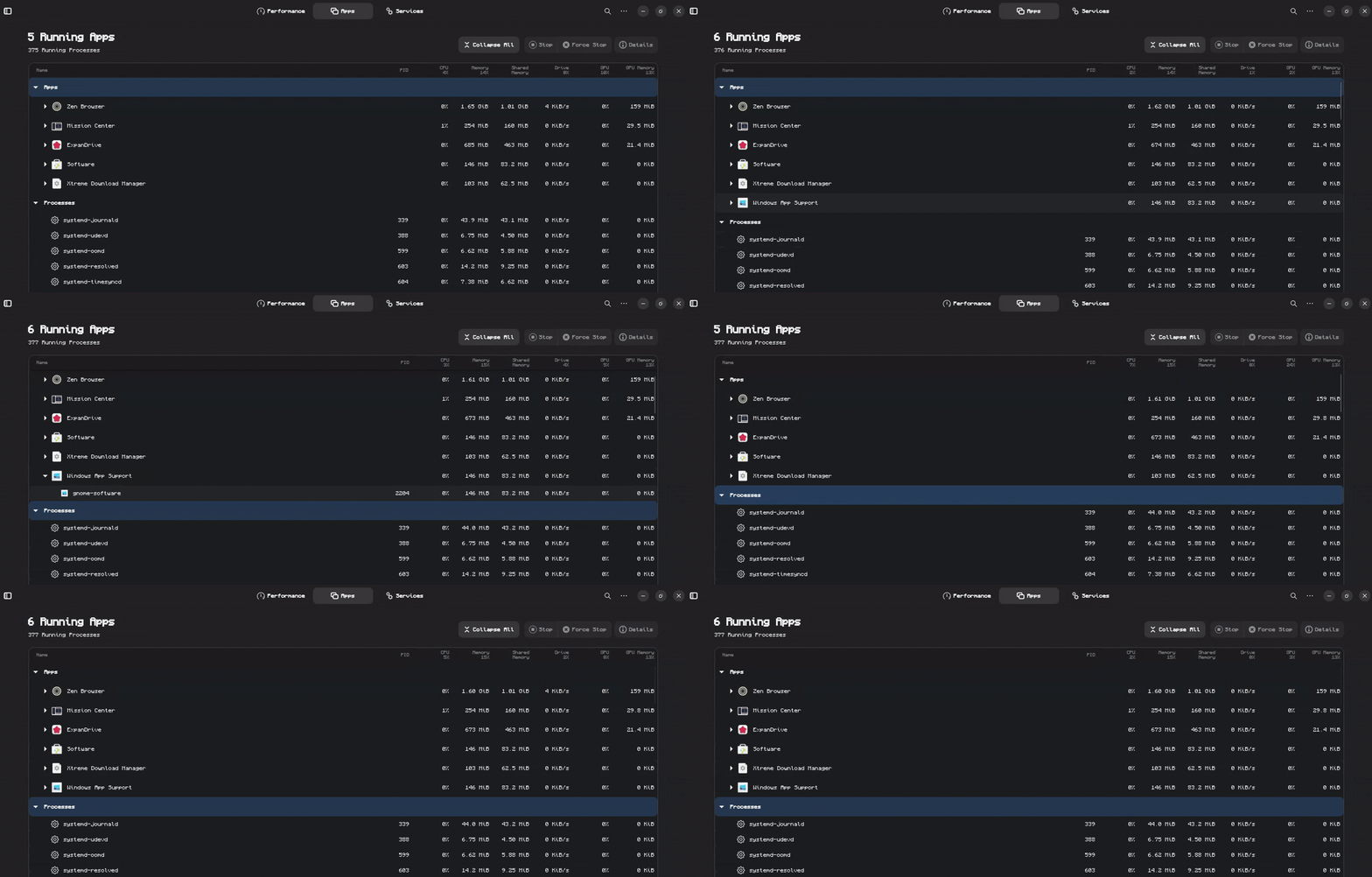
I have the mission center app to show the running processes on the OS, and for some reason the "Windows App Support" is openning and closing itself in less than one second, I really dont know where to even begin with this one.
I installed the windows app support and the only program that I use that requires wine is s3 browser
Offhand, I wonder if ExpanDrive would help you out, more:
To your issue:
You do not need to narrow this down much if you are only using one .exe package in Wine - S3Browser is the culprit.
It is trying to launch a process that halts, over and over.
Thanks for the extremely quick reply, I tested out ExpanDrive and it works perfectly for what I need, s3 browser was actually the last program that needed wine to run in my machine so I uninstalled it with wine uninstaller and tested out if it was the culprit. But alas the windows app support is still opening and closing in 1 second, and for some reason there is gnome-software inside of it.
after uninstalling everything I got on wine I rebooted the pc just to make sure but the problem is still the same, if it helps in any way, the PID is the same everytime
That helps a lot. And you rebooted.
THis means that something launched as an .exe - that uses Gnome-Software to launch the Wine Installer - is stuck. Probably due to that .exe being now missing.
Maybe something you tried and removed.
But, if you no longer need Wine, you may as well solve the problem (which would be solved by clearing all Wine Configuration files) by removing Wine, then clearing the Gnome Software cache.
I do have wine installed and configured, but uninstalling the intallation shortcut package made the program not appear anymore, like @Aravisian said, i guess it was trying to open, got stuck and was trying again indefinitely.
thanks guys, this was solved way faster than I expected