When trying to install Windows App Support via the software store it fails saying:
"Unable to install "Windows App Support" and after clicking it gives me:
The following packages have unmet dependencies:
wine: Depends: wine64 (>= 10.0~repack-6ubuntu1+zorin5) but it is not installable or
wine32 (>= 10.0~repack-6ubuntu1+zorin5)
Depends: wine64 (< 10.0~repack-6ubuntu1+zorin5.1~) but it is not installable or
wine32 (< 10.0~repack-6ubuntu1+zorin5.1~)
I also tried to install it via the command terminal and got this in return:
sudo apt install zorin-windows-app-support
[sudo] password for aramirez:
Reading package lists... Done
Building dependency tree... Done
Reading state information... Done
Some packages could not be installed. This may mean that you have
requested an impossible situation or if you are using the unstable
distribution that some required packages have not yet been created
or been moved out of Incoming.
The following information may help to resolve the situation:
The following packages have unmet dependencies:
wine : Depends: wine64 (>= 10.0~repack-6ubuntu1+zorin5) but it is not installable or
wine32 (>= 10.0~repack-6ubuntu1+zorin5)
Depends: wine64 (< 10.0~repack-6ubuntu1+zorin5.1~) but it is not installable or
wine32 (< 10.0~repack-6ubuntu1+zorin5.1~)
E: Unable to correct problems, you have held broken packages.
Do I just need to install those dependencies or is there a greater issue I need to fix?
Launch Software & Updates app from the App Menu and in the first tab, set "Download from" to Main Server.
Allow it to refresh when you close Software & Updates.
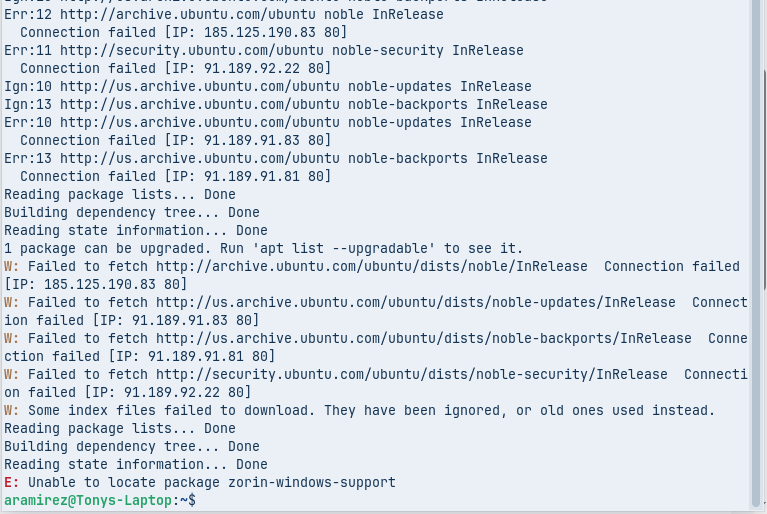
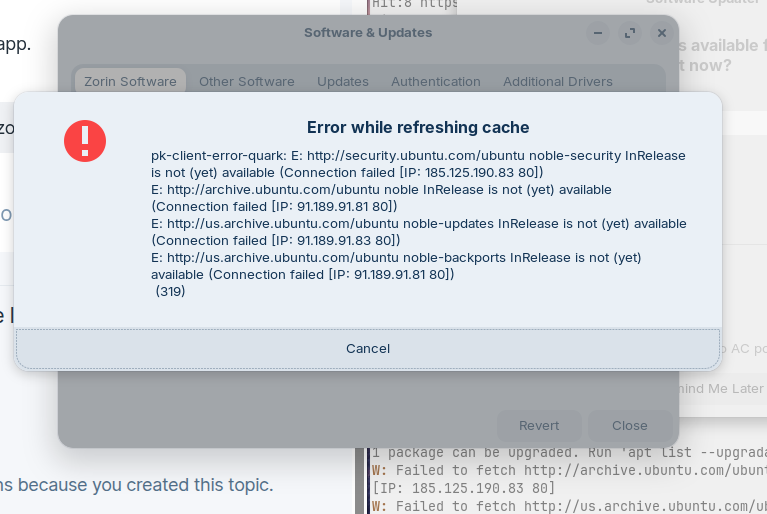
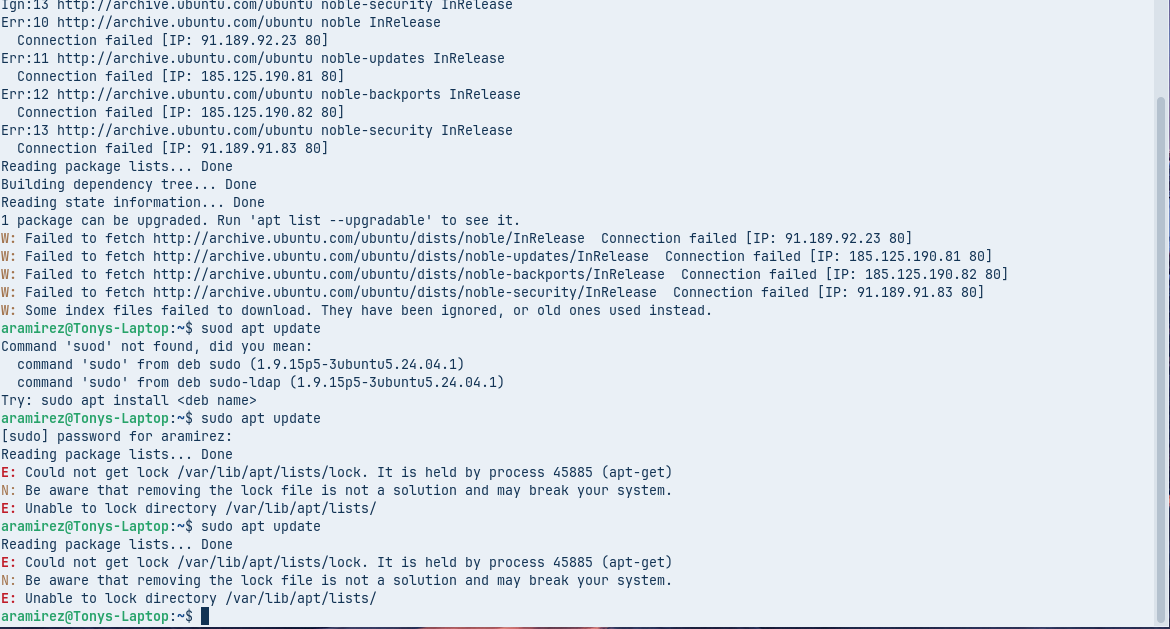
It failed and gave me the following errors after doing sudo apt update && sudo apt install zorin-windows-support. I put it in as a screenshot since it was telling me I had more that 5 links and wouldn't let me post.
That shows it is still using the mirror...
Can you elevate to root:
nautilus admin://
Then, change your /etc/apt/sources.list file to replicate this:
# deb cdrom:[Zorin-OS 18 Core 64bit]/ noble main restricted

# See http://help.ubuntu.com/community/UpgradeNotes for how to upgrade to
# newer versions of the distribution.
deb http://archive.ubuntu.com/ubuntu noble main restricted
# deb-src http://us.archive.ubuntu.com/ubuntu/ noble main restricted

## Major bug fix updates produced after the final release of the
## distribution.
deb http://archive.ubuntu.com/ubuntu noble-updates main restricted
# deb-src http://us.archive.ubuntu.com/ubuntu/ noble-updates main restricted

## N.B. software from this repository is ENTIRELY UNSUPPORTED by the Ubuntu
## team. Also, please note that software in universe WILL NOT receive any
## review or updates from the Ubuntu security team.
deb http://archive.ubuntu.com/ubuntu noble universe
# deb-src http://us.archive.ubuntu.com/ubuntu/ noble universe
deb http://archive.ubuntu.com/ubuntu noble-updates universe
# deb-src http://us.archive.ubuntu.com/ubuntu/ noble-updates universe

## N.B. software from this repository is ENTIRELY UNSUPPORTED by the Ubuntu
## team, and may not be under a free licence. Please satisfy yourself as to
## your rights to use the software. Also, please note that software in
## multiverse WILL NOT receive any review or updates from the Ubuntu
## security team.
deb http://archive.ubuntu.com/ubuntu noble multiverse
# deb-src http://us.archive.ubuntu.com/ubuntu/ noble multiverse
deb http://archive.ubuntu.com/ubuntu noble-updates multiverse
# deb-src http://us.archive.ubuntu.com/ubuntu/ noble-updates multiverse

## N.B. software from this repository may not have been tested as
## extensively as that contained in the main release, although it includes
## newer versions of some applications which may provide useful features.
## Also, please note that software in backports WILL NOT receive any review
## or updates from the Ubuntu security team.
deb http://archive.ubuntu.com/ubuntu noble-backports main restricted universe multiverse
# deb-src http://us.archive.ubuntu.com/ubuntu/ noble-backports main restricted universe multiverse

deb http://archive.ubuntu.com/ubuntu noble-security main restricted
# deb-src http://security.ubuntu.com/ubuntu noble-security main restricted
deb http://archive.ubuntu.com/ubuntu noble-security universe
# deb-src http://security.ubuntu.com/ubuntu noble-security universe
deb http://archive.ubuntu.com/ubuntu noble-security multiverse
# deb-src http://security.ubuntu.com/ubuntu noble-security multiverse

# This system was installed using small removable media
# (e.g. netinst, live or single CD). The matching "deb cdrom"
# entries were disabled at the end of the installation process.
# For information about how to configure apt package sources,
# see the sources.list(5) manual.
You only need to worry about Ubuntu Sources, if you added debian repos to your sources file, they can remain as is.
Your goal is that they look like deb http://archive.ubuntu.com/ubuntu noble main restricted, without the us regional mirror notation at the front.
Save the file, then in terminal
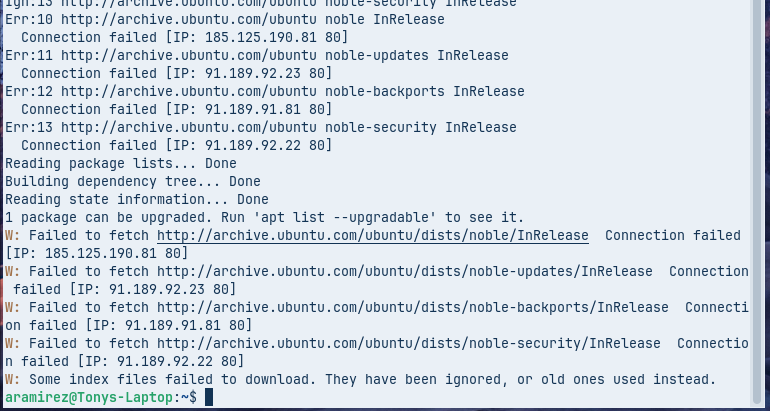
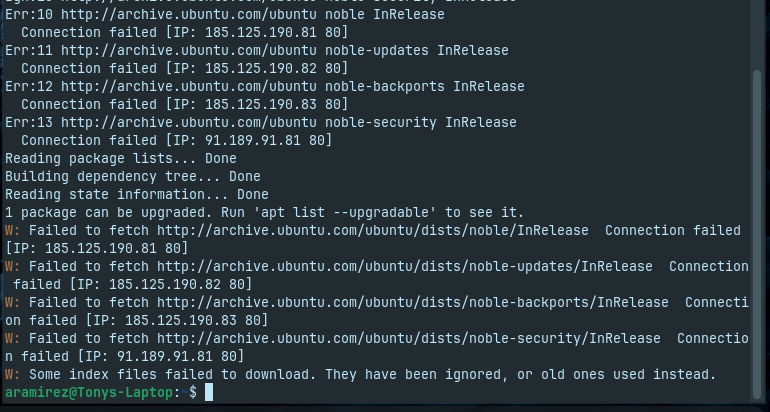
sudo apt update
and make sure all sources are seen without the down connection.
(I wonder if the recent major Verizon outage is related to this...)
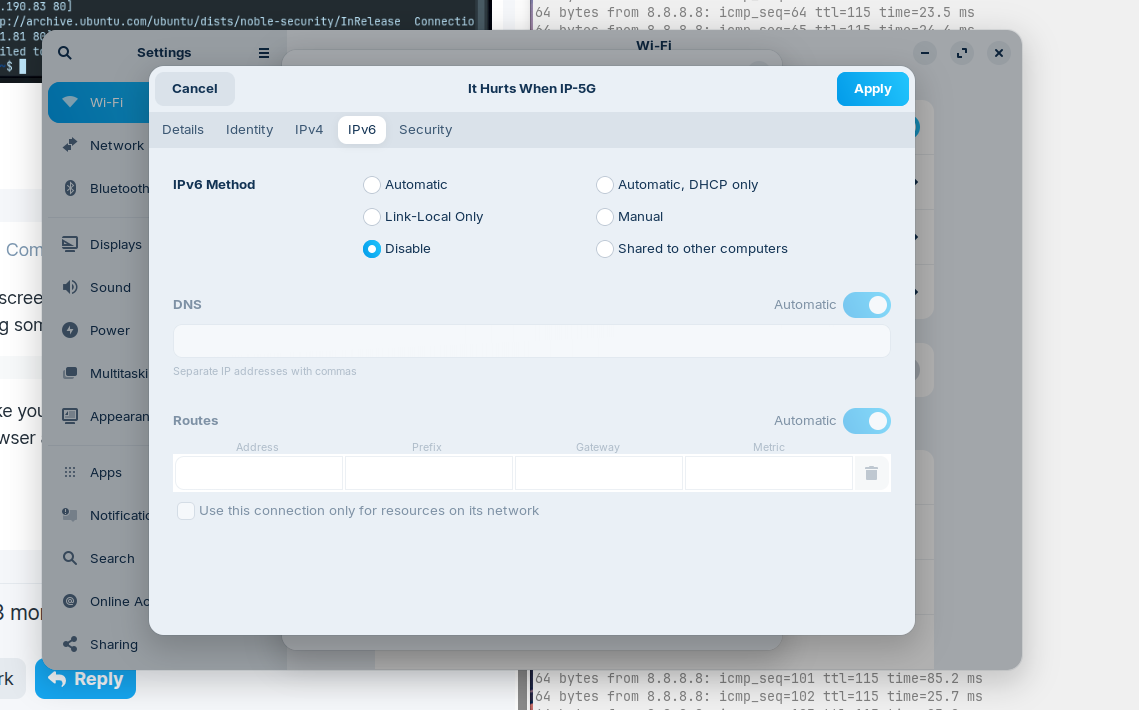
I just disabled IPv6 via the setttings for my network on Zorin so it should be on IPv4. Tried running sudo apt update again and it still failed. I'm not on a VPN and as far as I know I don't have firewall in place. I'm on my home network so it shouldn't be resitricted.
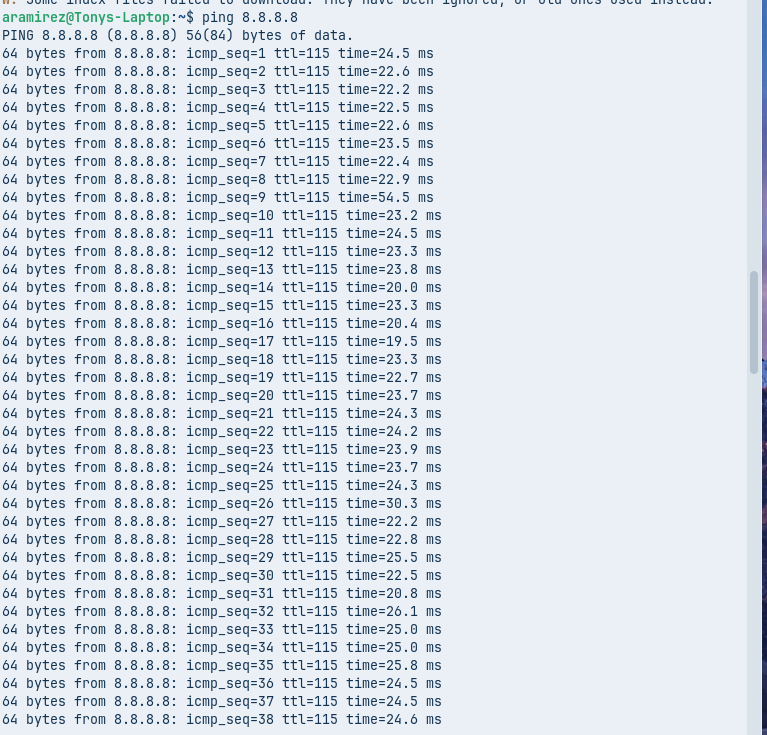
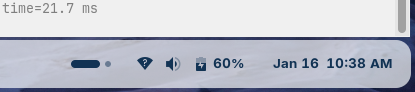
I can access websites, I've been accessing the forum from this computer, it loads YouTube, Google Drive, etc. It was also able to ping the server to. I would like to note I do a "?" in my wifi icon on the taskbar, (I've provided a screenshot for that to), as far as I know it probably shouldn't though. My Install USB was crashing initally at the wifi protion of the installer. Could these issues be related for that? Missing drivers maybe? Should I try a hardwired connection and see if that changes anything maybe? I have a 1st gen Surface Laptop Go. It's the base model I think, it's specs are Core i5, Intel UHD graphics, 8GB RAM, 128GB SSD.
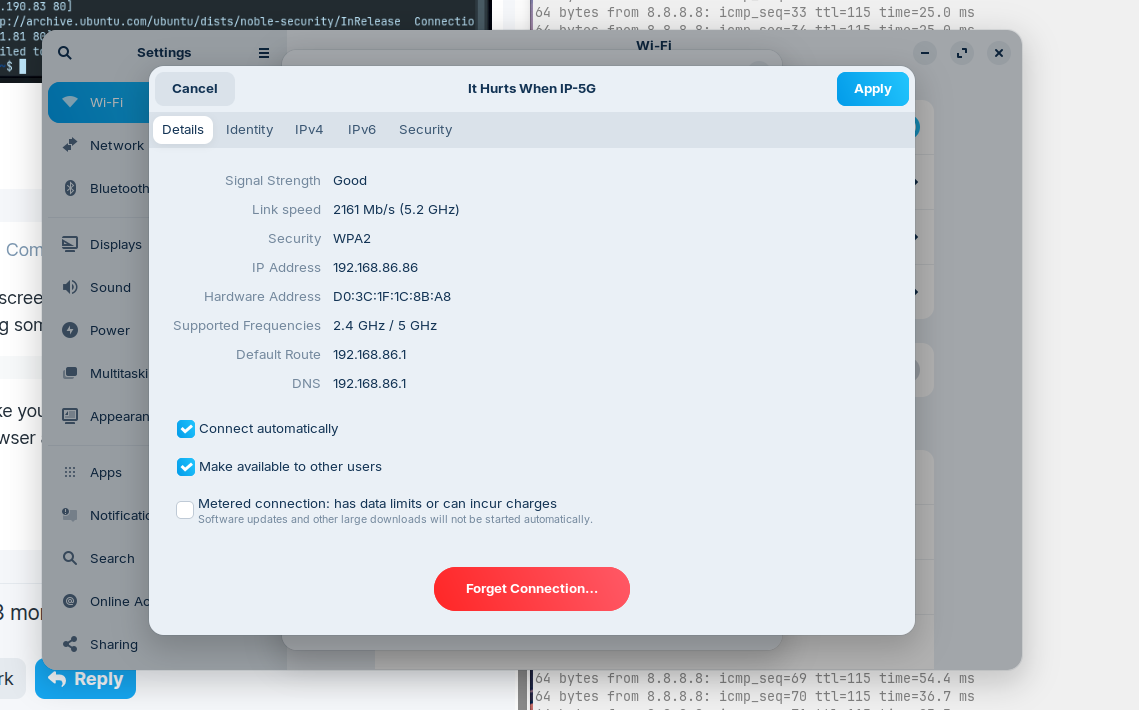
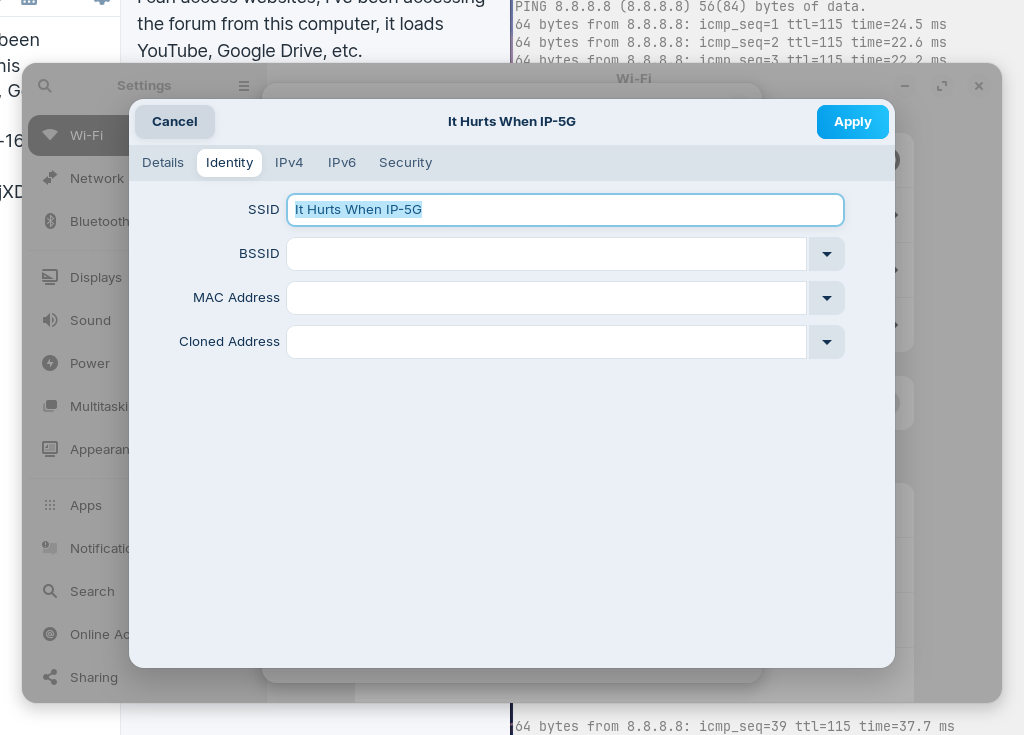
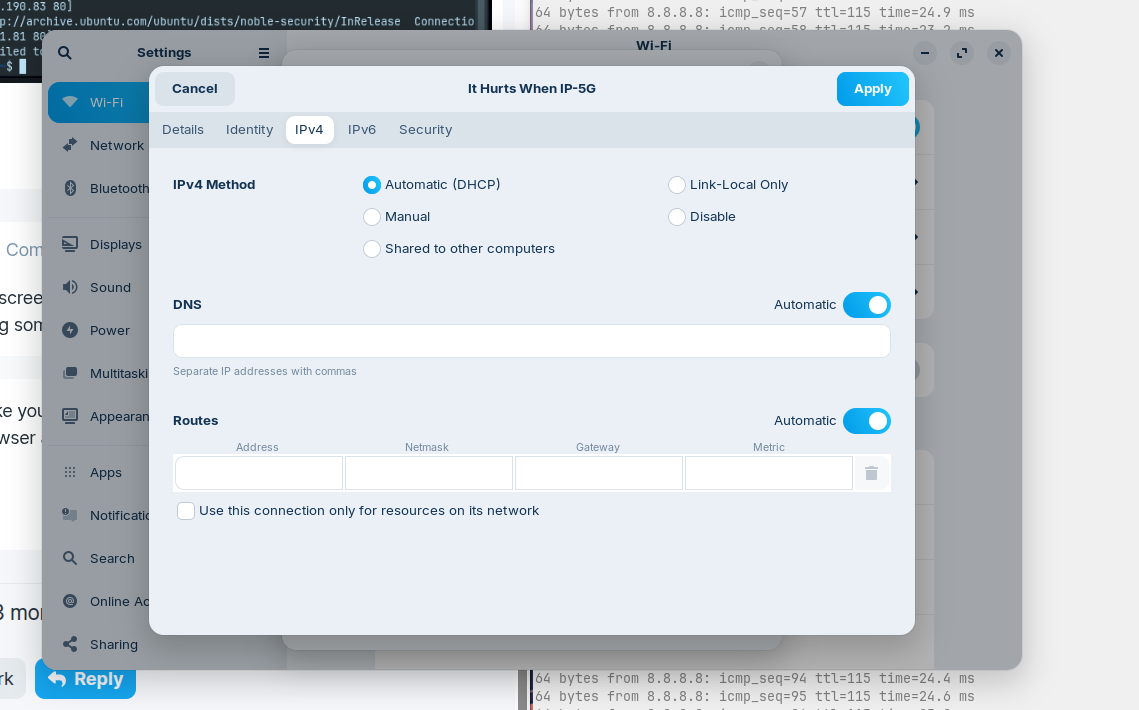
Here are the screenshots of my network settings in Zorin and the wifi icon:
I see you're using a local DNS, would you be able to try changing that to something else, such as cloudflare (1.1.1.1) or google (8.8.8.8) for testing purposes? It may be that that's causing the issue and is unable to know what you're looking for that way.
In you're IPv4 screenshot you can turn off automatic DNS for now and test with either (or both) of those public DNS entries, just for the testing portion. If that doesn't work, you can easily change it back.
I did not do that upon install, no. The link to the how to page didn't make a mention of there being special install instructions for Surface computers. I will atempt to do these now and report back if that was issue.
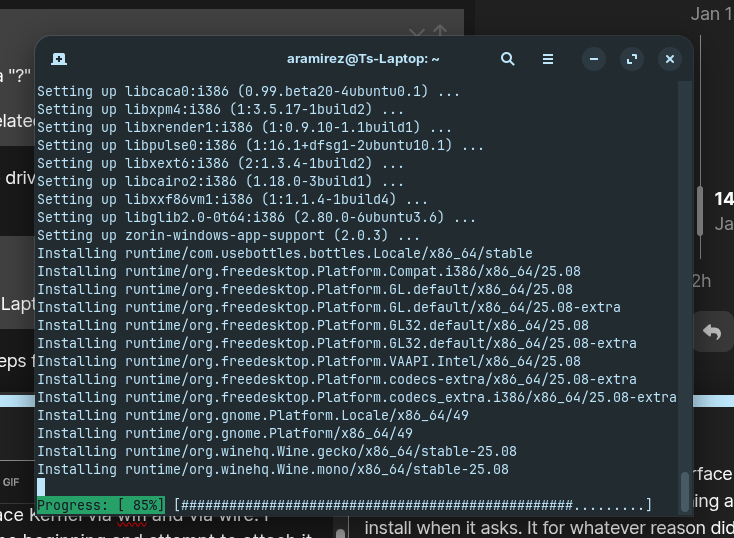
Update: It refused to install the Linux Surface Kernel via wifi and via wire. I decided to just try reinstalling Zorin from the beginning and attempt to attach it to wifi during the install when it asks. It for whatever reason didn't freeze the installer this time and I was able to let Zorin install all updates and necessary drivers this time. I now have the Surface Linux Kernel installed and the updater is set to main server with no issue. The question mark is gone from the wifi symbol as well and I currently have it installing Windows App Support via the terminal. I feel kinda dumb not thinking to just try reinstalling in the first place