I have two different problems with Windows App Support in Zorin OS 18 pro on two different computers.
On my PC Windows App Support won't install at all.
I got this error message:
E: http://security.ubuntu.com/ubuntu noble-updates/main i386 libvpx9 i386 1.14.0-1ubuntu2.2 is not (yet) available (404 Not Found [IP: 141.30.62.23 80])
I found similar errors searching the forum but the posts refer to Zorin 16 or 17.
I still tried the commands for the terminal given back then, but it did not work.
However I didn't uninstall an reinstall the app so far.
Any more information needed?
On my wife's laptop the Windows App Support is installed properly and at least the very fist Windows App (Valley benchmark) I installed for testing did work.
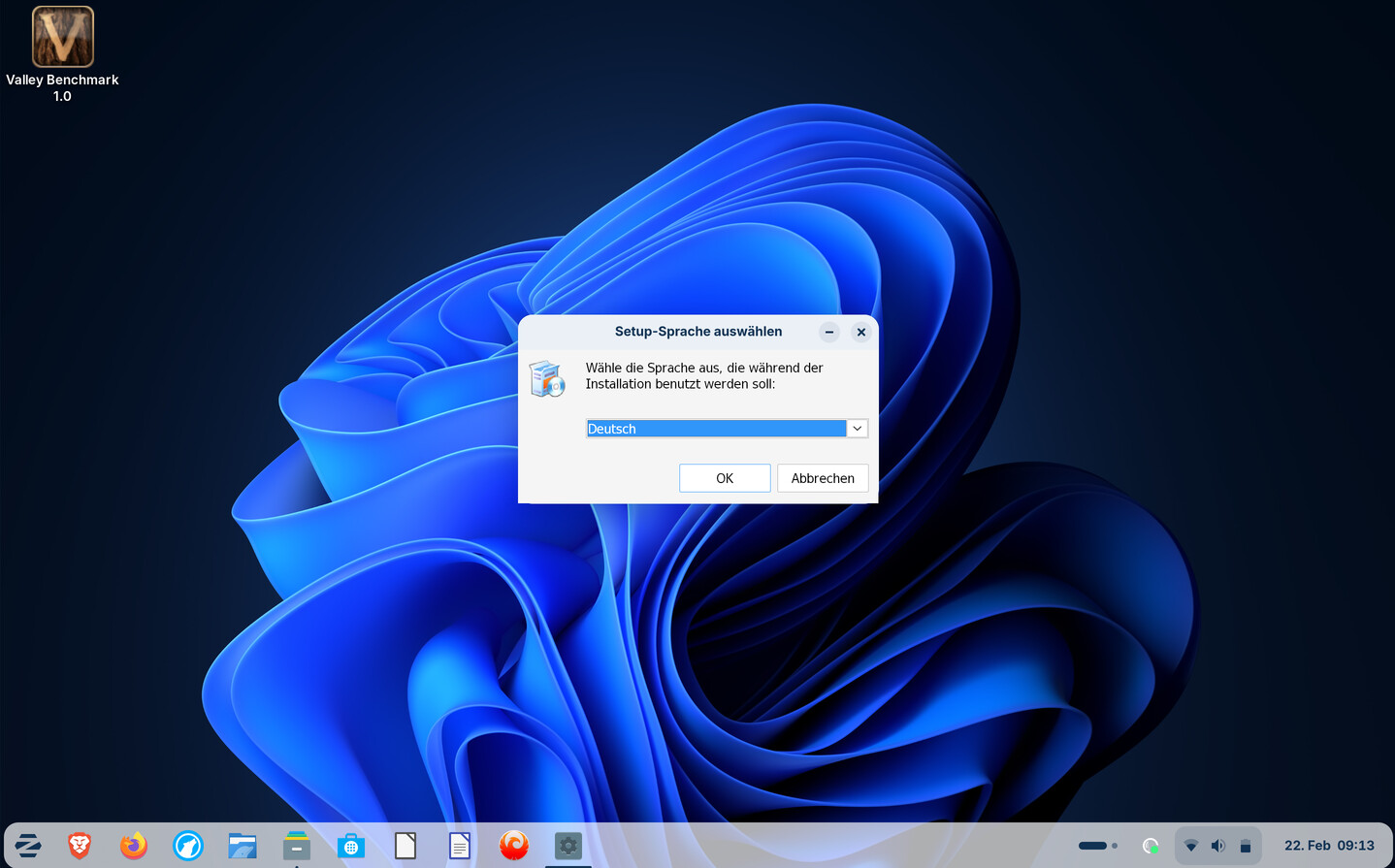
However since the laptop has an 2880 x 1800 OLED display the install menue is displayed way to small so I can barely read the text.
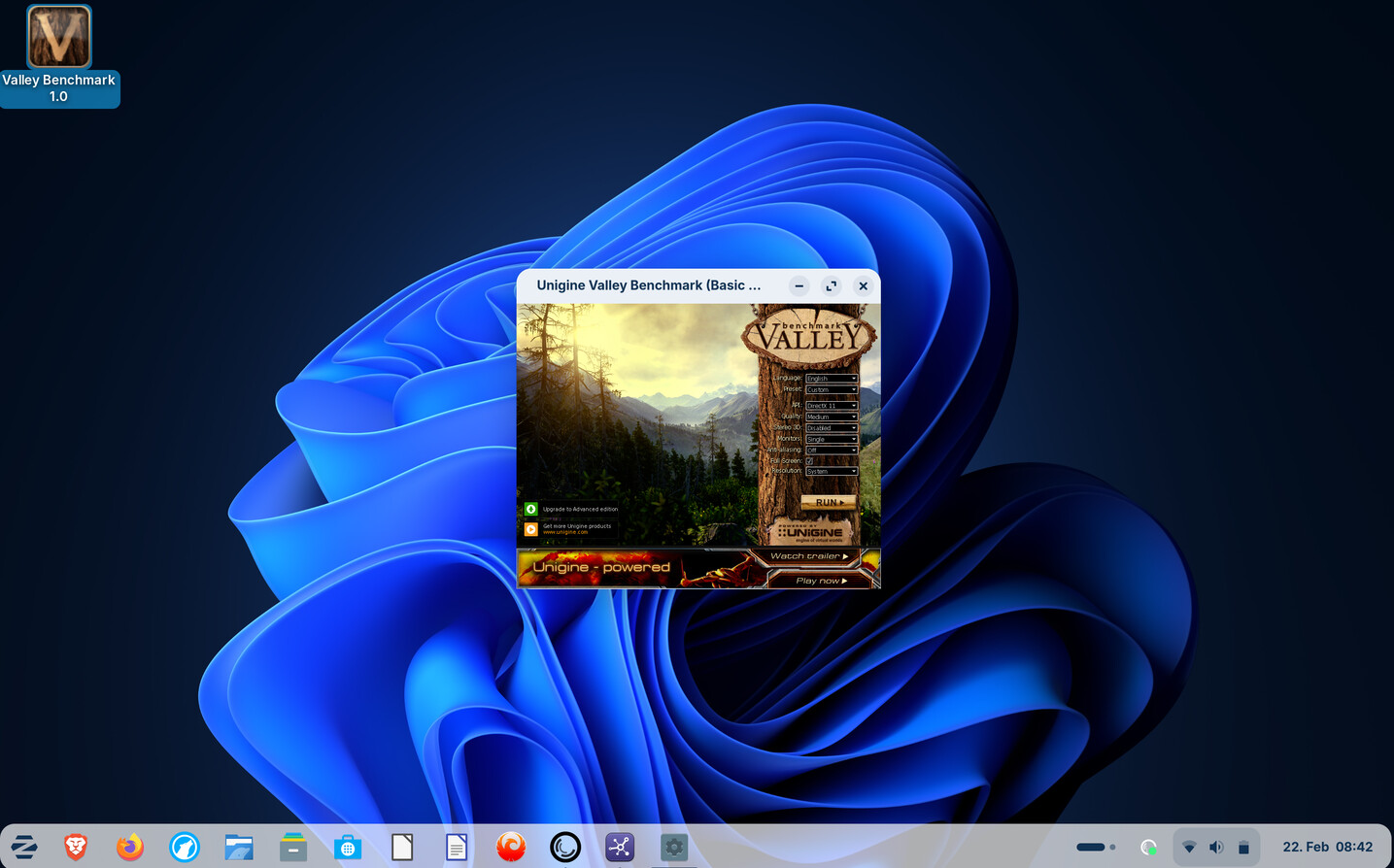
In Valley benchmark the start menue was also very small, open as full screen was not possible. Only the benchmark itself ran in full screen mode, displays properly.
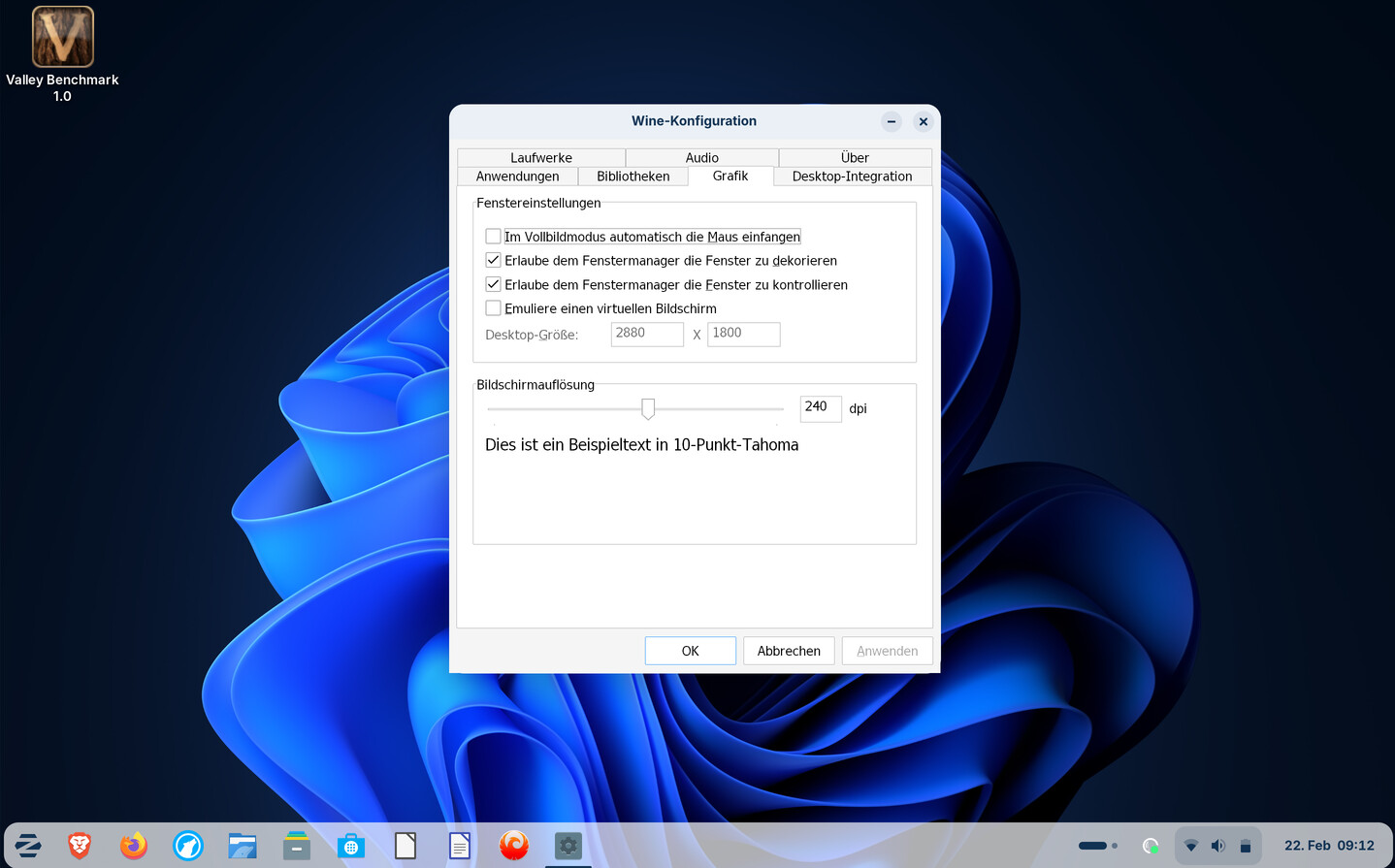
There you can choose version of Windows the app is most compatible with and you can create virtual desktop and change screen size dimensions. I think the default is 640 x 480 or 800 x 600, not sure.
Just taken another look at that software you are trying to run. Basically WINE uses an abstract layer so things like Unigine to test your graphics cards capability would not be able to run as they cannot access your graphics card directly (sic. you need Windows to run it).
I did this before - that's why the correct resolution is already typed in. That made the start screen look good, but the benchmark itself wouldn't display properly - it showed only the upper left corner of the screen.
I hope this will not affect other apps. The benchmark was only a test since I watched a video it was mentioned in to run under wine.