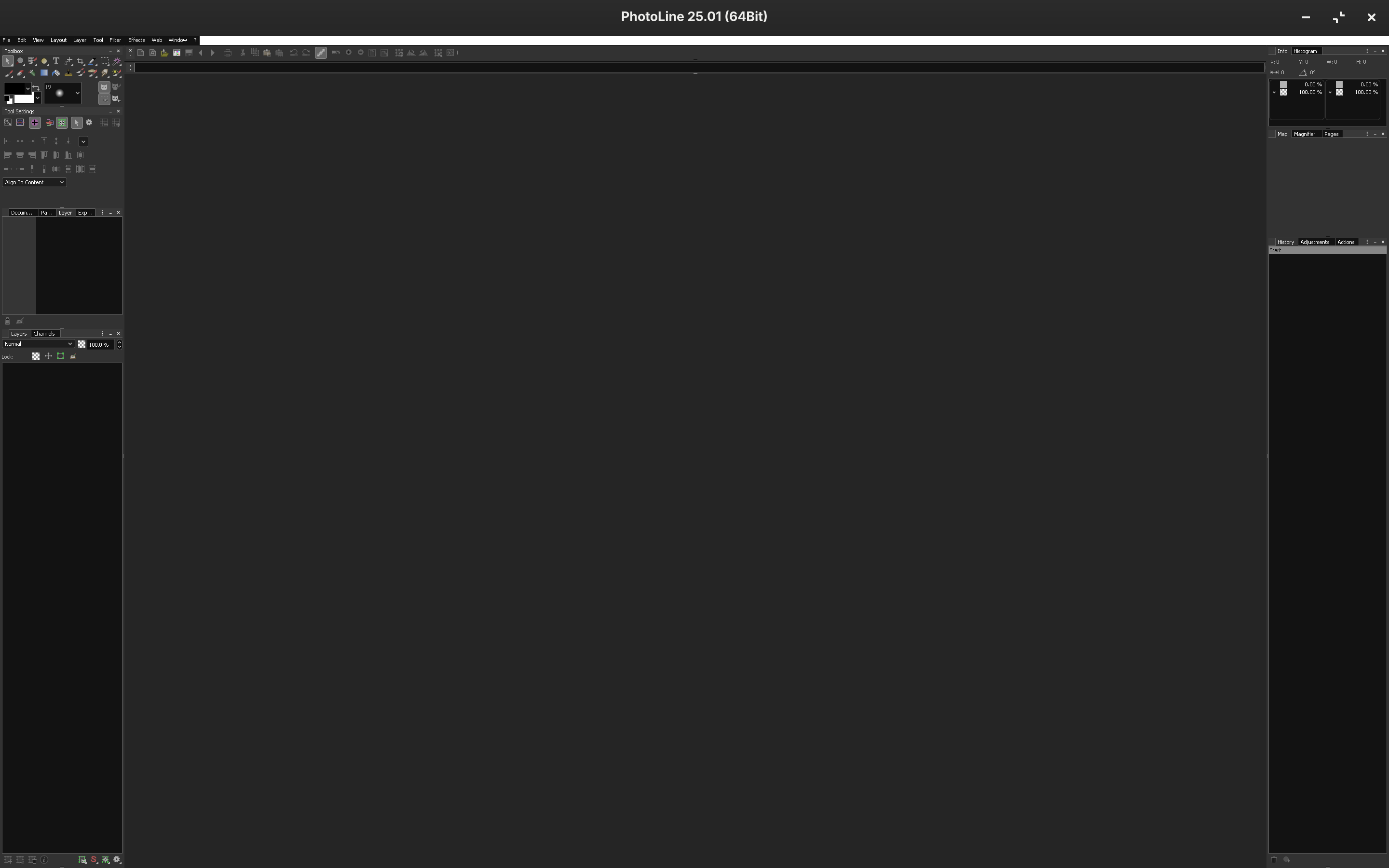
Windows apps UI is very, very small - fix?

I can't find anything in the forums or by search about this but basically - well, see screenshots below.

The only hints I did find was something about changing screen scaling. I tried it & it didn't work, but also, seems like that would have a system-wide effect, making everything that isn't a Windows app too big.

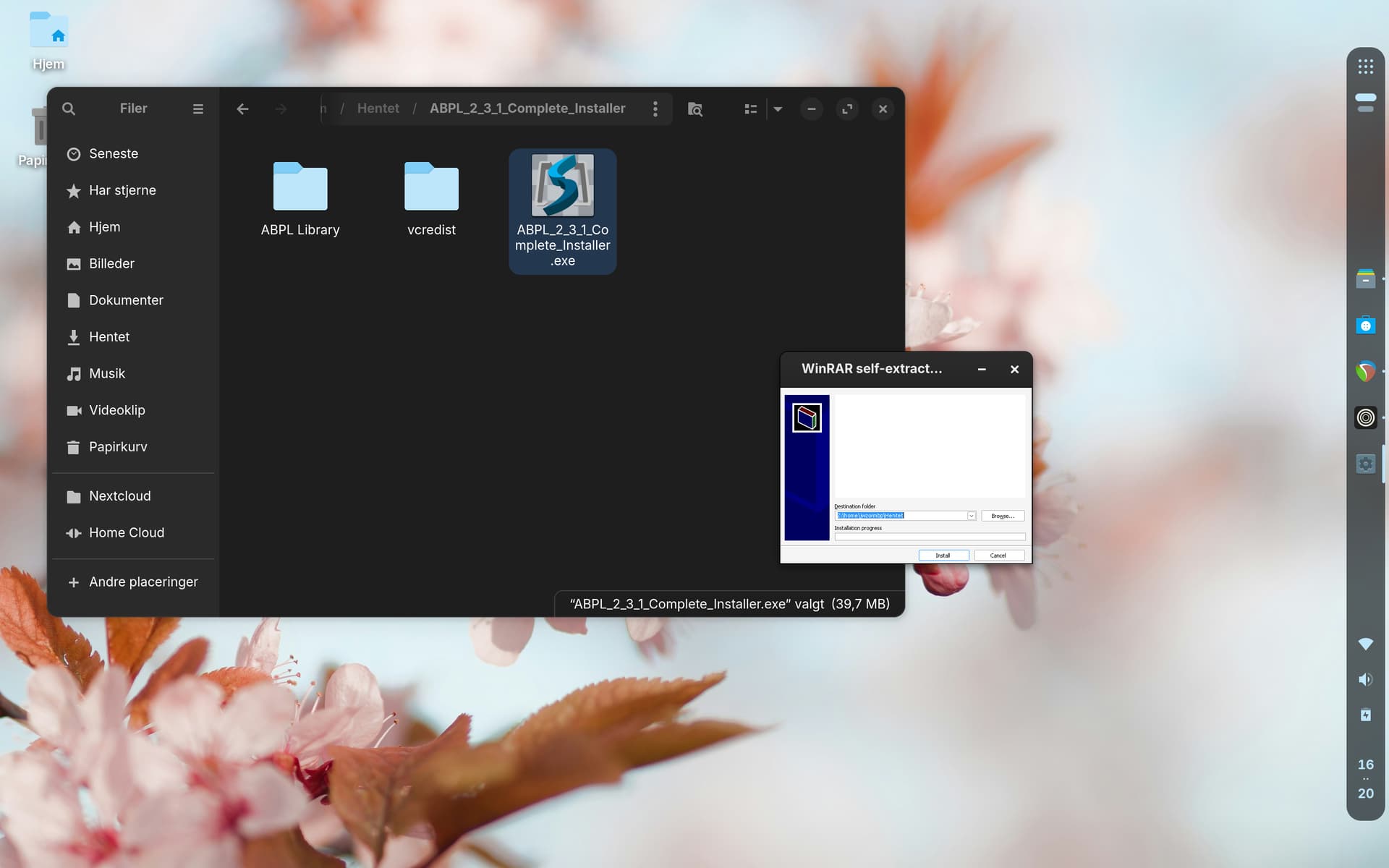
Help greatly appreciated! :folded_hands:

Are you using a 4K monitor?

No, I'm on a 2012 Macbook Pro with a Retina 2880 x 1800 screen.

In terminal, can you run

winecfg

Then in the Graphics tab, adjust resolution and DPI?

That's exactly what I was trying to find - thank you! :folded_hands: :smiling_face:

1 Like