Forgive me cause i may be noob.
I've had a problem last month where my Steam game wouldn't launch on my GPU anymore (Games launched via wine were still OK), i've searched around and finally got it running by updating from Zorin 16->18
Fast foward to this day where the opposite happened, Steam game are lauching great, but Wine doesn't seem to recognize my card anymore, i've updated everything i could (Wine from the Zorin native version 10.0 to 11.0, My Nvidia Driver to the 595 Version)
I've tried to install libnvidia-egl-wayland1 and it doesn't do anything, i went the dxvk way but it got complicated and i didn't want to break anything.
So here i am, with wine launching game on my CPU
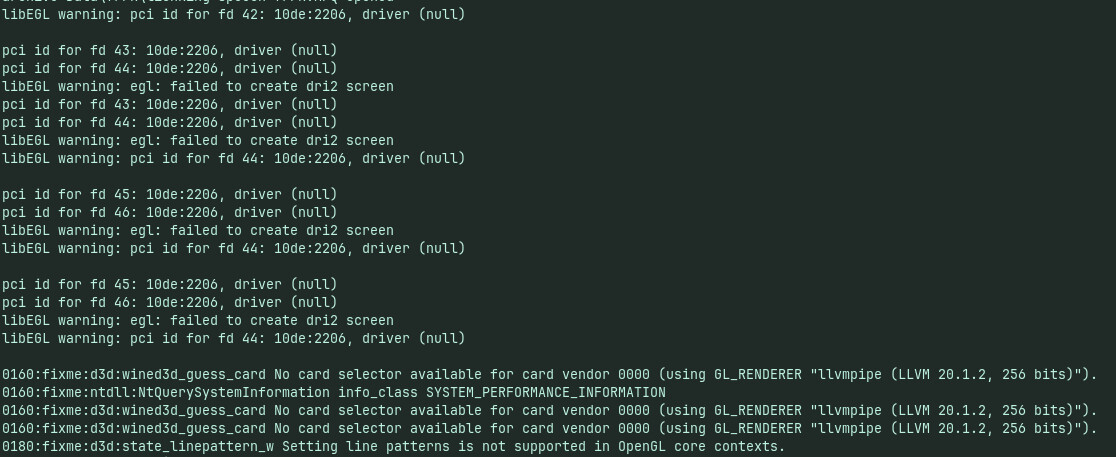
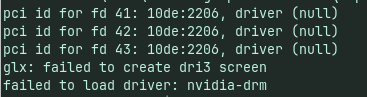
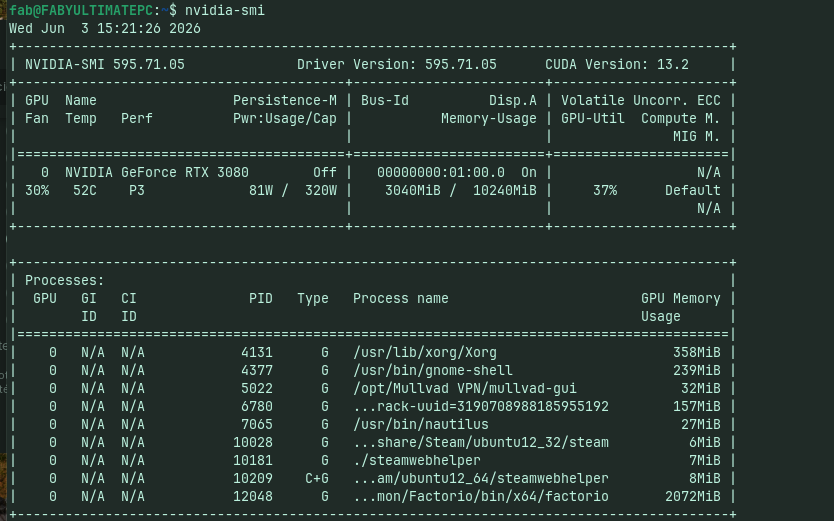
Here's my screenshot of my terminal, i can provide command result and all
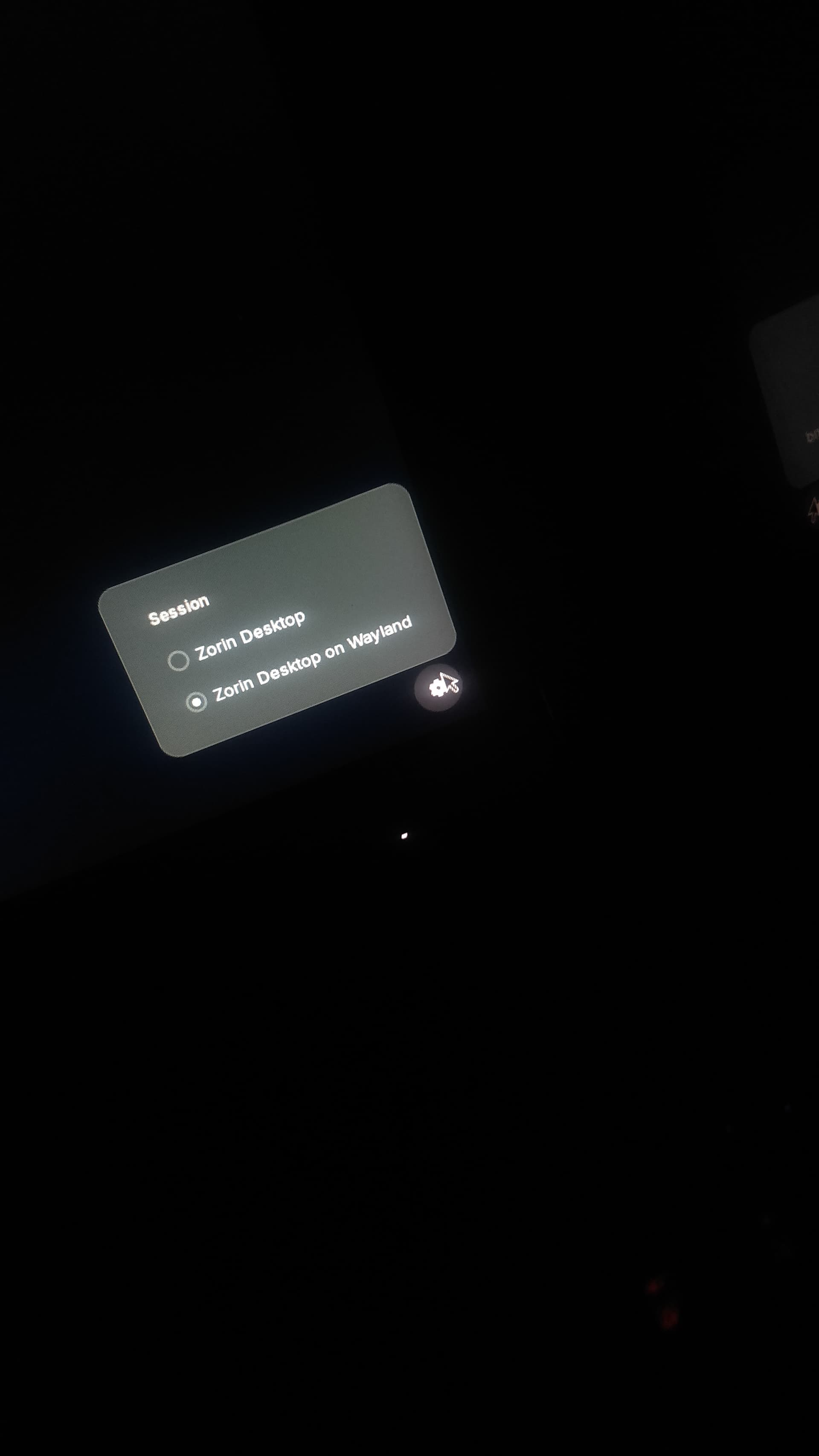
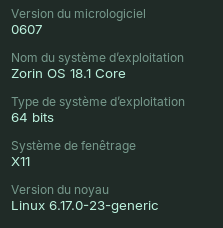
If your using an nvidia vid card wayland doesnt play well with them best to be in X11 to get there log out then click area to log in then at bottom right click the gear then zorin desktop on xorg log in
I installed Steam trough the appstore so Flatpack, but steam is not at fault here.
I removed Wine 11.0 to reinstall it trough the Zorin app store (10.0) and even tho i have a different error message with the new version it's still doesnt load my driver
Flatpaks run containerized. That can cause Issues because they have limited Permissions. Trying the .deb Version is to check if this here the Case. But when You don't want try it, I can't force You to do it.
Thats all right can see what driver your using I would try the 580 driver for the 3080 open the updater then settings aditional drivers and select the 580 properitery driver tested and see if that helps
All of that looks good.
So much for my idea that maybe the driver was not fully installed.
But...
Let me recommend something.
Completely remove the Nvidia Driver such that the leftover files are also removed: sudo apt remove --purge '^nvidia-.*' '^libnvidia-.*'
Once that is done, then install the driver you want (choose whether you want to try the 580 or the 595 again) using
The reason why is that with gaming, some of the leftover files can actually conflict - causing the system to see and use the GPU, but a running game gets confused and won't.