Wired Security Settings - What Are They?

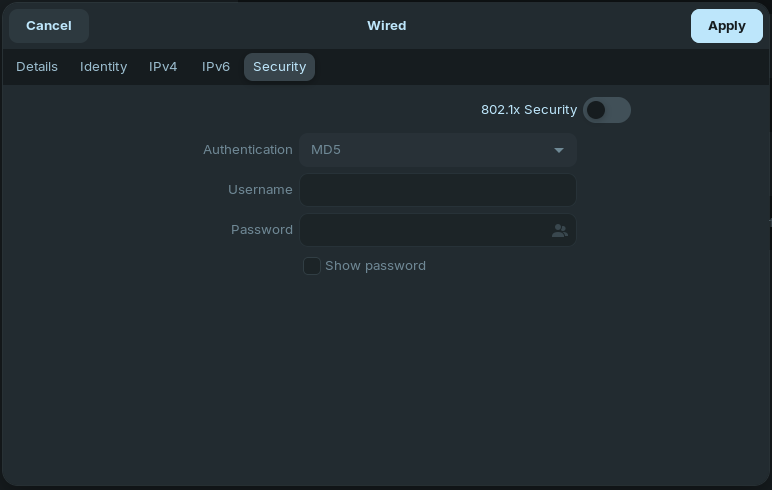
I turned off WiFi yesterday and switched to a CAT6 wired connection (and got an instant speed boost from 300 Mbps to 500 Mbps!). I checked Settings, Network, Wired, Security, and there is an option to turn on 802.1x Security. (I took a screenshot, but for some reason, this page won't let me upload it.)

Should I turn it on? If so, which setting should I use? I already have UFW turned On to default settings, and my ISP said the modem they provide also has a firewall built in and active.

(I'm running OS 18.1 and using a desktop, not a laptop).

Did You clicked on this Icon:
grafik

How big (file size) was the screenshot?

I believe this is mainly for corporate network use, but worth reading more.
I have found this explanation possibly the clearest I have read so far. How To Set Up 802.1X Network Authentication on Ubuntu | Keytos Docs

1 Like

It is 22.9 KB.

It decided to upload today ...

Ah, it works now.

Thanks for the information! I don't need to turn this on since I'm the only user on a home network.

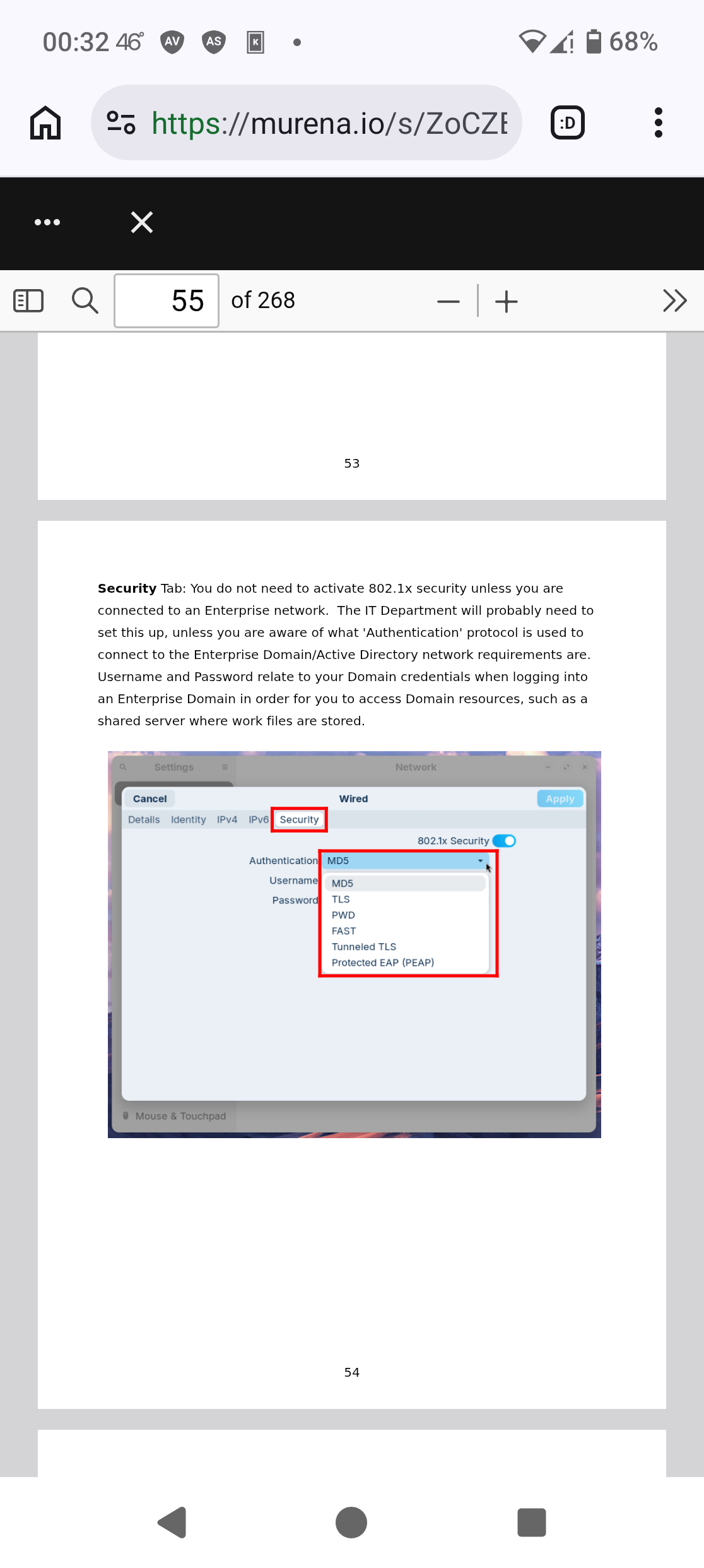
I covered this in my w.i.p. Unofficial Manual for Zorin 18.1 Core.

:wink:

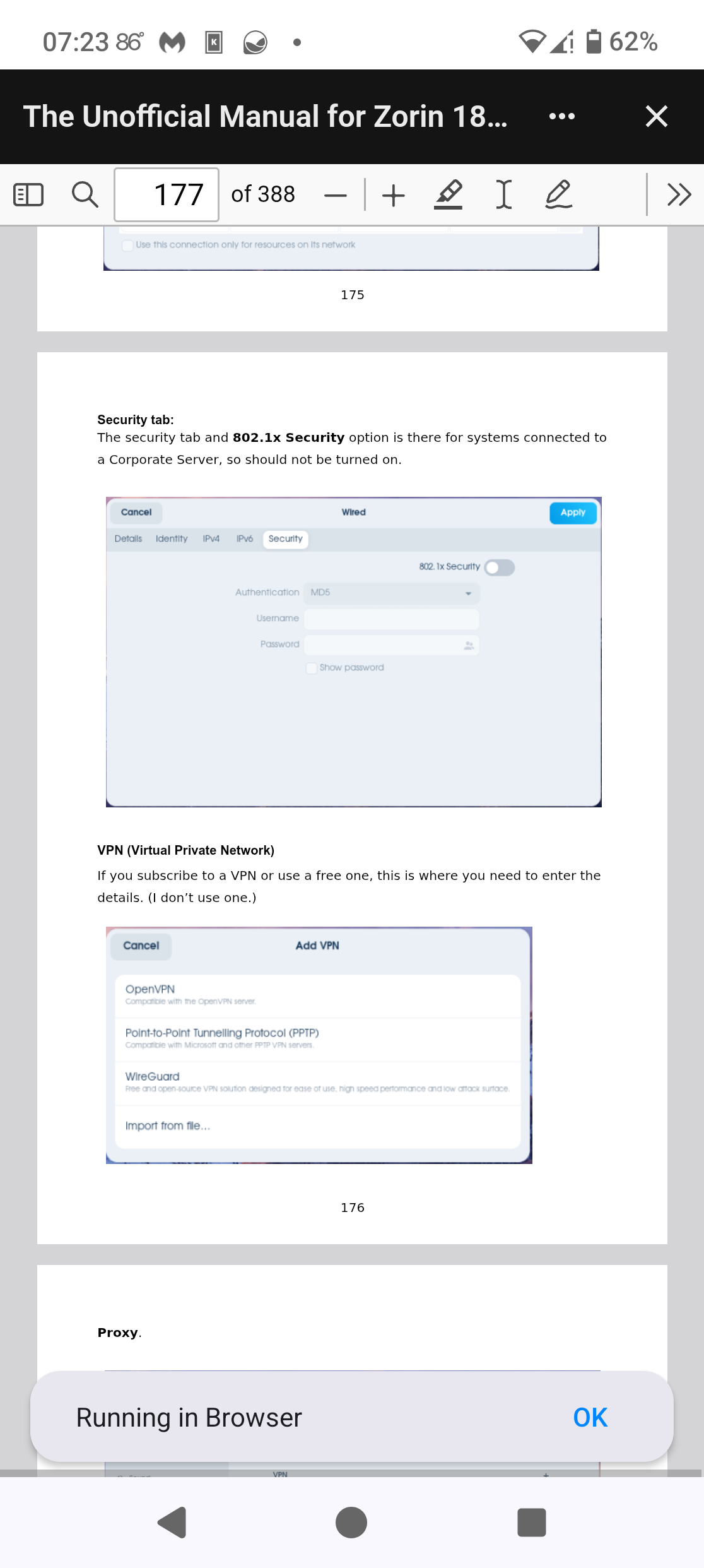
And not as elaborate in the finished one for 18:

1 Like

Thanks for the information! I've downloaded a copy and am keeping it for future reference in case I need it.

1 Like