Hello everyone,
I'm new to Zorin OS 18 and I absolutely loved it at first glance. It seemed like the perfect upgrade from Windows 11. Previously, I was dual-booting Ubuntu and Windows 11, but I’ve now fully switched to Zorin and wiped both Ubuntu and Windows from my system.
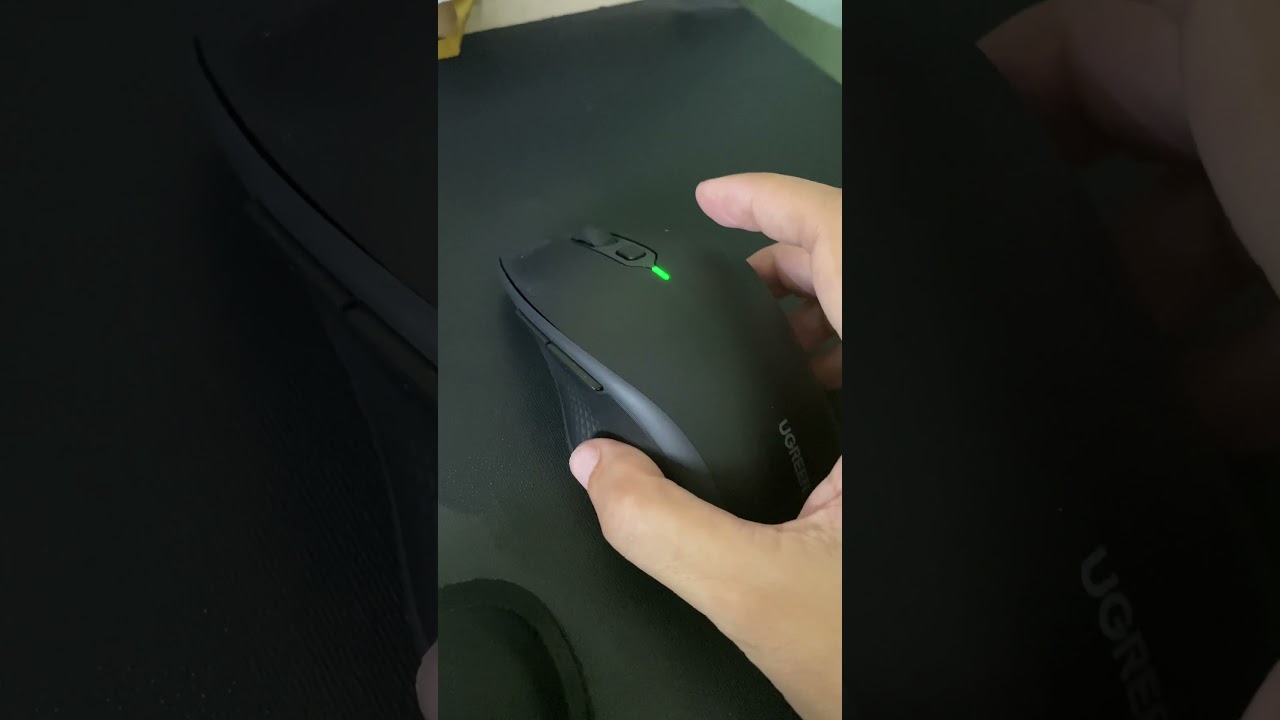
However, I'm currently facing an issue with my Bluetooth mouse. It's a UGREEN MU008 Vertical Ergonomic Wireless Mouse. The mouse worked flawlessly on both Ubuntu and Windows 11, but after switching to Zorin, I can't seem to connect it via Bluetooth.
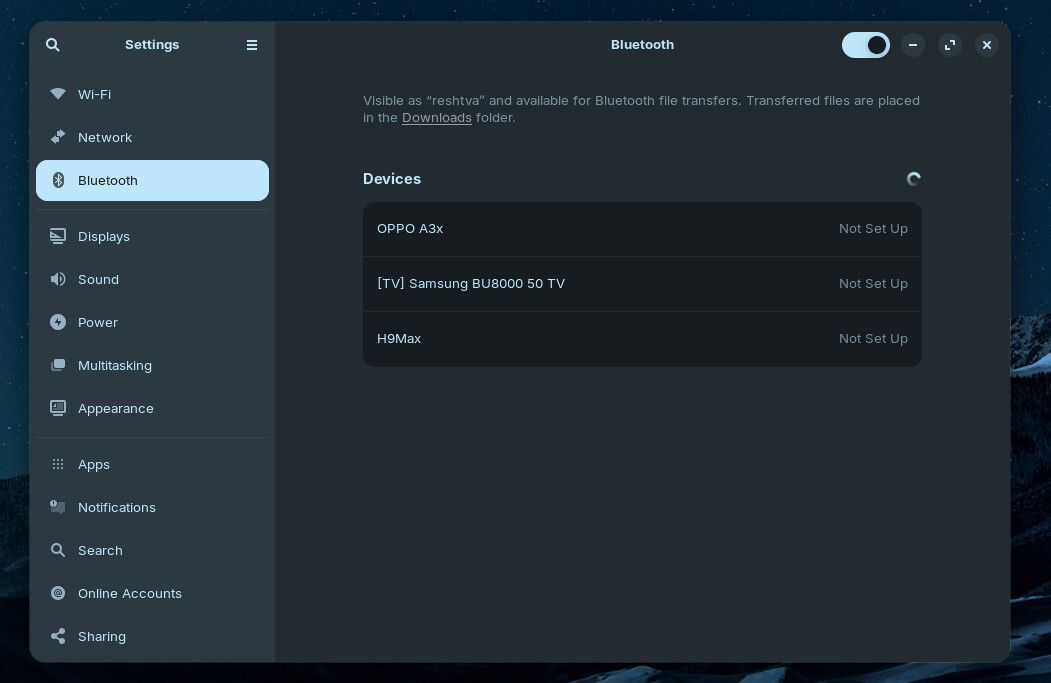
Zorin detects other Bluetooth devices around me, but not my mouse. I tested the mouse on my brother’s laptop (running Ubuntu, Fedora, and Mint), and it connected without any problem. So the mouse itself is working fine.
Unfortunately, I’ve lost the USB receiver that came with the mouse, so I can only connect it via Bluetooth for now.
I really appreciate any help or suggestions. This is the only mouse I have at the moment, and it's quite frustrating not being able to use it.
Thanks in advance 

 Solution ?