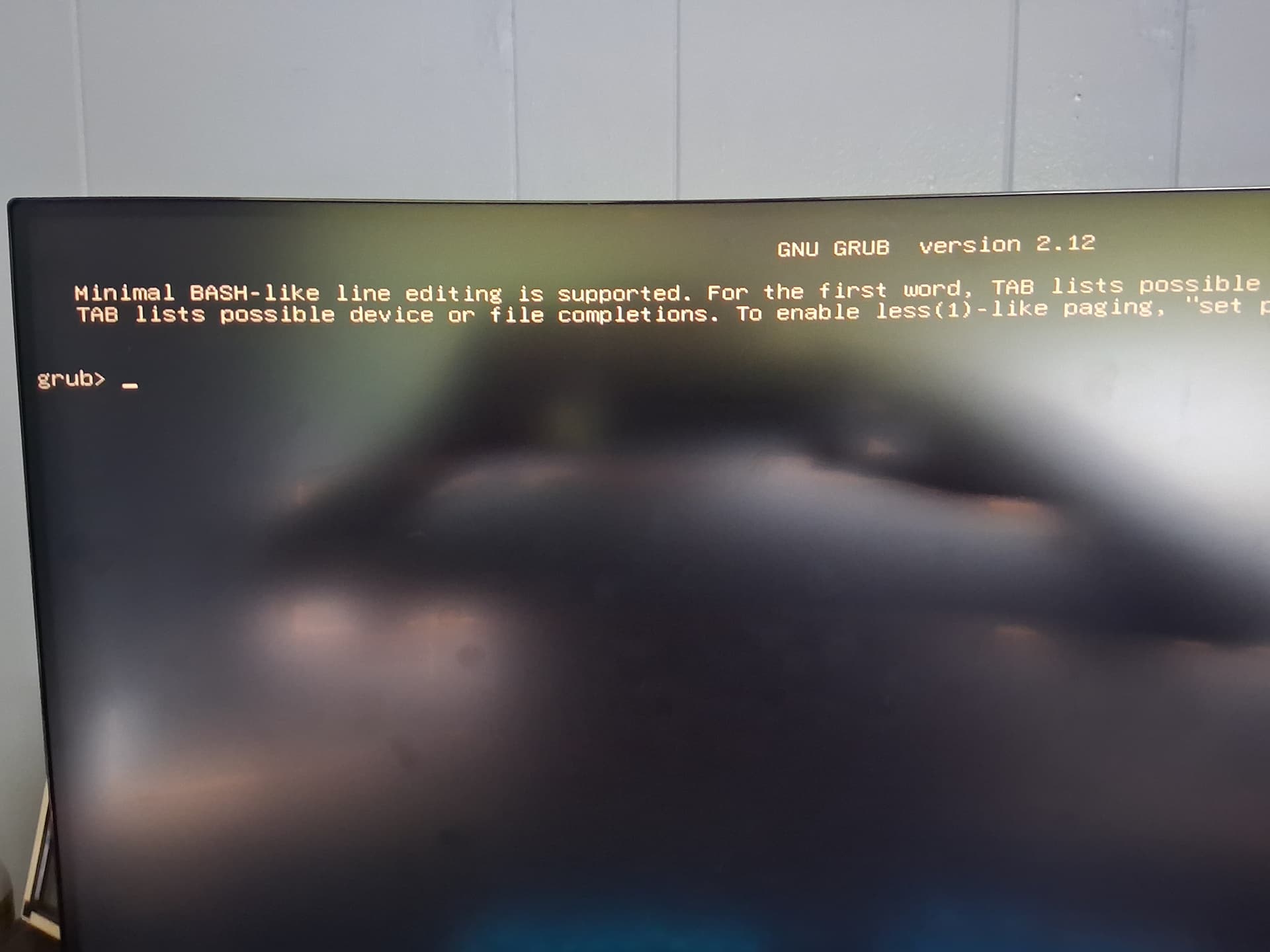
My apologies if I'm wrong posting this here but I'm running out of ideas. I tried turning off safe boot UEFI settings and also tried using Legacy BIOS, only to find out there were no boot sequence for Zorin so I returned to UEFI.
I'm using the XPS 15 and I was using Zorin for about 4 months now. Previously distro hop from Garuda.
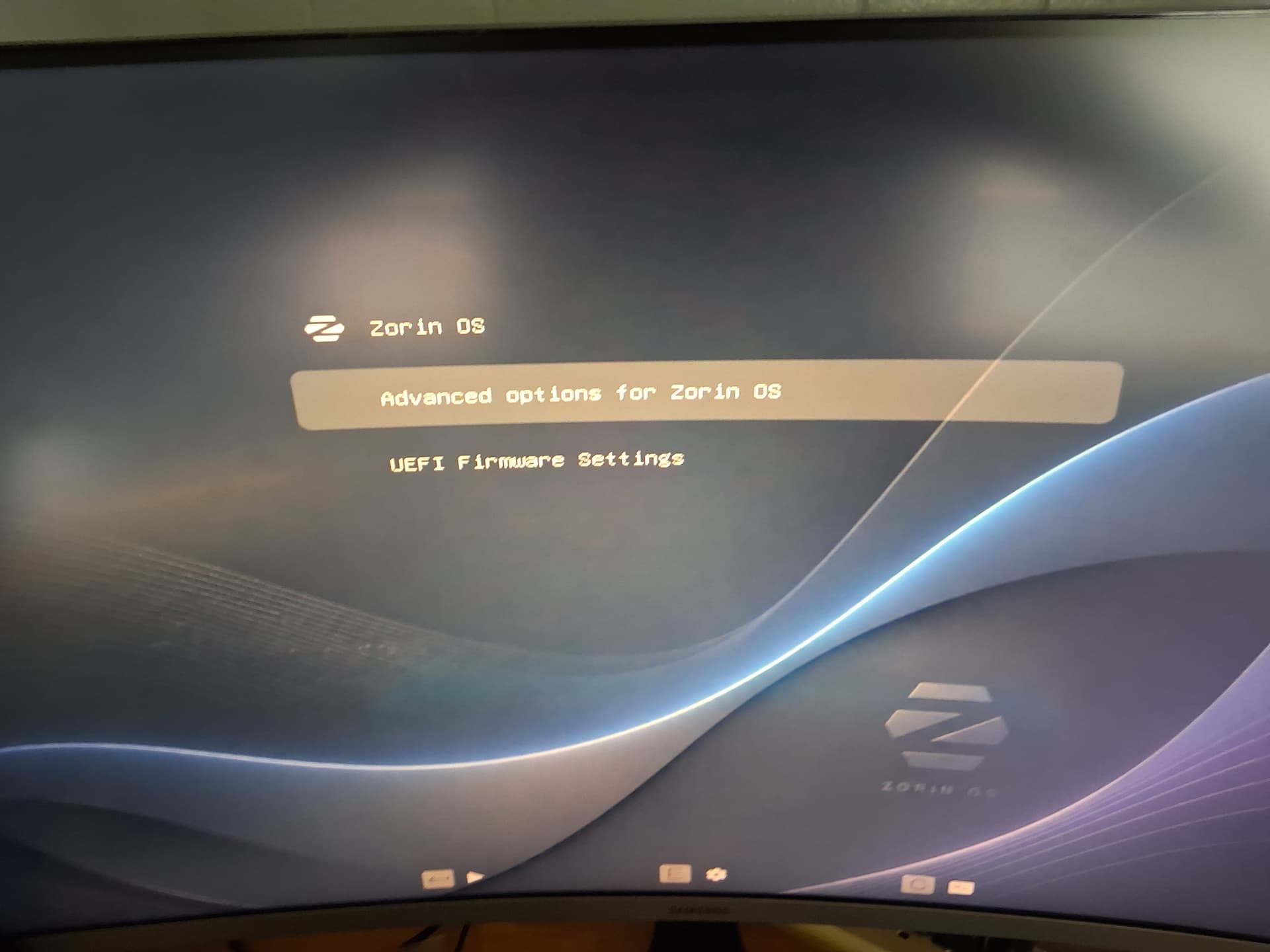
If your Grub Menu is hidden at boot, try tapping esc or tab at the motherboard splashscreen furiously to tell it to appear.
When you see it, select Advanced Options for Zorin
Then arrow key down, skipping options that include (Recovery) to Zorin On... an earlier kernel version number.
To me it isn't clear where to enter that command when the desktop isn't reached. Is it not required to run a recovery kernel, enable the network, open a root shell and to mount the drive to make it writeable?
I'm just wondering why no one gave instructions to do this...I have not so much experience with the procedure, but I think @Zetsumeiken should select an older kernel (with recovery mode) in grub menu at Advanced options for Zorin, then in the recovery menu move with the arrow down to "Enabling network", press return and enable the network.
As next step, move with the arrow down and select drop to root shell prompt and enter there
A quick search revealed that very few commands are available in this minimal bash like line - and it seems not to be possible to use the package manager there.
I'm wondering if this error message means that your system won't boot anymore because the hard drive is full—for example, because it's been filled with logs. If there's no more space available for writing, it won't boot properly.
Unfortunately, I don't know what might help you right now.
You could try booting from a Zorin USB drive in “Try Zorin” mode and then running the Baobab program (=disk usage analyzer) to see if the drive is full.
If the logs are the culprit, limit the size of the logs first.
You probably must do this in the root shell prompt, but I'm not sure how to proceed in your case.
Unfortunately there are only few helpers at the moment in the forum, perhaps because of the heat.
Thanks for reply. I have used my ventoy usb to try out zorin and then using the trial, deleted some of the heavy files in my sdd. That fixes the the issue and zorin now boots normally.