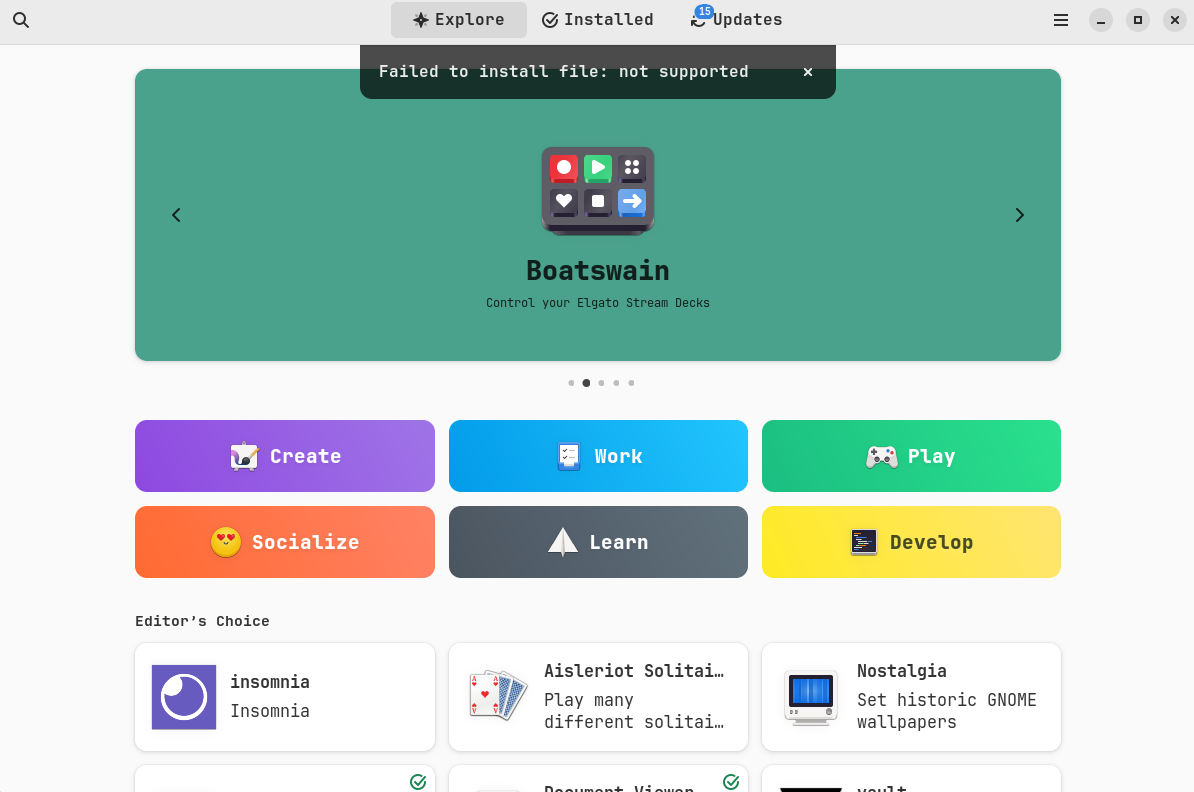
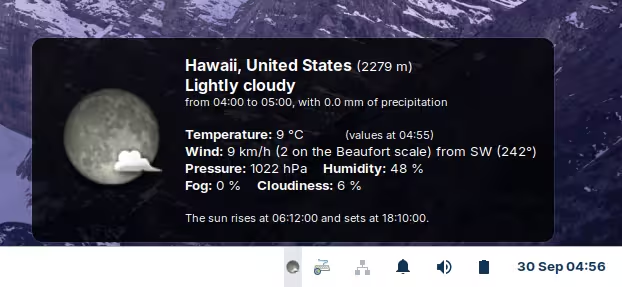
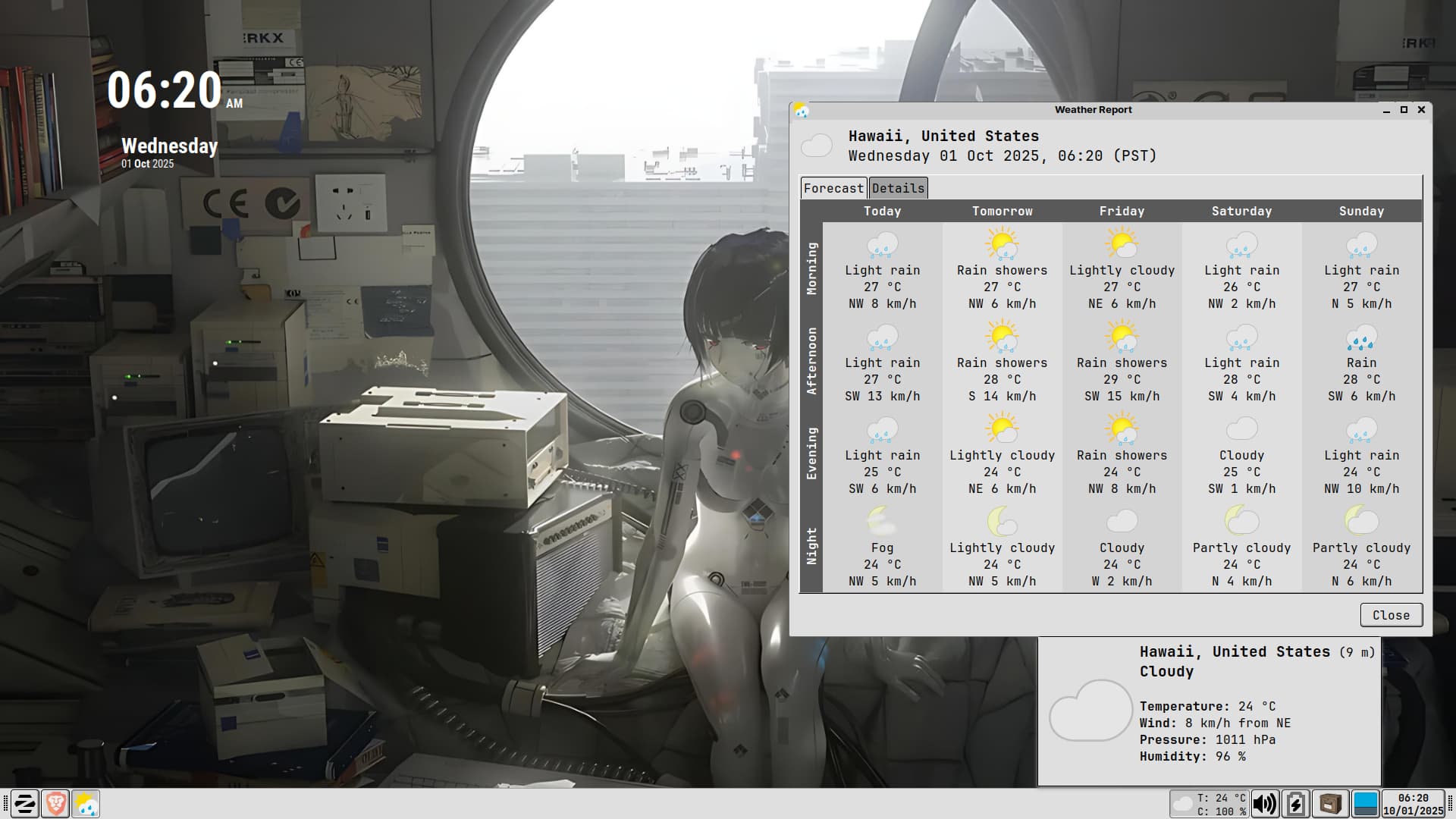
no data available on weather report plugin
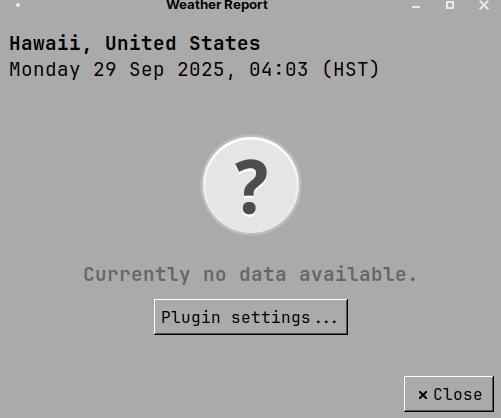
NOTE(not important):on the screenshot above is not my real location
no data available on weather report plugin
NOTE(not important):on the screenshot above is not my real location
Are you currently on Zorin 17 lite or have you installed XFCE alongside the core 17 install? Also just wanting to make sure, but where is this that you're trying to get your location set in? As in, what application / plugin? Just the standard weather plugin that you can install with XFCE or another seperate plugin?
Howdy,
I recently had this on my XFCE Mint PC (Sorry, but with EOL with Lite, what's a guy to do). This is a XFCE issue, which I found the 'fix' in the mint forum. 3rd post down.
No harm in being on another distro. Plenty of us are. Like you said, especially with xfce being sunset, I've been testing others as well.
Hopefully that post can solve the issue for op as well.
I installed it via GDebi. Do you have GDebi installed?
Linux Mint is based on ubuntu 24.04 - maybe it doesn't work because of this?
The correct package is this one:
You can download and install like so:
wget https://mxrepo.com/mx/repo/pool/main/x/xfce4-weather-plugin/xfce4-weather-plugin_0.11.3-0.1~mx21+1_amd64.deb
And then:
sudo apt install ./xfce4-weather-plugin_0.11.3-0.1~mx21+1_amd64.deb
Add the widget to the taskbar, and configure it by setting the location that you want:
This topic was automatically closed 90 days after the last reply. New replies are no longer allowed.