Okay, only B650. But a concrete Model isn't mentioned?
This is an early preview, photo's of my new computer, before powering it up. My computer came before my 10' display port cable did, so I have to wait to power it up tomorrow.
Early inspection:
(1) I see no clear damaged components.
(2) Case is in excellent shape.
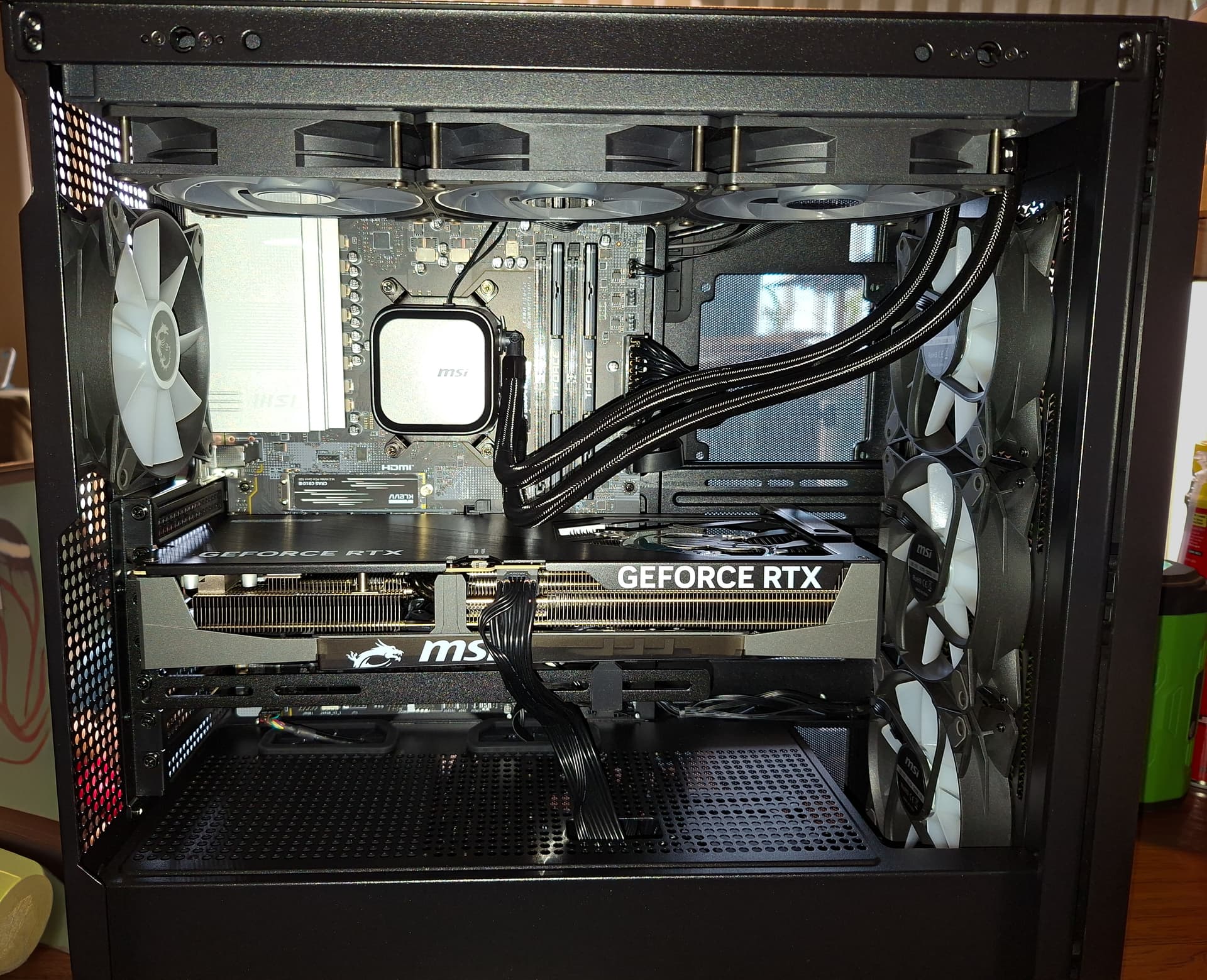
(3) Ram, GPU, & plugs are full seated.
(4) No lose screws of any kind, or anything rattling inside.
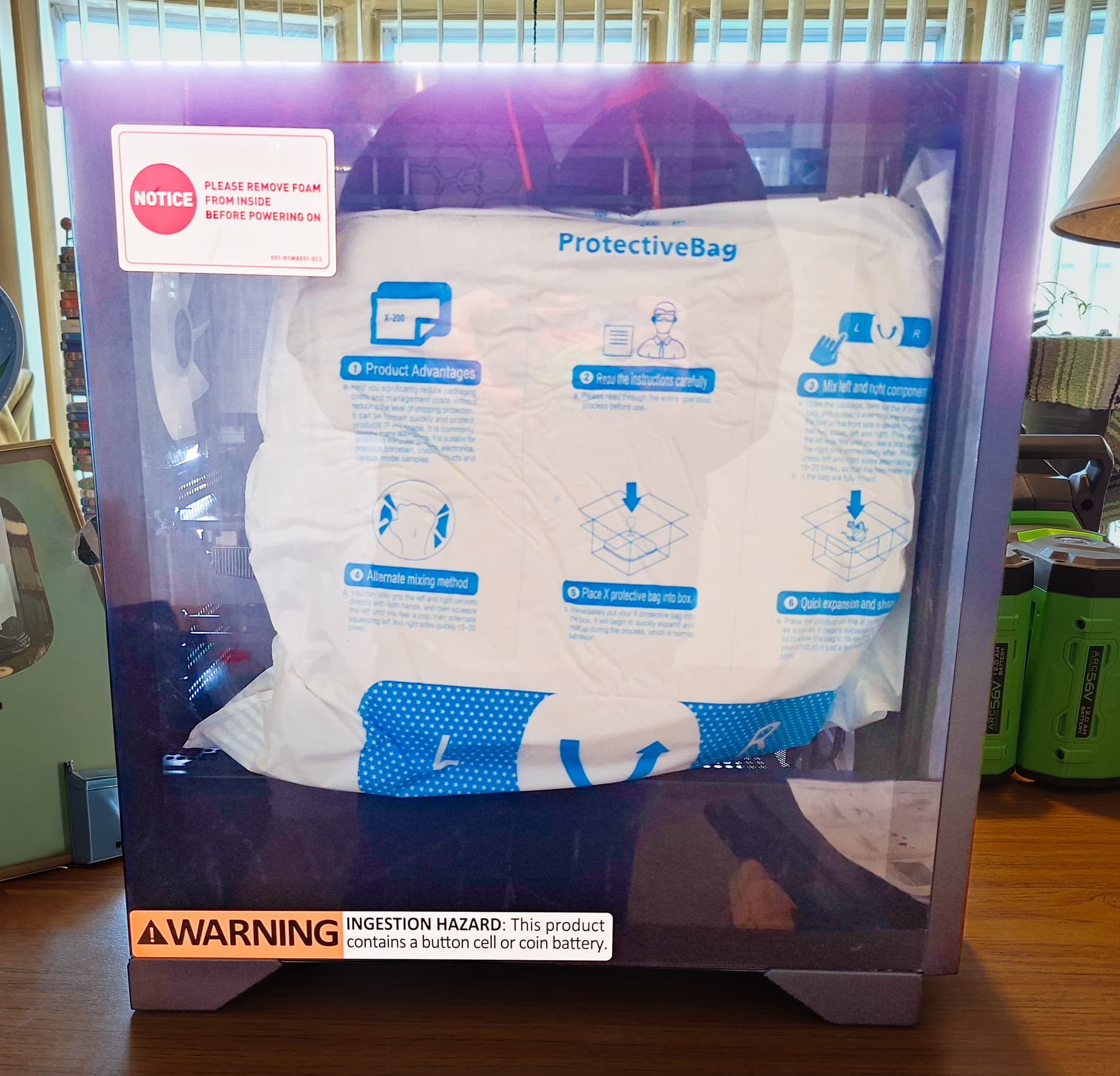
(5) Packing material was excellent, both inside/outside computer.
I am happy so far, regarding the physical aspects, it feels well designed!
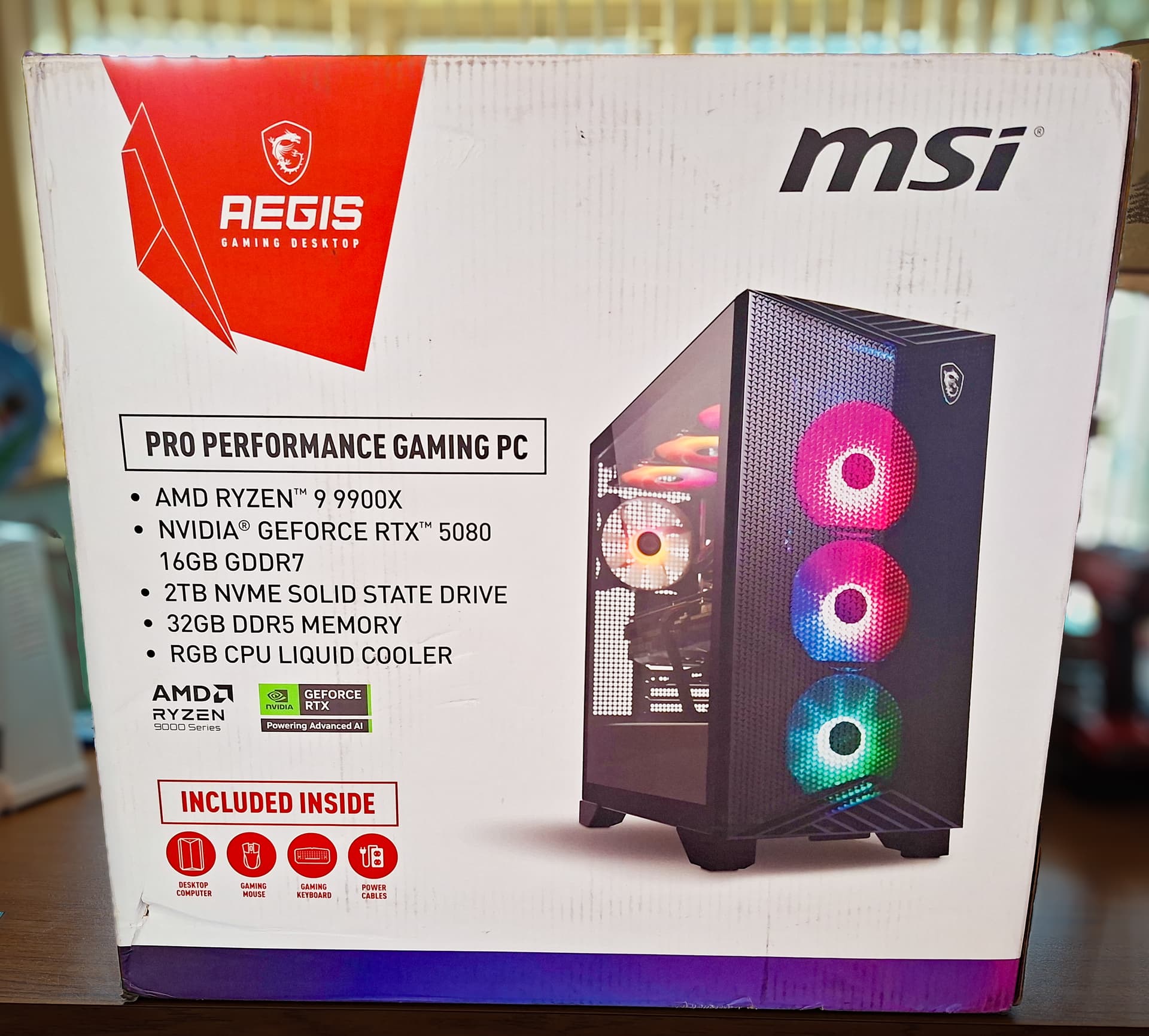
Lovely SPECS = Excellent!
Protective expansion bag, insured there was no damage!
Looking lovely inside!
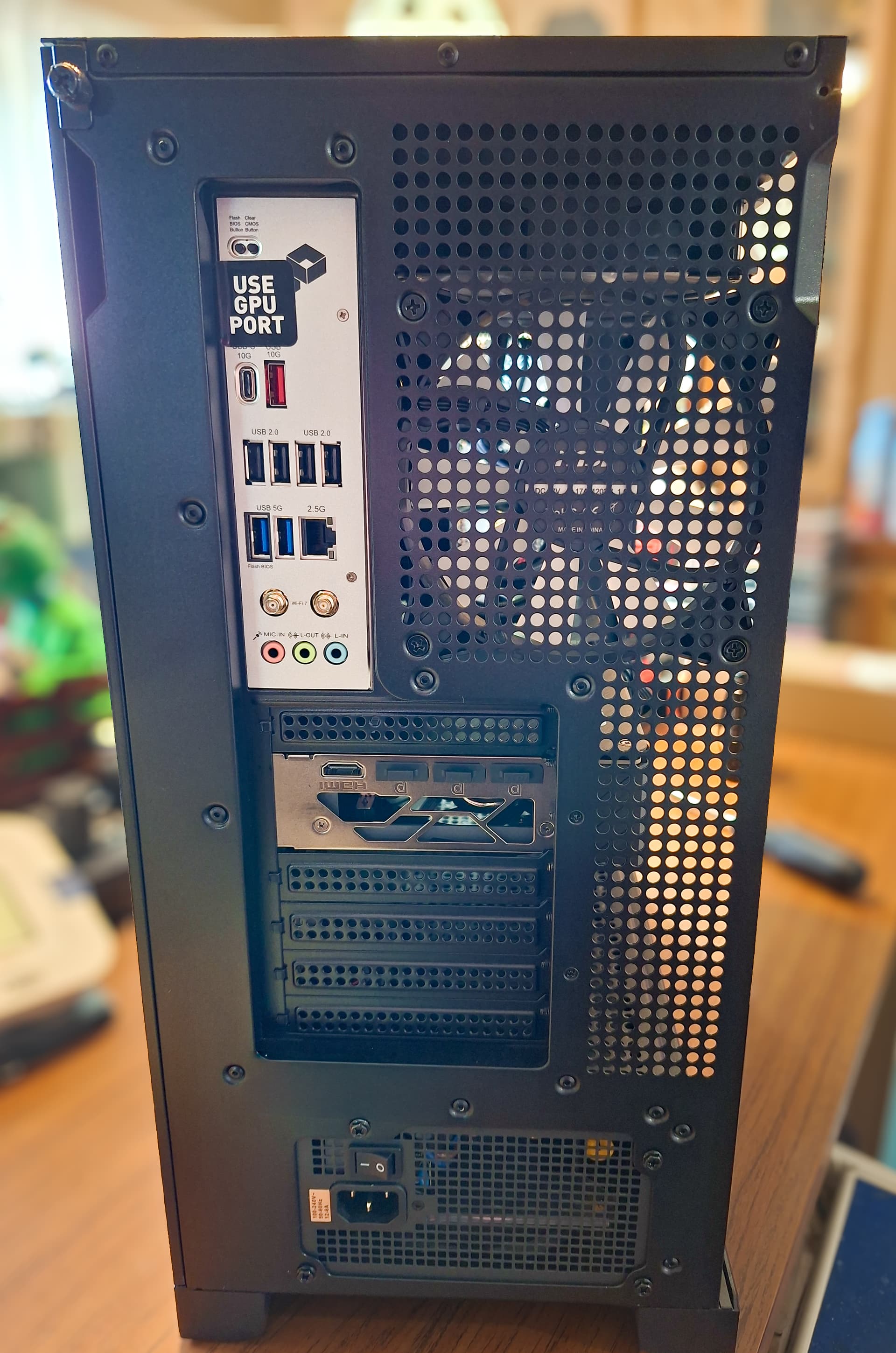
Lots of IO available!
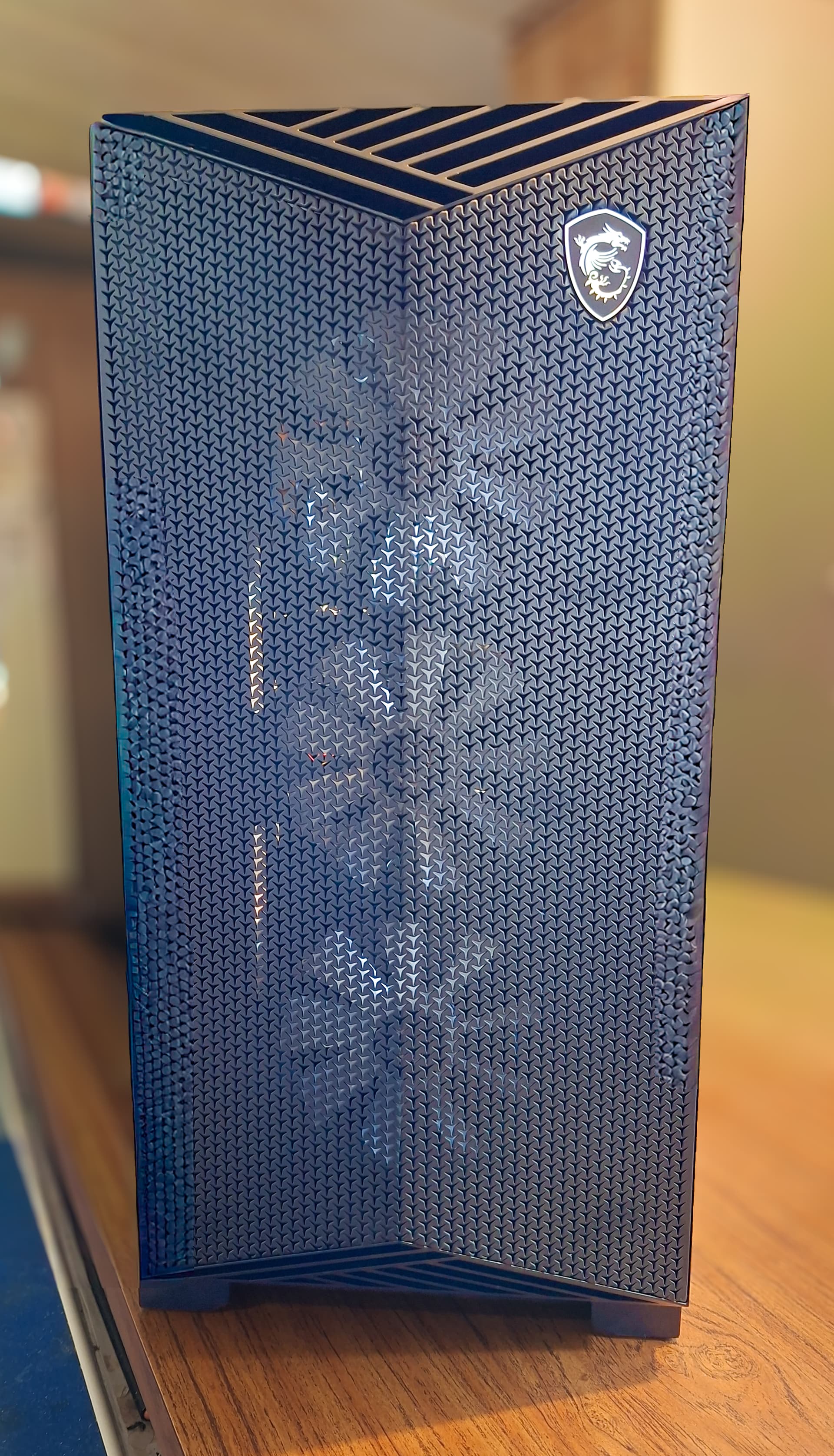
Great convenient top IO ports!

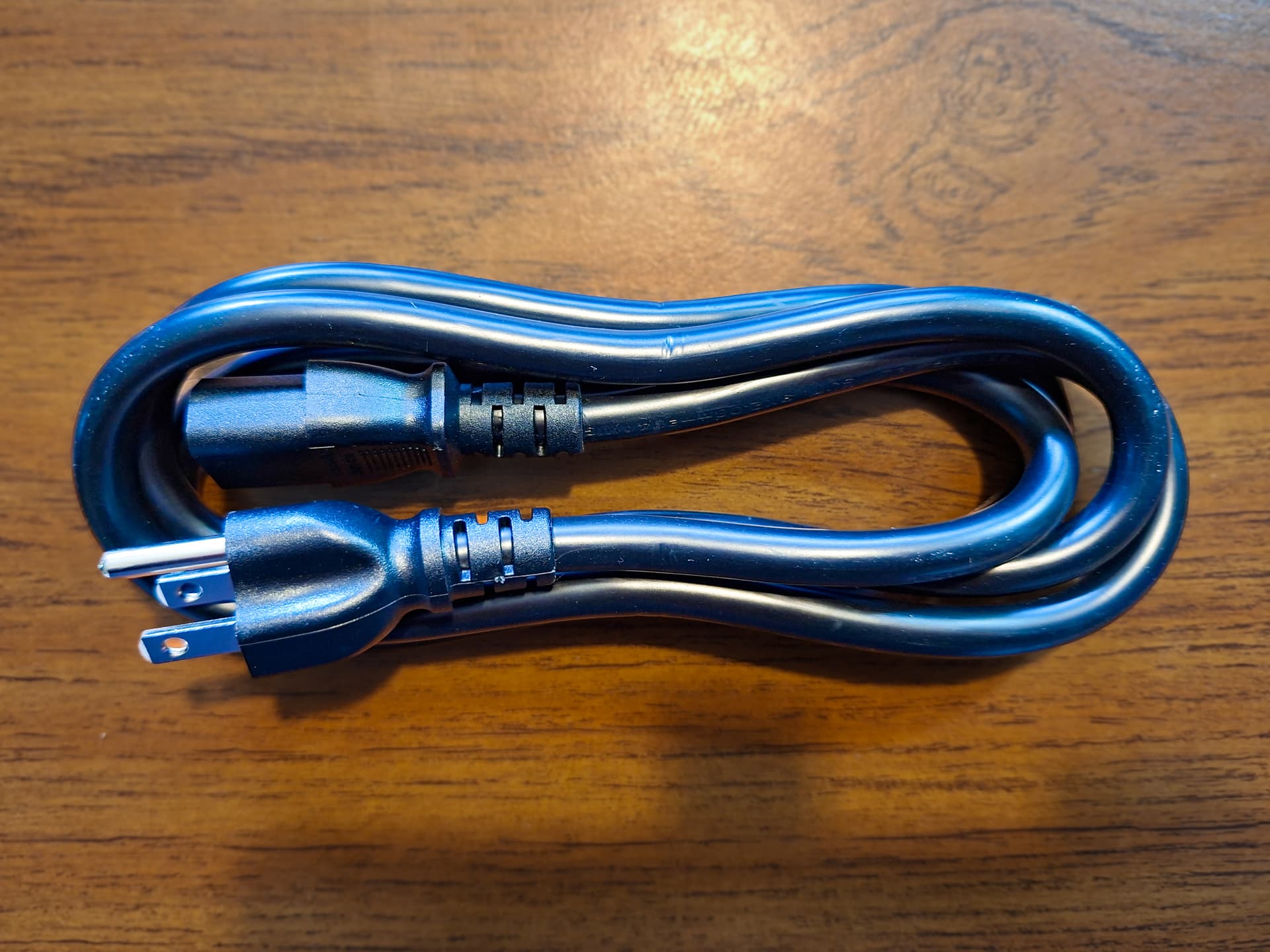
Thickest computer power cable I've ever seen!
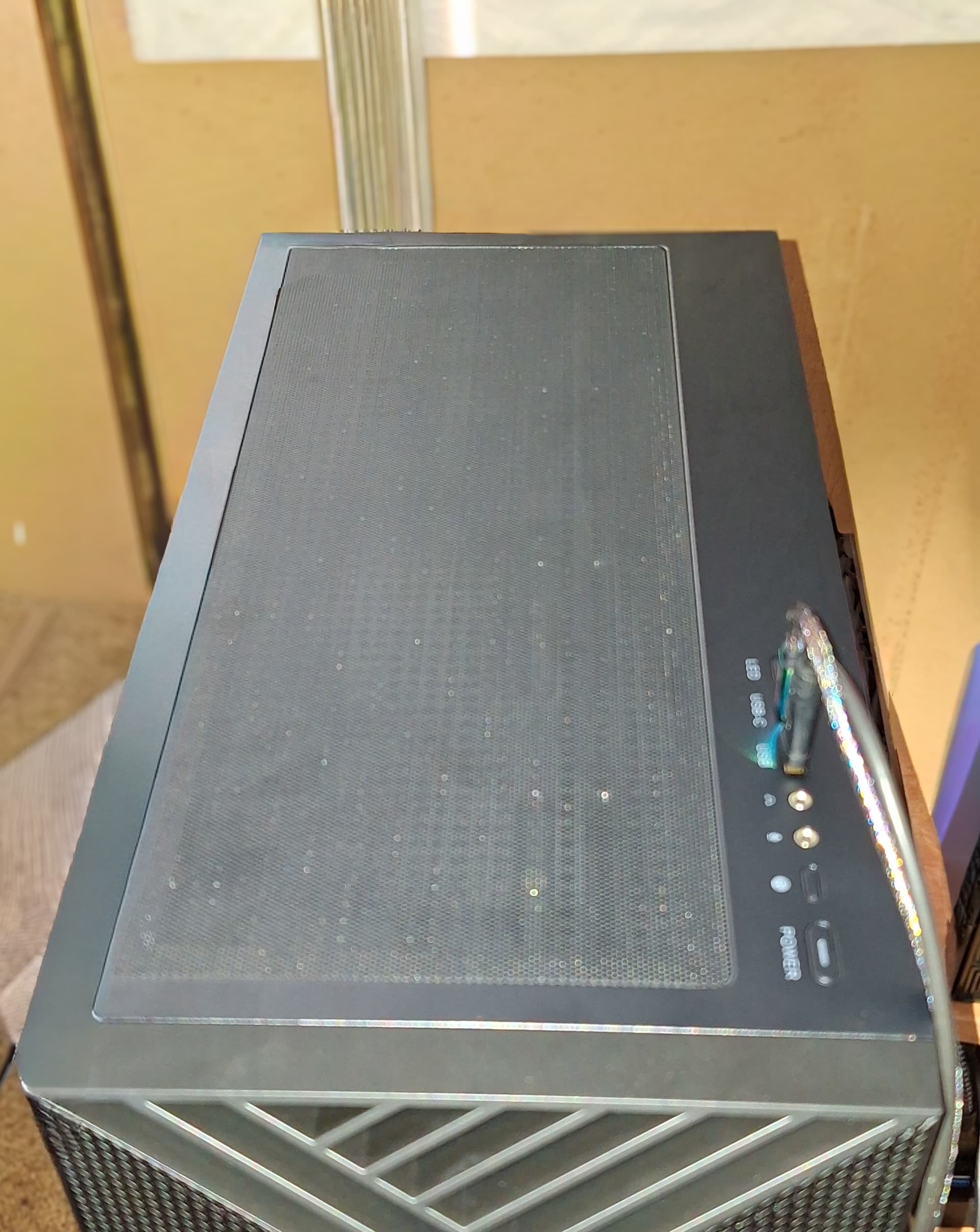
Love magnetic filters on desktop computers!

6 Likes
Wow! Your new PC is looking damn grate! As you I like most the inside beauty.
Glad too see you got already the hardware you wished.
Would be nice and exciting to see your running PC when your display cable has arrived, if you like to show something!
Will you install Zorin OS 16?
1 Like
Thank you, I couldn't agree more Justzorin!
That is my plan, I am going to force the computer to boot into the BIOS first thing, to prevent the computer from booting into Windows, so that I can take photo's of RGB beauty, to setup requirements I need in the BIOS, and to make sure XMP or I guess EXPO is enabled.
As this is a brand new computer, I not only need latest software support, but also kernel level support, for my hardware, as well as active security support. Sadly, my time on Zorin OS 16 has ended, and will be installing Zorin OS 18 PRO.

3 Likes
[quote]That is my plan, I am going to force the computer to boot into the BIOS first thing, to prevent the computer from booting into Windows, so that I can take photo's of RGB beauty, to setup requirements I need in the BIOS, and to make sure XMP or I guess EXPO is enabled. B1 - Launch Fast. Scale Unlimited
Will you install Zorin OS 16?
[/quote]
As this is a brand new computer, I not only need latest software support, but also kernel level support, for my hardware, as well as active security support. Sadly, my time on Zorin OS 16 has ended, and will be installing Zorin OS 18 PRO. Moving to Zorin OS 18 PRO on brand-new hardware makes complete sense—the updated kernel support will definitely help you get the most out of your modern components. Looking forward to seeing the photos
2 Likes
Well, I suppose there had to come a time... 
But I'll keep rockin' 16 for ya.
4 Likes
You have payed what for it again?
1 Like
Now thats a way nice desktop...maybe after abit you might try using the liquorix kernel that should benefit from the new improvments,performance,and optimization as well. mine been running flawless on it. of course 1 step at a time os 16 to 18 well be really new and will take some time getting to know not only the new comp but os 18.
With tax, I got my PC for 3600, which is a little more expensive then my old notebook in 2021, but far cheaper then 6K computers that come with 4K 5090's, in now 2026.
Thanks! Hmm, I don't install custom kernels, I always use what comes with the OS. The only thing I've done with kernels is, if I had a boot to black screen problem, then I would choose a previous kernel from the list to boot.
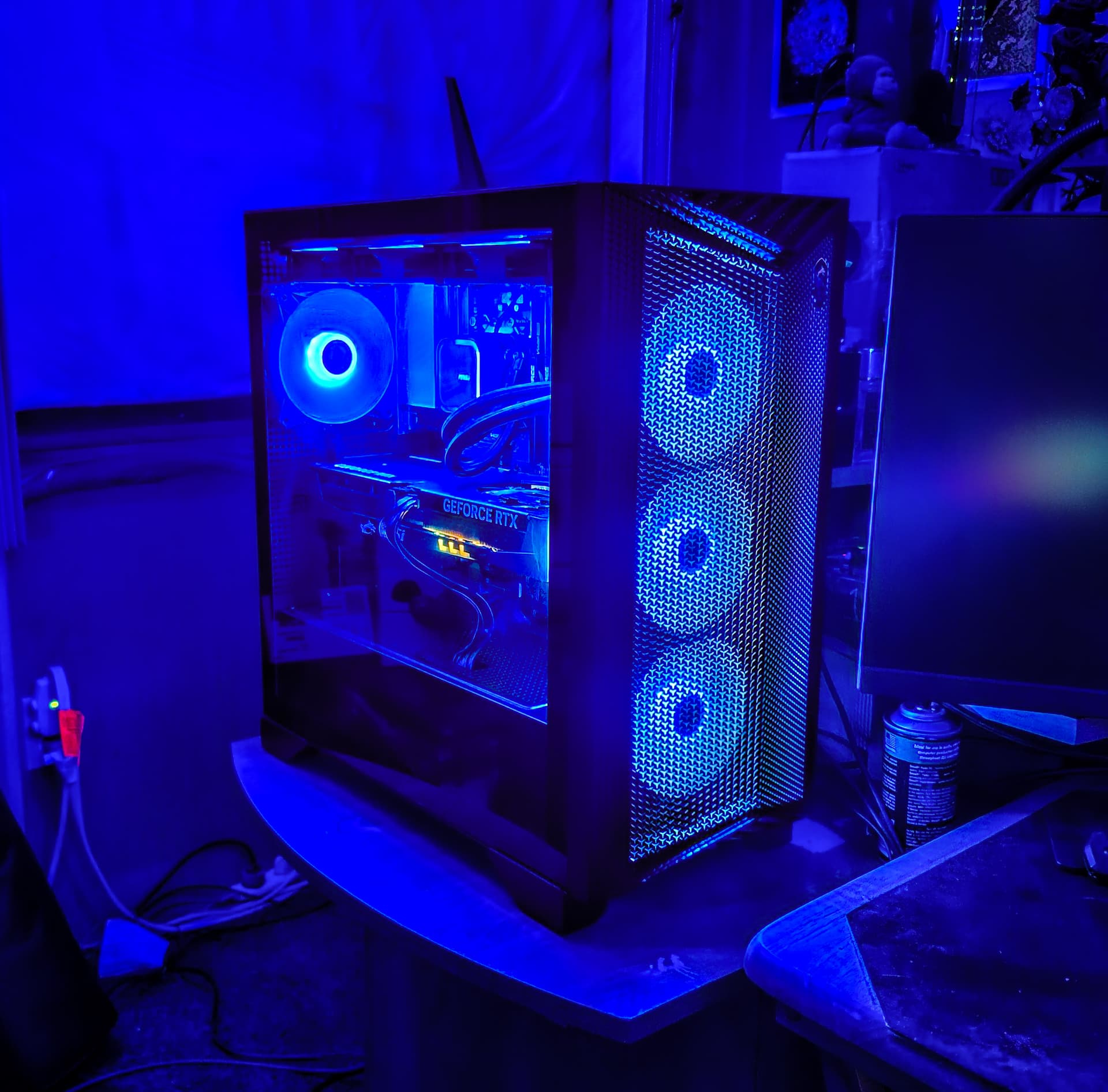
OK everyone, I have new pics and an update.

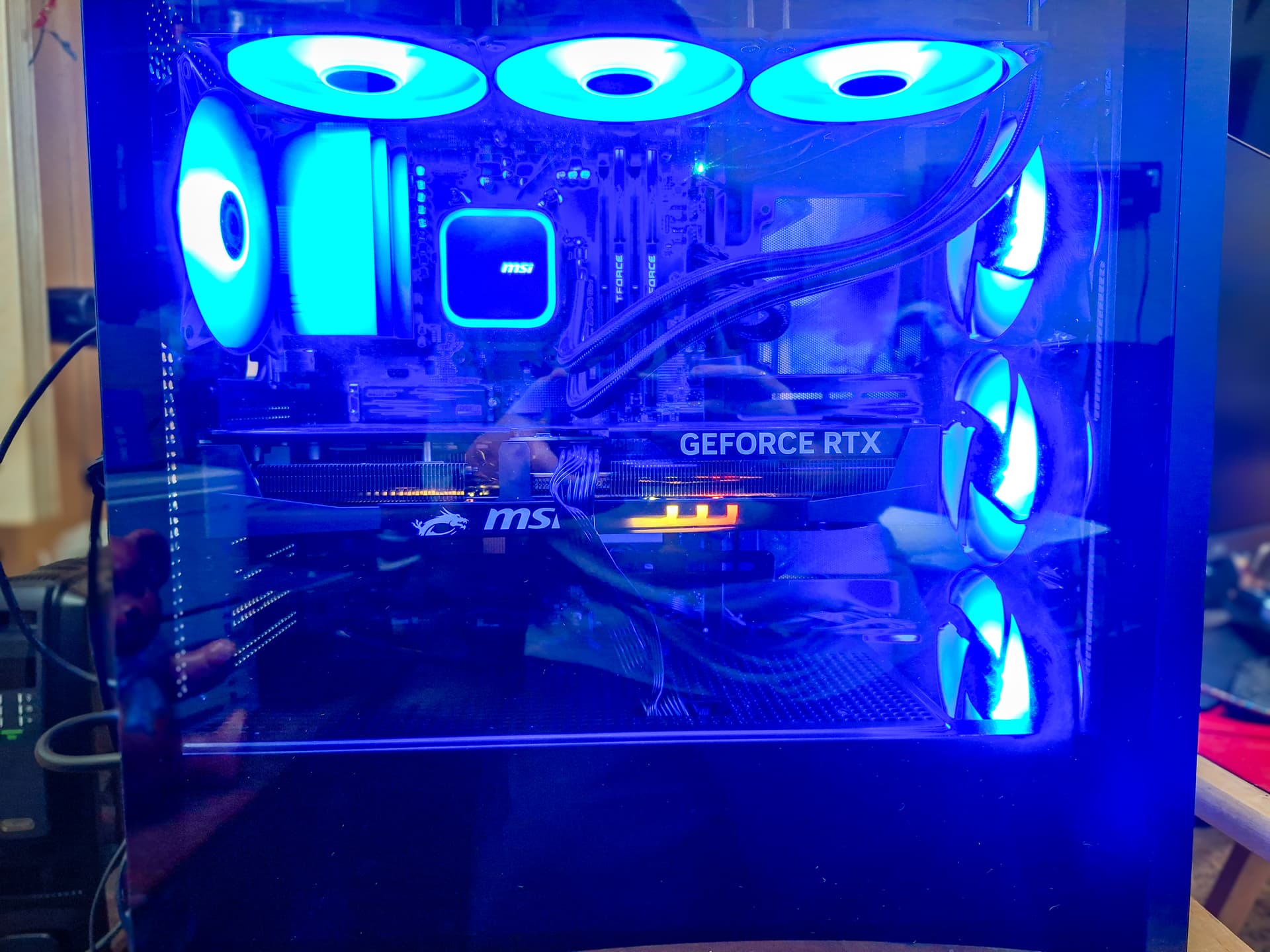
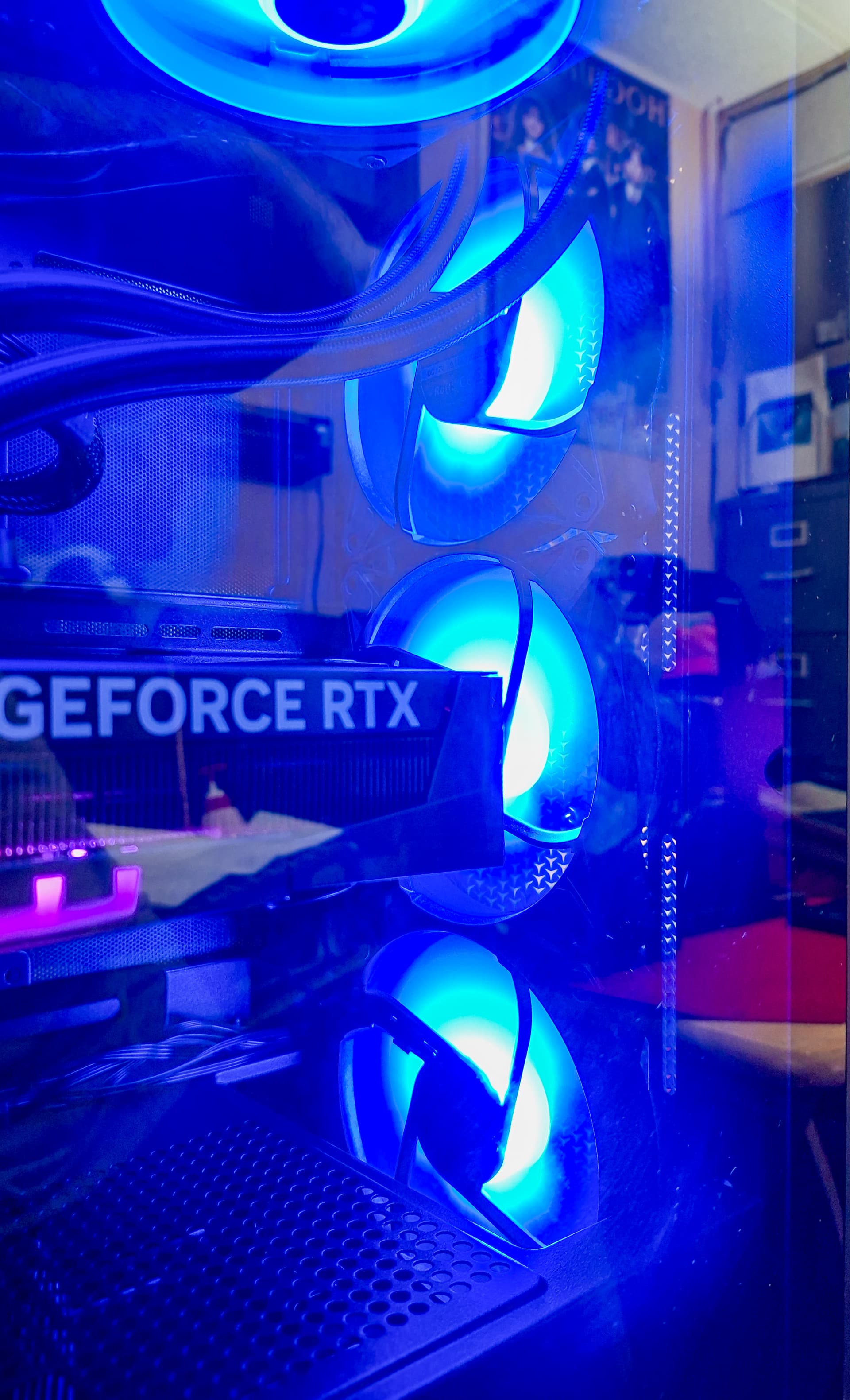
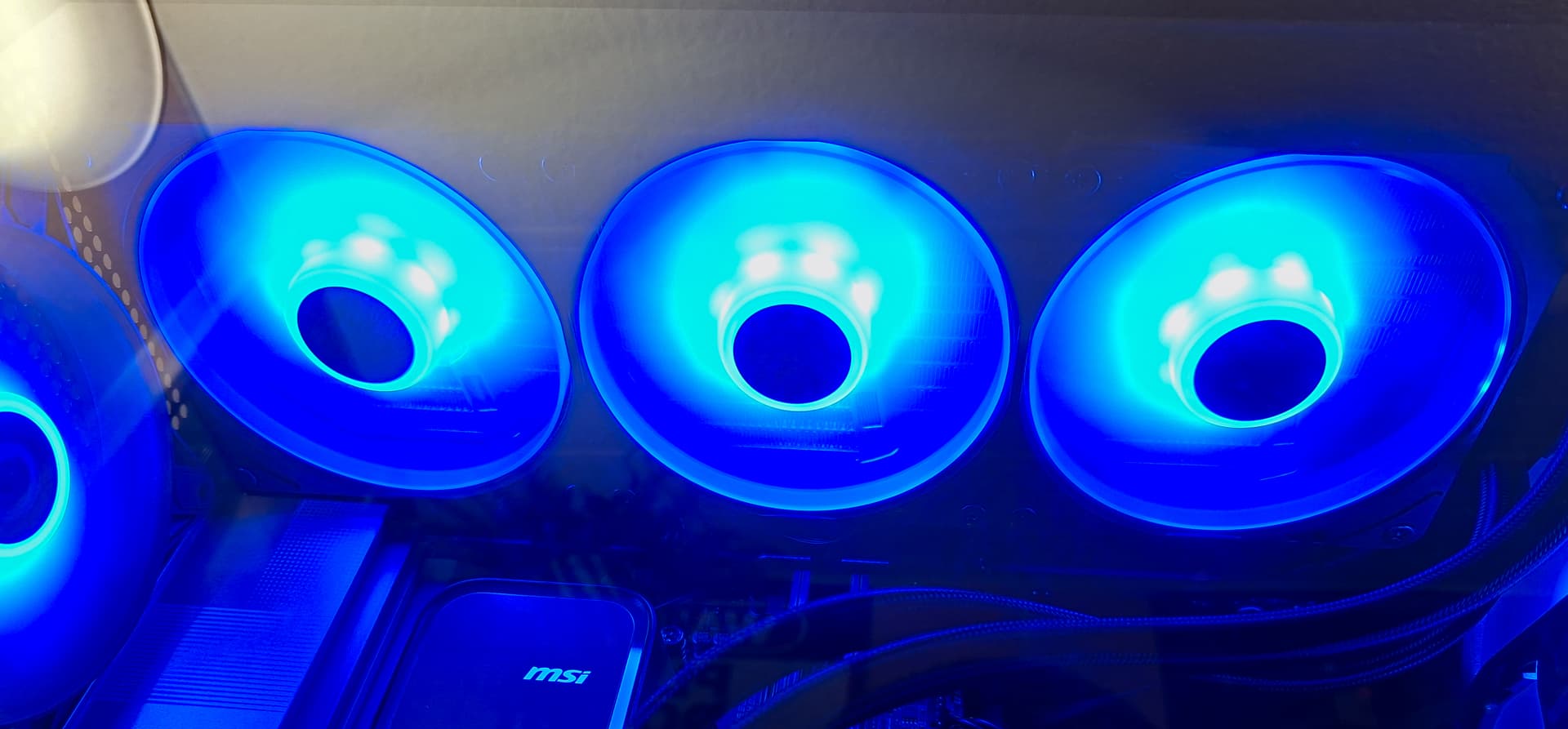
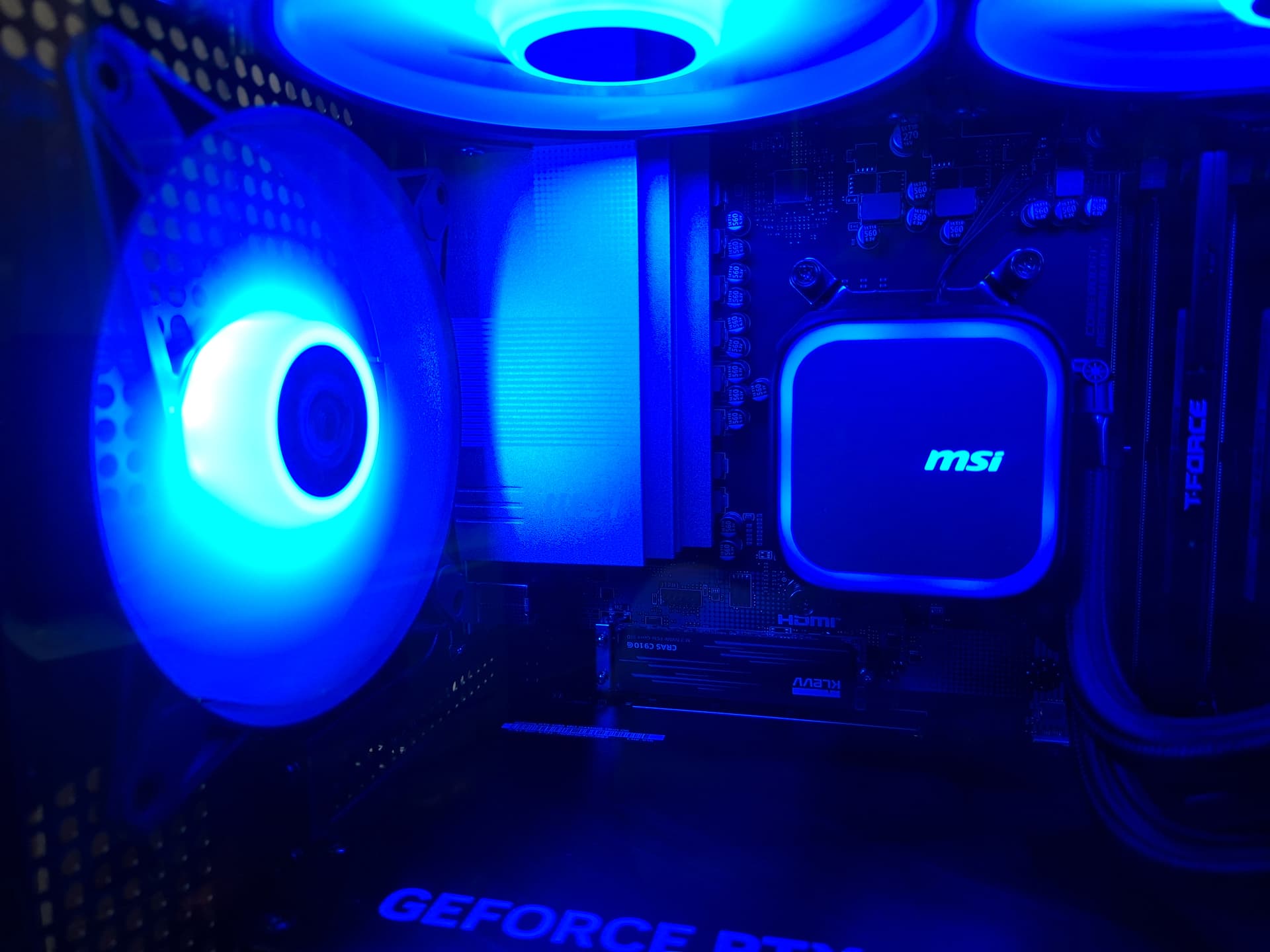
Of course the computer was set to rainbow mode like they all are. All I had to do, was repeatedly press the LED button on top, to cycle the colors to blue. As I expected, Windows had a strong hold on my computer, and during the initial language setup, wouldn't let me enter the BIOS, had me locked out.
I had to simulate a boot problem, by holding the power button down to turn it on and back off, at the MSI logo, which forced Windows into a troubleshooting mode. From there, I could access advanced options, and tell windows to give me access to the BIOS.
Once I got into the BIOS, I stopped Windows from being prime boot, but discovered my keyboard was oddly not working, maybe it aint good for in the BIOS, and only good in OS, so I attached the keyboard the computer came with, problem solved. New problem, computer can't see my Vectotech SSD drive, I flashed Zorin OS on.
I tried attaching it to another USB port, to no avail. I did a lot of research using AI to help me through this frustrating time. I noticed one of the boot priority options was for USB keys, but the BIOS couldn't see it. AI told me that some pre-builts can't see attached USB SSD drives, due to some weird modern BIOS limitations.
I suspected it might have something to do with that, cause I can't think of any other reason. I asked AI if the computer would prefer USB keys, since thats what most people use anyways, and it confirmed yes to USB keys. With that said, I ordered one this evening, and it will get here tomorrow with Prime shipping.
The plan is, when the USB key gets here, I want to flash it with the Zorin OS installer using Popsicle once again, and I am really hoping that will work with my new computer. Cause, if it doesn't work, I will be permanently stuck using my new computer, that came with Windows, which I don't want that nightmare.
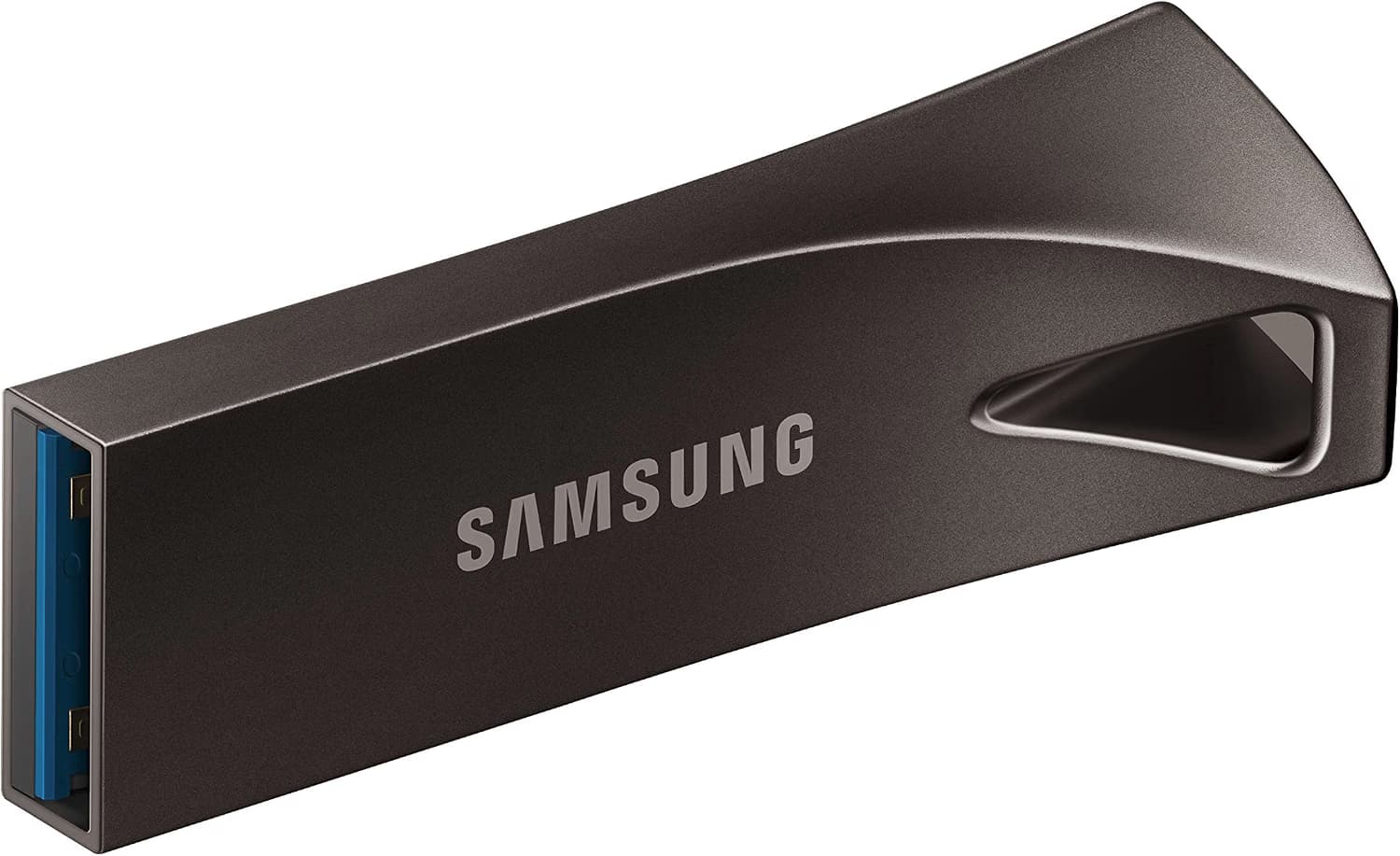
AI recommended this as the gold standard for USB key's...
SAMSUNG BAR Plus 3.1 USB Flash Drive,
128GB, 400MB/s, Rugged Metal Casing
So, thats where I am right now.

2 Likes
I think you should order some Oakley sunglasses for looking at those bright LED fans! 
I was glad to see it has a reset button. I would never buy a case without one.
2 Likes
I guess Dollar, right? Interesting what You get these Days for this huge amount of Money. A bit sad.
Because of Your new and potent Hardware an up-to-date Kernel could provide better Hardware Support. It could be worth a Try with the Liquorix Kernel.
3 Likes
Just a side comment, Liquorix did not have all those kernel issues that came about earlier in the year, CopyFail, DirtyFrag etc.
2 Likes
You and Linux Zorin and it's Community will Win11 sweep away like a storm!!!
1 Like
Well, it was affected, too but got fixed in the Kernel.
1 Like



I received my new USB key today, and I burned the Zorin OS 18 Pro installer on it. Then I booted the computer into the BIOS, and wouldn't you know it, the BIOS saw it!
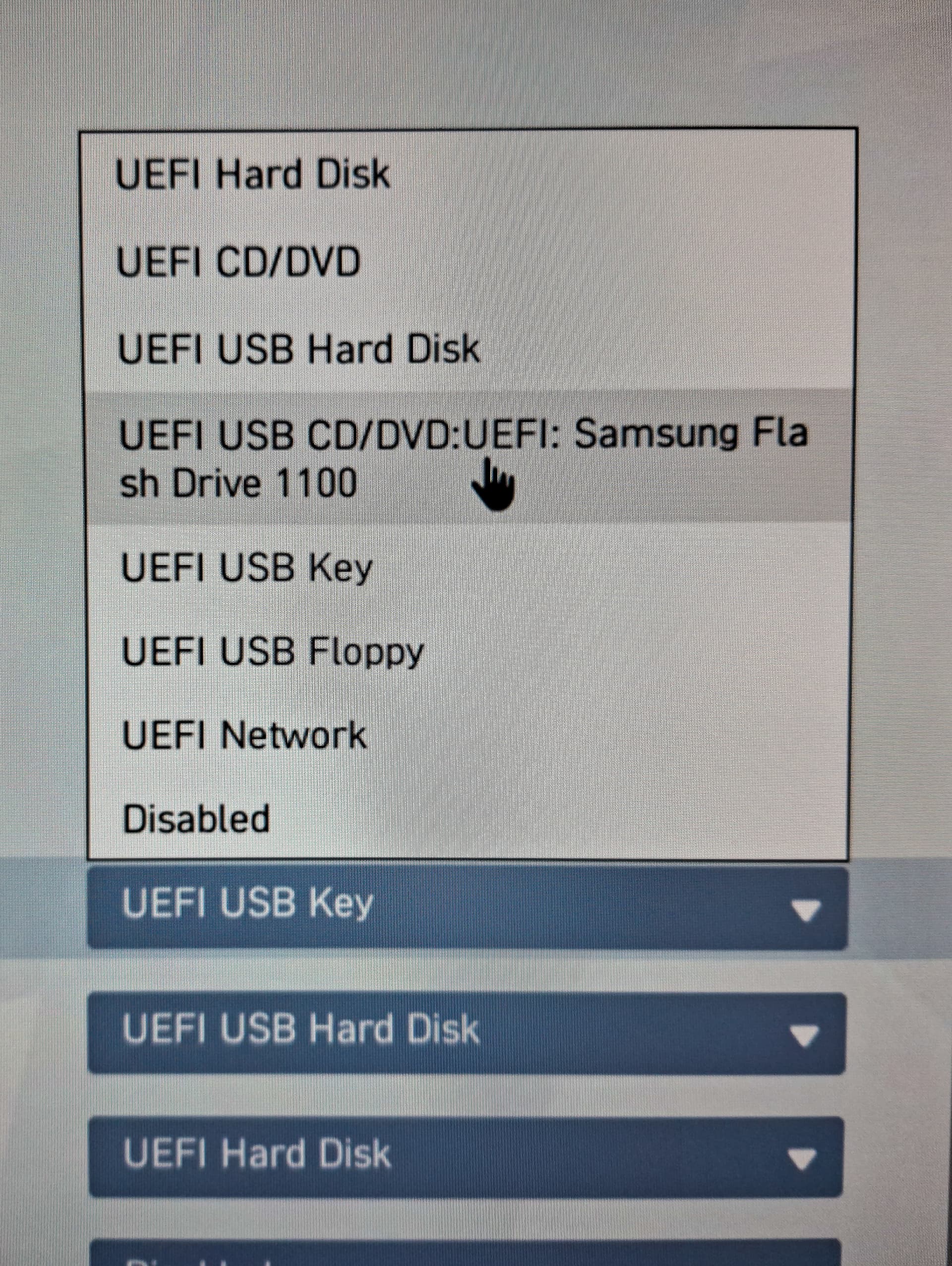
I selected the drive and booted up the installer.
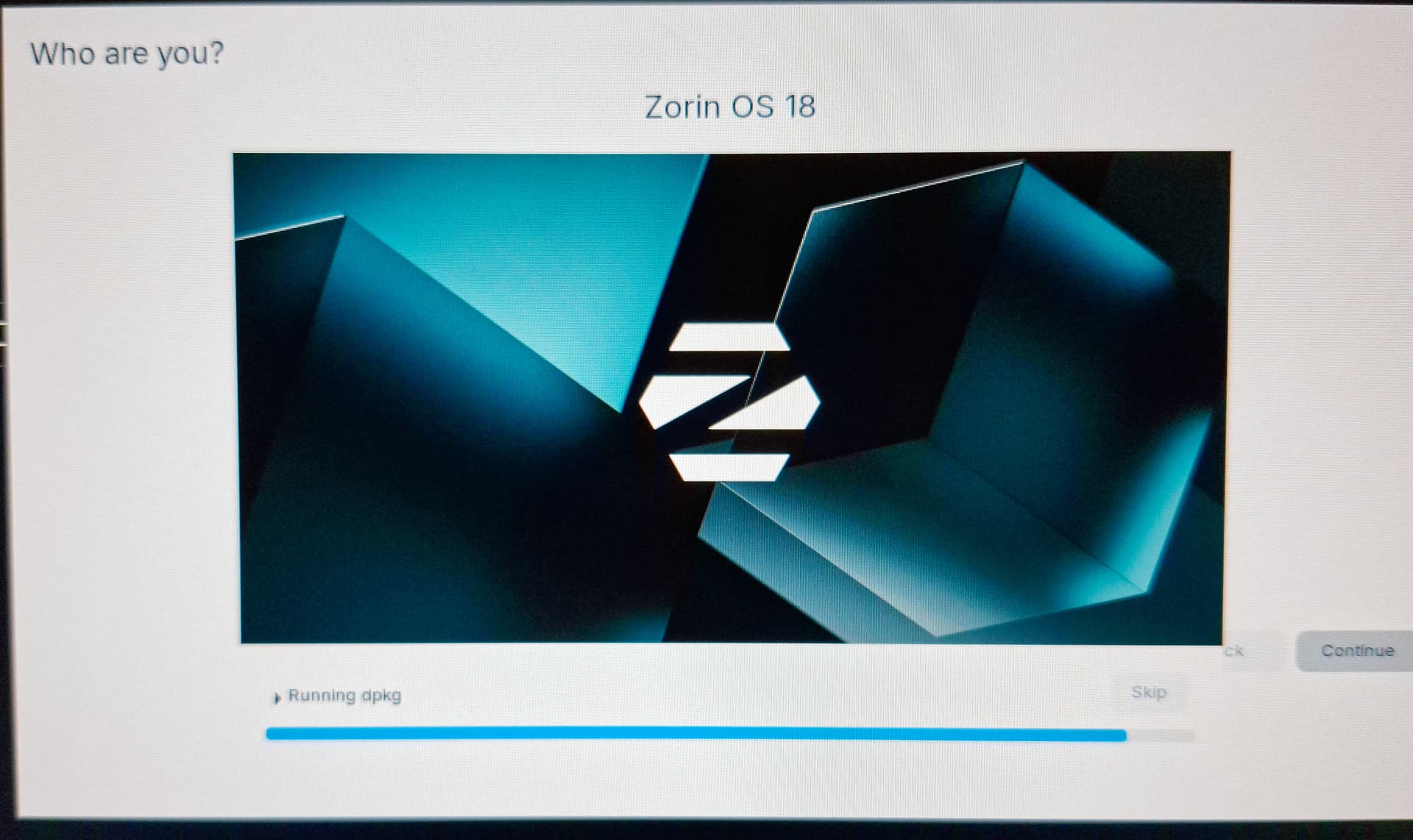
Zorin OS successfully installed really quickly, using a RED USB 10Gb/ps port. After some very miner modification of the OS so far, I then installed the latest Nvidia 610, making sure to use the OPEN driver, for full functionality.
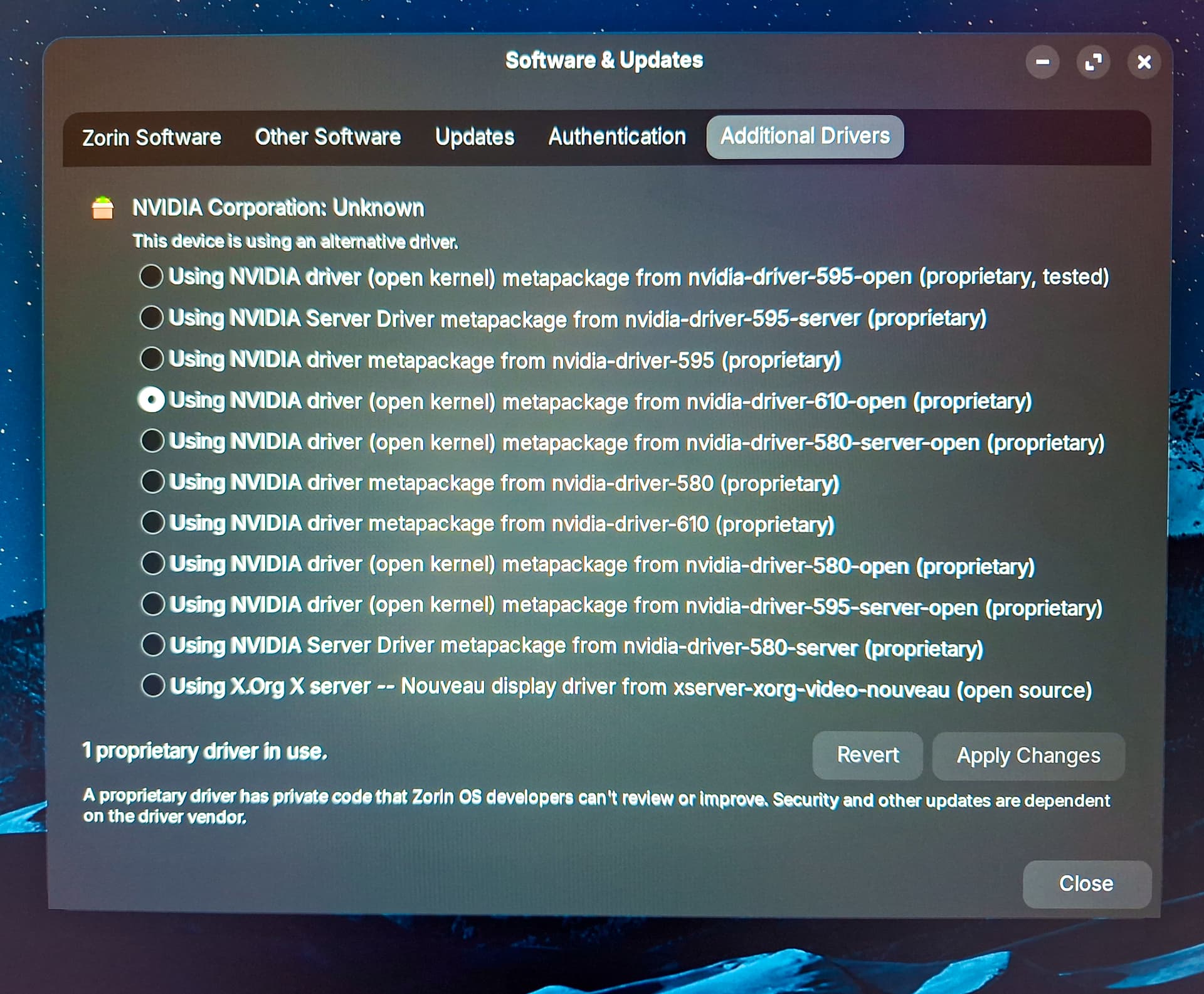
Looking good so far!
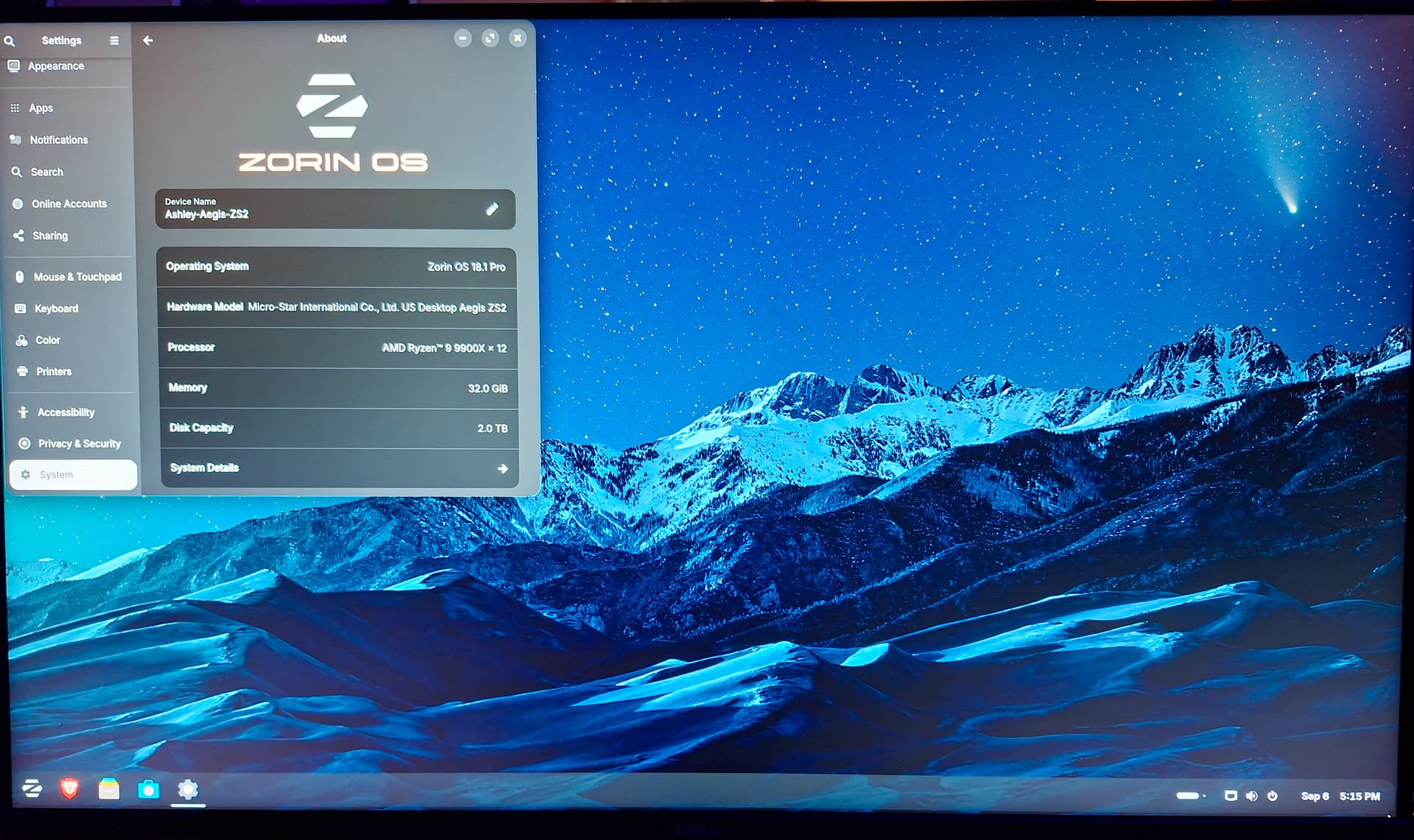
5 Likes
That stock dark mode Zorin wall looks better than I have ever seen. I finally copied my problem bookworm install to a "trixie" I installed on a failing 2.5" 2 Tb Samsung drive I replaced with a Crucial M.2 SSD on the PS4 Pro. Then I can continue with the Unofficial Manual for Zorin 18.1 Core.
2 Likes
Something else I discovered that I wasn't expecting, Zorin OS 18 runs way faster then Zorin OS 16. I realize I'm not doing an exact proper science here, since the new computer is literally 2 generations newer in tech, but the difference is indeed noticeable.
I had to apply both a fix in the OS, as well as the BIOS, to prevent the computer from dropping USB power during a soft reboot, preventing me from using USB devices. Oddly enough, my (most expensive) Keychron keyboard no longer seems to work properly, plugging in does nothing, typing just causes RGB reacting, might require doing a keyboard reset procedure.
For now, I'm just using the very clicky mechanical keyboard that came with the computer. I've never had an issue with my Steelseries Aerex 5 mouse, connected to my new computer though. The stories about Zorin OS 18 being a little different then 16 are true.
For one example, setting GPU to performance, balanced, eco, used to be done in Nvidia X Server Settings. Now, its in the OS settings, power options. Since security update support ended for OS 16 this year, its nice having that support again. Its also nice running on the latest kernel, as well as GPU driver.
Kernel: 7.0.0-31-generic
GPU Driver: 610.43.02
The first game I started playing believe it or not, was Half Life 2, which of course with graphics maxed out in 4k, yielded 300FPS.  Technically more then I need, which is 140Hz for the monitor, but does show there is plenty of performance left on the table, without even breaking a sweat.
The latest AAA games, are the ones that need the most, games like Doom The Dark Ages, and Subnautica 2, which I am hoping to buy next month. Space is at an all time premium, even for 2TB, so I won't be installing my entire Steam games library, not without another 2TB of storage space required minimum. I've also got Alien Isolation installed, as well as the F.E.A.R. games. Of course I will get OG Subnautica, as well as Subnautica Below Zero installed.
2TB doesn't carry as far as it used to, not when you have games that take up 100GB or more, but it is the required minimum I have to say, when you got 12-games or more. Have you looked up pricing on USB external drives for gaming? Thanks to data centers and the AI frenzy, they are costing like 500 dollars and up.
I completely agree! Unfortunately, no matter what method I try, I'm unable to install my Star Labs theme. I remember people of more recent times, talking about this issue too, I think it stems from developer dropping support for the PPA, used to install it from. With that said, I am using the stock dark mode theme, I love that wallpaper.
2 Likes
Your bright blue rig reminded me of the first track on this youtube vid!
1 Like
22 posts were split to a new topic: Keyboard Discussion Thread