Keep having to repair Gnome Software centre as an error pops up The name:3.77 was not provided by any service files. Is there a permanent fix for this as it has happened about 3 times in as many weeks.

Just opened it today and got the error again. No 17 components installed.
Zorin 16 Lite fresh install as per title.
Verified the hash.
sudo apt update - all packages are up to date.
Software update is set to Main server.
It seems to happen most when I refresh the update tab.

Now getting the above.
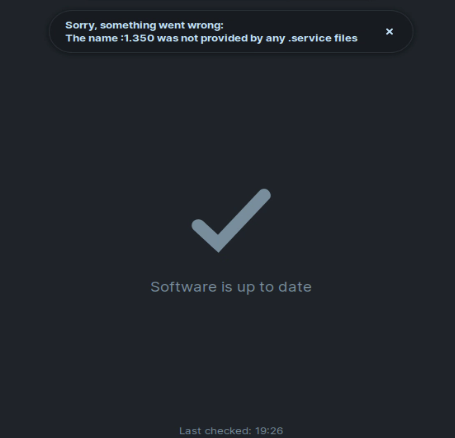
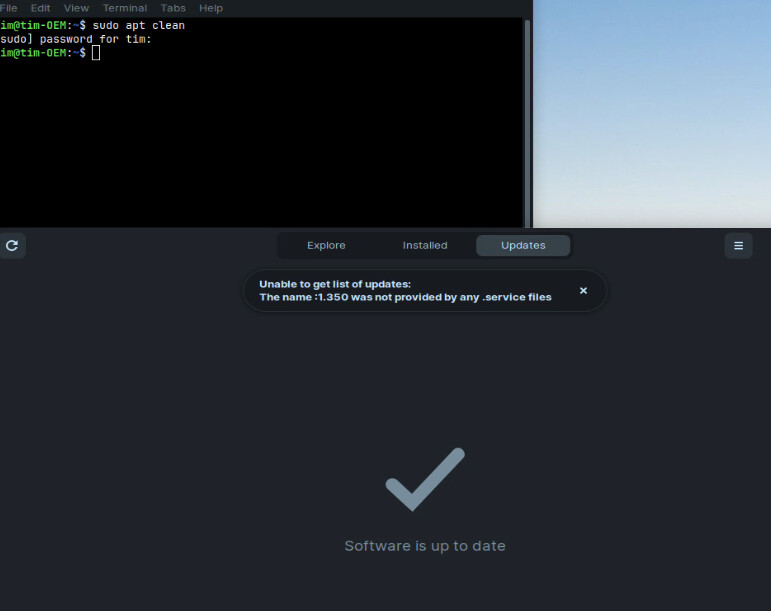
You could try the following:
First make sudo apt update && sudo apt upgrade. Then open Gnome Software and let it open. Then open the System Monitor and look in the Process List for gnome-software. Click on it and end the Process. You will see that the Gnome Software Window disappears. After that open Gnome Software again and look if it works.
Fixed for now @Ponce-De-Leon I will update this thread if it happens again.
1 Like
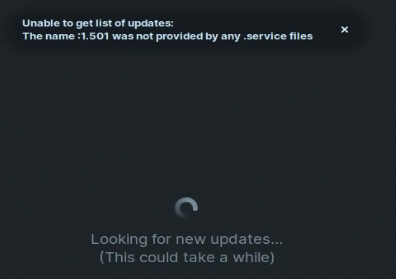
Happened again. Opening software then terminating in task manager and opening again fixes. Strange.
Changed Update server to UKFast using the server test but it still happens.
Hmm ... Did You tried a sudo apt reinstall?
1 Like
I did but just terminating the program also has the same effect. I searched for a solution and it was to reinstall but it comes back.
1 Like
Maybe it is a Bug ...
1 Like
Seems so is why I put it in feedback.
Maybe untick the post marked as "Solution" as problem reappeared.
If you prefer this thread to be in "Feedback", rather than seeking Help, please say and I will move it there. The alternative would be to keep here but flag to "staff". Zab
Without knowing for sure what you have tried...
sudo rm -rf /var/lib/apt/lists/*
sudo apt clean && sudo apt autoremove
sudo apt update && sudo apt upgrade
sudo apt install --reinstall update-manager gnome-software fwupdmgr
Reboot...
E: Unable to locate package fwupdmgr
@Aravisian seems to have fixed it for now. 4 refreshes of the software manager updates (usually when it occurs) and no errors.
Will update this thread but cautiously optimistic.
You can run
sudo apt install --reinstall update-manager gnome-software
Odd that fwupdmgr is not present...
https://manpages.ubuntu.com/manpages/focal/man1/fwupdmgr.1.html
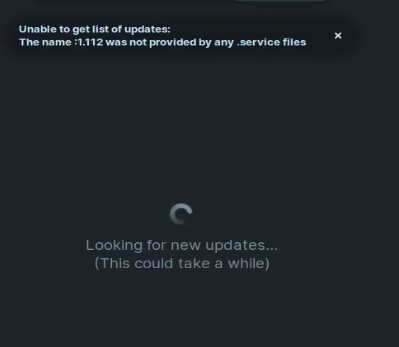
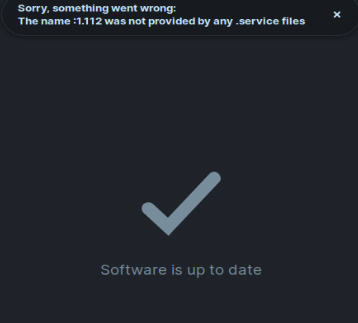
After 6 hours uptime. @staff
Were any related system log entries posted?
Maybe leftover configuration files? Perhaps purge might be called for, alongside reinstall...?
Just my two cents:
For some reason, to me... This seems like something you might see if you maybe try to install a corrupted or b0rked .deb file or something with some script that was set to run upon login and called by your .bashrc (persistence through boots), Install Linux Application or Run Software.
As in... it keeps checking some script for things to look for to install or update based on data that it wasn't told is no longer available on the machine... but since the application is not installed, there is no .service file to associate with whichever application's version numbers keep showing up in your gnome-software-center.
I want to now ask if it's possible that something like this happened with a start-up application script or something similar...?
Suggestions:
Check for remnants of faulty startup script or configuration, or old, downloaded .deb or Linux executable files?
Reset or purge Gnome Software Center and all it's settings and reinstall?
Look for dependency issues. Any messages? Try Synaptic to view which applicationsare installed, by source, and then filter out any applications that appear to you to match the string found in the error you're seeing in the gnime-sofware-center?
Can you try (it can take some time to run):
sudo dpkg --verify
sudo dpkg --configure -a
Reboot and test...
First run no error. Will test after 6 hours uptime as that's when the error seems to happen. Terminating or rebooting fixes.
1 Like