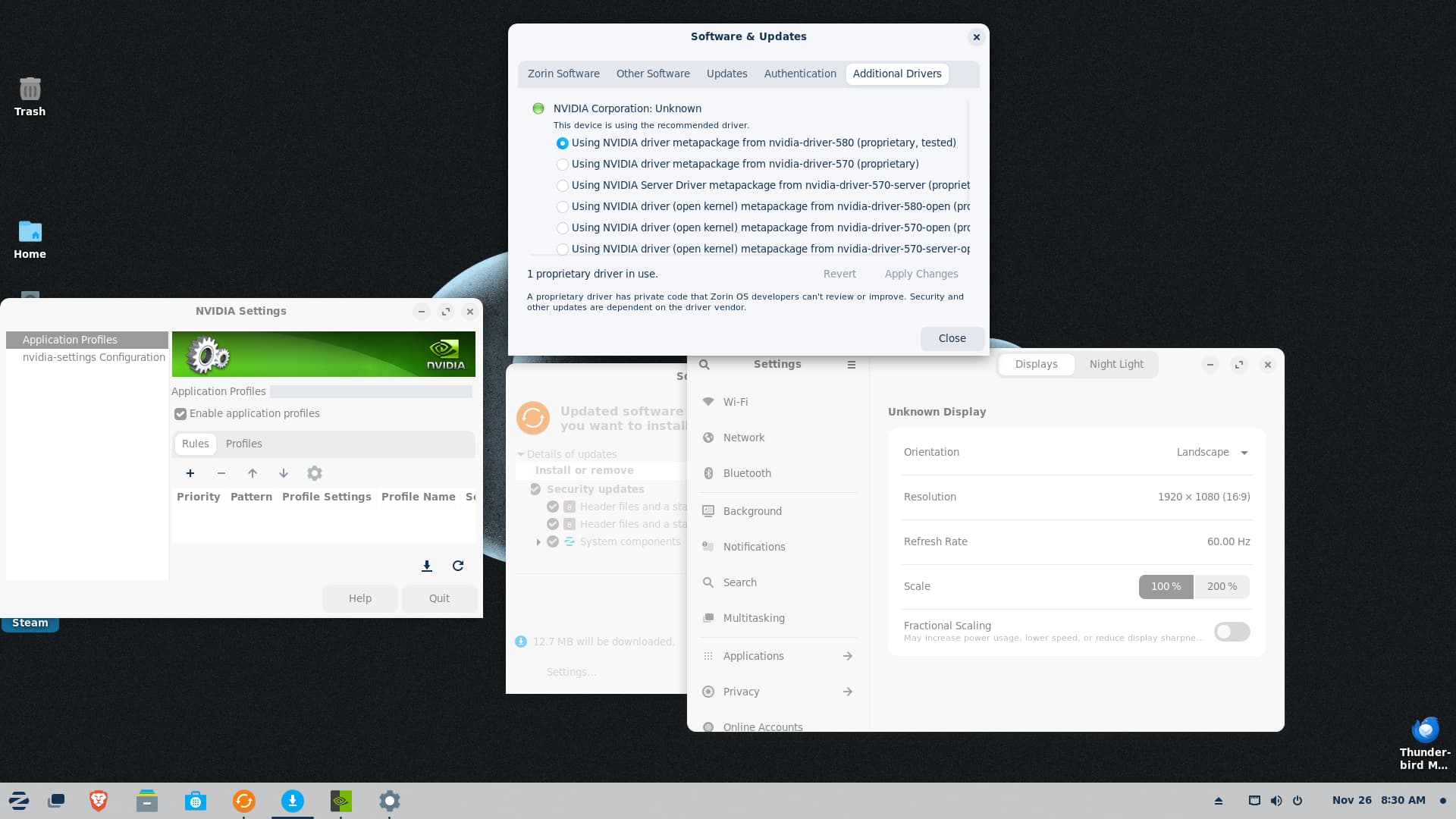
The monitor is a LG 43" Class 4K UHD IPS LED (model 43UD79-B)
Graphics: Nvidia driver metapackge 580-open with a Geforce RTX5060 Ti 16gig
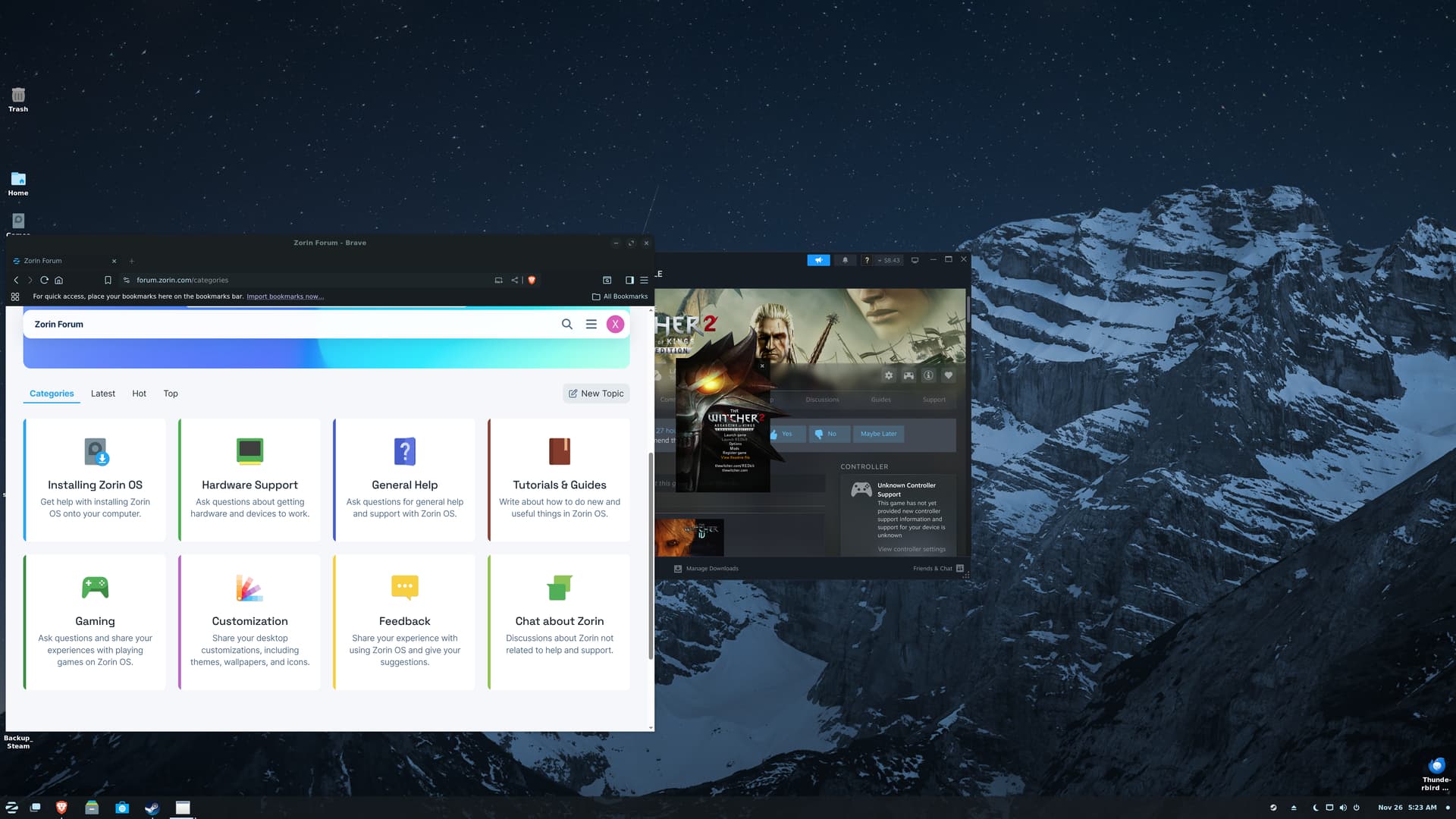
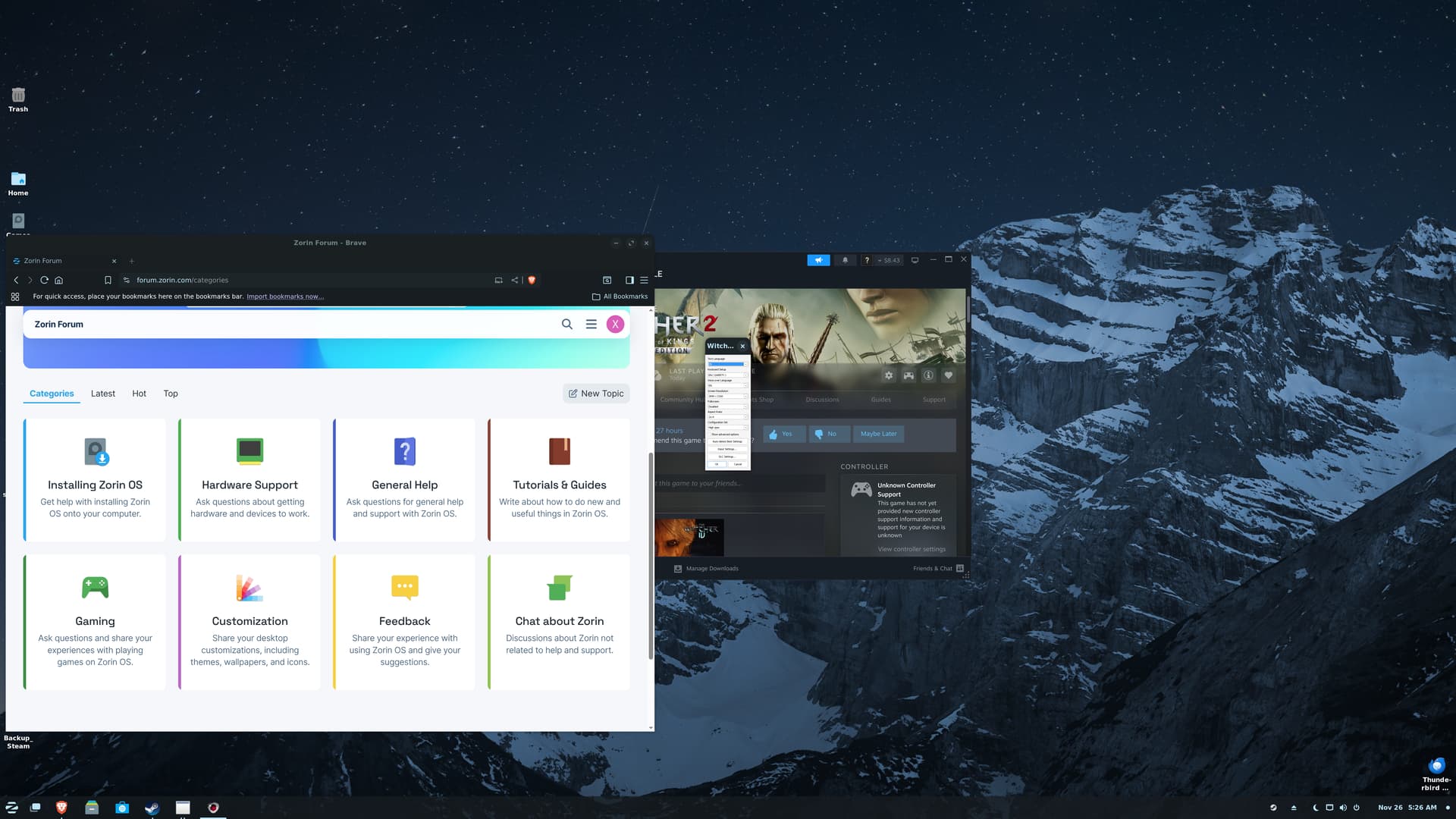
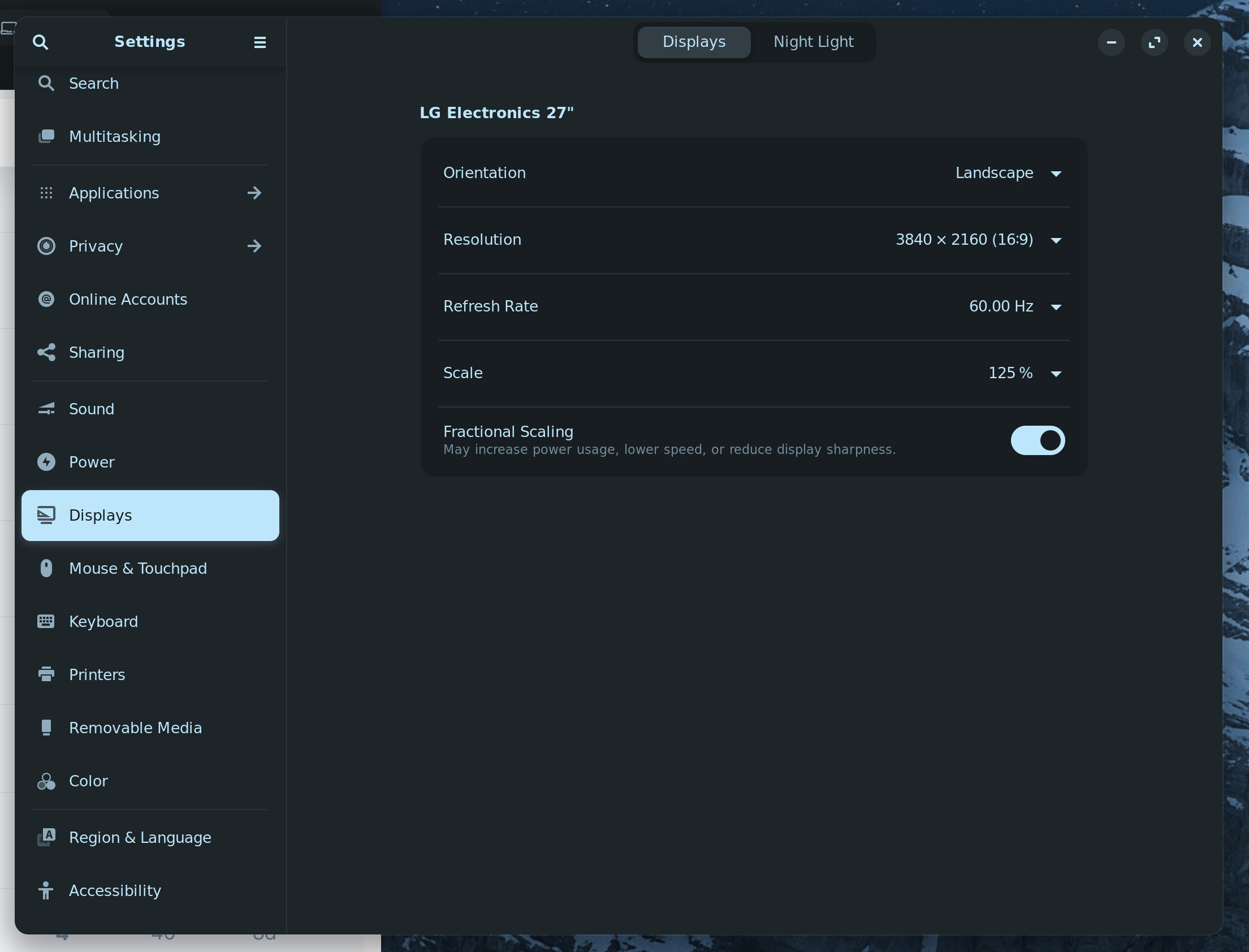
The computer thinks this an LG 27" even though it has the screen resolutions for a 4k screen. Desktop displays correctly, then I went to a game and, well, laughed. But this displays various problems the best:
I don't know if you can read those, but the graphics settings are actually recognizing 3840x2160. When the game plays it comes up in a screen in the middle of the desktop about the size of the Brave window off to the side.
Another game, Supraworld, seems to have an opposite problem. It's recognizing the desktop resolution, but all settings (text/pictures) just display HUGE (looks 500%+ size or more).
I was hoping it wouldn't be that big of a deal that Zorin thinks it's 27" monitor, but it would seem I need to correct it. Have searched the forums but not found, I don't think, the answer? In short, I don't know enough on what to look at to fix the problem and any help would be appreciated.
I can't run the graphics card correctly on non-open. I would really like to and was hoping they had fixed whatever issue the 5060's are having when you recommended the switch. Just tried and it would seem not. It, Nvidia, act's like no card is installed on the non-open drivers.
Removed scaling. The games seem to scale correctly that I've tried so THANK YOU!
Zorin still thinks it's only a 27" monitor though. Hopefully, that doesn't really matter going forward.
But I couldn't tell you if the non-open version of the 580 is that driver. When I try to install, the Nvidia panel says there's no card. Prolly there's a terminal command that I don't know of to see? But with that driver everything acts like there's no card.
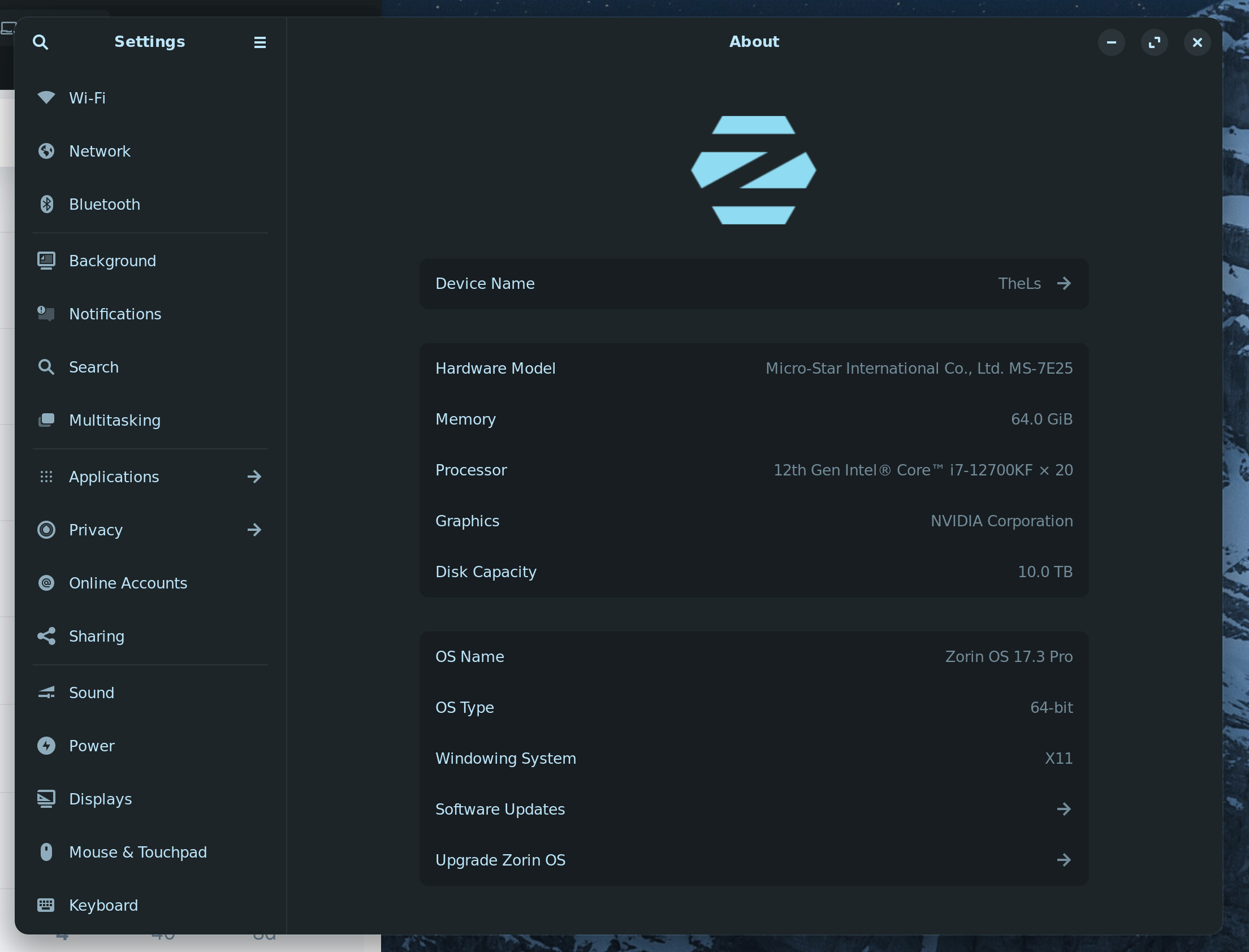
Zorin's screen says.. Actually let me just post a screen shot: