Zorin 18 core on legacy bios

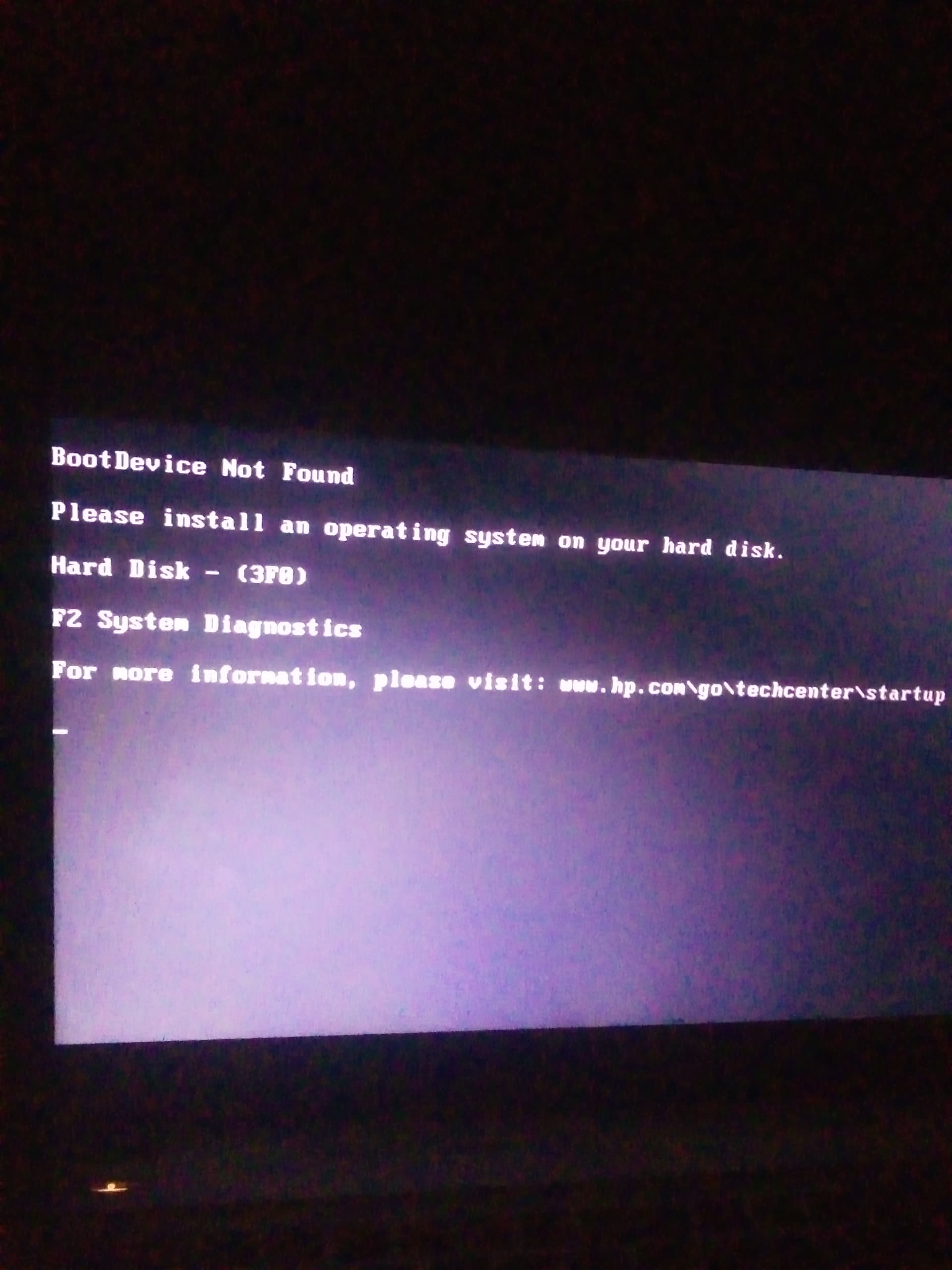
I managed to install zorin 18 core os on laptop, installation work well but I can't boot, it's showing this error

Spec
HP elitebook folio 9480m
500 gb hdd
8 gb ram
Intel core i5-4600u

Note: I can't access bios settings because it's password protected which I don't know.

antiX Linux works fine
refreshOS also works fine

When You BIOS is in Legacy Mode like Your Thread Title says, I would suggest to take Rufus or Ventoy to create a bootable USB Stick because on this Tools, You can choose the Partition Sheme between GPT for UEFI and MBR for Legacy BIOS.

Bur before this, I would suggest to try @swarfendor437's Link to reset Your BIOS Password to get Access again to it.
1 Like

Thanks, but I have already tried it none work for me

I used ventoy and the partition is in mbr