I used rclone... but you need to update it. Proton Drive is number 45 on the list. Gemini took me through an entire work around. I don't have it anymore. Ask Gemini to send you the updated rclone to put into terminal.
The way A.I. is claimed to work is that sessions are not saved. You can choose to save sessions by logging into an account. But if you run logged out and close that window or tab - that session is gone.
So you cannot go back and reference it.
If @ozidog closed a lengthy session full of a lot of steps - that is not reluctance but lack of access and memorization.
@ozidog Thank you for this link. It has enabled me at last to set up an automated start & link with my Proton Drive, using rclone v1.73, which does indeed have Proton Drive as an option. Why the rclone documentation (that I've seen anyway) is so insistent that PD is not supported is a mystery to me.
I used this YouTube link to follow the setup process, which includes the bash script creation to autostart PD on login:
It goes slowly, which is great for a novice like me, having time to type it in as he explains.
I really appreciate your help with this, and I sincerely apologise for my rude manner in my earlier posts.
Awww... and it was all going so well...
I woke my laptop this morning and my Proton Drive has disappeared from Nemo. I tried running the connection command in Terminal manually and got this:
dah@dah-Swift:~$ rclone --vfs-cache-mode writes mount Pdrive: ~/Pdrive &
[1] 6234
dah@dah-Swift:~$ 2026/02/12 11:04:33.769786 WARN RESTY 422 POST https://mail.proton.me/api/auth/v4/2fa: Incorrect login credentials. Please try again. (Code=8002, Status=422), Attempt 1
2026/02/12 11:04:33.769851 ERROR RESTY 422 POST https://mail.proton.me/api/auth/v4/2fa: Incorrect login credentials. Please try again. (Code=8002, Status=422)
2026/02/12 11:04:33 CRITICAL: Failed to create file system for "Pdrive:": couldn't initialize a new proton drive instance: 422 POST https://mail.proton.me/api/auth/v4/2fa: Incorrect login credentials. Please try again. (Code=8002, Status=422)
First, I have no idea how to correct the login info. It looks as if it's the 2FA that it's looking for, as it's the only thing in my 3 credentials that would change - my userid & password are obviously the same.
Second, am I doomed to have to fix this every couple of days or when I reboot (I usually suspend my laptop rather than shut it down)? Maybe it's just simpler to wait for Proton to create their long-promised Linux app.
Thanks for any help or advice.
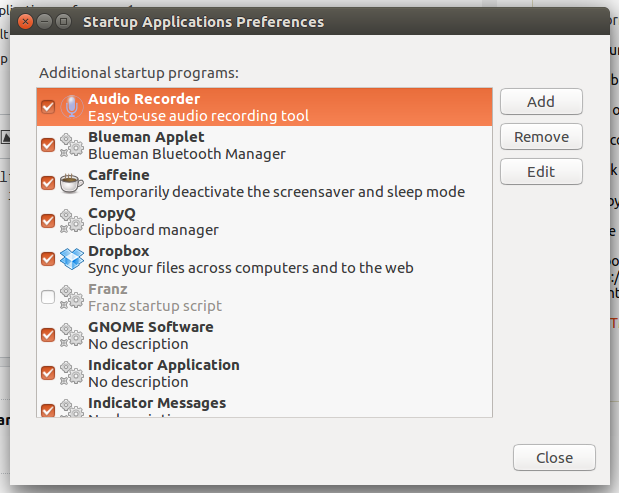
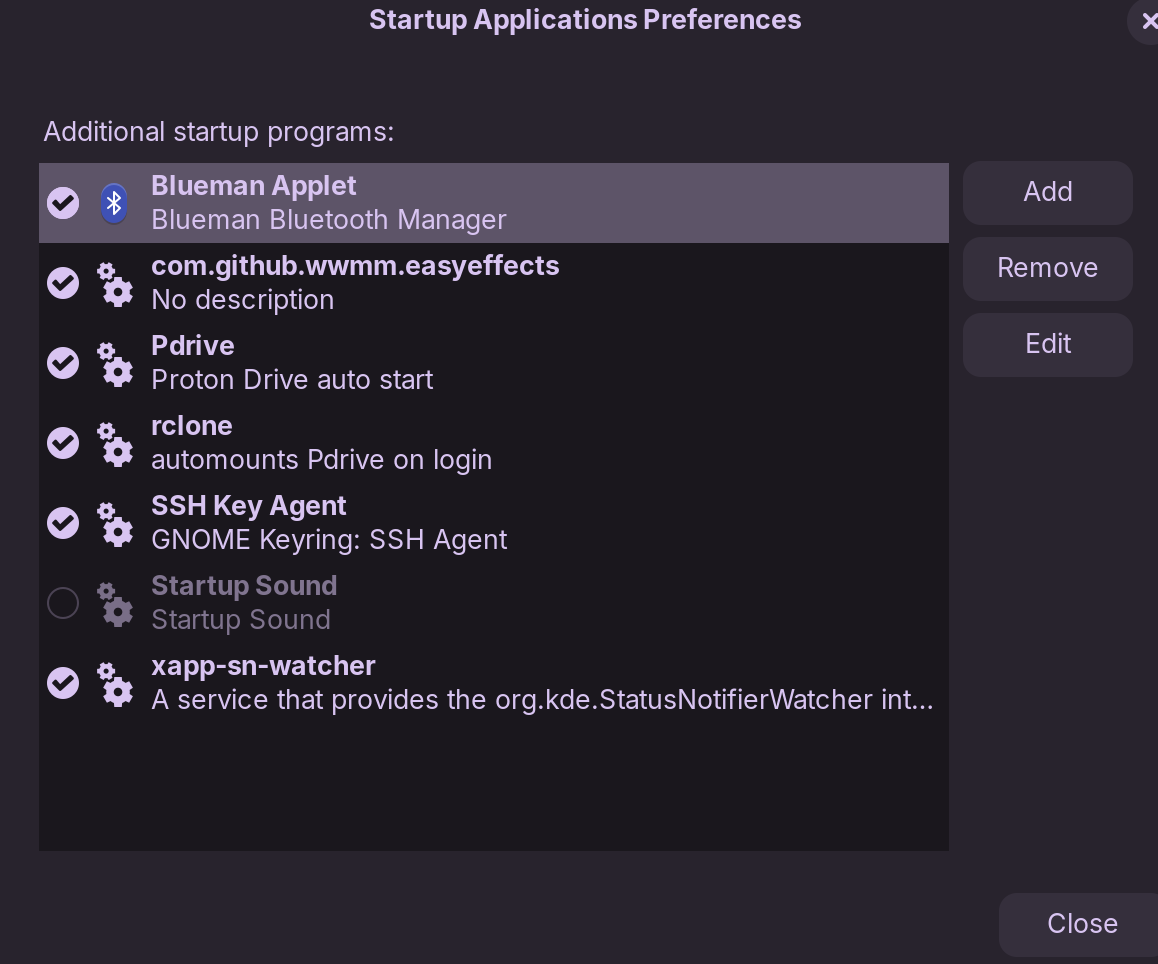
For 2FA it's a Proton problem, sometimes you need to renew it with launching again the rclone config, if you want to mount your rclone drive at startup you need to create a startup line in Startup Applications Preferences
Thanks, Nourpon, but I had already successfully set a startup. As in my copied Terminal log, I did try a manual restart, but there is no apparent option to add a new 2FA code. When I checked your suggestion, I discovered that I already have an autostart for Proton Drive, which I didn't add and which must have been added by a Terminal command when I first set up the config a couple of days ago. Nevertheless, I tried it, and it didn't work, unfortunately.
Maybe I'll call it a day - it occurred to me that if I accidentally wipe my Proton Drive data in Nemo it might just also wipe my Proton Drive remote data too - this happened to me once when I had a sync set up between two hard drives, and a failure on the source hard drive automatically wiped everything off the target drive too. Computers - don't you just love 'em?
to add new 2FA code you need to do it in terminal:
rclone config
Current remotes:

Name                 Type
====                 ====
GDrive               drive
GPhotos              google photos
pcloud               pcloud
proton               protondrive

e) Edit existing remote
n) New remote
d) Delete remote
r) Rename remote
c) Copy remote
s) Set configuration password
q) Quit config
e/n/d/r/c/s/q> e

Select remote.
Choose a number from below, or type in an existing value.
 1 > GDrive
 2 > GPhotos
 3 > pcloud
 4 > proton
remote> 4

Editing existing "proton" remote with options:
- type: protondrive
- username: nourpon
- password: *** ENCRYPTED ***
- client_uid:
- client_access_token:
- client_refresh_token:
- client_salted_key_pass:
- 2fa:

Option username.
The username of your proton account
Enter a value of type string. Press Enter for the default (xxxxxxx).
username>

Option password.
The password of your proton account.
Choose an alternative below. Press Enter for the default (n).
y) Yes, type in my own password
g) Generate random password
n) No, keep existing (default)
y/g/n>

Option 2fa.
The 2FA code
The value can also be provided with --protondrive-2fa=000000
The 2FA code of your proton drive account if the account is set up with
two-factor authentication
Enter a value of type string. Press Enter for the default (xxxxxx).
2fa>
Well, it accepted the 2FA, but no sign of Proton Drive in Nemo either in the same session or on reboot. I know it worked because Proton has emailed me warnings about signons to my account.
That's it. I'm calling my rclone trial to an end. It was interesting checking it out, and I've learned things, so it's not a failure, but it's just not adding enough to my Linux experience to have to keep up this maintenance. Once I set something, I expect it to just work, and this hasn't. Not rclone's fault, but a failure on Proton's part in not providing the missing tool.
Thanks to you people who have helped me this far. I greatly appreciate the help and advice of the community, but this particular experiment is ended...
You mean it times out as I'm trying to sign in? No, I was very careful to press "enter" at the beginning of the 30-second period, and got the rejection almost immediately. I also got the sign-in warning emails saying that my account had been logged in to, so apparently the sign-in was successful, it just didn't register in rclone.