Hello.
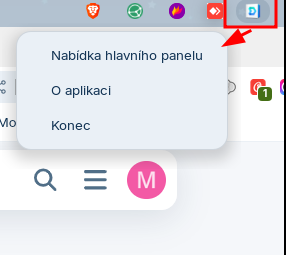
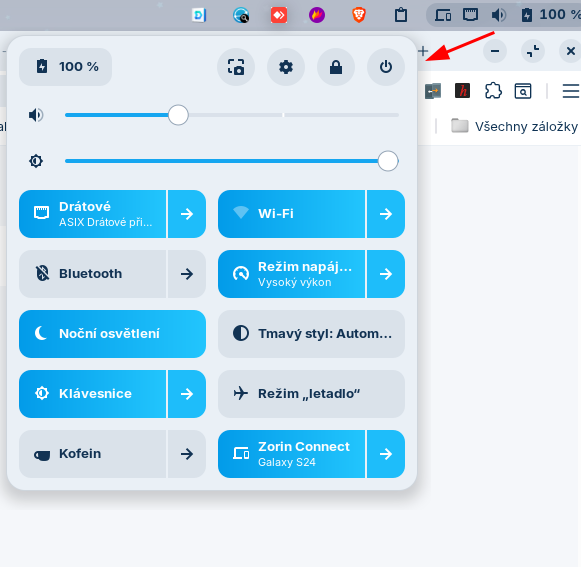
The tray icon menu is unnaturally shifted to the right or left. Has anyone fixed this?
What Desktop Layout do You use?
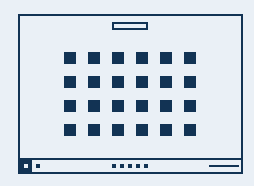
When You use that, where does the Top Bar come from?
Panel settings -> action -> keep gnome shell top panel
Okay, I tried it and it behaves normally for me.
Does Your System run in Wayland or X11? You can check that in Settings>System>Info>Systemdetails
And have You any third-party gnome Extensions active?
X11... same issue on wayland. If is external monitor connect, problem is active.
What is with Third-Party Extesions?
Problem is active with turn off all third-party extension.
Did You rebooted after disabling them?
The problem is simply with the original GNOME top panel. I did a clean installation of Zorin 18 through VirtualBox and it behaves exactly the same. When I turn off the top panel and everything is in the classic Zorin panel, it behaves correctly.
1 Like
This topic was automatically closed 90 days after the last reply. New replies are no longer allowed.