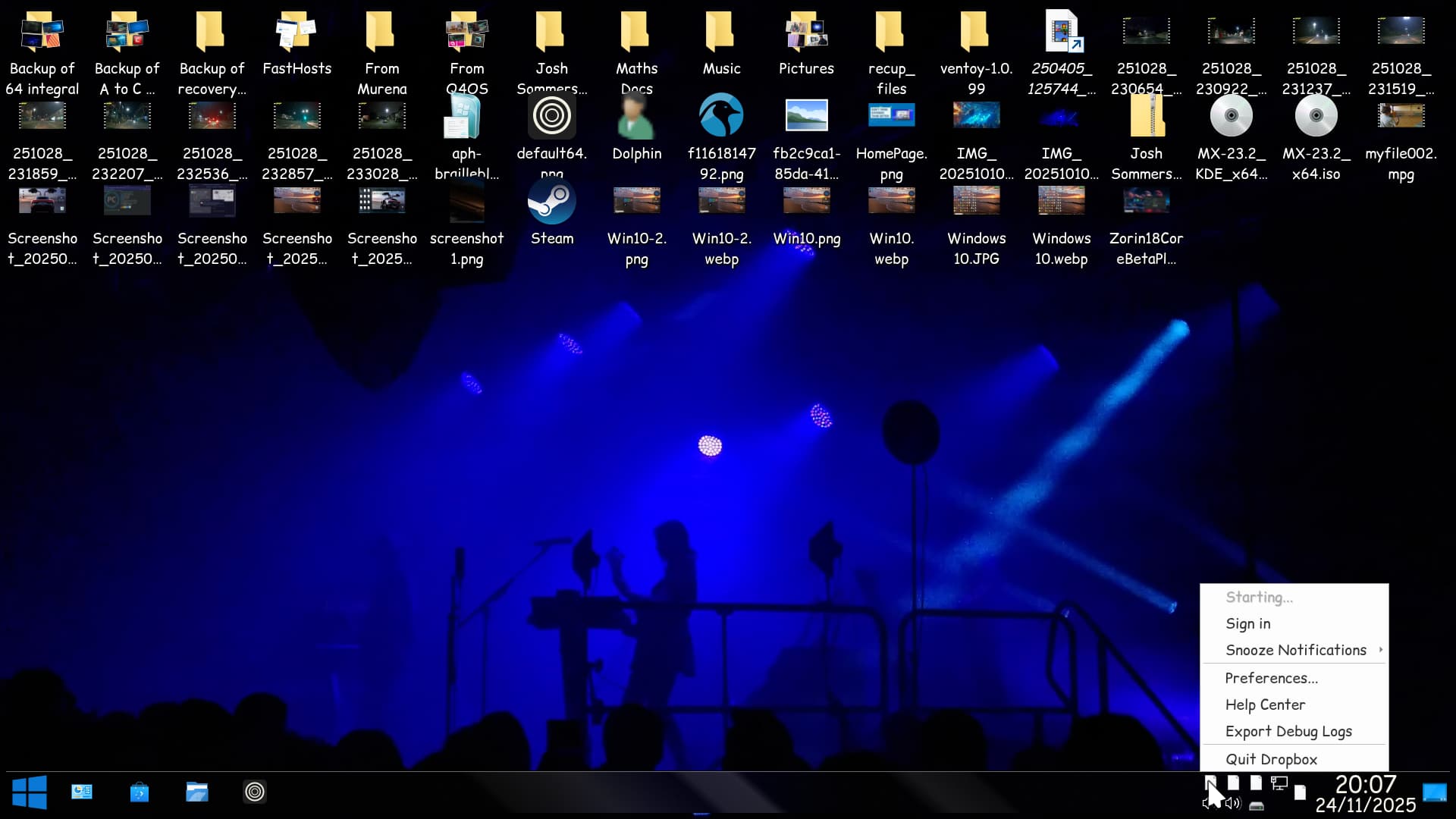
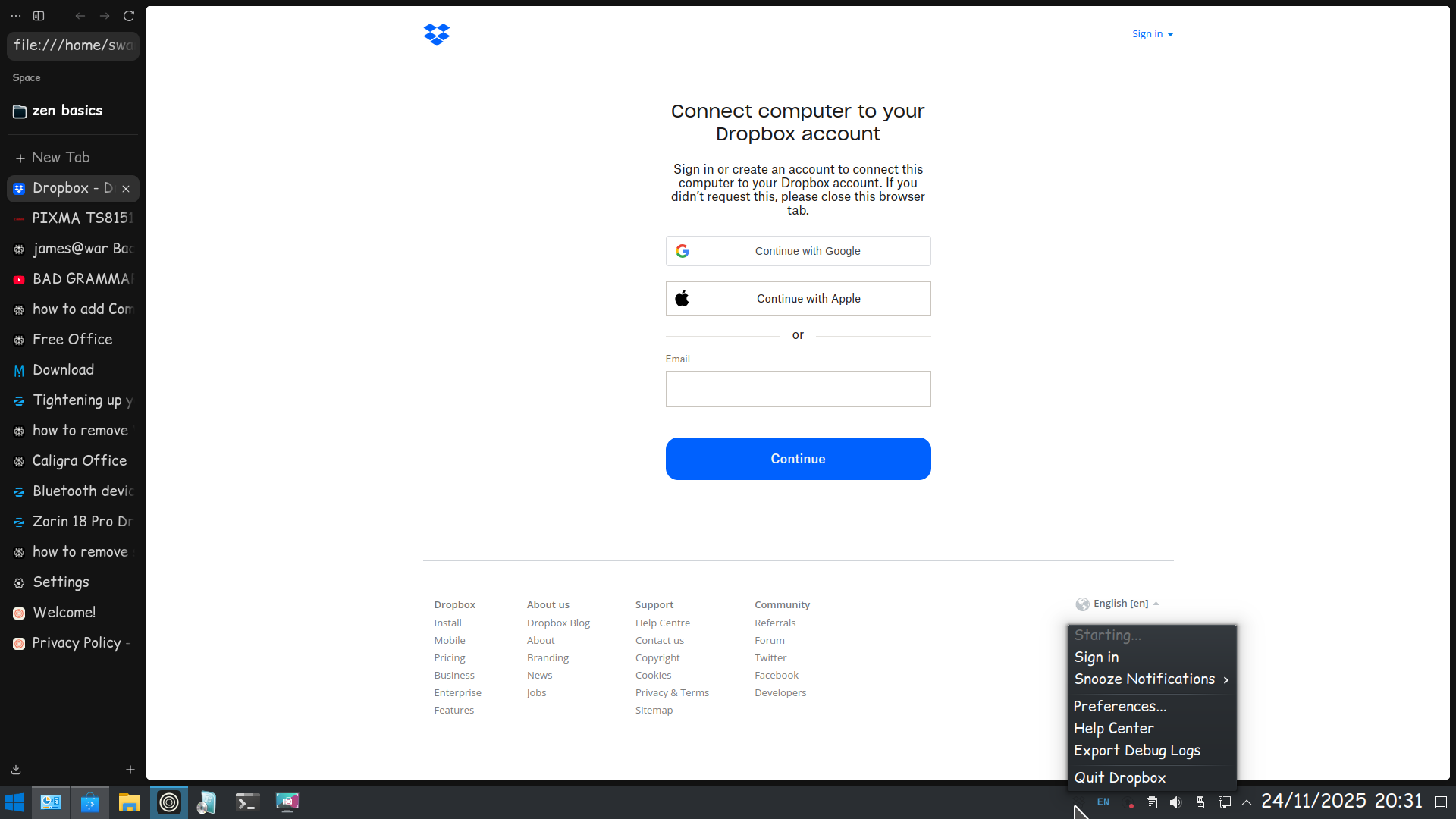
New to Zorin, using 18 Pro, first post, Dropbox user. The following topic is closed, but has been viewed 4k times, but apparently not fixed and I have the same issue on v18:
I am not a programmer. Will someone be fixing this? Is it something I could leaern to do without spending hours on it? It is annoying to have to remember to lock/unlock my screen after every boot-up.
Please note, Zorin 18 is a fork of Ubuntu 24.04 and uses the Gnome Desktop Environment.
The issue of the Dropbox menu not being clickable in Ubuntu 24.04, requiring a screen lock and unlock to restore functionality, is a known and ongoing problem. This bug affects multiple users and has persisted across various Ubuntu 24.04 releases and Dropbox versions, including v198.4.7615, v200.4.7134, v202.4.5551, and v208.4.5824. The workaround of locking the screen (using Super+L or Windows+L) and then unlocking it reliably restores the functionality of the Dropbox menu. This workaround is effective even when using desktop environments like GNOME with extensions such as Dash to Panel.
The root cause appears to be related to the interaction between the Dropbox client and the GNOME desktop environment, particularly concerning the AppIndicator and KStatusNotifierItem Support GNOME extension, which is necessary for the menu to function.
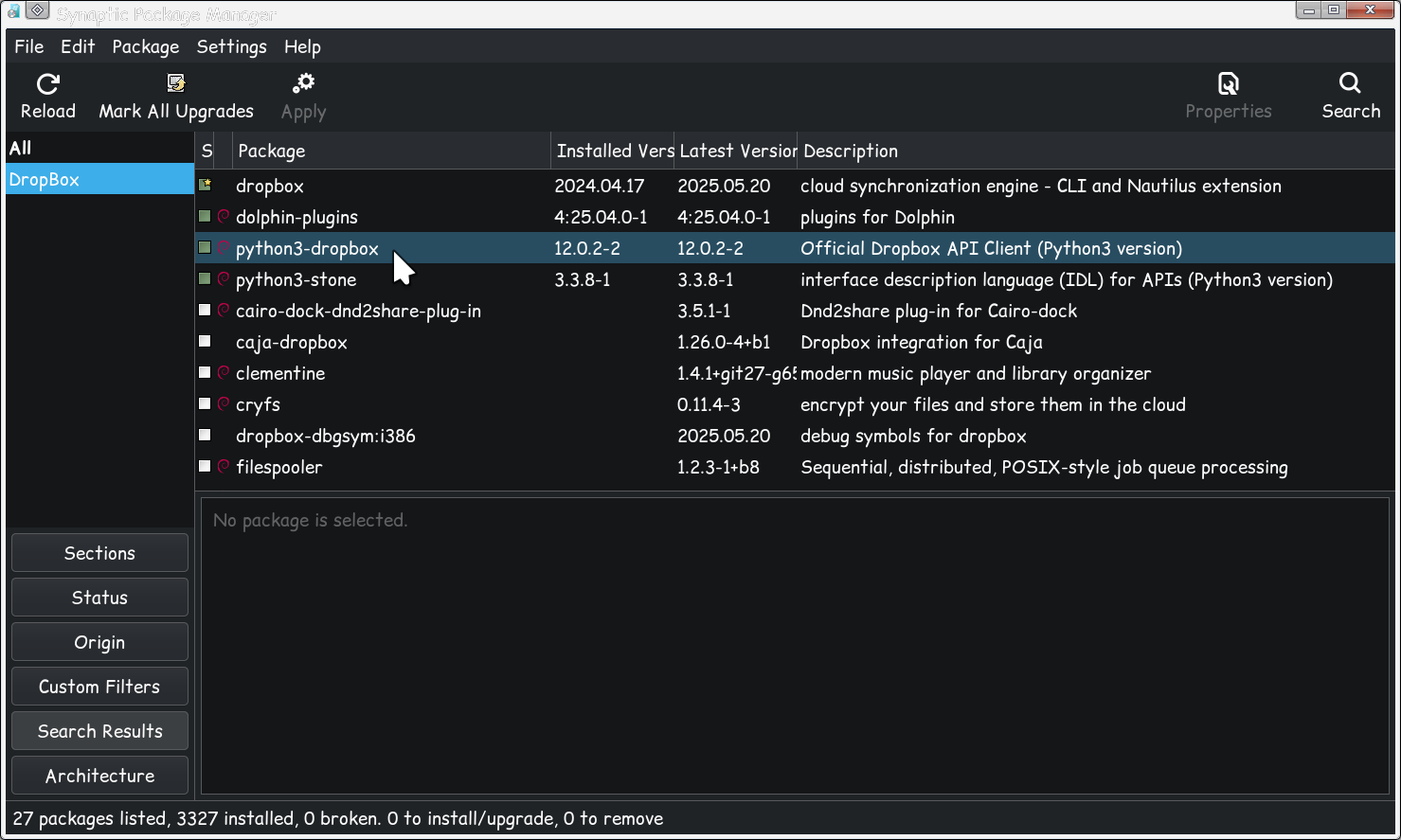
However, the menu state is not preserved after system restarts or power-offs, necessitating the lock-unlock cycle to reinitialize it. A more permanent solution involves creating a startup script that automatically restarts the app indicator after login, which can be achieved by disabling and re-enabling the Ubuntu AppIndicators extension via a script. Additionally, ensuring that required packages like libappindicator are installed may help resolve underlying UI component issues.
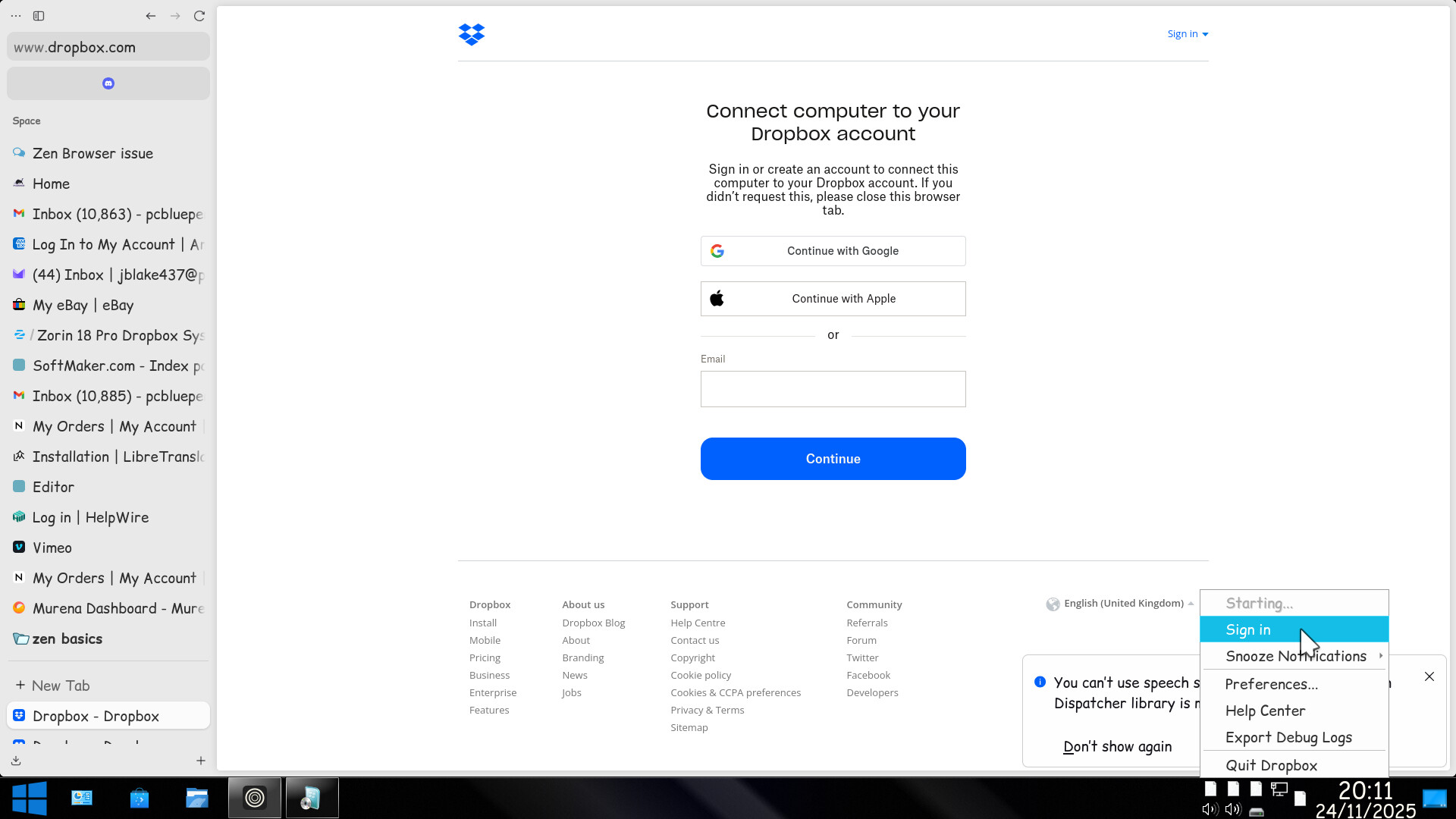
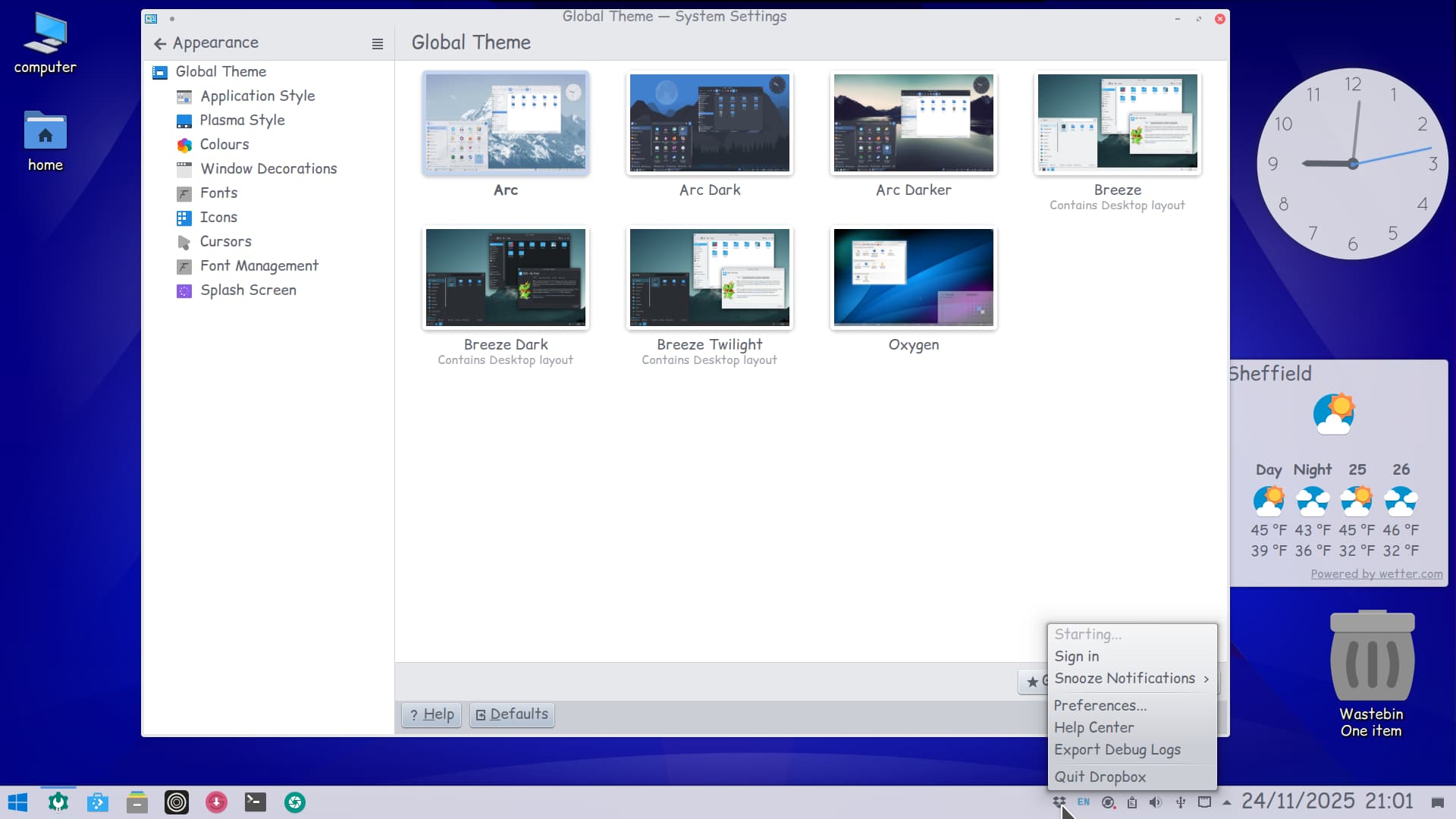
If I choose a different theme, the icon shows but the menu is transparent. I suspect my WD drive is failling. I should have taken it up with the (unofficial?) WD shop on Amazon when I could not get hold of a new drive from my normal online Tech supplier. It has a Do not remove sticker dated 2015, so I suspect I have been sold a refurbed drive! Just received some new ones from WD Direct so will be busy backing up my failing Drive as changing the menu type in Plasma is failing drastically!
Should add this is Plasma 6.3. I will see if I can do it on my Zorin 18 Core that I ripped Zorin Appearance and other Zorin stuff for Plasma 5.27, which makes it a 'Frankenstein Kubuntu'!
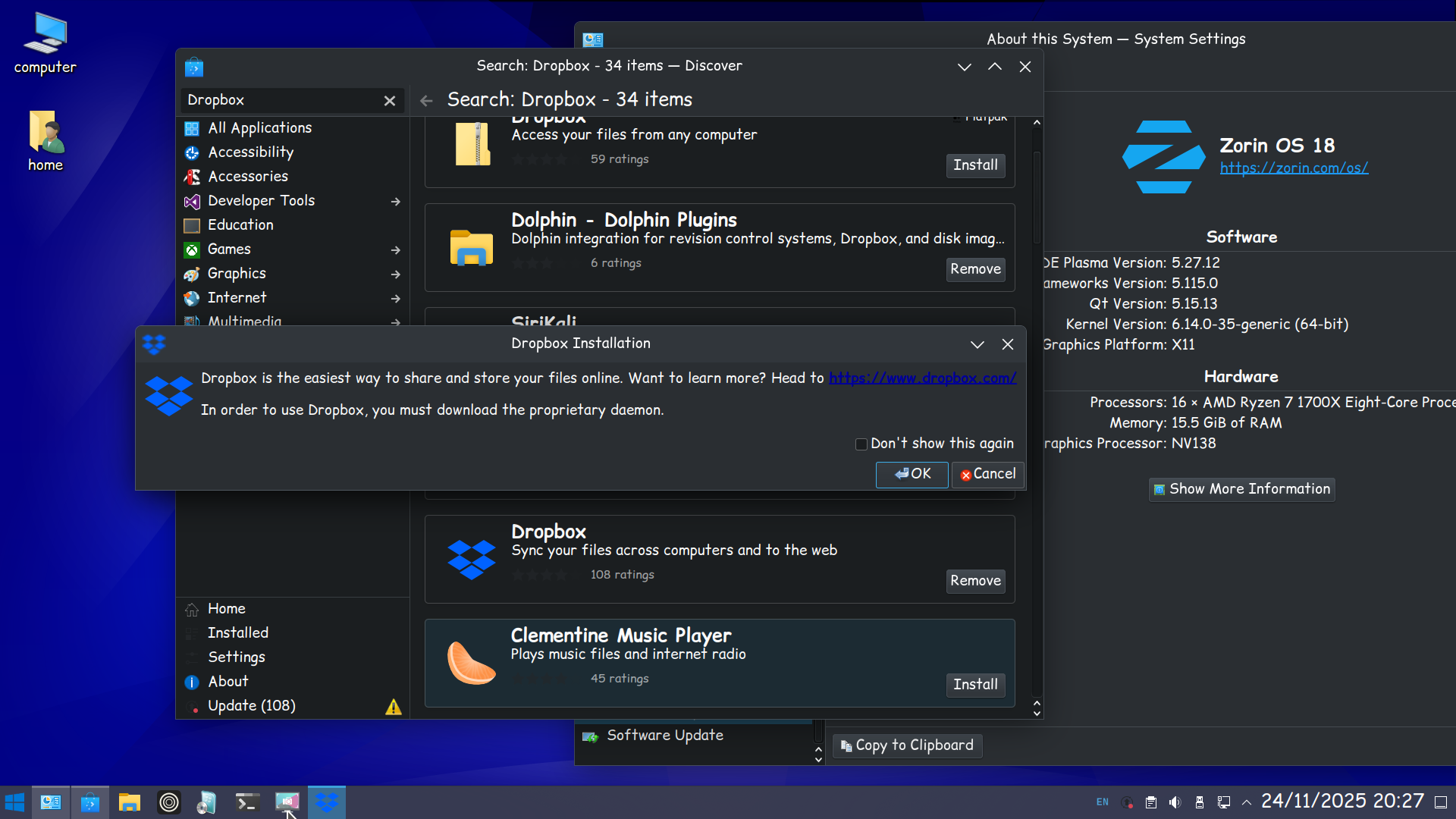
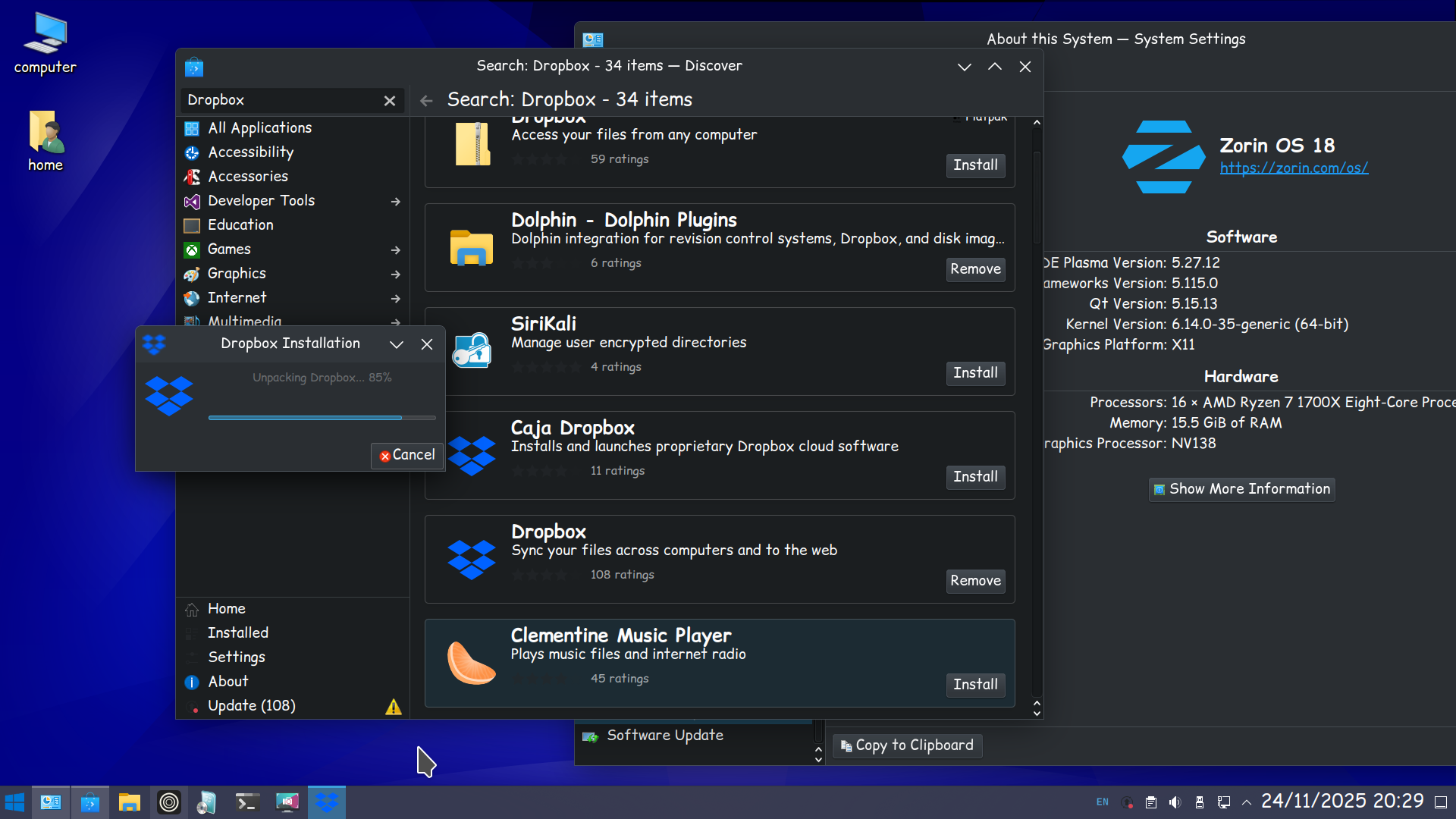
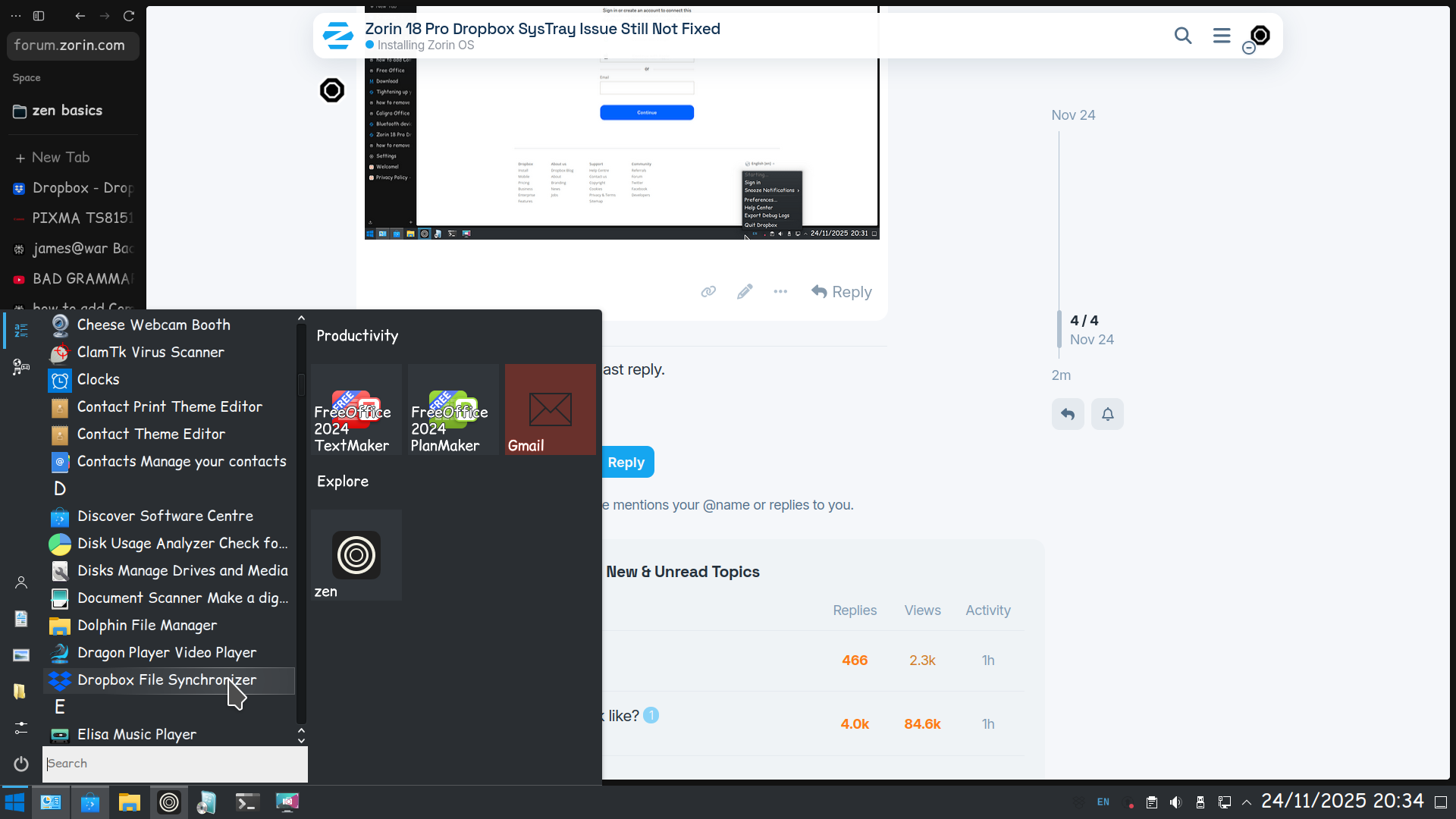
Launching DropBox from the menu asks to install an additional package for it to work as shown in the above screenshot (just as in PCLOS Debian on Plasma 6.3)
I just spent 30 min trying to figure out what was the problem with my Dropbox install, also on Zorin OS 18, and had to fiddle with command line to avoid syncing my Tbs of data because I couldn't access selective sync because the menu is unavailable.
So, + 1 for asking for a fix of this!
And also, at least, maybe the locking / unlocking fix should be added to the ZorinOS Dropbox installation FAQ until the problem is fixed?