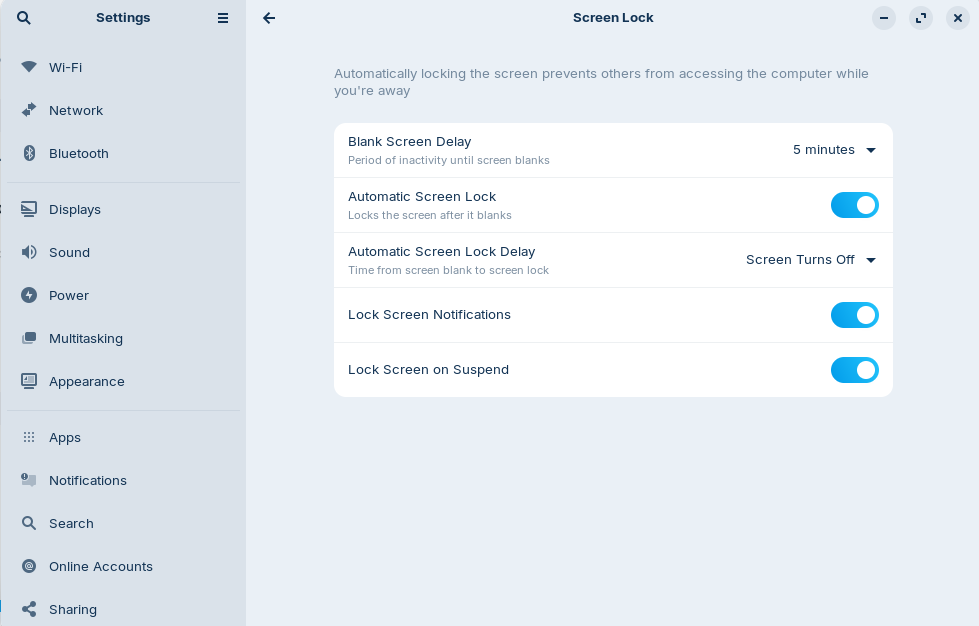
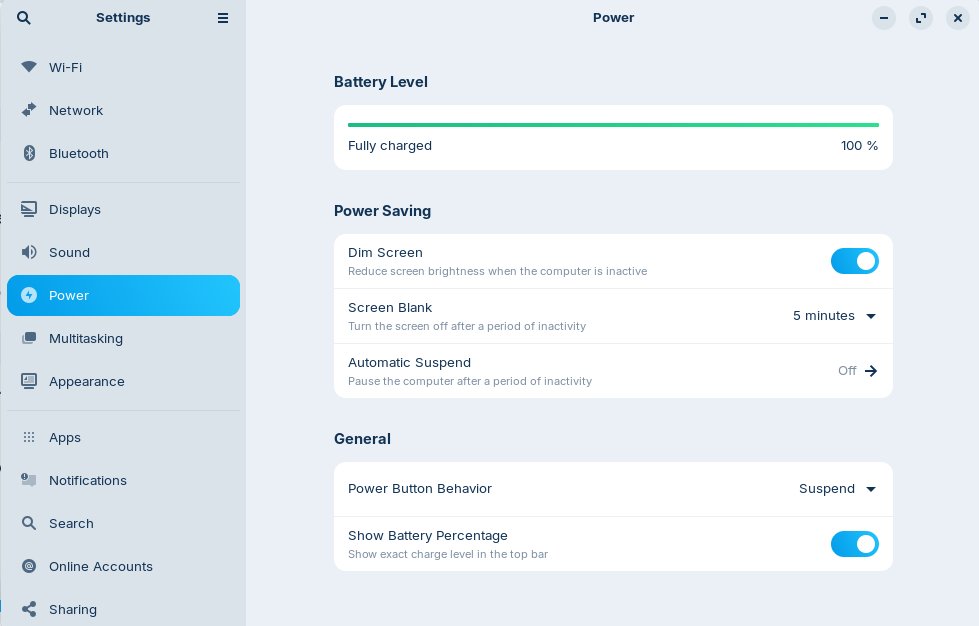
I hope you are doing well. I just upgraded from Zorin 17.3 to Zorin 18 using the Zorin Upgrader. I have come across a new issue, where after a period of inactivity my laptop's screen goes black and it does not open again. I also face the same issue when I suspend it. The only way to get it to open is through the power button.
I have disabled the automatic suspend option and I don't know what else to do.
Yes, this is one of them. You have there on the first Option 5min. active. You could set it to never. The other Screen is Settings>Power what I asked for.