Just installed Zorin Core 18 on 2014 iMac.
Unable to connect wifi - but could prior to Zorin install.
(Had same problem with Lubuntu)
via terminal I seem to have a BCM4360 802.11ac Dual Band Wireless Network Adaptor.
Any ideas on how to proceed?
Just installed Zorin Core 18 on 2014 iMac.
Unable to connect wifi - but could prior to Zorin install.
(Had same problem with Lubuntu)
via terminal I seem to have a BCM4360 802.11ac Dual Band Wireless Network Adaptor.
Any ideas on how to proceed?
Perhaps this fix can help?
Or that thread:
Hello and welcome to the Forum!
To help you please provide us more info about your System.
Go to Settings - System - Info - System Details and post it here.
Do you have dual boot with Windows or only Zorin OS?
Are in BIOS/UEFI Secure Boot and Fast Boot disabled?
If Windows is installed: is Fast Start disabled within Energy Management?
rfkill list
sudo lshw -C network
sudo cat /etc/NetworkManager/conf.d/default-wifi-powersave-on.conf
[connection]
wifi.powersave = 2
-> on my zorin os it is set to 2, this means no powersave enabled
You could edit this file if needed:
sudo nano /etc/NetworkManager/conf.d/default-wifi-powersave-on.conf
wifi.powersave = 2
Then press CTRL/O and then hit RETURN to save the file, and then press CTRL/X to exit the nano editor.
Okay, done that.
It is now set to 2 successfully
I have installed Zorin Core on a 2014 iMac
cannot access GitHub on Zorin Comp as unable to connect to internet (the problem I am trying to resolve)
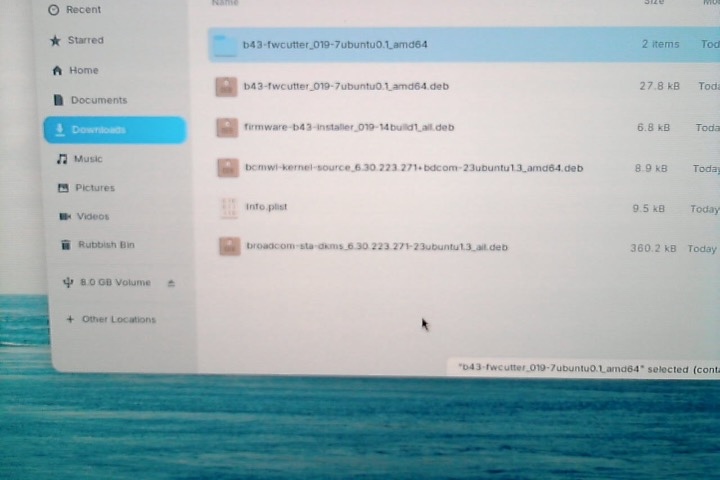
I have transferred files via a USB stick (assuming I've got the right ones)
then clicked on them to install .... but when I go to /usr there is no sign of them and I cannot access that root folder anyway
Hope this makes sense (Linux newbie & playing around with old Mac)
So, to make this value activ, you need to reboot your system or run:
sudo systemctl restart NetworkManager
If the problem is not solved then, please check all the other options:

Welcome to the Forum!
When You don't have an active Internet Connection on Your iMac now, it would be neccessary to use a different Machine to download the following Package that supports Your Chip:
Yes, I have done this
and clicked on install ... but can't see it in the /usr directory
You should find the .deb file under your Download folder on the machine you had downloaded it.
Copy it to a USB Stick and put it into your MAC machine.
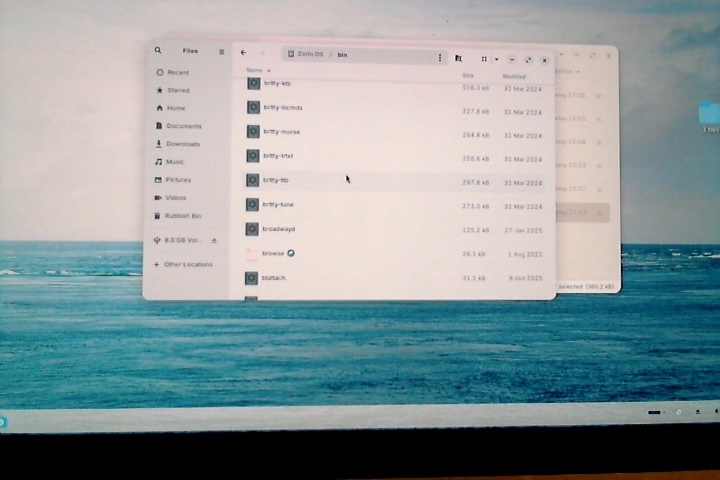
have rebooted but no sign of 'Wifi' appearing on my settings or of the said supposedly installed files appearing in Zorin OS/bin
and I cannot access the ZOS/bin - I'm not the owner so I cannot change the permissions ... well, that's what it tells me in the Set Custom Permissions dialog box
There is something wrong. There stands:
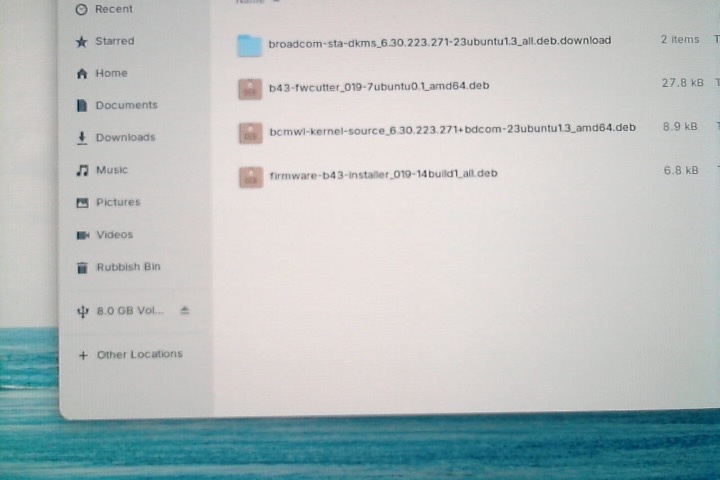
broadtcom-sta-dkms-...all.deb.download
and that has a Folder Icon. That shouldn't be there. It is a normal .deb File. I downloaded it by myself. Did You used the Link that I have posted?
inside the folder there's a .deb file
I have clicked on all files with Linux install but they don't appear in /usr