I'm trying to install Zorin on an old laptop. My laptop has two drives. an NVMe C drive and a SATA mechanical D drive, I get an error that looks like this:
Unable to change power state to D0, device inaccessible
And Zorin only seems to see the SATA mechanical drive. I am able to 'try' Zorin just fine from the USB stick and things seem to run, but when booting up and shutting down. I get the above error. And when running the installer the drop down drive selector only allows me to select the SATA drive and the other doesn't appear.
The apparently inaccessible drive is where windows is installed and it boots up into windows just fine.
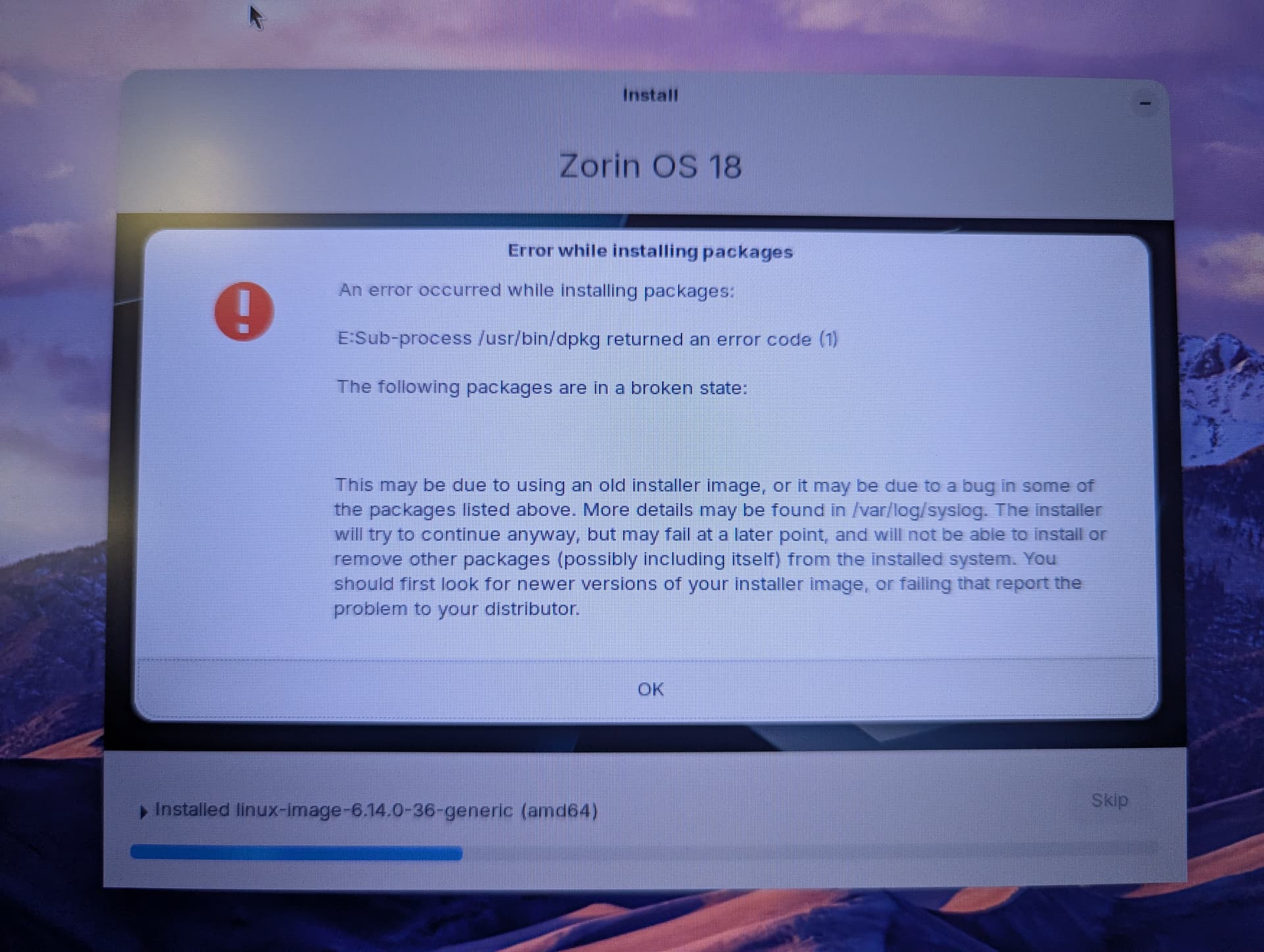
Well I retried adn rebooted a few times, reset bios settings and then it saw the drive... but this happened during install..... and thats all folks. a package that has no name is broken in the official installer.... or something...
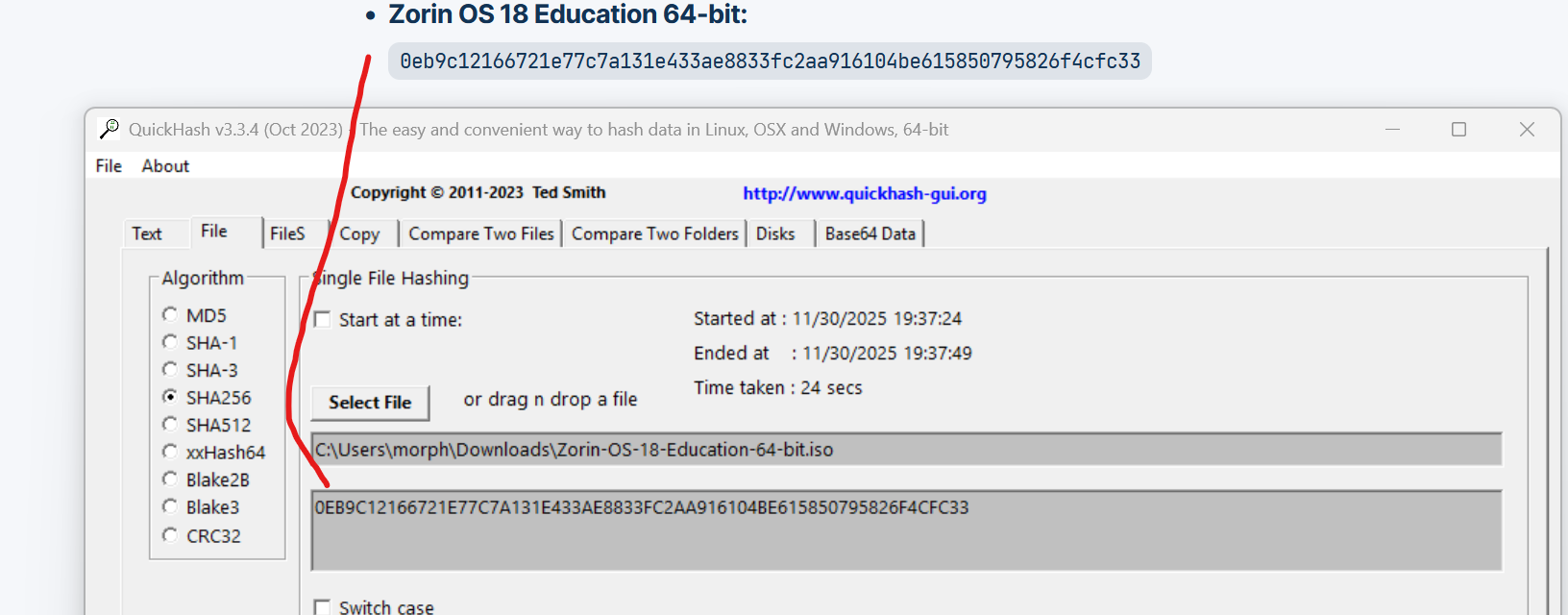
Did you scan the downloaded ISO, to ensure the 256 hash checks out, AKA, the downloaded ISO is not corrupted? I ask, cause this error, makes me think there is an issue, with the ISO.
Please also make sure that you disable secure boot in the BIOS.
FYI, Zorin OS, like many Linux OS's, use a EXT4 GPT partition and filing system. Linux does not utilize a Windows NTFS partition well. If you have no intentions of dual booting, and wish to wipe Windows off the drive, I would recommend formating your drive to EXT4 GPT.
But first, before you do anything, doublecheck the SHA256 HASH please, confirm your download ISO is good or not. The link bellow has the HASH key's you use to double check.
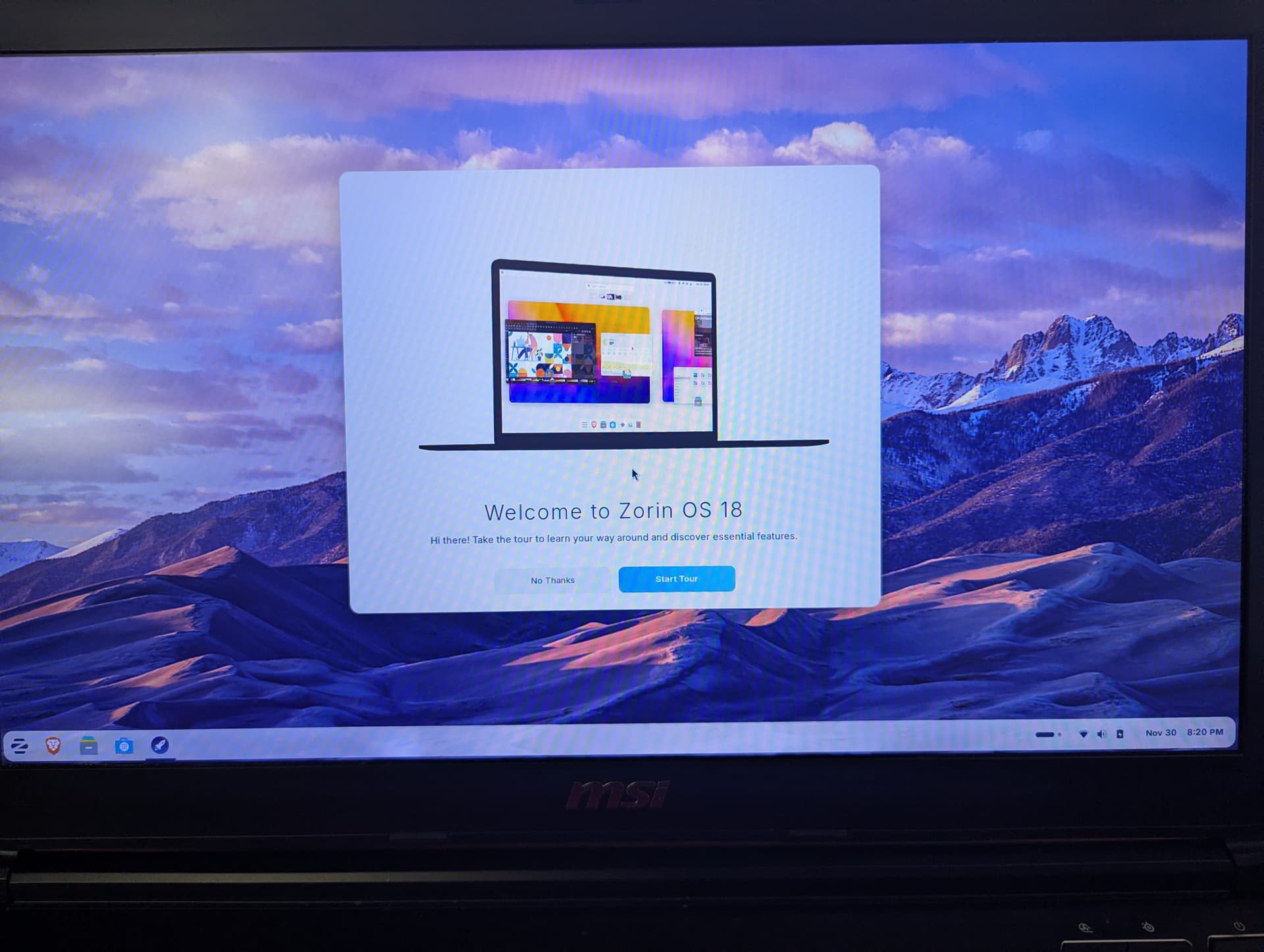
Ok I re-flashed with just the 'core' version and it worked this time.... so... the education one is borked? whatever. i can install programs i want separately i guess.