During installation of Zorin Core 18 on MacBook Air model A1370 (2011), it froze after trying to connect to wifi. After retrying to install but now skipping wifi setup to be able to complete the installation, it always freezes quickly after startup/login. Same happened when choosing the 'safe graphics' installation option. I did not even try the 'nvidia'-option, only the first 'regular' installation option. What could be the problem? How can I solve this?
Hi and welcome. Basing my search criteria on Ubuntu 24.04 as Zorin 18 is a fork of that, Brave A.I. gives:
Broadcom wireless driver conflicts and kernel instability are the primary causes of freezing on a MacBook Air (2011, A1370) running Ubuntu 24.04 .
-
Wireless Issues : The built-in Broadcom Wi-Fi card often causes system-wide freezes when connected. Users report that disabling Wi-Fi or using a USB Ethernet adapter prevents the lockups. A known workaround for crashes on old MacBooks is adding the kernel boot parameter
pci=nomsi. -
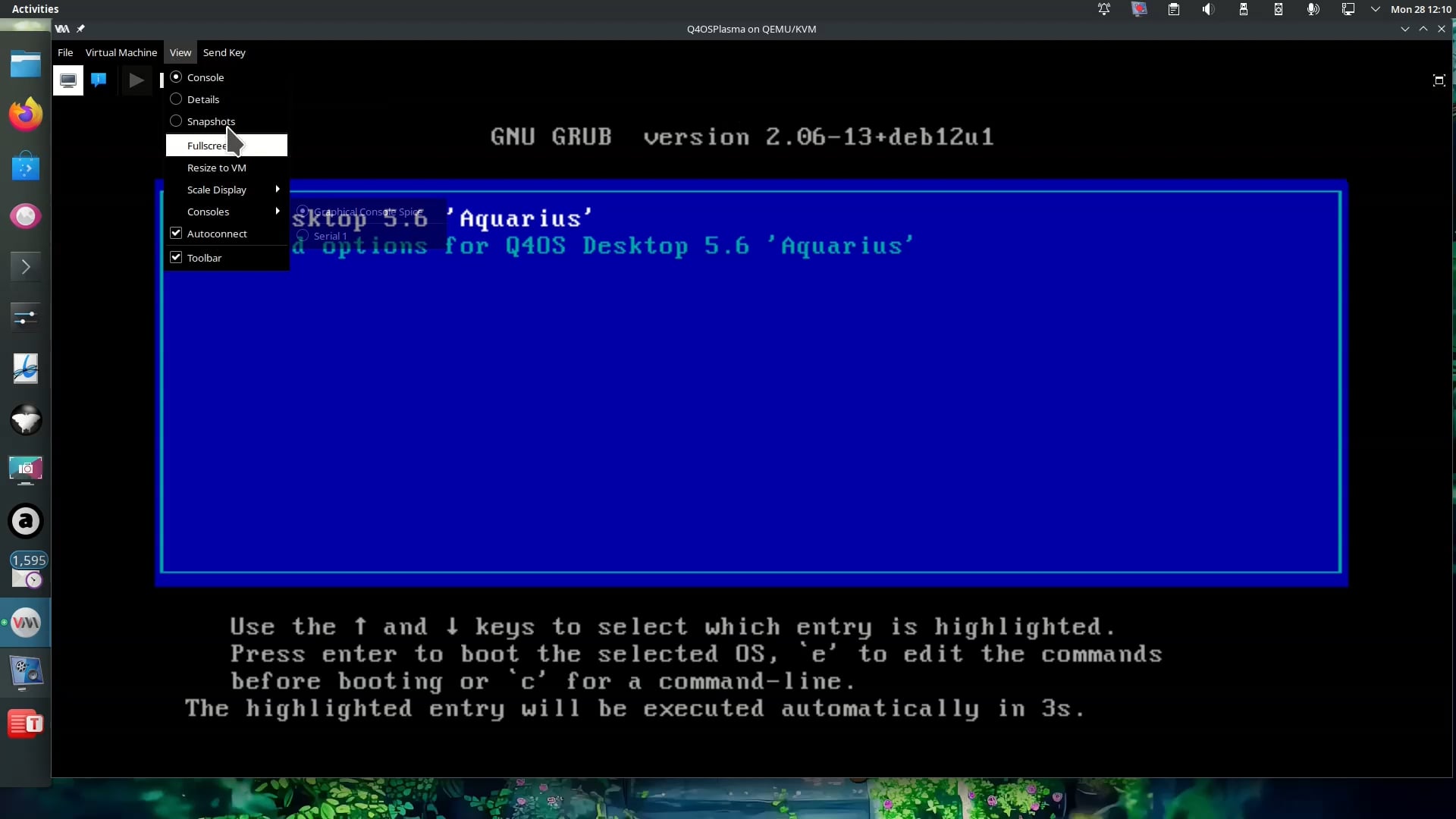
Kernel Panics : Updates to newer kernels (such as 6.17 ) can cause kernel panics or boot failures. If the system freezes on boot, users should access the GRUB menu (via
EscorShift) and select an older, stable kernel (e.g., 6.8) from the "Advanced Options" menu. -
Boot Repair : If the system fails to boot or enter the desktop, running Boot-Repair from a Live USB session is recommended to fix GRUB configuration and ensure the correct kernel loads.
-
Alternative : For older hardware, lighter desktop environments like XFCE (via Xubuntu ) or LXDE (via Lubuntu ) may provide better stability and performance than the default GNOME environment in standard Ubuntu 24.04.
AI-generated answer. Please verify critical facts."
So you might be better off with Zorin Lite or try a different OS like Q4OS 5.9,
which uses KDE Plasma with a Light and Dark MacOS theme in Look Switcher.
Thank you for your very quick reply! I chose Zorin Core, and not Lite, because I've read somewhere that Lite will be discontinued. The freezing problem also occurred in Linux Mint. I like Zorin a lot on my old desktop PC (2017), runs really well, but I'll give an alternative OS a try on the MacBook. If it works, I'll let you know. Good idea to ask AI (I usually use Vibe/Mistral). Thanks again for your reply!
1 Like
1 Like
Try installing the proprietary B43 WiFi drivers:
- Boot without WiFi and complete the installation
- Once logged in, open a terminal and run:
sudo apt install firmware-b43-installer
- Reboot and attempt to connect to WiFi
Try to switch to Xorg at login. When you click on your username then a cog wheal appears at the bottom right corner. There you can switch between Xorg and Wayland.
But as it has not worked in Mint, which uses Xorg by default, I'm not sure if that helps.
How much RAM do you have and which graphics?
1 Like
Thank you; I'll give this a try first. The installation is, as far as I know, already completed (I can boot without the usb), but how do I boot without wifi? It seems like it attempts to connect to wifi and then freezes (but I'm not 100% sure). In a regular boot I don't have the time to open a terminal: it freezes quickly.
Does it freeze when you try to login ?
If yes don't try and we will find another solution
Thanks; I can't see the amount of RAM / graphics because it freezes so quickly, and it doesn't say on the bottom of the MacBook, there's only the model and year.
Can you reach the desktop when you disable wlan in your router or do you have a hardware switch to turn off wlan on your computer?
If I were you, I would install Zorin lite 17.3 on that computer, and test how it works. You have the older 6.8 kernel there and you can install kernel 5.15 if needed.
1 Like
After I login (enter my password and hit enter), I get the desktop screen, and then immediately it freezes.
If you can get to a login screen I would drop to tty screen. However this requires Ctrl+ Alt+ F2 through F6 to be able to do this.
OK try this before login
- Open a terminal (TTY with Ctrl+Alt+F3 through F6).
- Run:
sudo apt update
sudo apt full-upgrade -y
sudo reboot
(After reboot, come back to the terminal and run:)
sudo apt install linux-headers-$(uname -r) dkms build-essential -y
sudo apt install broadcom-sta-dkms -y

sudo modprobe -r b43 bcma ssb 2>/dev/null
sudo modprobe wl

echo -e "blacklist b43\nblacklist bcma\nblacklist ssb" | sudo tee /etc/modprobe.d/blacklist-broadcom.conf
echo "wl" | sudo tee /etc/modules-load.d/wl.conf

sudo update-initramfs -u
sudo reboot
" To drop to a TTY on a 2011 MacBook Air running Ubuntu 24.04, press Ctrl+Alt+F2 (or F3 through F6 ) to access the command-line consoles.
-
Standard Linux TTYs : Press Ctrl+Alt+F1 through Ctrl+Alt+F6 to switch to text-based virtual consoles.
-
Return to GUI : Press Ctrl+Alt+F7 or Ctrl+Alt+F2 to return to the graphical desktop environment.
-
Function Key Interference : If the function keys do not trigger the switch, you may need to press Fn in combination with the other keys (e.g., Fn+Ctrl+Alt+F2 ) due to the MacBook's hardware defaulting function keys to media controls.
-
Command-Line Alternative : Once in a TTY, you can switch to a specific virtual terminal using the command
sudo chvt <number>(e.g.,sudo chvt 3to go to TTY3).
Note that on Ubuntu 24.04, the graphical login screen may occupy TTY1 or TTY2 , so if F1 does not provide a login prompt, try F2 through F6 .
AI-generated answer. Please verify critical facts."
I just tried Xorg (did not know about it), but like you predicted, same problem: it freezes.
Update: I managed to choose airplane mode (top right) before logging in (@Forpli's idea!), and now it does not freeze! So we're getting somewhere! I've opened a regular Zorin terminal. I'll see what I'll do next in a minute; have to read up on your replies first. Would be nice to try and retain Zorin Core first, but can always try a different, lighter Linux OS later.
2 Likes
For installing other drivers/kernels or updating the system you need an internet connection. Try to connect your phone via USB tethering with the computer to have internet access. Keep the airplane mode turned on.
1 Like
I'm in airplane mode now, and I can't get the package, probably because apt can't connect to it online: 'Unable to locate package firmware-b34-installer'.
I've never tried USB tethering yet, did not know that was possible; I guess just plugging a usb cable from phone to MacBook? I'll give it a try.
Yes, and enable usb tethering on the phone. Some cables are just for charging and not for data transfer.
1 Like