Hello!
First of all, I'd like to apologize in advance if the explanation is confusing. I tried to explain the situation to the best of my ability, but you may still find it confusing.
Also, if there is any crucial info that is missing, please tell me and I will post it here ASAP.


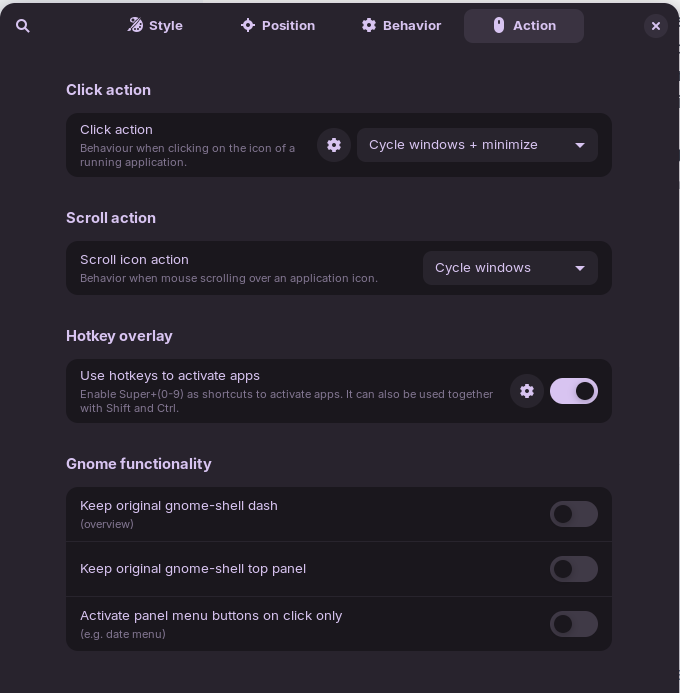
I am experiencing a problem with my taskbar. I set my left super key to show Zorin Menu instead of Activity overview, however, when focused window is overlapping with the Zorin menu, the menu won't appear (Like shown in the screenshot). Of course, I tried to configure that to not happen in the panel intellihide options (configuration shown in the screenshot), but it still doesn't work. I tried many different configurations and it still doesn't work. The thing that confused me the most is that I copied a panel intellihide configuration that is on my other PC where it WORKS, yet when I set the exact same settings on this PC it does not work.
Thank you for any tips in advance!
Here are more screenshots of the configuration if it helps.