Zorin OS 17 GNOME consistently crashes with “Oh no! Something has gone wrong”

Hello,

I would like to report a GNOME-related issue on Zorin OS 17 which I have not been able to resolve despite extensive troubleshooting.

Summary of the problem:

  • Zorin OS 17 was running normally
  • At some point during normal system usage, the GNOME session crashed
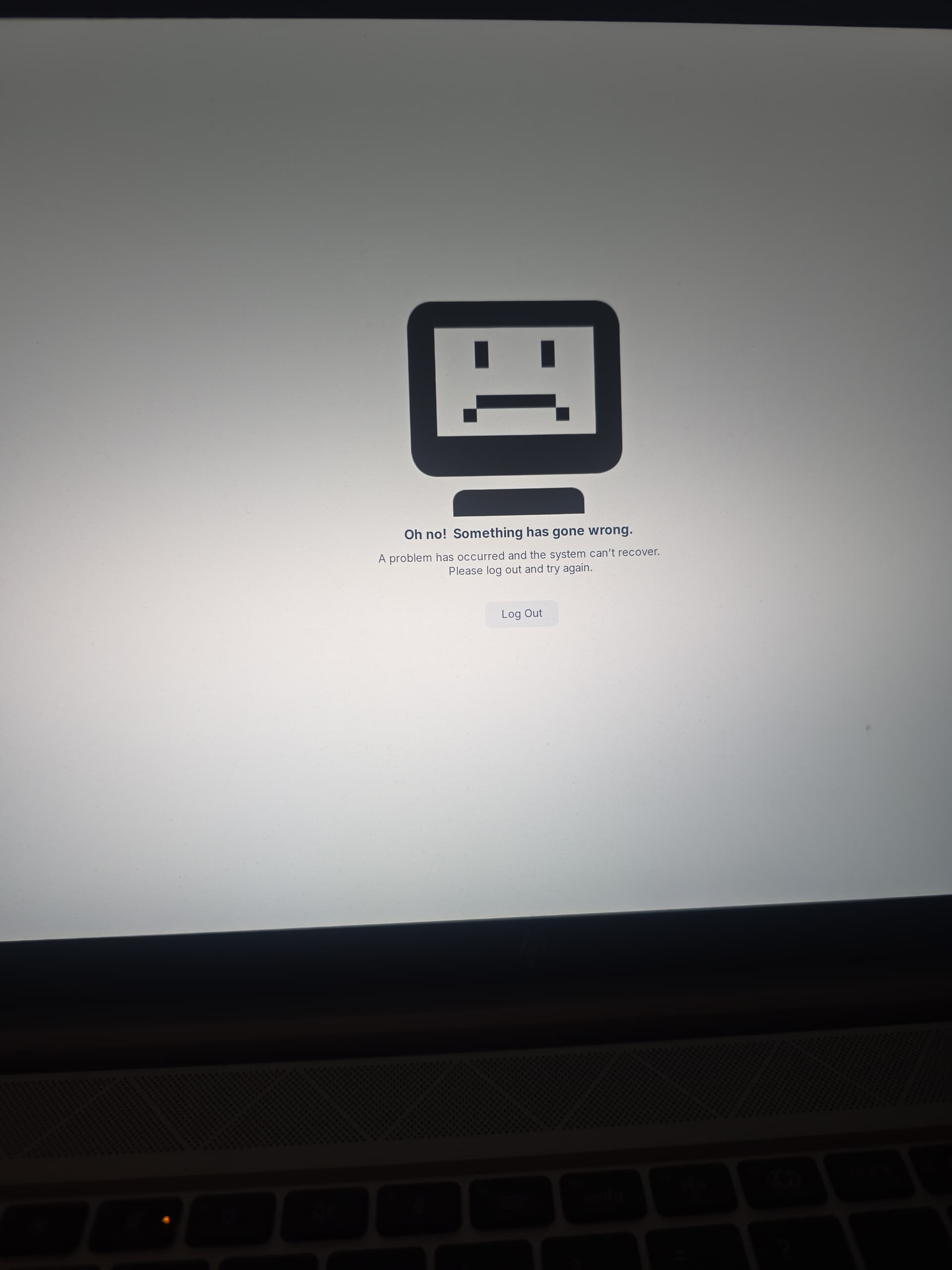
  • Since then, every attempt to log into the Zorin Desktop (GNOME) results in the same error screen:

“Oh no! Something has gone wrong”

  • The crash happens immediately after login, before the desktop loads

Important observations:

  • The issue persists:
    • after disabling all GNOME extensions
    • after clearing GNOME cache and user configuration
    • after forcing Xorg (Wayland disabled)
    • after reinstalling GNOME-related packages
  • This indicates the problem is not caused by extensions or user configuration
  • The system itself is not broken:
    • I installed KDE Plasma, and KDE works perfectly and is stable
    • The error only affects GNOME / Zorin Desktop

Current status:

  • I am currently using KDE Plasma as a workaround
  • GNOME remains unusable and always crashes with the same error on login

Hardware:

  • HP EliteBook laptop
  • Intel integrated graphics (no NVIDIA)
  • Zorin OS 17 (clean system, no exotic configuration)

Hi and welcome.

Have you tried booting with the installation media you used to install Zorin 17 in 'Try Zorin' mode and used the Boot Repair utility?

Hi,

yes, but its still not working. :confused:

Did you try to boot with an older kernel? When grub menu is displayed select "Advanced options for Zorin" and choose a previous kernel to boot from.
If the grub menu usually isn't shown at boot press continuosly esc during boot to show grub.

Welcome to the Forum!

  • Are Secure Boot and Fast Boot in BIOS disabled?
  • If Windows is still install: Is Fast Start-Up in Windows disabled?
  • What Tool did You use the create the bootable USB Stick with Zorin on it?
  • Is Your BIOS in UEFI or Legacy Mode?

Thank you for the suggestions.

Yes, I have already tried all of the above without any change in behavior:

  • Booting with older kernels via
    GRUB → Advanced options for Zorin (multiple previous kernels tested)
  • Secure Boot disabled in BIOS
  • Fast Boot disabled in BIOS
  • No Windows installed anymore (no Fast Startup involved)
  • System is running in UEFI mode
  • Bootable USB was created with balenaetcher tool on windows.

Unfortunately, GNOME still crashes immediately after login with the same

I would like to understand whether there is a non-destructive workaround or fix for GNOME on Zorin OS 17 (e.g. related to kernel, GNOME Shell, or Intel graphics), before considering a reinstall as a last resort.

My first Suggestion would be switching to Xorg but You already tried it. Depending on Your specific Hardware, You could try it with a newer Kernel. That would be an Option.

With this, I would suggest - if possible - using Rufus to create the Bootstick. But Rufus is only availabe for Windows. If You want try it, choose for Your UEFI BIOS in Rufus on the ''Partition Sheme'' Option GPT:

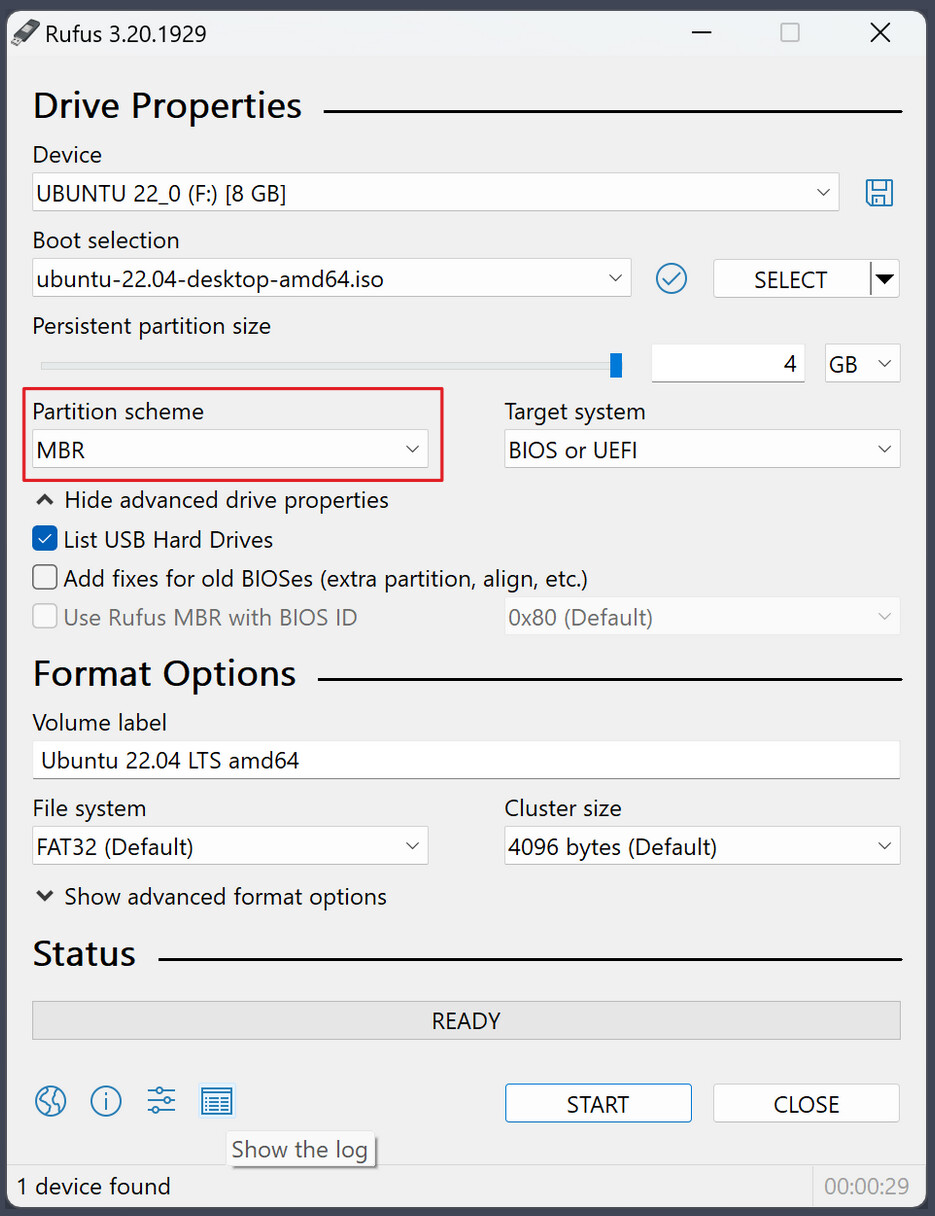
(I know, on the Picture stands MBR; it is only for showing where the Option is)