Hi
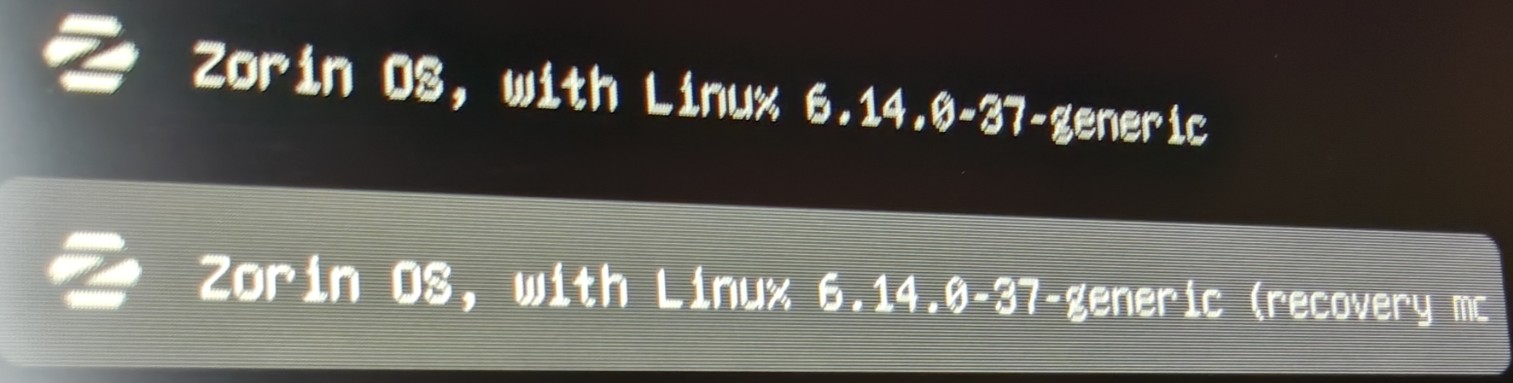
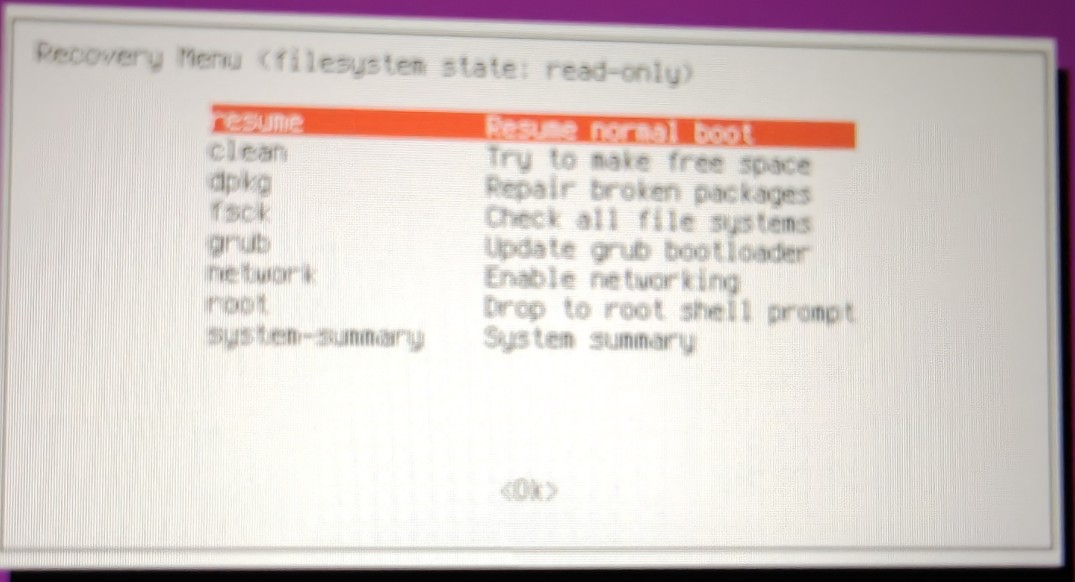
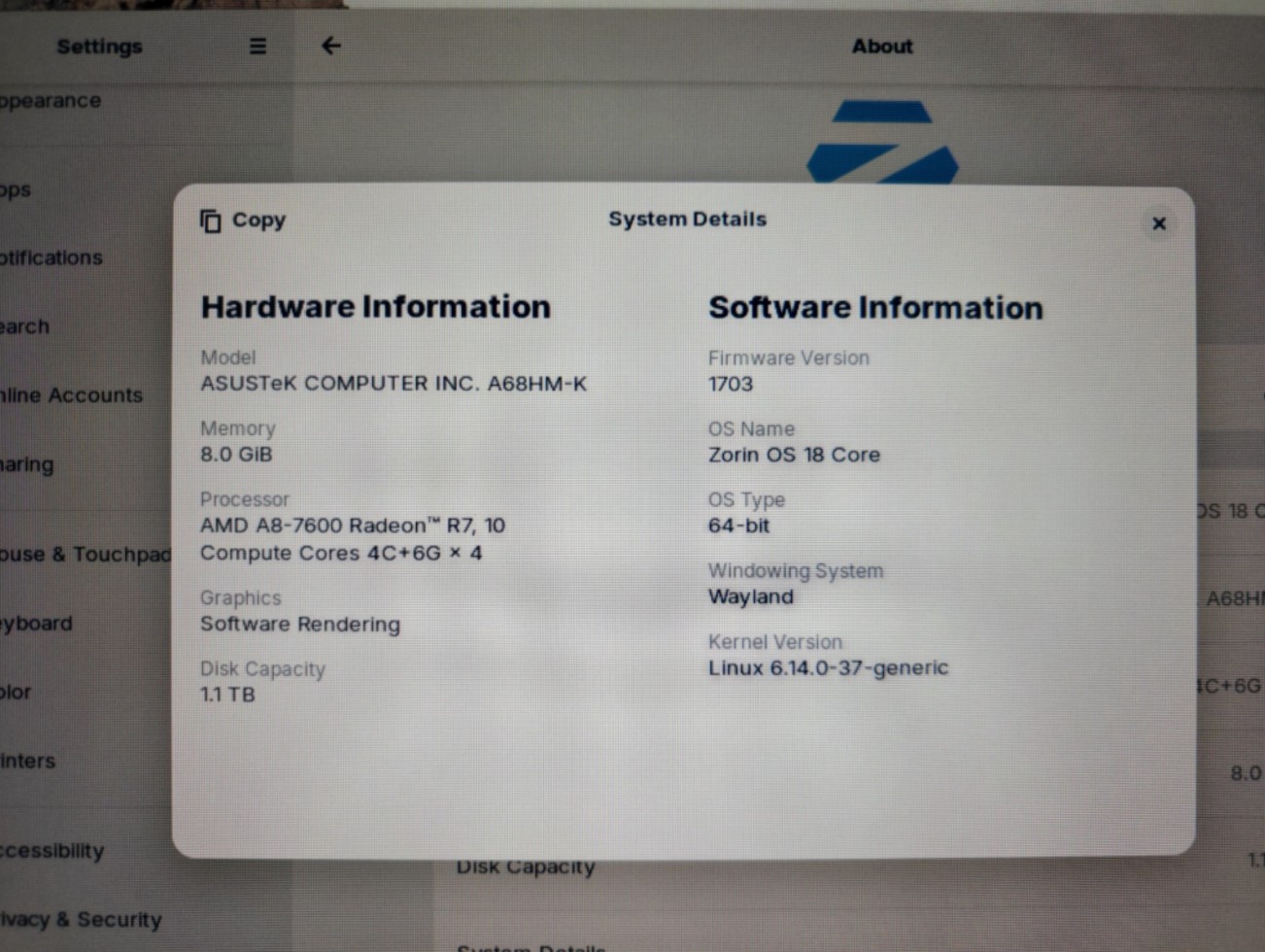
i've got a relatively old processor (APU) in AMD A8 7600 and a gpu in AMD RX 460. I am able to boot into Zorin OS via recovery mode and also by using nomodeset. However trying to boot normally does not take me past the boot logo.
After a few seconds at the boot logo my monitor looses signal from the cpu.
Appreciate any assistance as i come from windows and this will be my first time using linux.
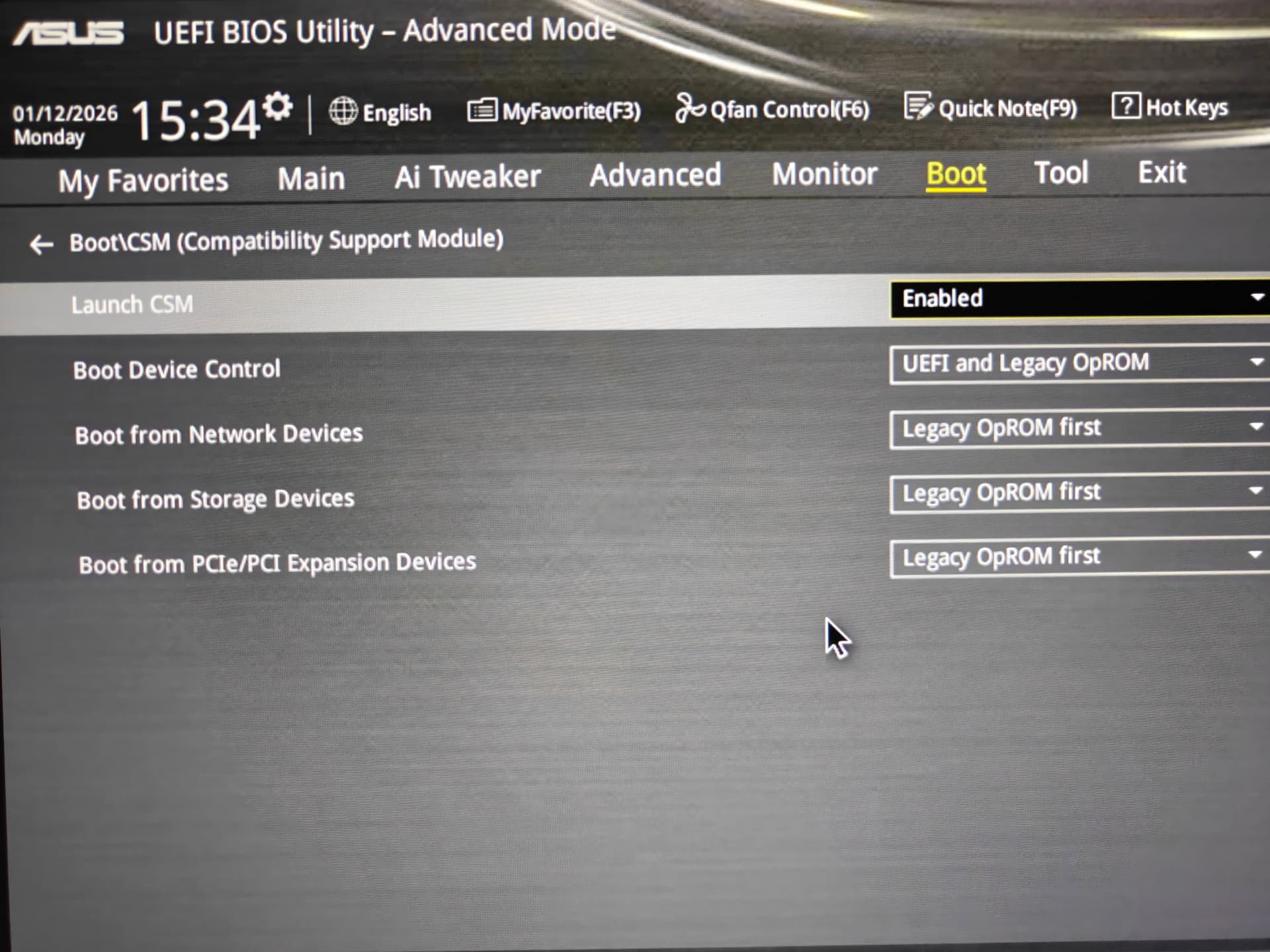
If your device supports UEFI, and you have no need to have CSM enabled (which if you don't have anything else installed, it doesn't seem like it) then in my eyes you should disable CSM (compatibility support module) because that would cause issues between newer UEFI and older BIOS. Since it seems like your hardware should have UEFI support, I would disable that, then try installing again.
Okay, do You remember when You used Rufus if You have chosen GPT or MBR on the ''Partition Sheme'' Option in Rufus?
Sry didn't pay attention to it when i first did it.
If your device supports UEFI, and you have no need to have CSM enabled (which if you don't have anything else installed, it doesn't seem like it) then in my eyes you should disable CSM (compatibility support module) because that would cause issues between newer UEFI and older BIOS. Since it seems like your hardware should have UEFI support, I would disable that, then try installing again.
I have now re-created the USB using GPT on rufus,
disabled CSM in Bios,
run a clean install,
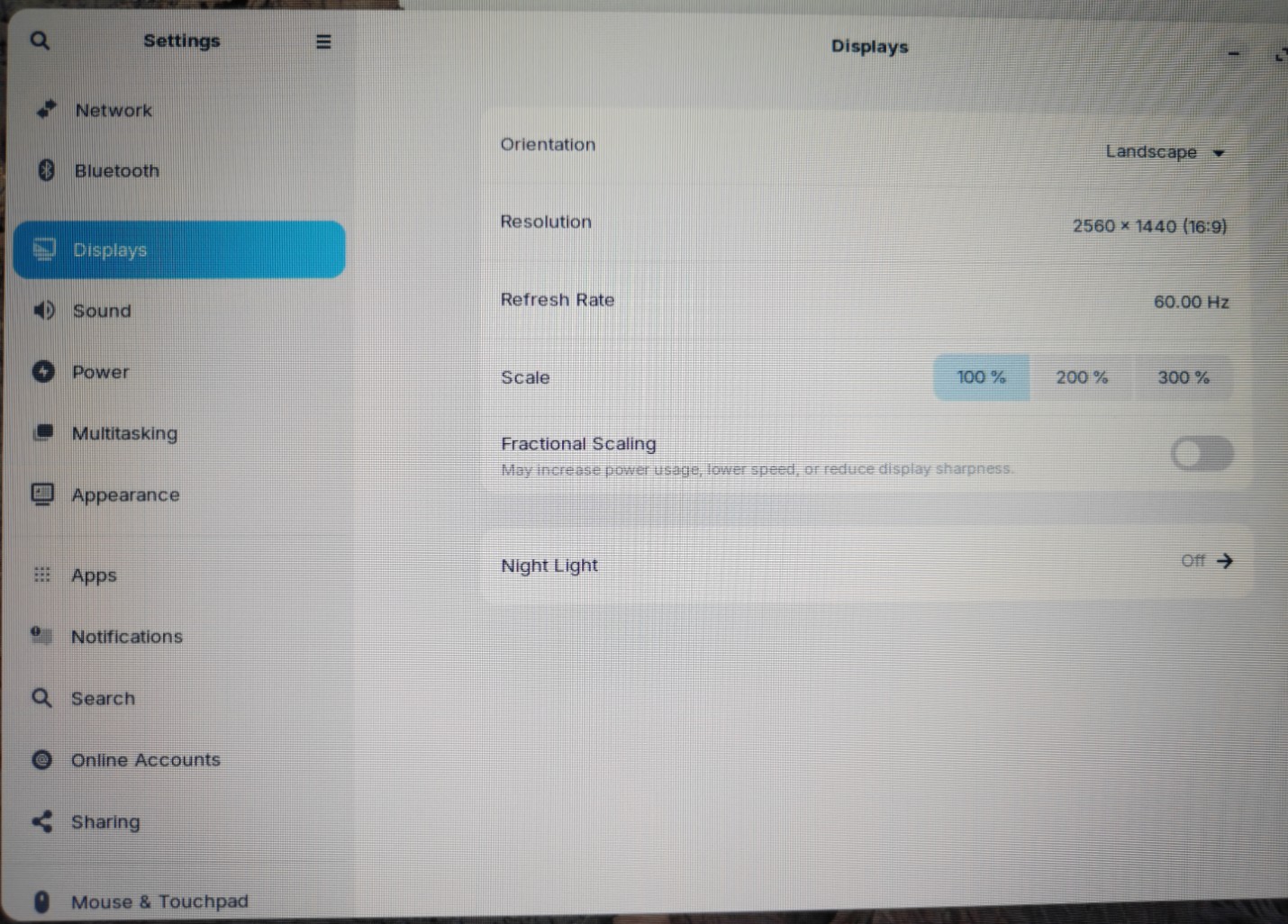
the images now look a lot nicer and has taken up my entire screen instead of the previous limited resolution.
However once the installation completed , i lost dispaly signal again.
It boots into the OS only when i select recovery mode and then resume normal boot from there.
I am able to use my entire screen , videos run smoothly but rebooting drops display signal at boot logo again.
Appreciate all the assistance as going into resume normal boot from recovery mode is the only way into the OS for me for now.
In this thread another user had the same problem with an integrated GPU from the same time. I'm wondering if some ideas from the thread there coud help you:
Unfortunately there is not marked a solution.
Maybe an older kernel could help as Aravisian suggested there?
You could install the mainline installer tool and install the 6.8 kernel to test. Then reboot and at "Advanced options for Zorin" in grub menu select kernel 6.8.
If it works you could set this kernel as default to boot or install Zorin 17 which is still supported and is based on this kernel.
I see in your screenshot that you use Wayland. Please test if it works better with Xorg. Logout and at login click on your username then a cog wheal appears at the bottom right corner.There select "Zorin Desktop on Xorg". But probably this doesn't effect the black screen.
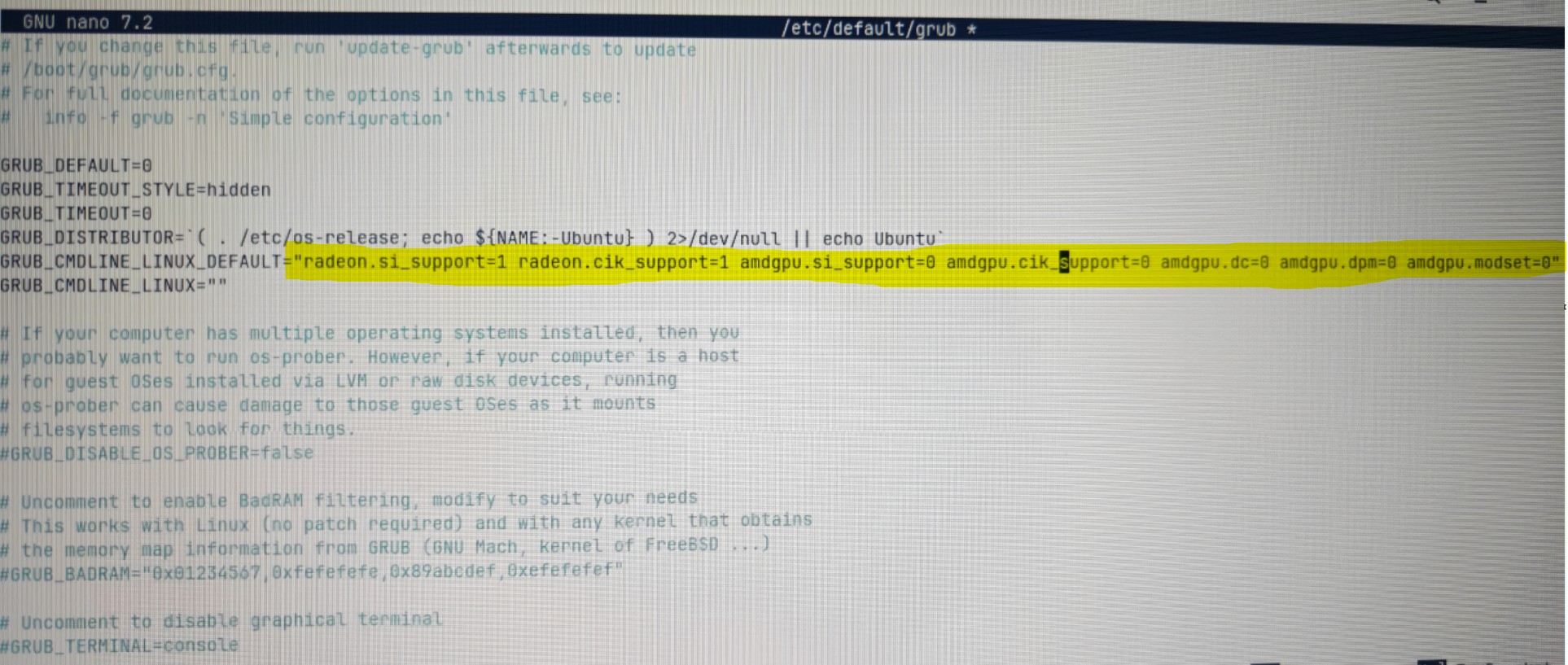
When you try to add the kernel parameters always run the command 'sudo update-grub' afterwards and reboot to apply it. In the linked Zorin-thread you find a guide how to add kernel parameters.
yes , i can confirm the cables are secure on both ends.
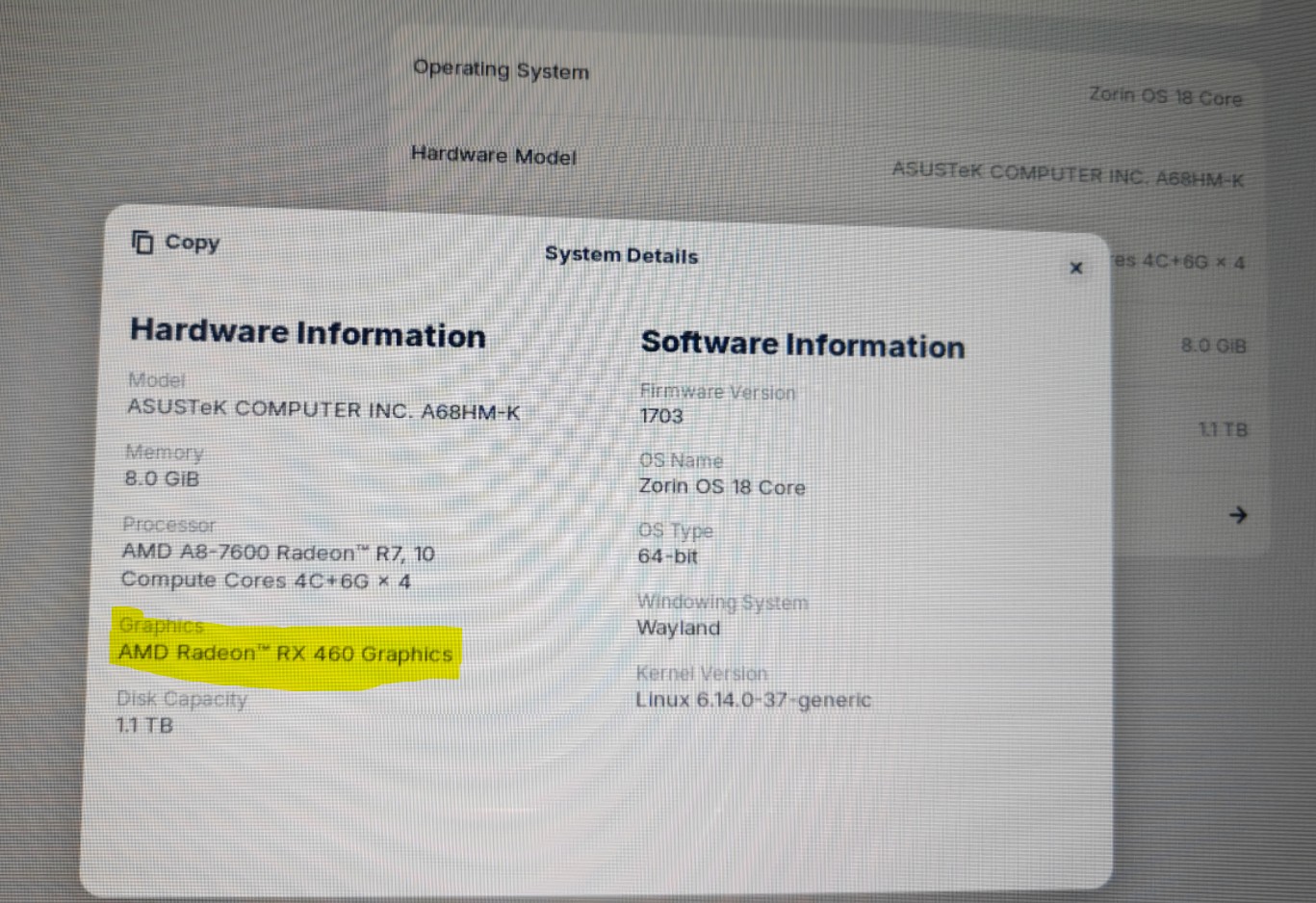
many thanks!!!! i can confirm setting this GRUB_CMDLINE_LINUX_DEFAULT="radeon.si_support=1 radeon.cik_support=1 amdgpu.si_support=0 amdgpu.cik_support=0 amdgpu.dc=0 amdgpu.dpm=0 amdgpu.modeset=0" in the kernel parameters worked and the os is now able to see my dedicated gpu!!!
i see graphics performance has now improved and i have more resolution optioions to configure!
I almost gave up , thanks to everyone that assisted , my linux journey begins today.