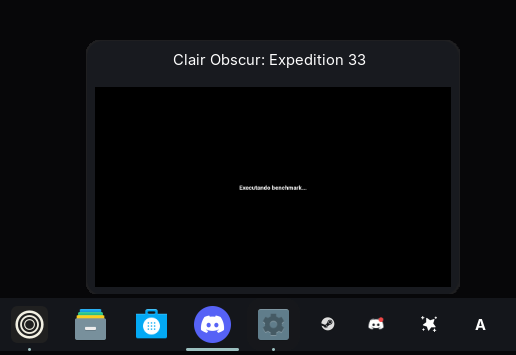
I’m a complete noob to Linux and just switched over recently. I’ve tried a few different distros, but this issue only happens on Zorin OS. Whether it’s games running through Steam or Heroic, the game icons show up as generic ones, both when launched from Steam or through the .desktop shortcut.
Have you tried switching from Wayland to X11 from your login screen.
To do that.
First logout. Then go to login again but don't, just click where you login.
You should see a gearwheel/cog icon bottom right.
Click on that and select X11.
The way the shell panel calls icons is different from how App Menu's and other displays show the icon.
The panel lists the icon based on the Running Window's .desktop file.
So this is more to do with Steam, than Zorin OS. Steam itself. The Steam games won't list an app_id or WM_Class. They are a child process of Steam.
...And yes, this is worse on Wayland since it only allows xdg_toplevel.app_id
Because of this, ther is no all encompassing fix for it. You can set the icons individually per app - in a variety of ways... if you are up to a tedious bit of work, or by using devilspie and wmctrl (Which is what I did).
I’m referring to the Taskbar.
I don’t have any issues with the icon anywhere else, it’s just that when I launch a game, regardless of which one or how I launch it, it appears without an icon on the Taskbar.