I am new Zorin OS, and today I tryed plugging in a old monitor (1360x768p 60hz) that I used on my previous PC (Windows 11) to use as a second monitor. My GPU is an AMD RX 7600. In the first time I plugged in and configured all went fine, it was recognized and I could configure it's resolution and frequency. However once I restarted the PC it became "Unknown" and the res capped to 640:480 (4:3), which makes it impossible to use as the stuff becomes gigantic and impossible to view.
I noted that when I try to unplug and plug back the monitor, Zorin recognizes it for a moment, then it becomes unknown again. I checked if there were driver updates on the updater and there are none. I couldn't find a case equal to mine that was recent, so if anyone could help me solve it, I would be really glad.
Sorry for the delay, I wasn't home. My gpu has only one HDMI port and the monitor only has HDMI, and too only one port. However I tried another cable that I am sure is working as it is the one on my console, and the same occurs. I also tested the current cable and it works on other devices. And the monitor and the cable were working perfectly fine on my older computer with a Nvidia GTX 1050ti (on Windows 11).
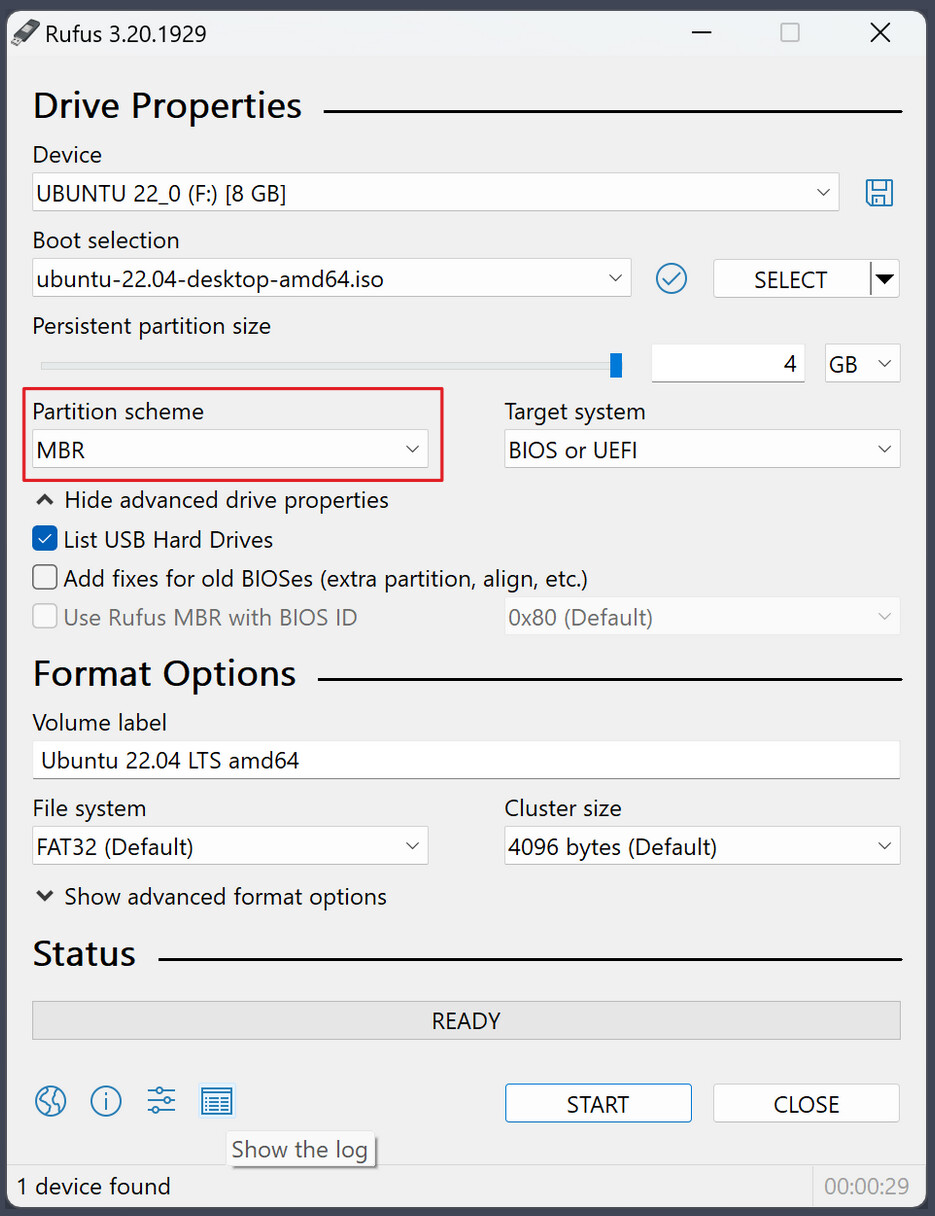
(I know, on the Picture stands MBR; it is only for showing where the Option is)
That would be a Point for trying something: You could switch to Xorg and see if it behaves better. to do that, go to the Login Screen. Click there on Your Profile so that the Password Field appears. When it is appeared, You should see a Gear Icon in the bottom right Corner. Click on it and choose the Option ''Zorin Desktop on Xorg'' and then log in.
Thank you for your help, mate! Well, I tried all that you sugested and still it didn't work. However, I tried turning on this monitor before turning the PC on, and weirdly enough then it works perfectly fine! I guess it is some hardware compatibility issue with the monitor and either the mother board or the GPU.
Anyways, thank you for your time and help!