I have an old laptop, a DELL Latitude E5420, about 13 years old, with a 2nd generation Intel i5, 4 GB RAM and a 256 GB SSD - not high-powered. I only use it for one purpose, and that is to connect it to a piece of equipment via network cable and control this piece of equipment via the Firefox browser. No Internet surfing, no office stuff, nothing else. I would like to lighten the load on this computer and deactivate all unnecessary services.
It started out as a standard installation of Zorin OS Core 17.3. I uninstalled most applications, but there are still services and daemons running that consume memory and CPU. Which ones can I deactivate or even uninstall to lighten the load on the CPU? For example, I do not need the firewall in my constellation, so I can deactivate ufw for example. What else?
Given your parameters, the first being the Gnome Shell. You would need to replace it with another management system, but can select a lighter one like XFCE, i3, LXDE or LXDE-gtk3... This action alone would reduce weight significantly.
Snapd and Flatpak can go if not using either for the purpose you use that machine for. Use the debian packaged Firefox.
Gnome-Software can be removed.
As you said, Firewall... so...
ufw
cups
avahi-daemon
bluetooth / bluetoothd – if not using B.T.
ModemManager – Only required for 3G/4G USB modems.
whoopsie – Ubuntu crash reporting. Consumes memory.
&
apport – Ubuntu error reporting.
gnome-software
accounts-daemon
zeitgeist
gnome-contacts
update-notifier
gnome-online-accounts
Pay attention to any warnings the terminal gives before bapping y to remove. If it is going to remove something as a dependency you wish to keep... We may need to examine disabling that process, rather than removing it.
I am surprised you did not start on Zorin OS Lite for this, rather than Core.
You also might want to disable services you do not need that gobble up memory or CPU:
tracker3-* – File indexing daemon, can consume significant CPU. Disable via: systemctl --user mask tracker-miner-fs-3.service tracker-extract-3.service tracker-store-3.service
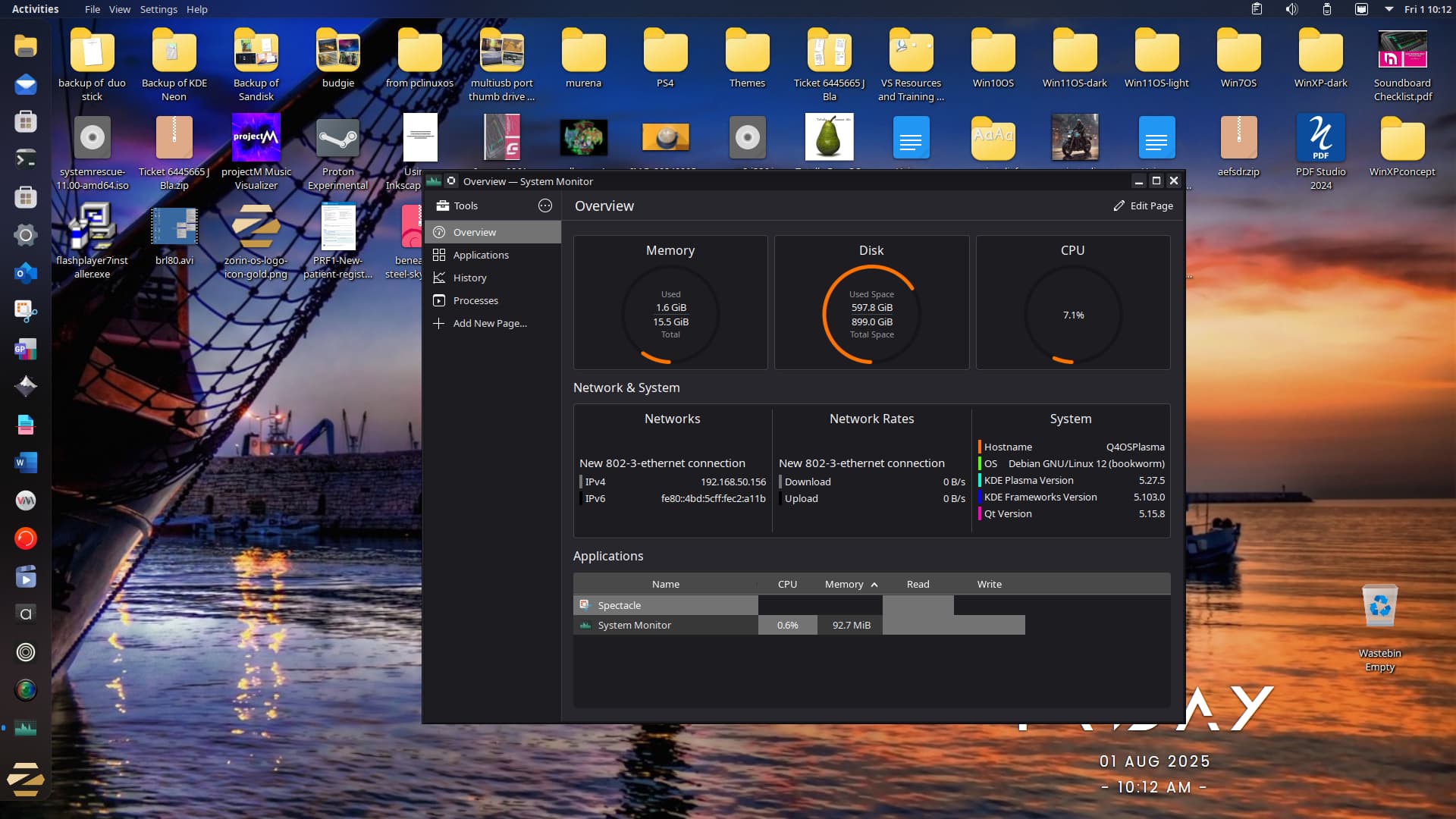
Made me curious about Q4OS Plasma (5.27). I stopped all apps apart from system monitor and spectacle upped the RAM from 1.6 to 1.7 to take this screenshot:
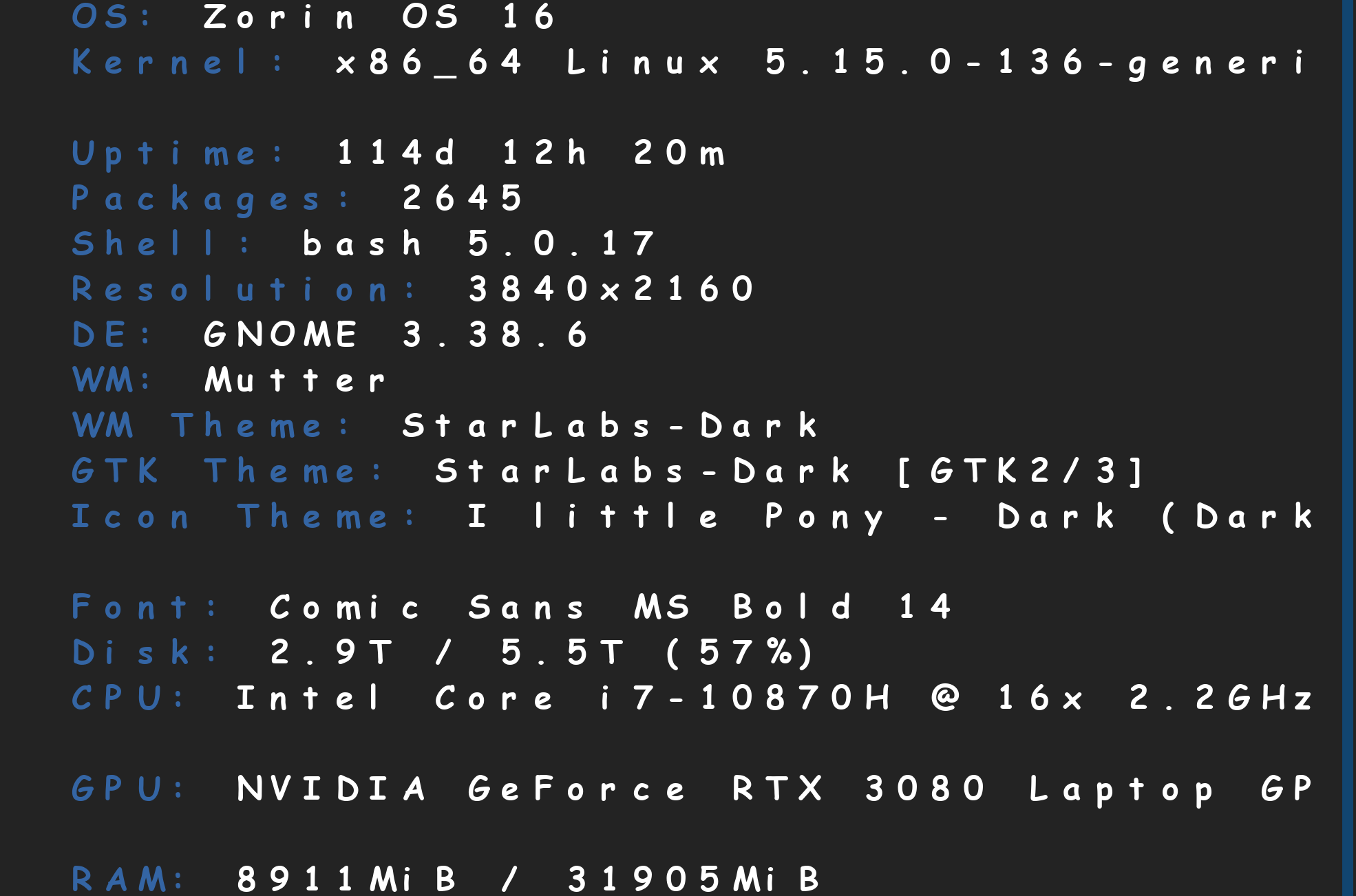
This is a modern screenfetch I just took just now. Have a close look at my uptime. 114-Days, 12-hours, 20-minutes. Now, have a look at my RAM usage, with 1 browser window open, and 1 Nomacs window open. 8.9GB of RAM used out of 32GB, on Gnome.
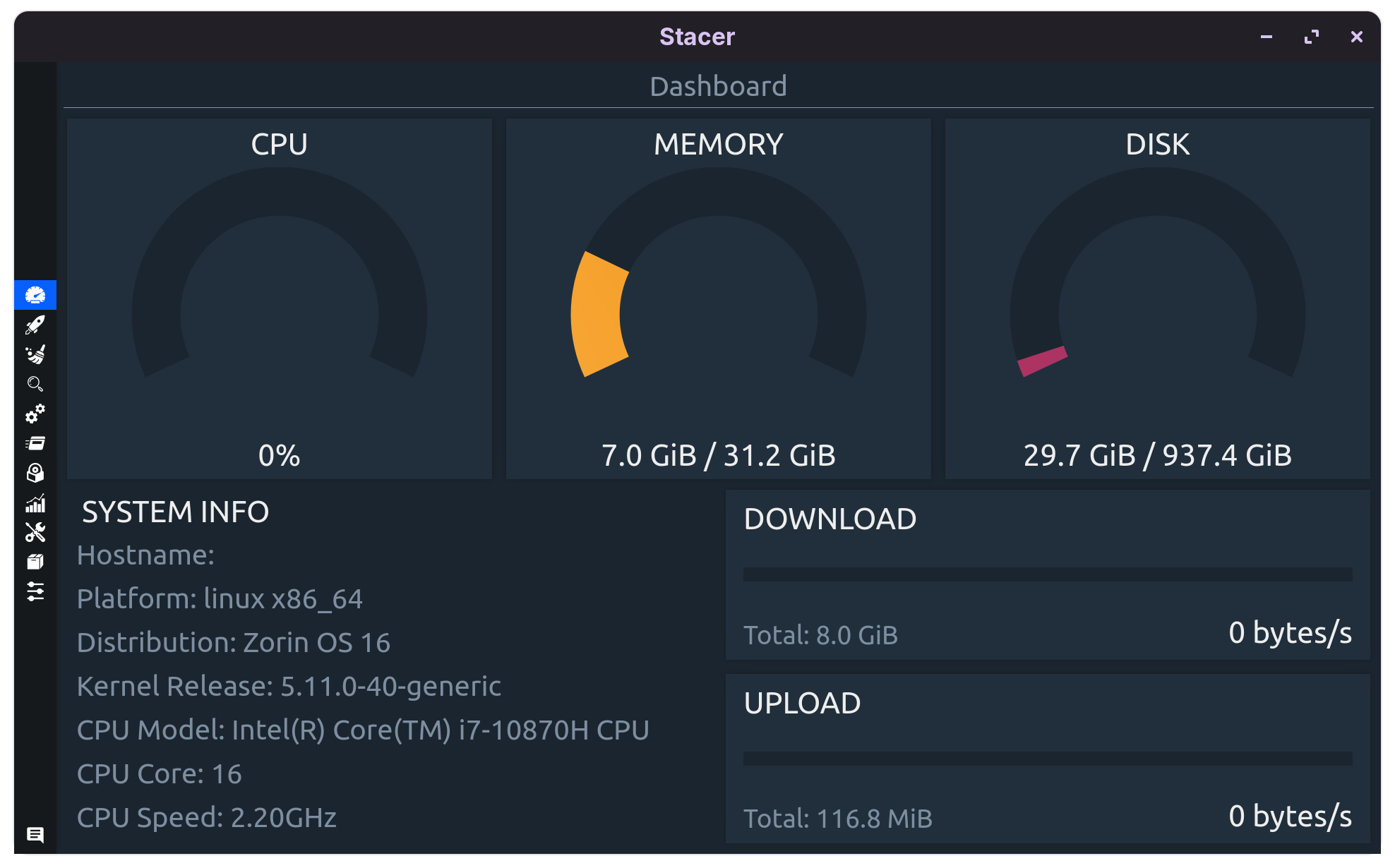
Lets see how much Gnome itself is using up shall we?
Well, I don't think I need to remind you folks, that Lite is looking pretty good about now, for low spec computers. Only run Gnome if you have a performance gaming/developing machine.
Strange, because when I start Zorin OS 17.3 Core, the system monitor shows me 1.6 or 1.7 GB RAM usage out of 4 GB with Gnome; 2.5 GB with Firefox running and a few tabs open. Much the same on another machine with 16 GB RAM. In my tests, Zorin Lite only used like 200 MB less, but I was not a fan of the looks (it reminded me of the late 1990s or early 2000s when working with Linux was quite the pain). But I will make more tests.
Thank you all very much for your input already, I will try this in the next days and weeks.
Hi all, I now took the time to remove most of the recommended applications and daemons. I still use Gnome, though. Note, this happens on an old MacBook Pro from 2015 with an i7 (4th gen), 16 GB RAM and a 256 GB SSD. It used to have similar problems as the DELL I mentioned in the starting post.
Here are the results so far:
RAM usage after boot: 1.6 to 1.7 GB with only Gnome, a terminal with btop and the system monitor running
if I start Firefox, RAM consumption depends, but with one or two tabs open, the machine uses between 2.3 and 2.7 GB RAM
More importantly, the CPU is slightly cooler than before (mostly between 54 and 63 °C), and the fans hardly ever run, even with FF up and running.
So far, I consider this a success, and I would like to thank everyone that helped. Next, I will try this with the old DELL Latitude, and I might also try Q4OS Plasma on it. Some other Android-for-x86- and small Linux-distros failed to install, failed to boot after the installation or do not support the hardware, and some succeed, but still have the fans spin up loudly.
I put Q4OS on the DELL Latitude E5420. It works, looks pretty, only uses 1 to 1.2 GB of RAM with the desktop, system monitor and one or two terminals, one of them with htop, running. But the fans won't stop running when Firefox is up, even with the deactivation of the rdd-process. I shutdown daemons, killed some, uninstalled some, unfortunately until the desktop did not work properly any more. Kind of, but not really. So no, that was no success. Or a 2nd gen i5 has simply outlived its usefulness (when you are allergic against fan noise).