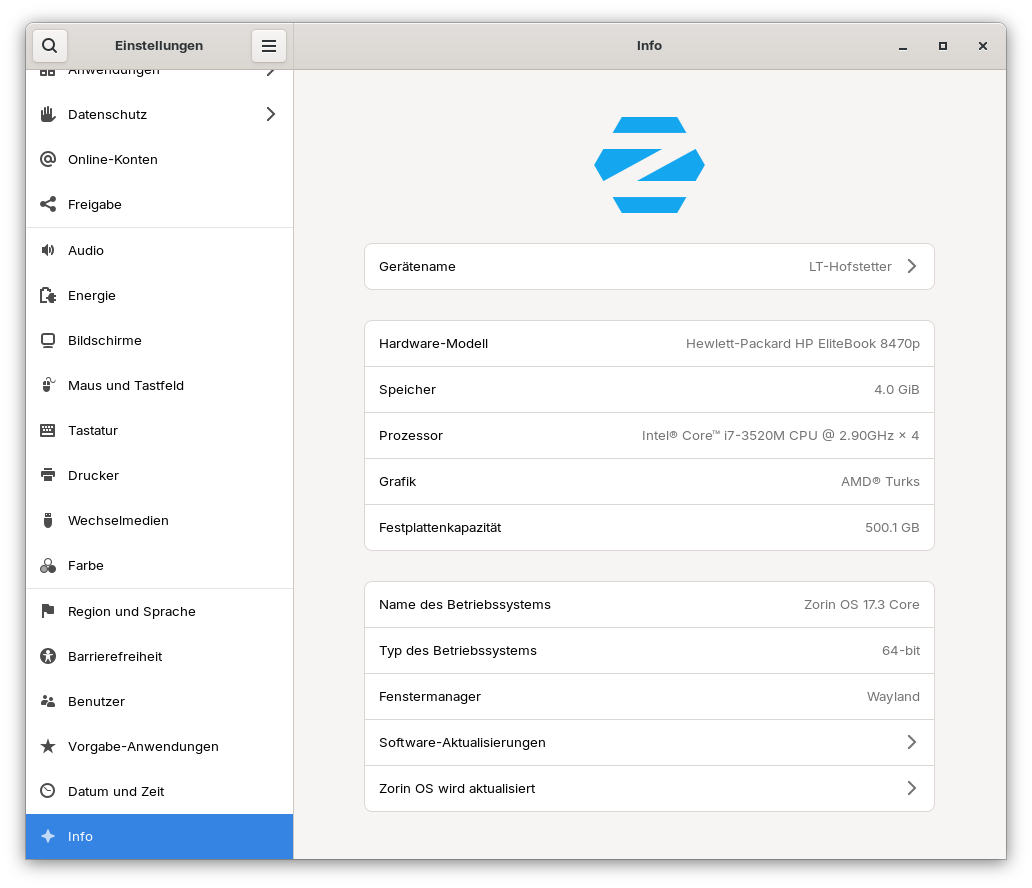
Zorin-OS V17.2 does not boot on HP EliteBook 8470p

Zorin-OS V17.2 fails to boot after successful installation on my HP EliteBook 8470p Notebook.

I have successfully installed the same ISO image on several other HP notebooks without any issues.

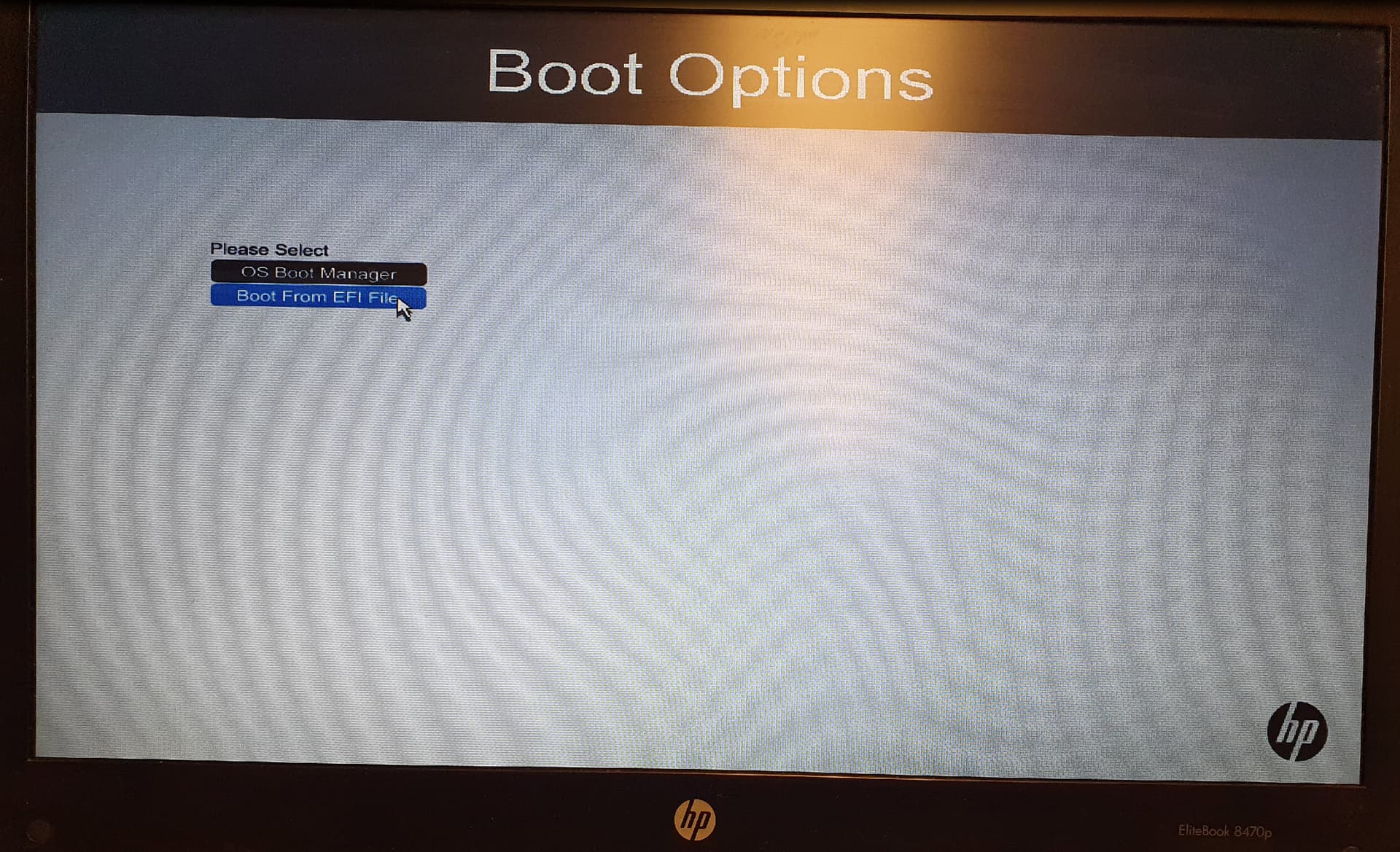
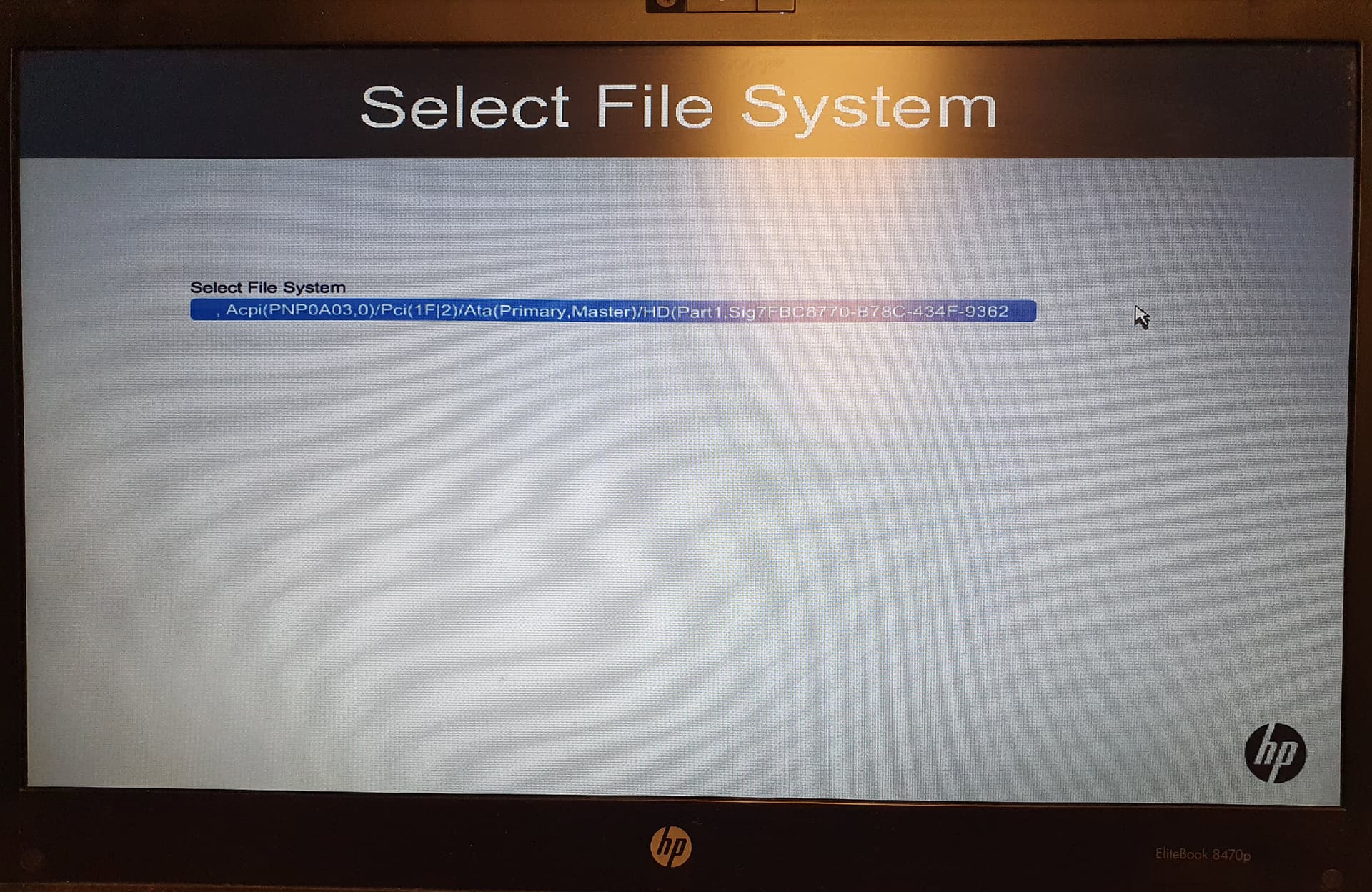
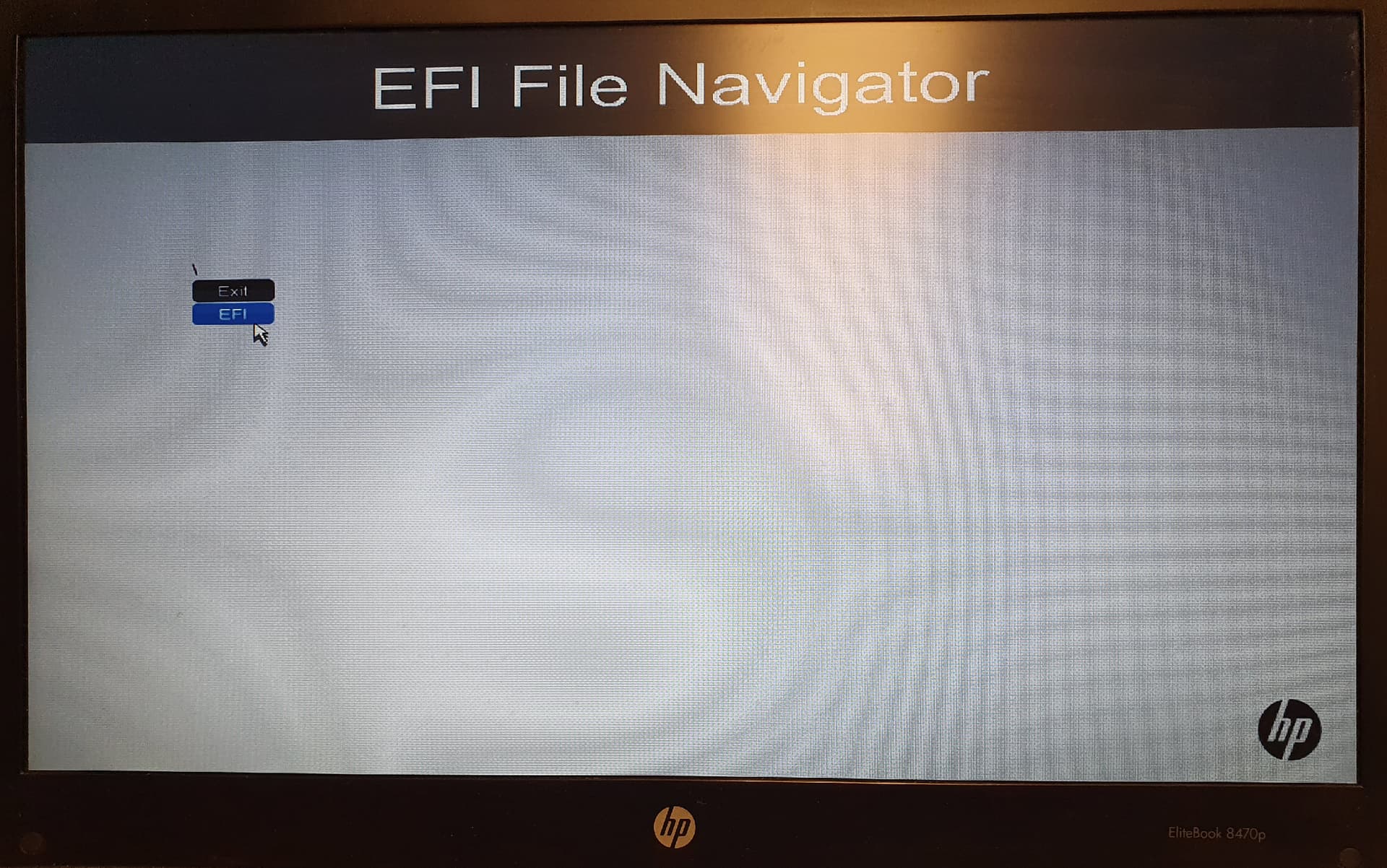
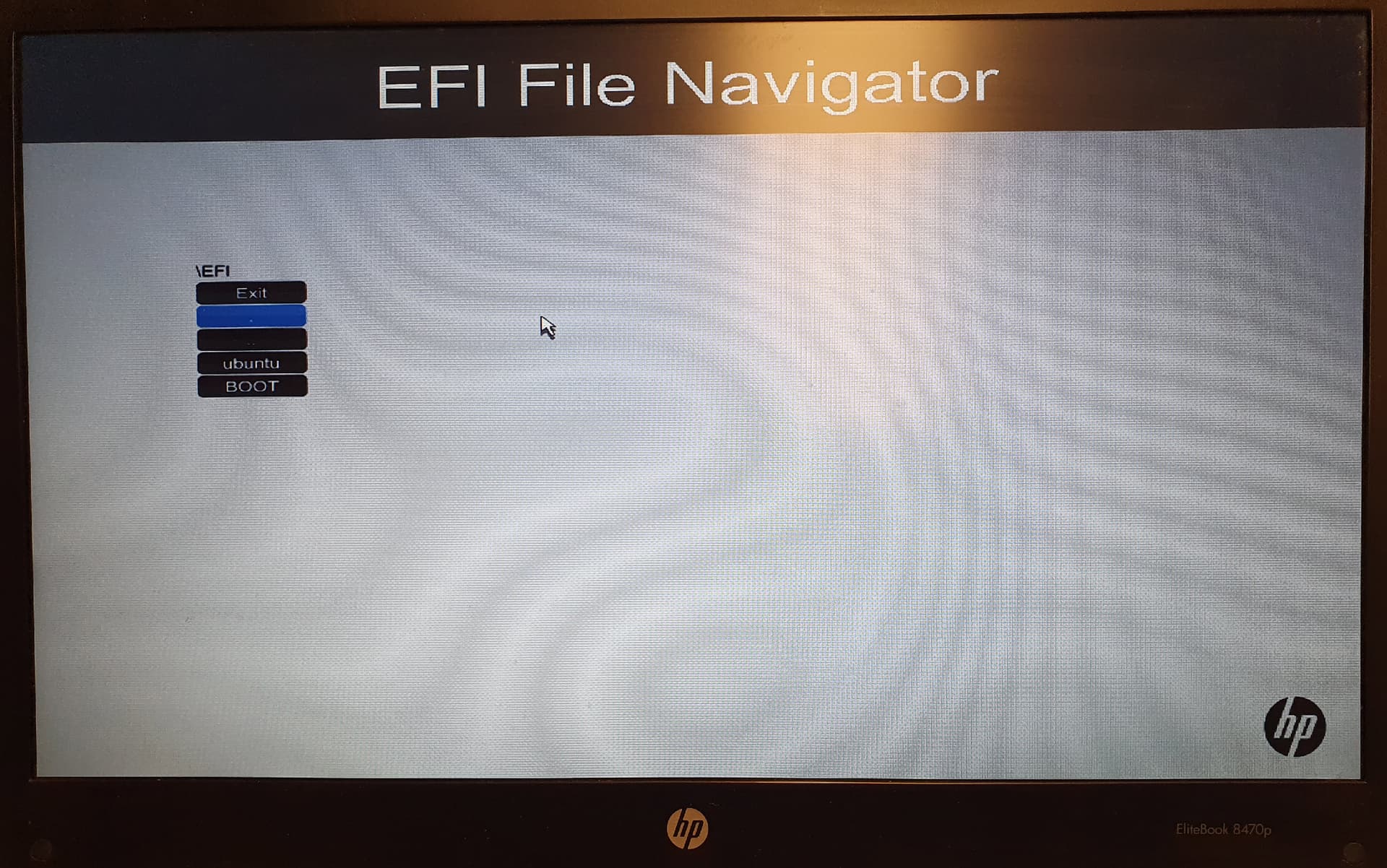
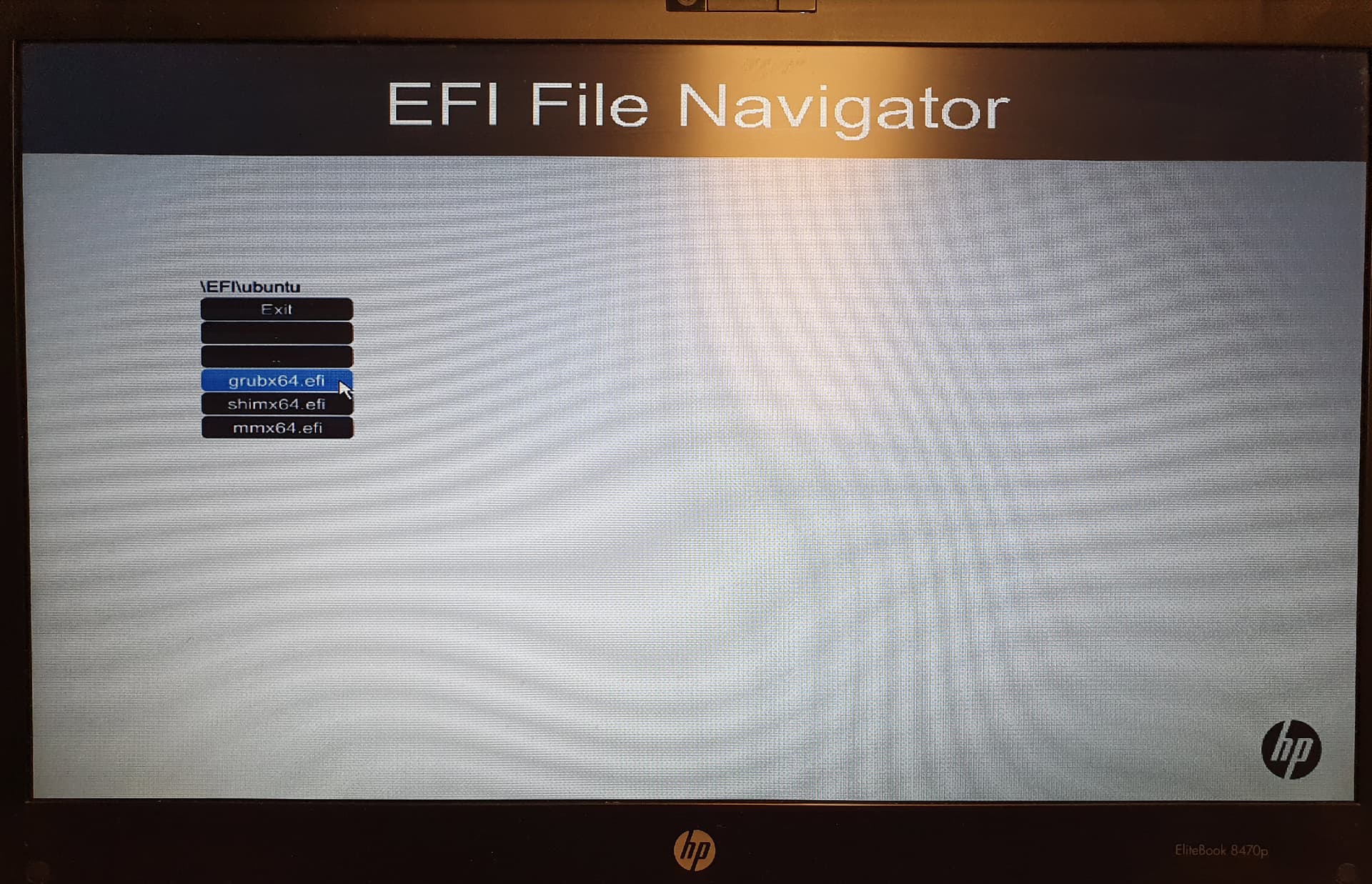
If I manually set the boot device to "Boot From EFI File" using the F9 key, I can select the file system, then Ubuntu, and finally grubx64.efi. After that, Zorin-OS starts without any problems.

Unfortunately, after a restart, Zorin-OS is not automatically detected by the system and must always be started manually using F9.

It seems to me that the boot sector cannot be saved persistently.

Can someone please tell me how to configure Zorin-OS to start automatically after a restart?

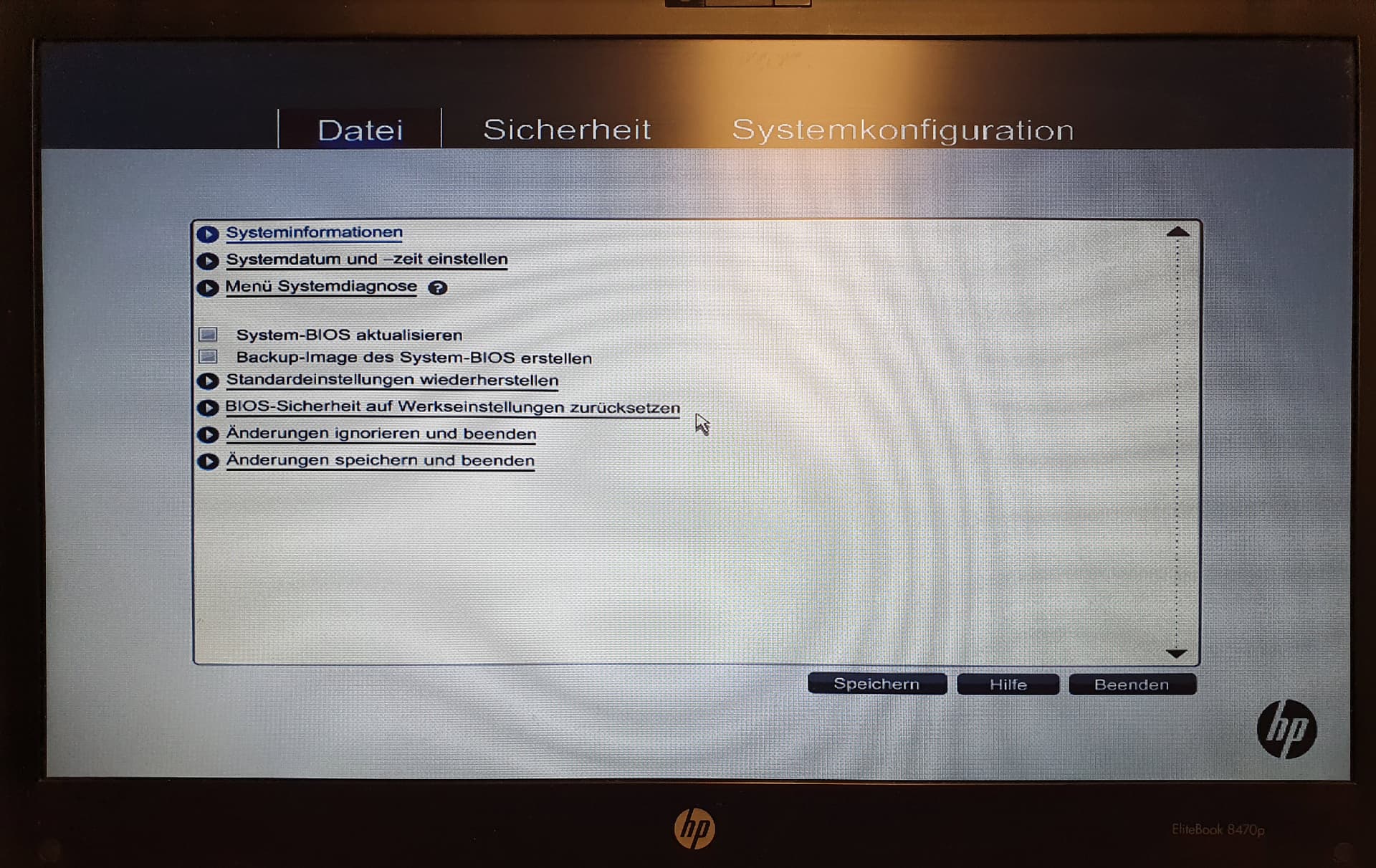
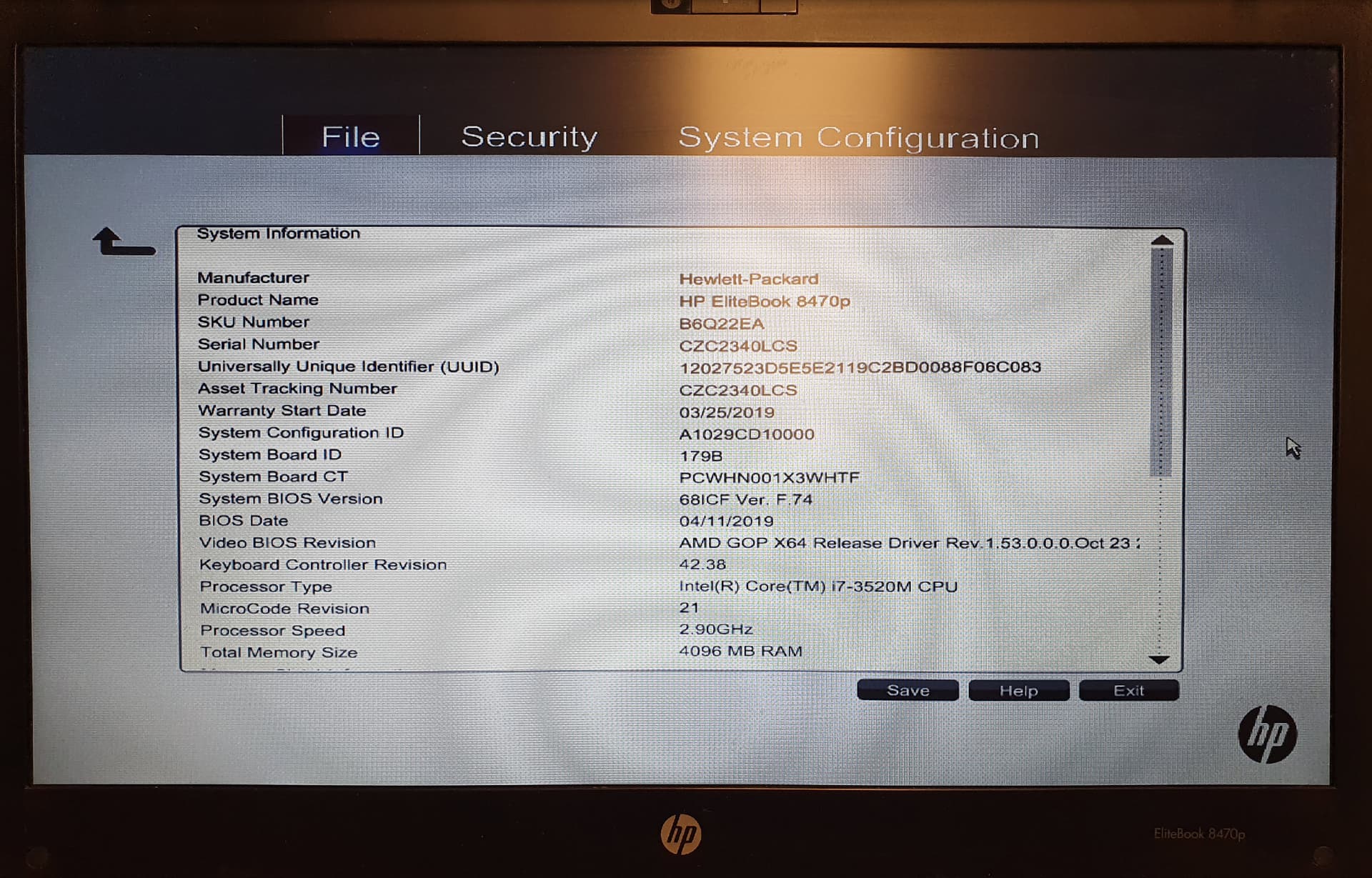
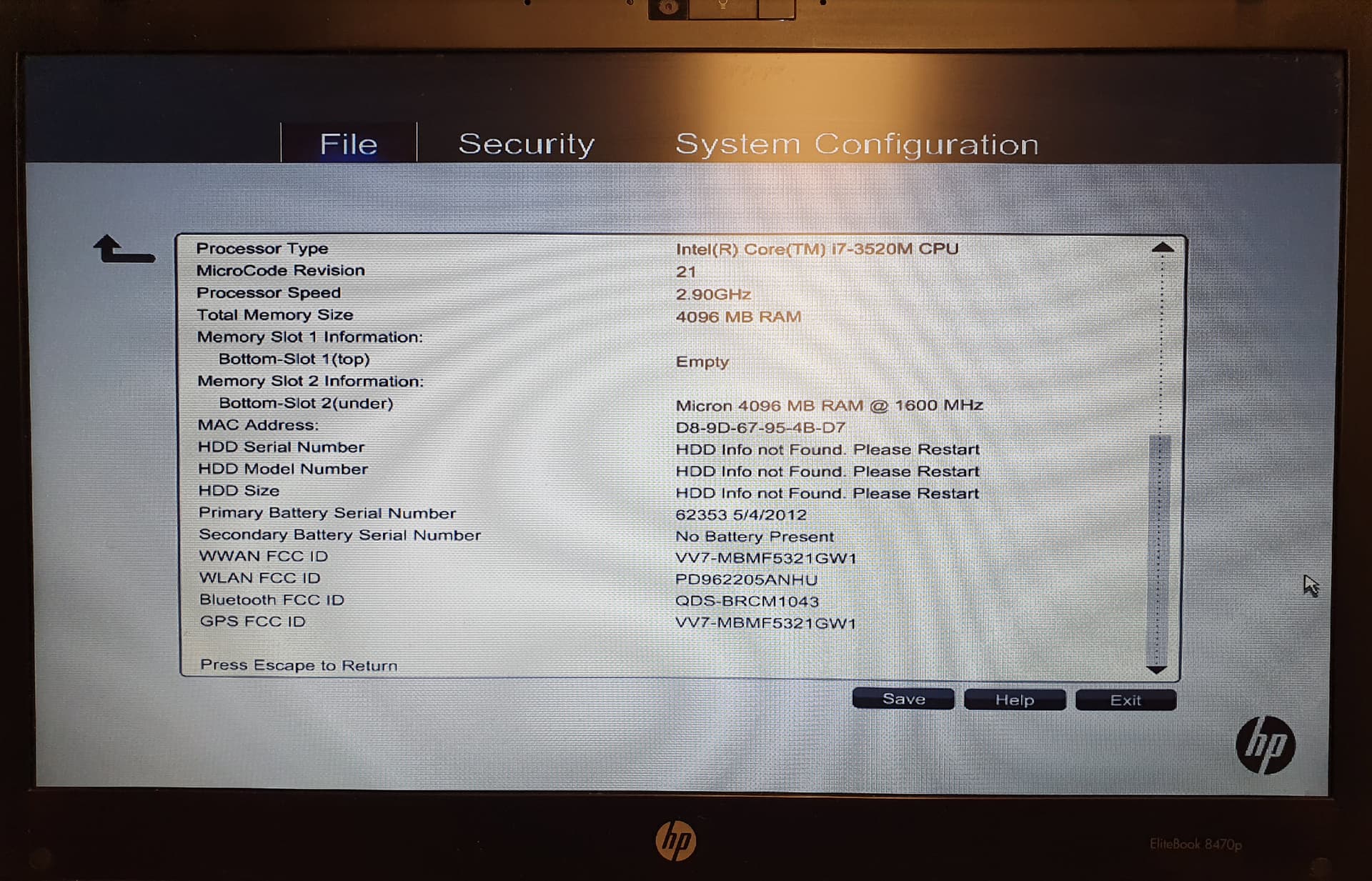
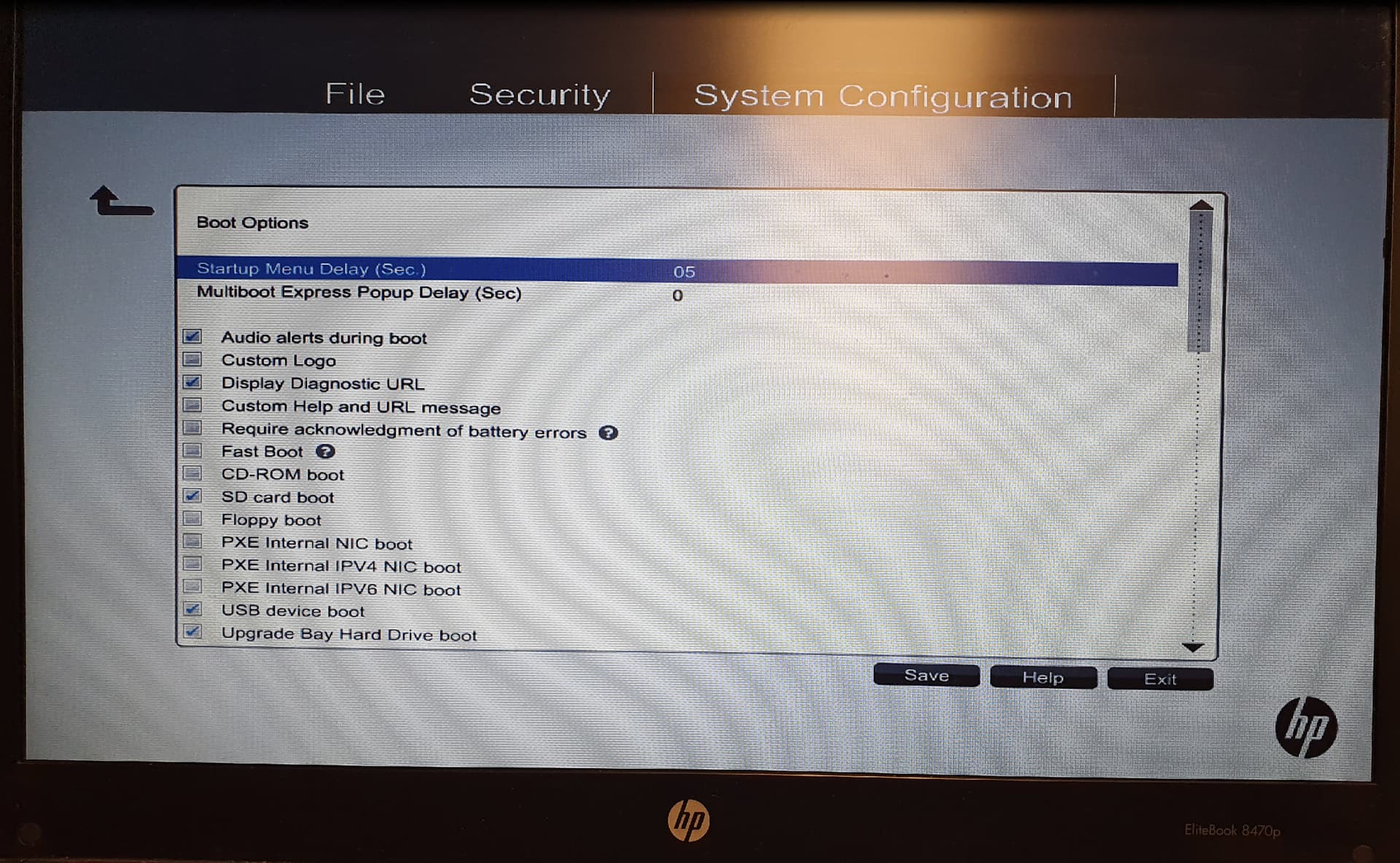
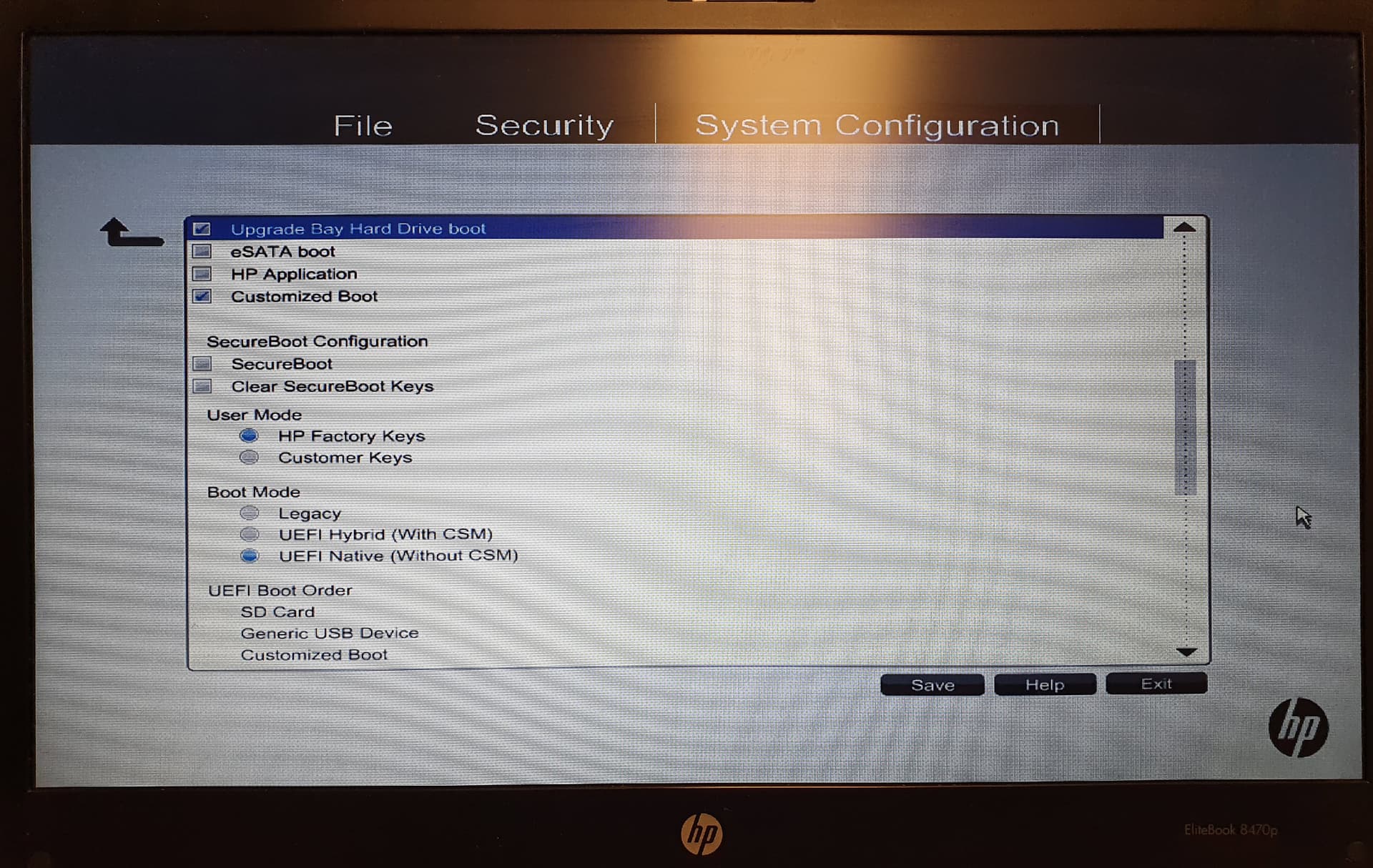
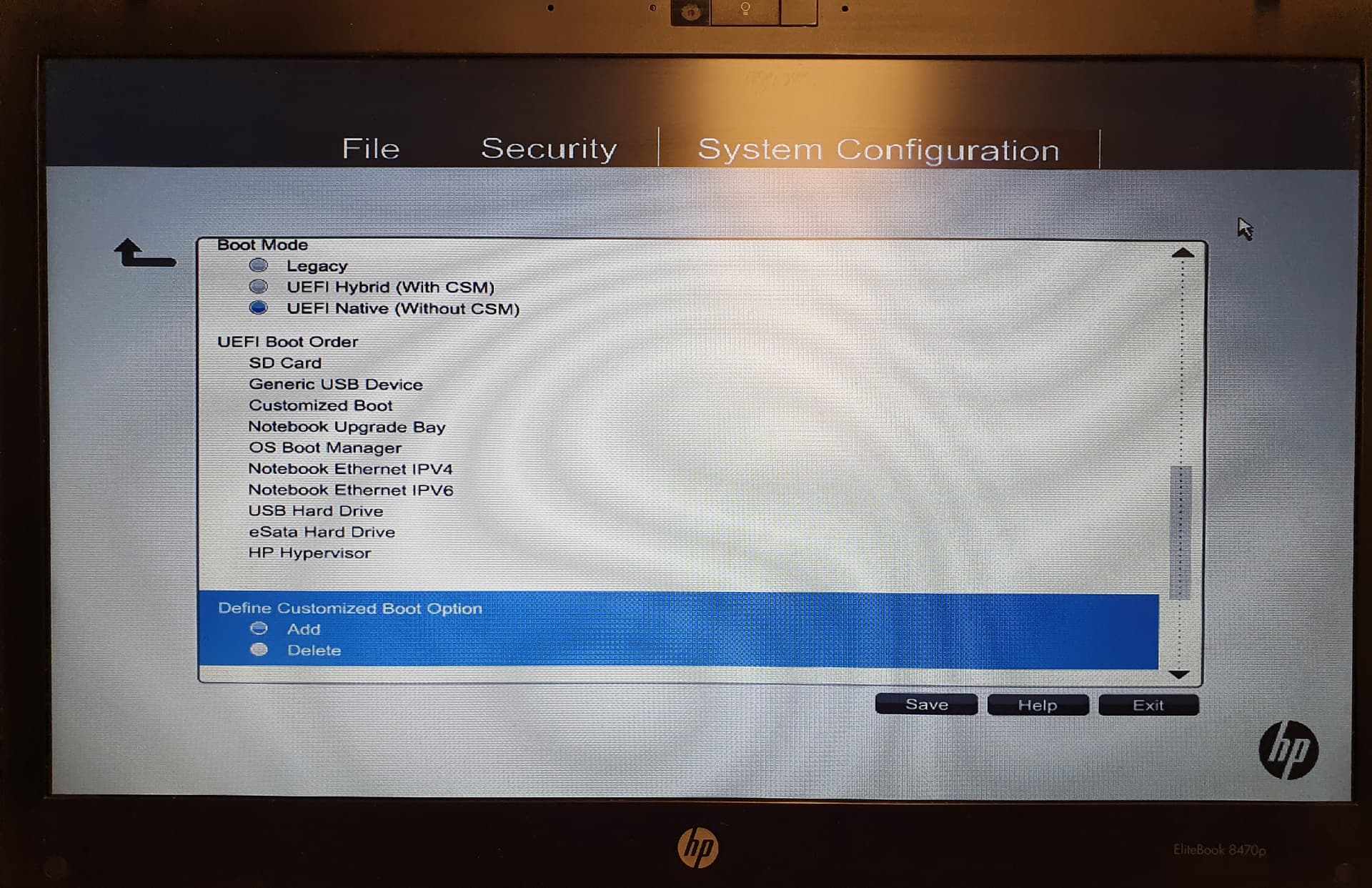
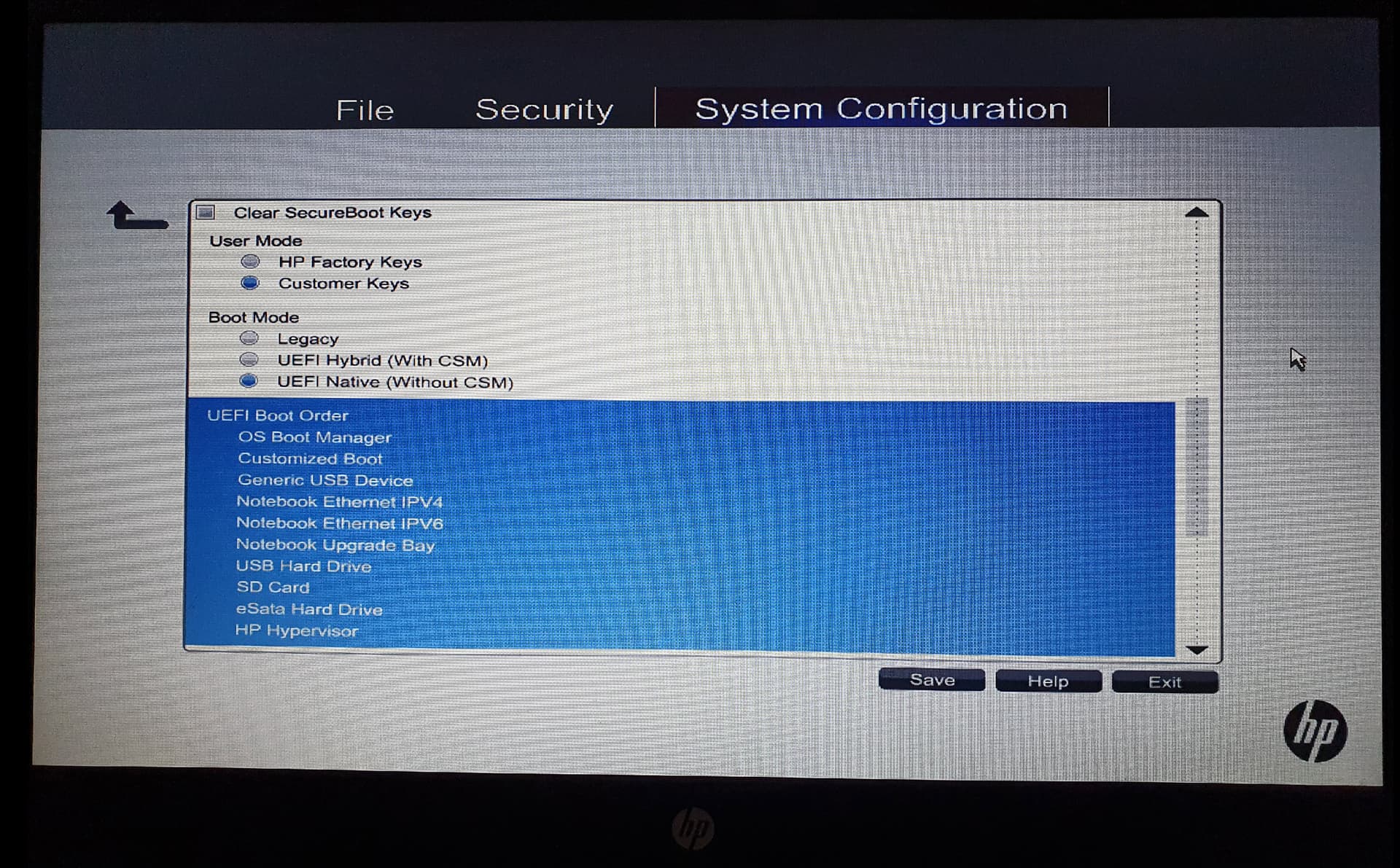
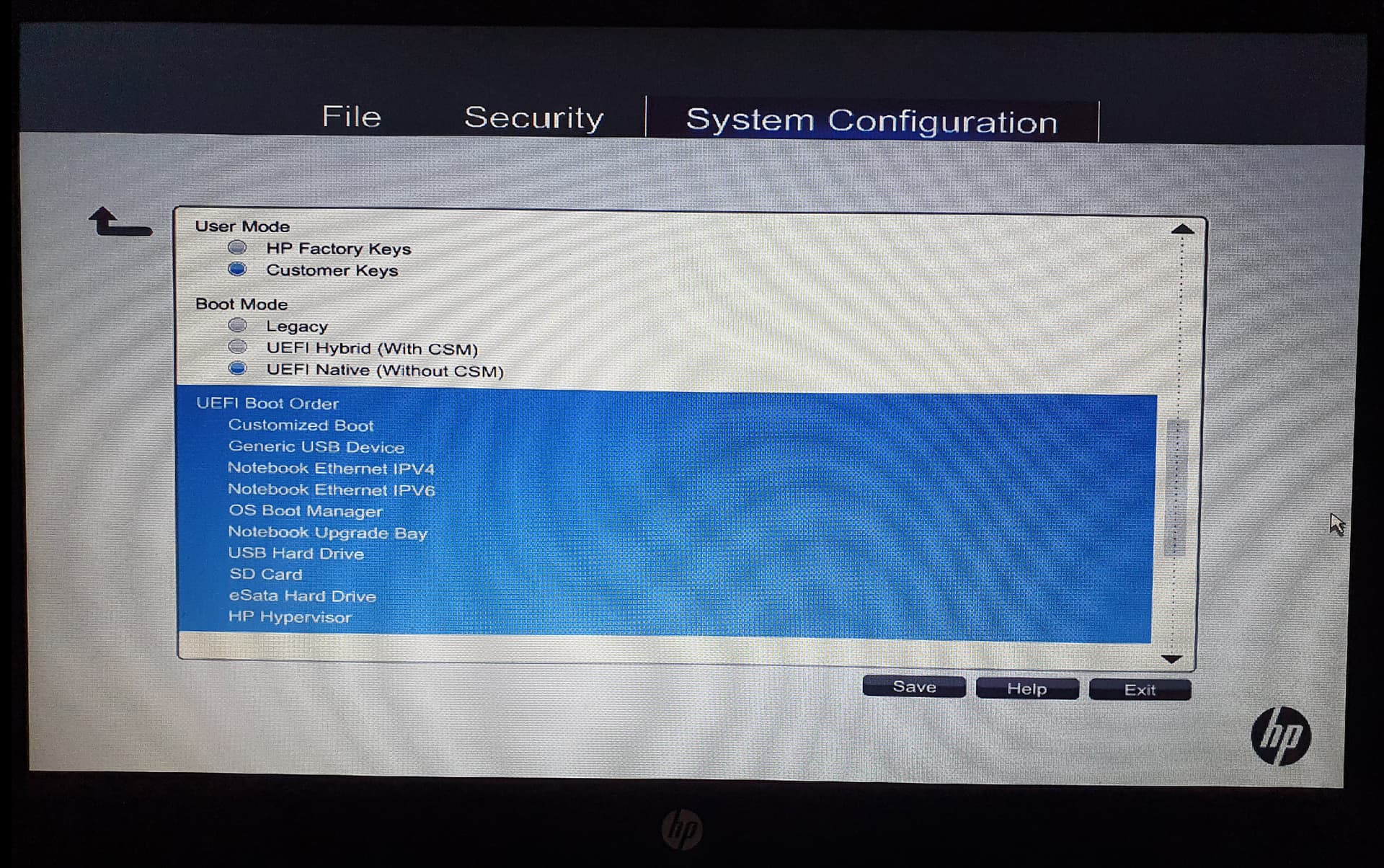
Below you will find all BIOS settings:


Thank you for your support!

In your UEFI Boot Order list put OS Boot manager at the top, save the changes and then reboot. Hope this resolves the issue.

1 Like

If the solution of littlekun doesn't help, on askubuntu I found this solution for the problem on HP notebook that you could try:
"

  1. enter bios
  2. Stay on UEFI (without csm)
  3. Choose the customized boot.
  4. insert direct path where to boot from "\EFI\ubuntu\shimx64.efi"
  5. move "customized boot" option to the top of the boot list
  6. save of course.

"
Try it with replacing no.4 with the path that works for you: "\EFI\ubuntu\grubx64.efi"

@littlekun

Thank you for your quick reply.

Even though I adjusted the boot list with "OS Boot Manager," Zorin OS still doesn't boot after restarting.

I'll try @Forpli's suggestion.

@Forpli

Thank you for your quick reply.

I tried your suggestion with the six points. Unfortunately, Zorin OS still doesn't boot after restarting.

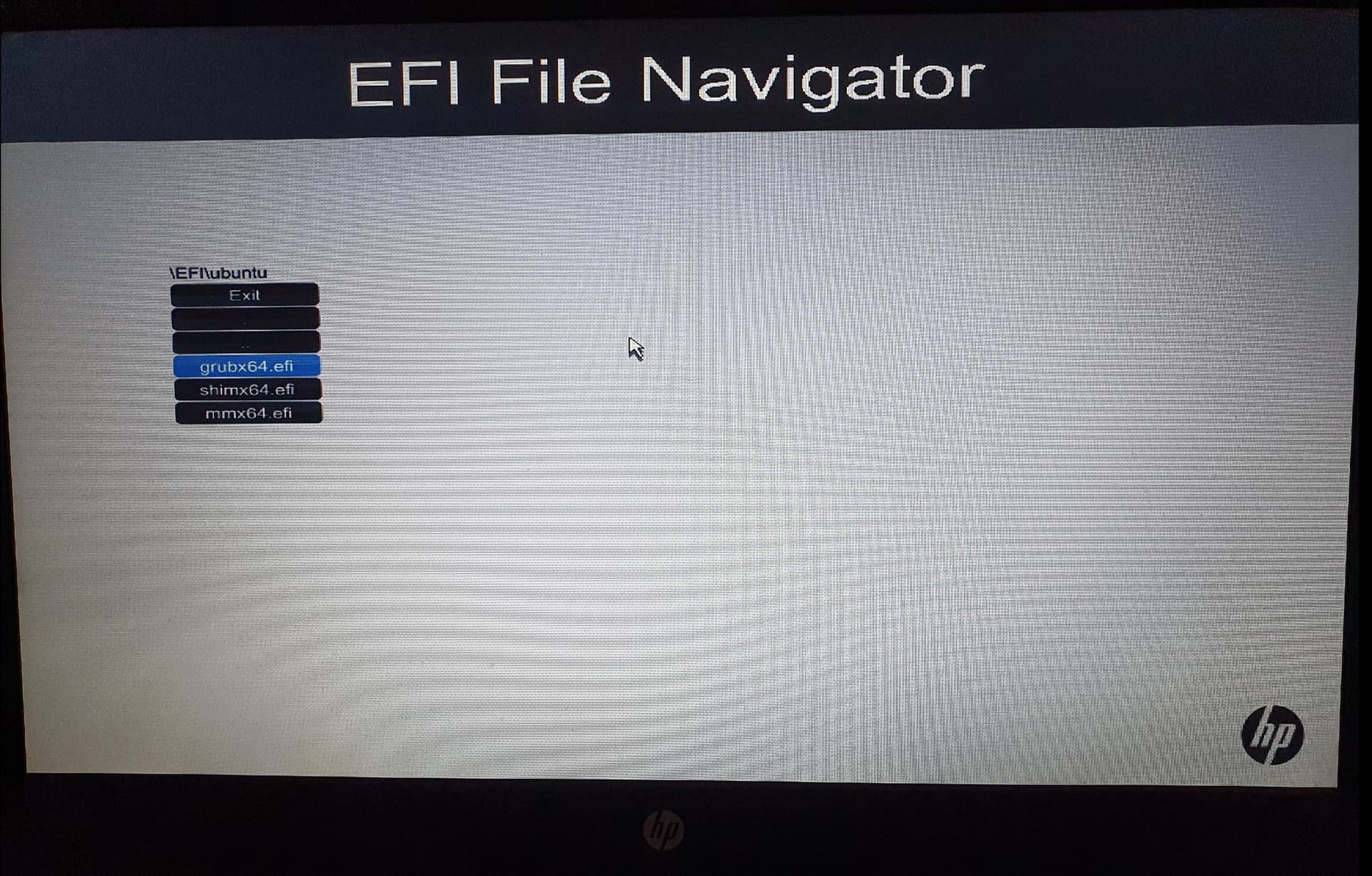
In the EFI File Navigator, I selected the following path:

\EFI\ubuntu\grubx64.efi

For reasons I cannot explain, the bootloader cannot find the boot file grubx64.efi.

Zorin OS only boots if I press the F9 key and manually select the grubx64.efi file in the EFI File Navigator.

When I select the file mmx64.ef in the EFI File Navigator, the tool "Shim UEFI Key Management" appears.

What is this tool for?

Do I perhaps need this tool to save the boot process persistently?

Did You tried it with starting Zorin on USB Stick, choose ''Try Zorin'' to get in Live Mode and run Boot Repair?

1 Like

@Ponce-De-Leon

Thank you for the quick reply and the tip about the boot repair tool.

I ran the boot repair tool on the live system. The following error message appeared:

===========================================
An error occurred during the repair.

Error: NVram is locked (Zorin not found in efibootmgr). Please report this message to boot.repair@gmail.com

Please write down the following address:

If you have a boot problem, please use this address:

boot.repair@gmail.com

Locked NVram detected.

Could you please tell me how to fix this error?

Thank you for your help.

Did you make \ and not / in the path? I read that it doesn't work when you use slashes /.

@Forpli

My entry was:

\EFI\ubuntu\grubx64.efi

I couldn't enter this manually; it was predefined by the BIOS menu.

1 Like

Please share the output of sudo efibootmgr from the installed system. Also share the current disk partition layout.

Was the installation happened under legacy environment?

1 Like

(1) Hopefully you have disabled Secure Boot

(2) If you are dual booting with Windows, make sure Fast Startup is disabled in Windows, or otherwise it retains control of your computer.


1 Like

@littlekun

Thank you for your quick feedback.

In the meantime, I performed a "Restore Security Defaults" in the BIOS System Configuration and then reinstalled Zorin OS 17.3.

Afterward, I set the boot order in the BIOS System Configuration as you suggested. Zorin OS now boots after restarting.

However, I've encountered the following problem:

Neither the native web browser Brave nor Google Chrome can be used properly.

As soon as either program is launched, it crashes, and no further actions can be performed (the mouse cursor stops moving).

The integrated video controller in the HP EliteBook 8470p is a Radeon HD7570M, and the default video driver installed by Zorin OS is AMD Turks.

Could this possibly be due to a video driver incompatibility?

Should I create a separate topic for this issue?

Thank you for your support.

Switch to Xorg (logout and at login click on your username then a cog wheal appears at the bottom right corner. There select "Zorin Desktop on Xorg").
You can launch the browsers from terminal with disabled hardware acceleration, if it helps, disable hardware acceleration in the browser settings.

brave-browser --disable-gpu
google-chrome --disable-gpu

For flatpak versions of the browsers you would need other commands, these ones are only for .deb/apt packages.

1 Like

@Forpli

Thank you so much for the tip about using web browsers under Zorin OS 17.3.

Both Brave and Google Chrome are Flatpak installations in Zorin-OS.

After switching from Desktop (Wayland) to Xorg, both Google Chrome and Brave work perfectly.

Do I need to explicitly disable hardware acceleration, or is simply switching from Desktop to Xorg sufficient?

Have I understood correctly that Wayland is no longer involved in Xorg mode?

Does this mean that a fix for this bug is planned for future releases of Zorin OS > 17.3?

Thank you for your expert help.

1 Like

If it now works properly, you do not need to disable hardware acceleration.
Unfortunately, the problem still exists in Zorin 18. Wayland is not yet well implemented and still causes many problems. However, switching to XOrg is usually enough to fix it, especially with older hardware that does not run well under Wayland.
If you want to use Wayland, you could set the ozone platform wayland in your browser, which often also fixes the problems.

But in your case, with your somewhat older notebook, you're probably better off with XOrg.

Yes, with switching to XOrg at login Wayland is no longer used - until you change it at login and select the normal Wayland session.

Unfortunately, the Zorin group wants to use Wayland as default. It has been suggested many times to change this default setting to Xorg because it causes so much problems.

1 Like

@Forpli

Thank you very much for your detailed explanation.

I will continue using this old racket from 2012 without Wayland. Thanks to Zorin-OS, it can continue to function for a while longer.

I have one last question before I close this topic.

During my last installation of Zorin-OS 17.3, I noticed that the remote management software RustDesk (under Wayland) exhibits the following malfunction:

If the client computer being controlled has fractional scaling set to > 100%, the Zorin start menu can no longer be accessed by the RustDesk master user.

Have you also encountered this bug, and if not, where should I report it?

Thank you again for your final assistance.

I'm not familar with this problem. If my research is correct, this problem has existed for some time under Wayland and rustdesk. It looks like an update could now provide improved Wayland support. However, I don't know how quickly it will be available on Zorin 17, or if it will be available at all.

Under XOrg this problem didn't exist.

@Forpli

Thank you so much for your detailed explanation. You were very helpful.

1 Like

Thats one of the things that bothers me, its been suggested many times, and many times ignored. I just don't understand the whole, "we know better then you" attitude. Unfortunately, there are gaming dev's that do the same thing, won't take feedback, and think their way is best, drives me insane!