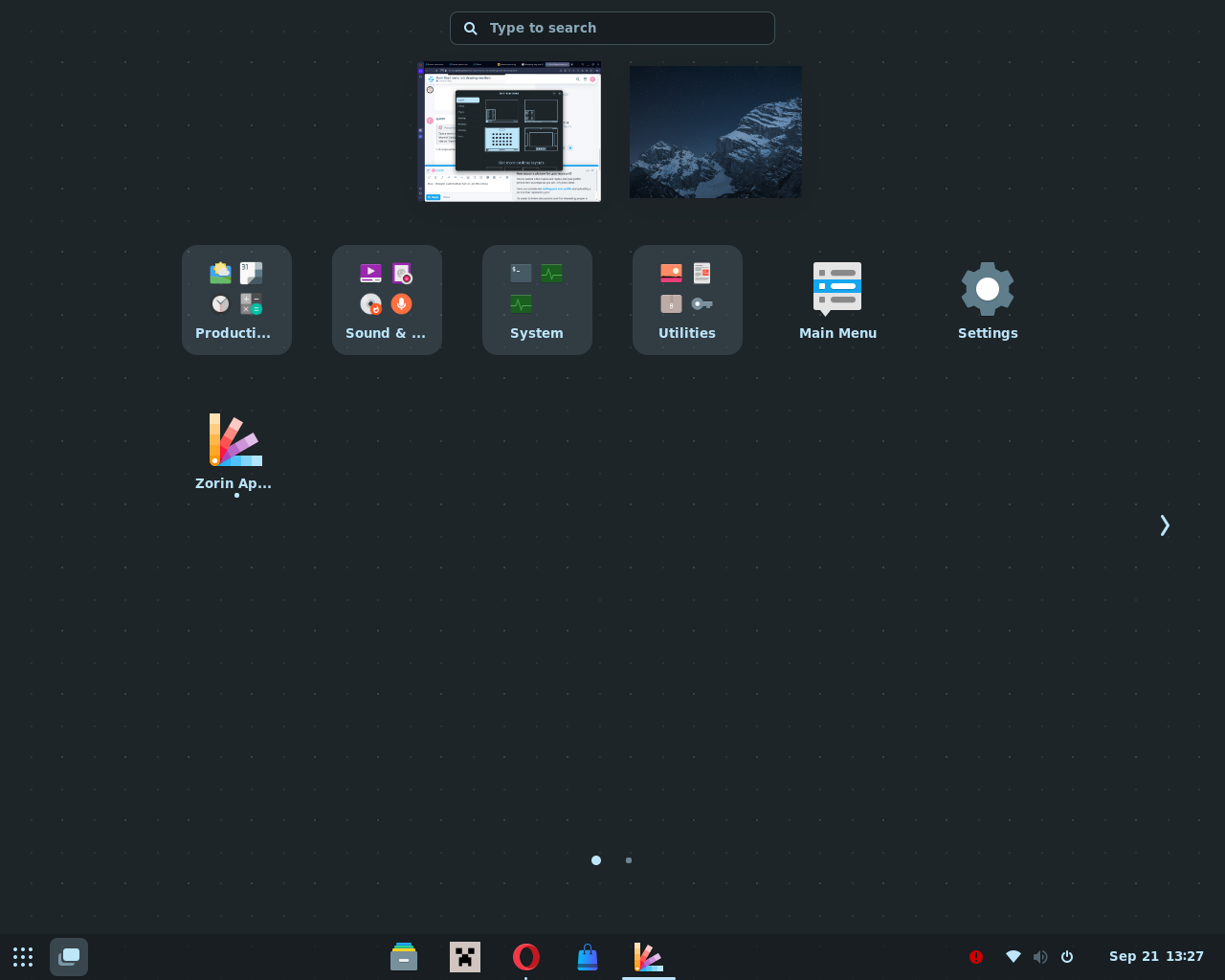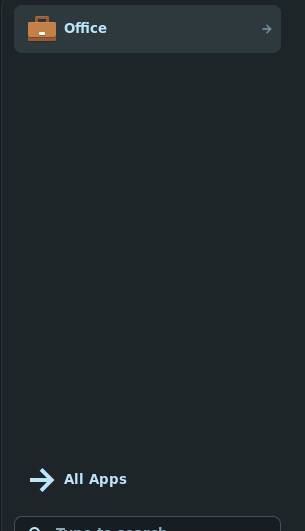
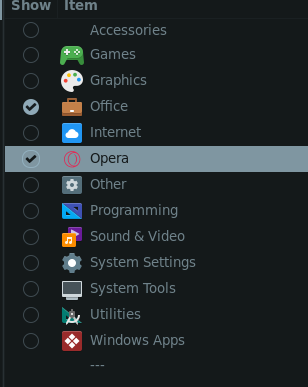
I added a opera item, but its not showing up...
I believe i might be doing something wrong?
Do you have installed opera by downloading the .deb file?
Did you try to logout and login after you have installed opera? Sometimes this step is needed to show the entry for added .deb apps in start menu.
When you search for opera in the search field of the start menu can you see the launcher? By rightclicking you can add it to the panel if you want.
Do you want to put the launcher to another category in start menu?
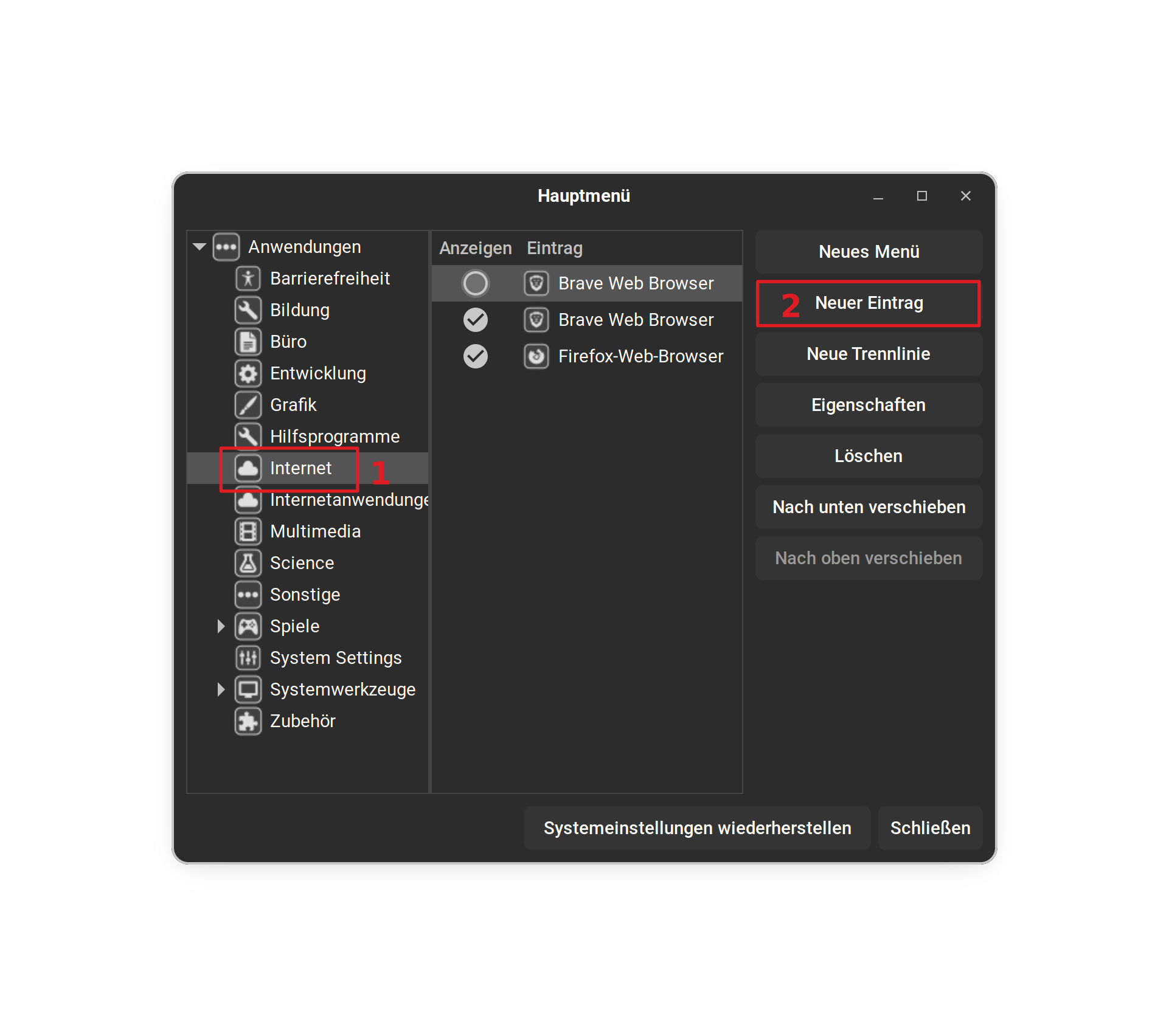
Opera seems to be an Category Item. You should delete that and put it in the Internet Category. You click first on the Internet Category and there on the right side on ''New Entry'':
is it not possible to just pin the app to the menu?
If you want to use a more flexible start menu, you can install the gnome extension arc menu. You can set much more layouts with it. In Arc menu you can pin apps directly in the menu.
First install gnome extension manager and then browse in gnome extension manager for arc menu and install it (select gnome shell 43).
Actually, this is a good Question. to be honest, I don't know. My Guess would be that the Instance is reserved for the Categories.
That is a whole different Number ... You can use some Gnome Extensions for that. I would suggest to install the extension Manager from the Software Store first. That make the Installation and Management easier in my Opinion:
The Extensions that I know would be:
These are Links to the Gnome Extensions Website. You can search for them in the Extension Manager and install them and then set up the Settings for the Extensions.
thanks Forpli!
So it works now, with this new menu.
can we hide the originial zorin menu?

Yes, in extension manager disable Zorin menu.
This topic was automatically closed 90 days after the last reply. New replies are no longer allowed.