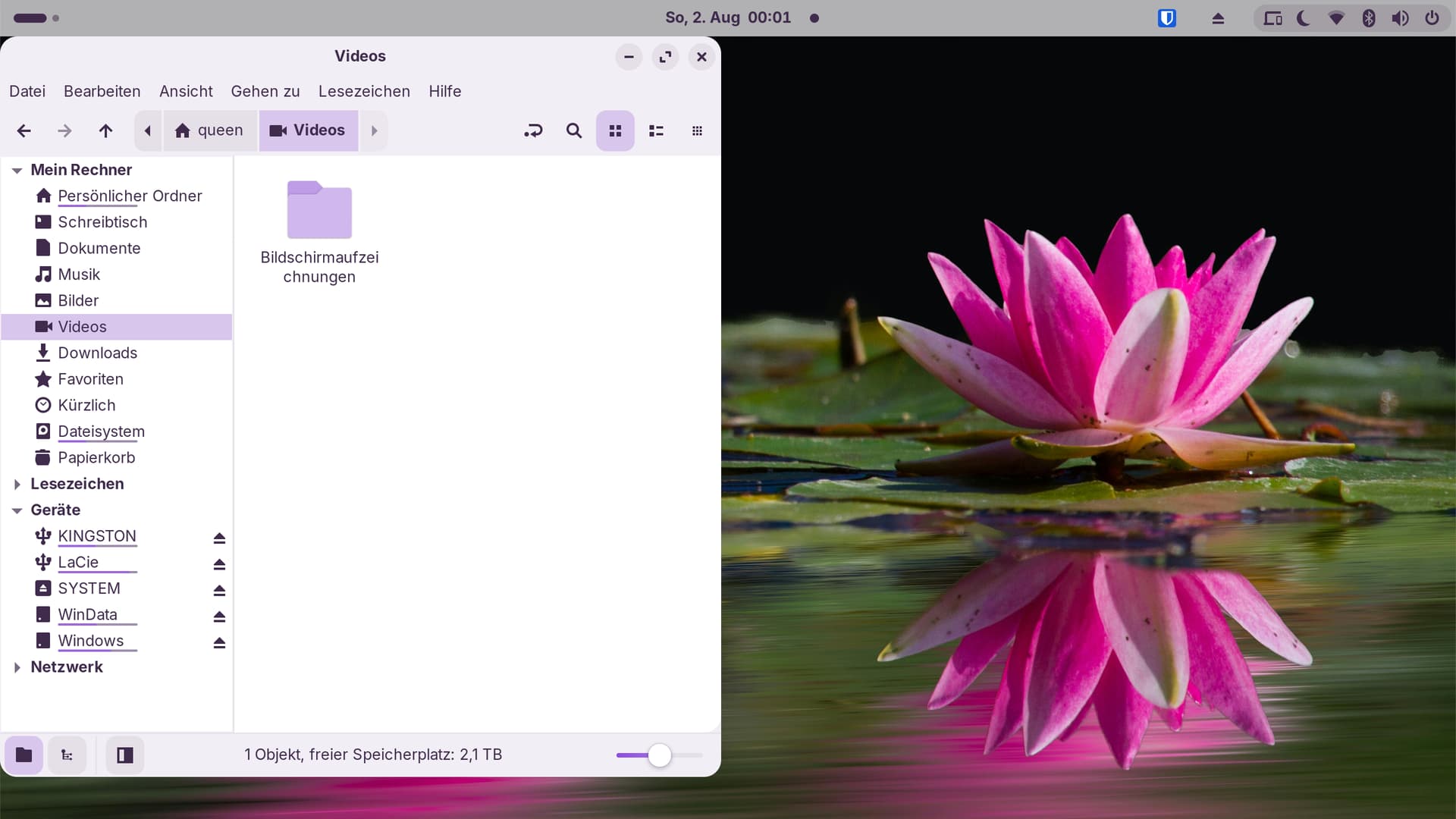
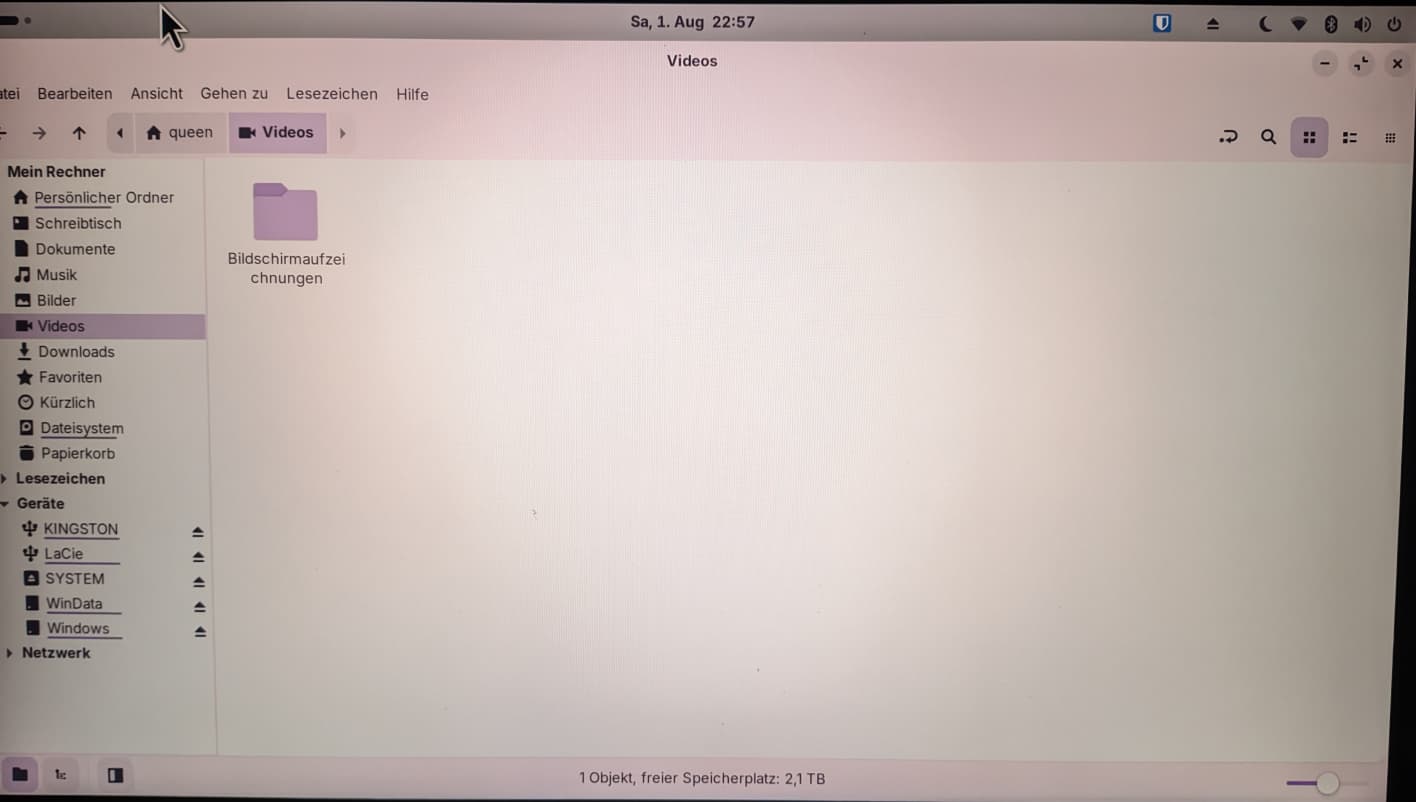
Not Maximized

IS Maximized

Shoving the window onto the top of the screen does NOT maximize it...
womp 
Not Maximized
IS Maximized
Shoving the window onto the top of the screen does NOT maximize it...
womp
It isn't miximized because the Window is on one big Tile if You want so - but that doesn't make it automatically maximized. That, You have to do with the Button or Double-Click the Window Bar.
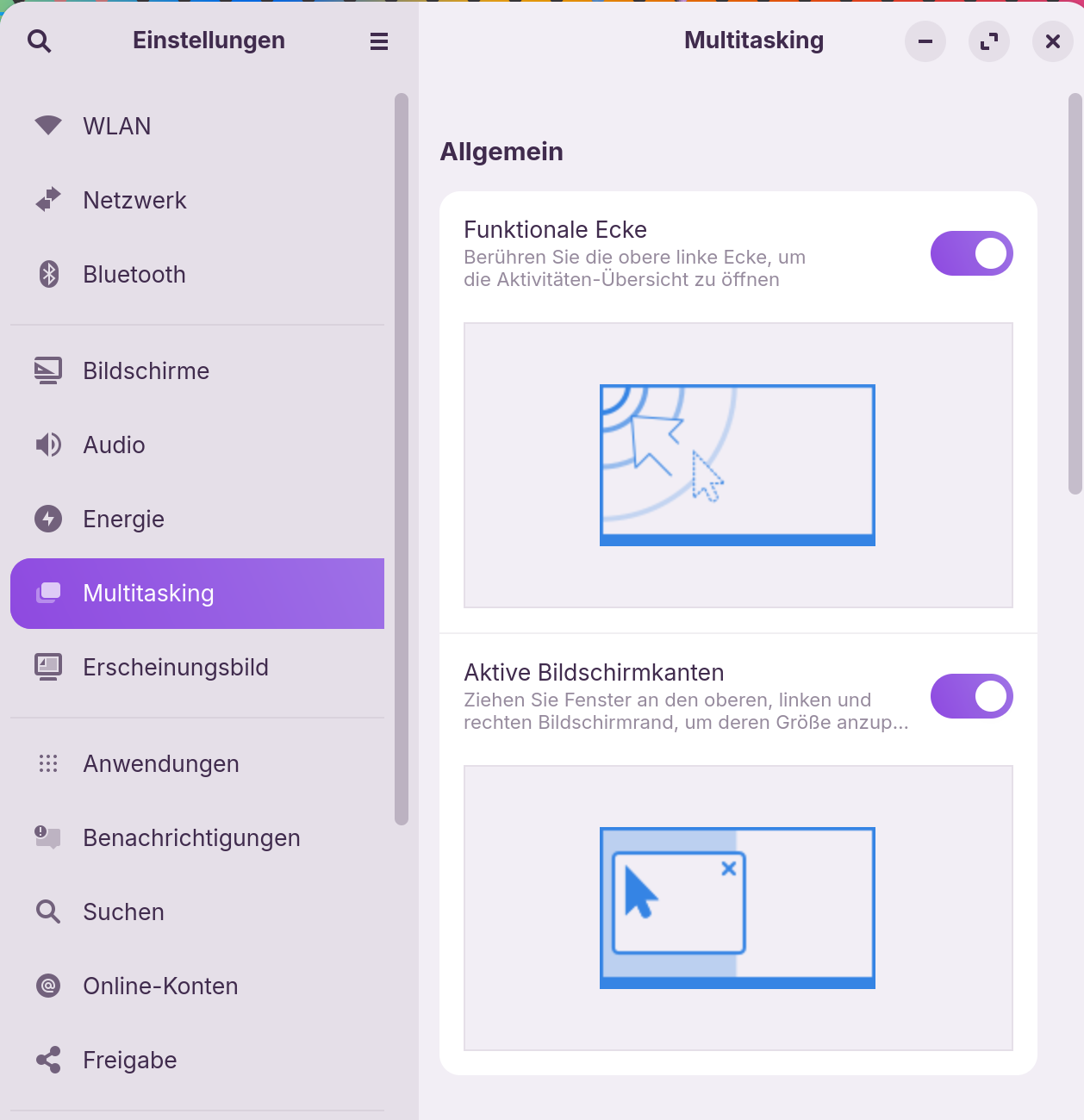
Did you activate the active screen edges within settings under Multitasking like this:
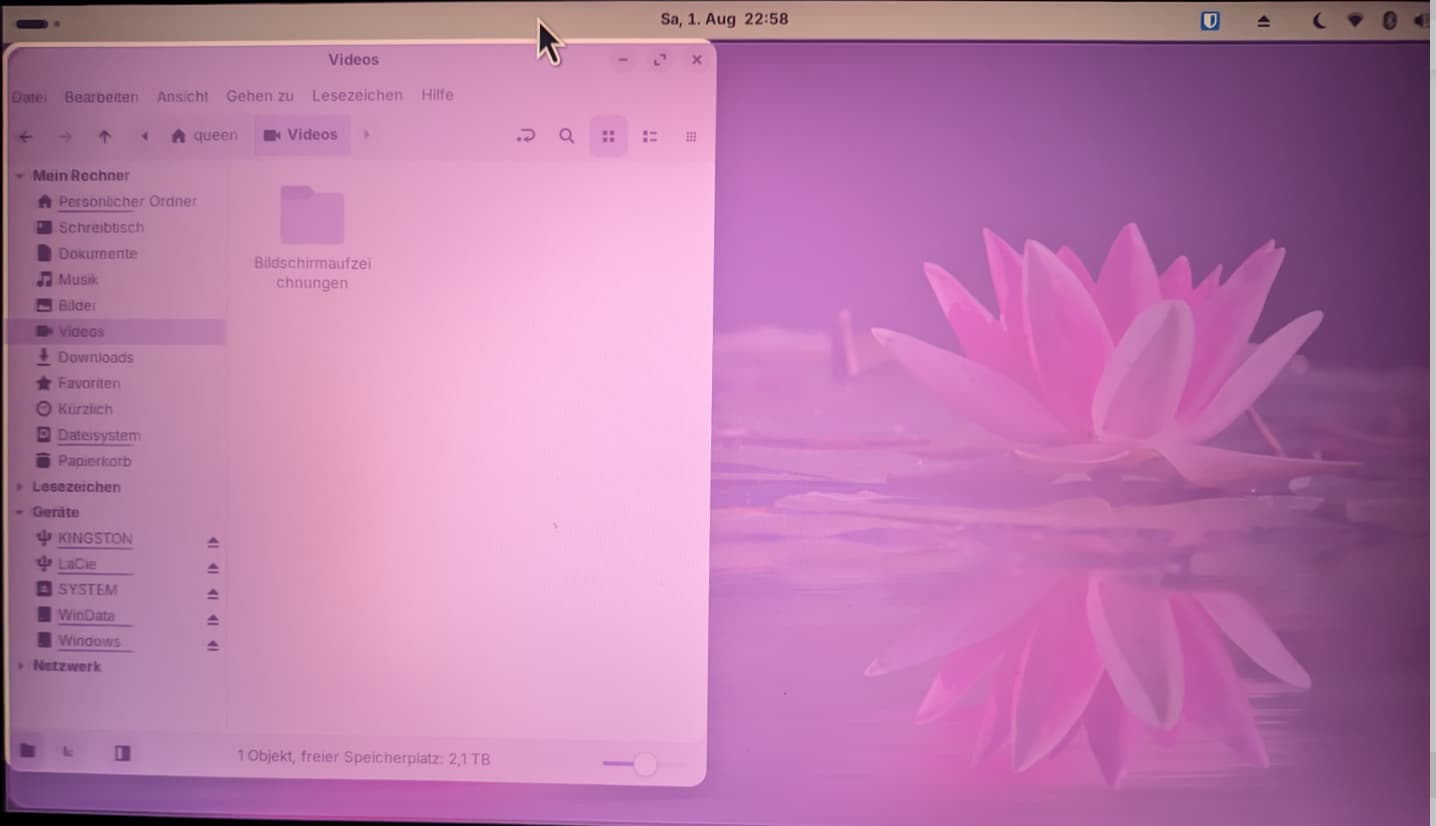
Is it this what you wanted to do?
Moving the window to a superior edge to expand it to the maximum. Through this the lilac-pink color shows the outlines the window will become, ...
when you release the left mouse taste:
mayhaps I have not, And when I did... It worked
Soooo... Is this like.... technically a bug report or like a... general help or idk
not a bug, just a possible adjustement...
Some likes to use it, some don't... 
Changed this thread to general help.
Another option which also maximizes the window is in the zorin tiling shell settings. At Zorin appearance got to windows > Advanced Window Tiling > enable it and click on the cogwheel, then go to screen edges and enable the first point there (drag windows to top screen edge to maximize).
If you like to keep the round corners and just remove the gaps, you can instead set the outer gaps at appearance from 4 to 0.