Hi and welcome.
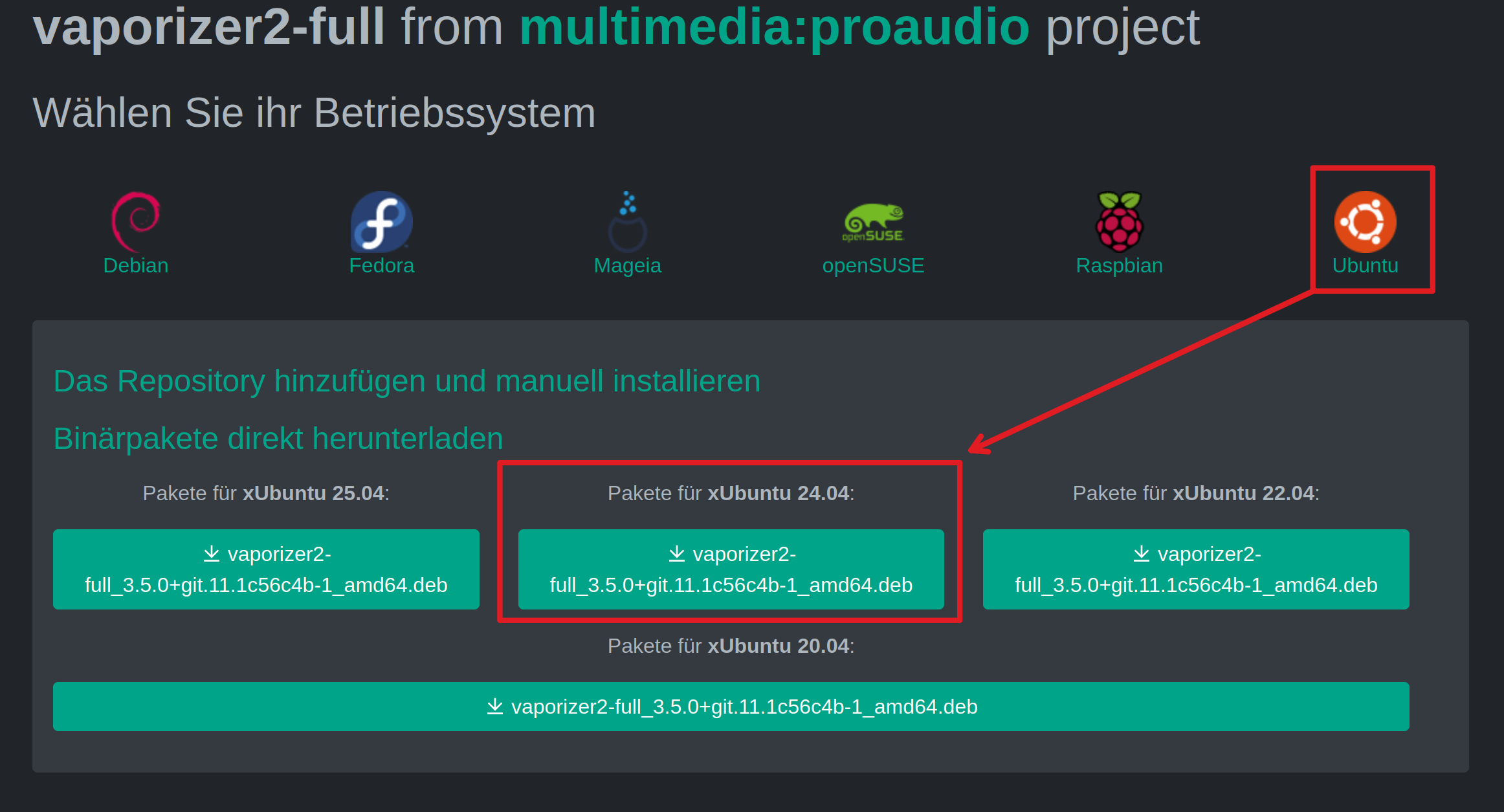
This is what came back using Perplexity A.I. search engine using Ubuntu 24.04 in search criteria as that is what Zorin 18 is a fork of:
"# How to install vaporizer2 to be seen by Bitwig as a DAW on Ubuntu 24.04
On Ubuntu 24.04 you need to install the plugin version of Vaporizer2 (VST3/LV2/CLAP), put it in a folder Bitwig can see, then add that folder in Bitwig’s plugin settings so it shows up in the Browser.
## 1. Get the correct Vaporizer2 build
Most distro .deb packages only contain the standalone synth, not plugin binaries, so Bitwig cannot see them.
Instead, do one of the following:
-
Download the official Linux build from Vast Dynamics (look for a package clearly labeled with VST2/VST3/CLAP/LV2).
-
If you only have a .deb that contains a standalone binary under bin/ and no .vst3/.so plugin files, that package will never appear inside Bitwig as a plugin.
2. Install plugin files into a custom folder
Bitwig on Linux typically cannot see plugins in system paths like /usr/lib if installed via sandboxed methods, and the vendor installers are often not aware of Bitwig’s preferred folders.
-
Create a dedicated plugin folder in your home, for example: ~/VST3, ~/VST, or ~/CLAP.
-
Put the Vaporizer2 plugin files there, for example:
-
VST3: ~/VST3/Vaporizer2.vst3
-
CLAP: ~/CLAP/Vaporizer2.clap
-
LV2: ~/.lv2/Vaporizer2.lv2
-
If the installer does not ask for a path, you can unpack its archive and copy any Vaporizer2.* plugin directories into one of those folders manually.
3. Point Bitwig to that folder
On Ubuntu 24.04 Bitwig can be installed either as a direct .deb or as a Flatpak; with Flatpak, plugin locations matter more because /usr/lib is not visible inside the sandbox.
Inside Bitwig:
- Open Settings → Locations → Plug-ins.
- For VST2/VST3, add the user folders you created (for example
~/VST3 or ~/VST).
- For CLAP, add your CLAP folder (for example
~/CLAP).
- Trigger a Rescan for all plugin formats.
If you are using Bitwig from Flatpak, ensure your plugin folders are under your home directory (not /usr/lib) and that Bitwig has permission to read them.
4. Verify formats and what Bitwig supports
Bitwig on Linux supports VST and CLAP natively; LV2 is not supported, so installing only an LV2 build will not make Vaporizer2 appear.
* Confirm that you have at least a VST2, VST3, or CLAP build of Vaporizer2, not just LV2 or a standalone binary.
- After a successful scan, Vaporizer2 should be visible in Bitwig’s Browser under the appropriate plugin type, and you can insert it on an instrument track.
If Vaporizer2 still does not show up after these steps, the most common causes are: you only installed the standalone build, the plugin format is not supported (LV2 only), or Bitwig is looking at the wrong directories (especially when using the Flatpak build on Ubuntu 24.04)."