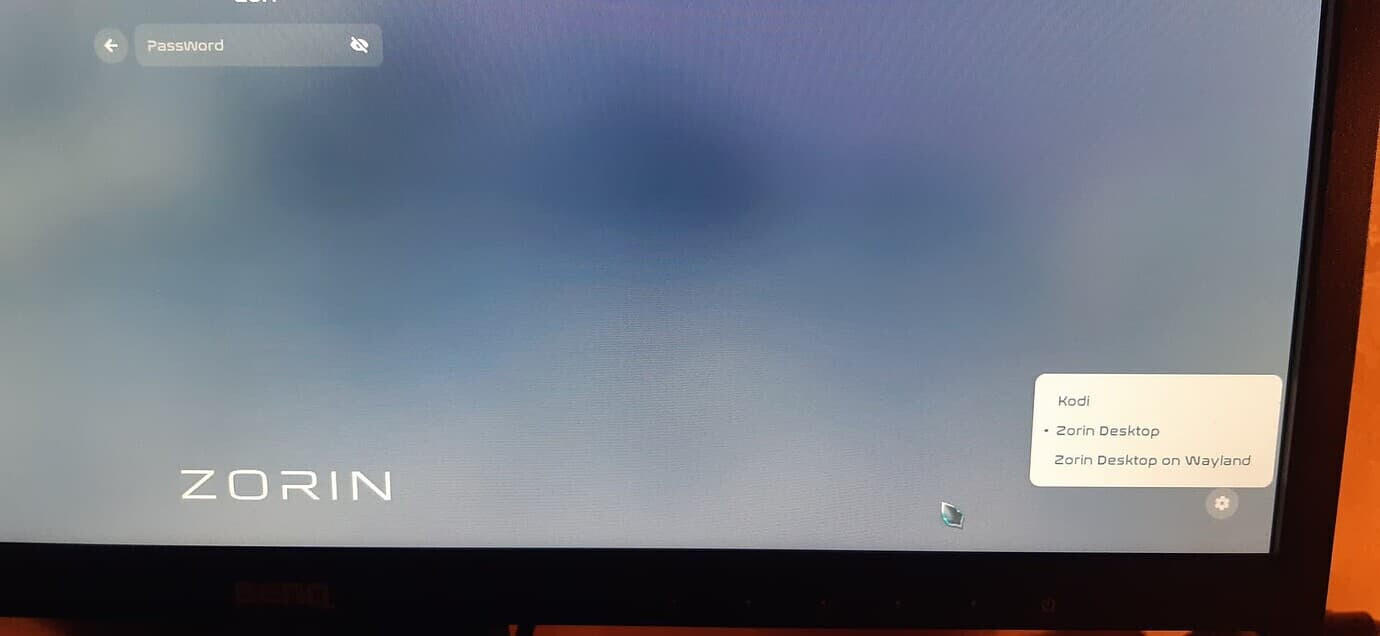
After upgrading from Zorin OS 17.2 Pro to Zorin OS 18 Pro, the wayland session occasionally crashes when unlocking the screen after it has been automatically locked due to inactivity. The session ends abruptly, forcing a full re-login and restart of all applications. This issue does not occur when manually locking the screen.
Steps to Reproduce:
- Upgrade from Zorin OS 17.2 Pro to Zorin OS 18 Pro.
- Allow the screen to lock automatically due to inactivity.
- Attempt to unlock the screen by entering the password.
- Observe that the session crashes and returns to the login screen.
Expected Behavior: The screen should unlock successfully and return to the active session without crashing.
Actual Behavior: The session ends unexpectedly after entering the password, requiring a full re-login and restart of all applications.
Frequency:
- Occurs intermittently, but only when the screen locks automatically due to inactivity.
- Does not seem to occur when manually locking the screen.
Additional Notes:
- The issue started immediately after upgrading to Zorin OS 18 Pro.
- No error messages or logs are visible at the time of the crash.
What can I do to find a solution?
 wheel appears, click the wheel, then click "Zorin OS On Xorg."