So i just installed ZorinOS (again) and I am having an issue where my mouse and keyboard take around 2-3 minutes to work after I hit the login screen. I just sit there for 2-3 minute every reboot waiting for my keyboard and mouse to work again.
So far i have tried different USB port, replaced my mouse from wireless to wired, tried to look online and check the boot logs but from my very beginner view looks fine.
If possible I really need some advice on how I can troubleshoot this.
"...For users experiencing persistent input issues, troubleshooting steps include checking system logs for USB-related errors, ensuring the keyboard is connected to a reliable USB port, and verifying that no conflicting software or services are interfering with input handling.
Although some users have reported success with specific Linux distributions and kernel versions, such as Arch Linux with Plasma 6, the root cause of input lag may vary and is not exclusively tied to the keyboard's compatibility with Linux."
Does anything show up in logs?
Back shortly regarding mouse.
Mouse issue:
"## Slow response on Ubuntu 24.04 with Logitech G203 mouse
Users have reported slow response times with the Logitech G203 mouse on Ubuntu 24.04, particularly when using high DPI settings. This issue can be attributed to the Linux mouse driver or the GNOME desktop environment not supporting high DPI settings well. To address this, users are advised to try the following solutions:
If the problem persists, users may need to seek further assistance from the Logitech support or the Ubuntu community forums for potential driver updates or fixes."
Just to add, don't install gnome desktop or it won't look like Zorin anymore. Zorin has customized it to be the Zorin Desktop. Just to add Zorin Defaults to Wayland at log in time. When you enter/select your username at login a cog appears lower right, click on that and change it to 'Zorin Desktop on xorg' and see if things improve.
Yeah i tried to install wayland but not sure why i couldn't load into it. I logged out and went to the gear icon and switched to wayland but once i tried to log in again it just black screens and tells me to login again and i can't relogin unless i switch back to x11.
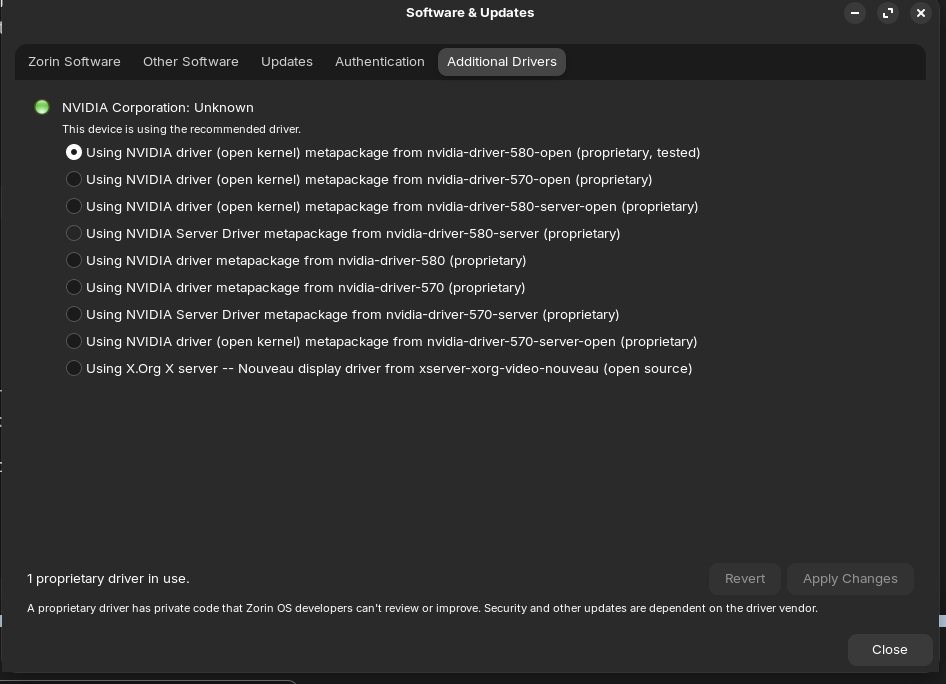
I see you are using nvidia graphics which might explain why you get a black screen when attempting to boot with Wayland as it favours AMD. What does concern me though is the repetition of systemd failures as this is a key component of the OS. Can I ask if you verified the downloaded .iso of Zorin against the published checksum? If it does not match then you may have a corrupted .iso. What USB tool did you use to create the installation media?
Oh and you can't install Wayland as it is included in the Zorin image.
yeah i did, i used the fedora disk app. also i ran the nvidia errors online and seems to stem from my secure boot still being enabled? but i know i disabled it so unless im missing something.
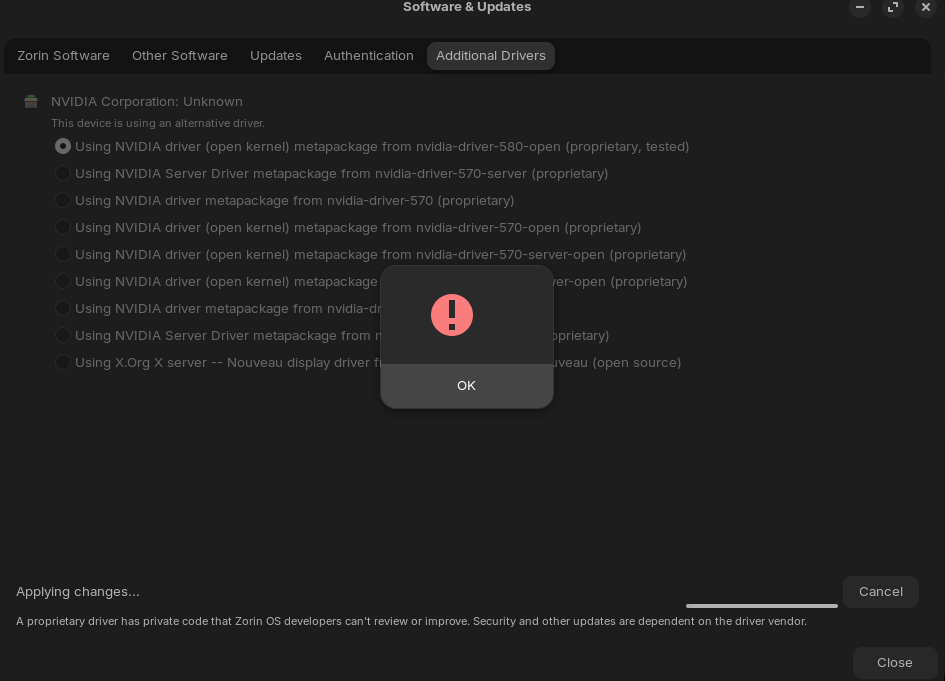
I would avoid any nvidia drivers with 'tested', try 570 instead. I too have an Asus MB, but mine is for AMD, I see yours is Intel (I can tell by the colour scheme, both my offsprings conputers I built have ASUS Intel motherboards. Mine is set to Other OS. Are you dual-booting? See if Fast Boot is enabled and disable it. If using Windows you have to turn off fast boot in Windows too.
Ok after a good amount of time i fixed majority of the issues. If you can just confirm if there is anything in these logs that are urgent to resolve and more specifically on line 10 it mentions the Nvidia issue but can't seem to find anything online about it. Any advice?